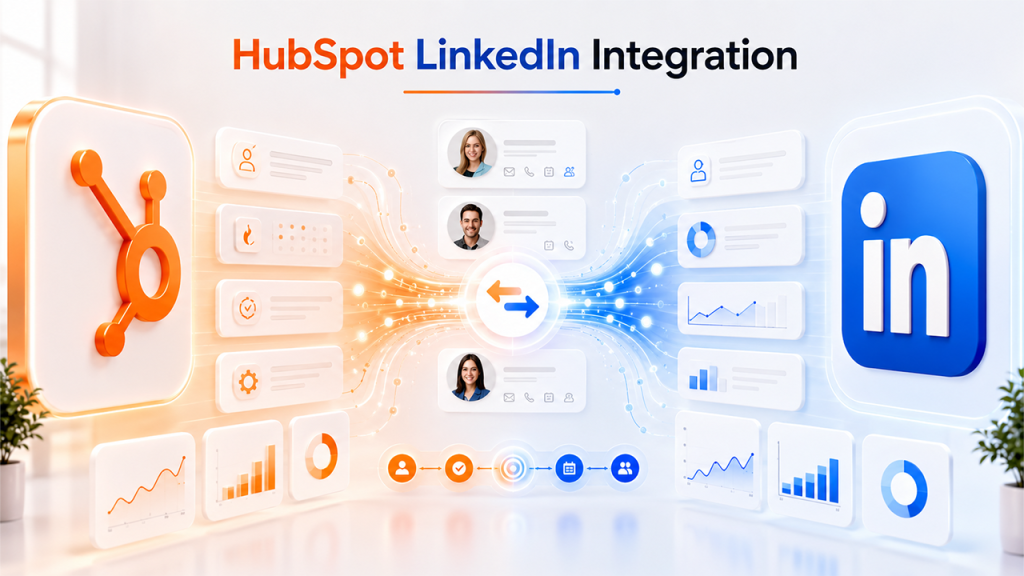






The article offers a deep dive into HubSpot LinkedIn integration and offers its benefits, challenges, and a step-by-step guide for integration.
In the current competitive digital landscape, businesses heavily rely on automation and data-driven tools to generate and manage leads efficiently. HubSpot LinkedIn Integration is one such powerful combination that connects HubSpot's CRM platform with LinkedIn leads automatically.
If you're exploring the broader capabilities of the platform, you can learn more about overall HubSpot integrations options and how HubSpot connects with other marketing tools.
HubSpot LinkedIn integration helps streamline data syncing and also improve collaboration between the marketing and sales teams of an organization. HubSpot LinkedIn integration also eliminates manual data entry, which ensures real-time lead transfer into HubSpot, through which businesses can respond faster, efficiently nurture prospects, and significantly improve conversion rates.
What is HubSpot LinkedIn Integration?
HubSpot LinkedIn integration is a native connection between the HubSpot CRM platform and LinkedIn's ad and sales network. The integration enables businesses to seamlessly sync data between the two platforms, which allows marketing and sales teams within an organization to synchronize data between the two platforms and capture, manage, and nurture LinkedIn-generated leads automatically.
HubSpot is widely used as a full CRM and marketing automation platform, and understanding its ecosystem, which includes HubSpot integration capabilities, that helps businesses get more value from LinkedIn connectivity.
With the integration, HubSpot automatically imports all the leads collected through LinkedIn Lead Gen Form to the CRM, where they are organized, segmented, and enrolled into automated workflows. The integration also ensures that every lead is tracked and followed up efficiently. It also helps businesses reduce response times and improve conversion rates.
Key Features of HubSpot LinkedIn Integration
HubSpot LinkedIn integration offers various key features, like:
- Automatic Lead Syncing: The integration instantly and automatically transfers leads from LinkedIn Lead Gen Forms to HubSpot CRM.
- Campaign Tracking: The integration ensures efficient monitoring of LinkedIn performance and attribute data within HubSpot.
- Audience Management: It also creates custom audiences from HubSpot contact lists for LinkedIn retargeting campaigns.
- Marketing Automation: Integration automatically triggers email sequences, lead nurturing workflows, and sales notifications.
Benefits of HubSpot LinkedIn Integration
Integrating LinkedIn with HubSpot offers significant advantages for businesses, especially those looking to streamline lead generation, improve marketing efficiency, and enhance sales performance. By integrating the two platforms, organizations can efficiently automate workflows, gain better visibility into campaign performance, and create a more specialized customer experience.
Some of the key benefits of HubSpot LinkedIn integrations are as follows:
Automated Lead Capture and Management
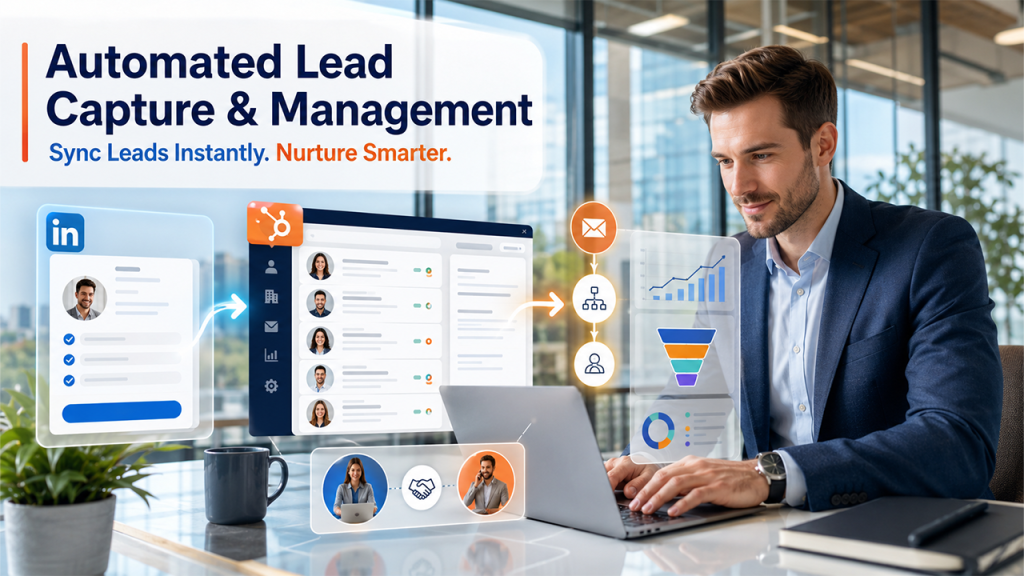
The integration automatically synchronizes leads generated through LinkedIn Lead Gen Forms with the HubSpot CRM. It helps businesses eliminate manual data entry, reducing the risk of human errors, and ensuring faster response to leads.
Faster Lead Nurturing
Synchronizing LinkedIn leads with HubSpot enables businesses to automatically enroll in email campaigns, workflows, and lead-nurturing sequences. Through this, businesses can communicate with prospects quickly and can also keep them engaged throughout the buyer's journey.
Improved Marketing and Sales Alignment
In the integration, HubSpot acts as a centralized platform through which both marketing and sales teams can easily access lead information. This alignment helps teams improve follow-up efficiency, along with prioritizing high-quality leads.
Many businesses also extend HubSpot functionality using tools like HubSpot Mailchimp Integration for email marketing automation and better cross-channel campaign management.
Better Campaign Performance Tracking
The integration allows marketing teams to track LinkedIn advertising performance directly within HubSpot. This also provides a clearer understanding of how the campaign is contributing to lead generation and revenue growth.
Key Considerations Before HubSpot LinkedIn Integration
Before setting up the HubSpot LinkedIn integration, it is essential to understand a few key considerations, such as evaluating business requirements, technical readiness, and marketing goals. These considerations ensure a smooth implementation process and help increase the value of integration.
Some of the key considerations are as follows:
- Verify HubSpot Subscription Plan: HubSpot offers LinkedIn integration capabilities, but certain advanced features like marketing automation, custom reporting, audience syncing, and ad attribution require a specific HubSpot subscription tier.
Since advanced automation and reporting features vary across plans, it’s important to evaluate HubSpot pricing before choosing the right setup for your business needs.
- Confirm LinkedIn Account Permissions: To integrate HubSpot and LinkedIn successfully, users need to have appropriate permissions on both platforms. The user needs HubSpot administrator access, LinkedIn Campaign Manager Access, and permission to manage LinkedIn ad accounts.
- Define Your Lead Management Process: Before integrating LinkedIn leads into HubSpot, users need to establish a clear process for handling incoming leads. A defined lead management strategy ensures that all the newly captured leads move efficiently through the sales funnel.
- Review Data Structure: For successful integration, data consistency is very important. Users need to review HubSpot contact properties and LinkedIn form fields before integration.
How to Set Up HubSpot LinkedIn Integration
The process of setting up HubSpot LinkedIn integration includes a few easy-to-follow steps. The process allows you to connect your LinkedIn Ads account with HubSpot CRM, which enables automatic lead capture, campaign performance tracking, and improved lead management.
The steps to successfully connect HubSpot and LinkedIn include:
Step 1: Log In to Your HubSpot Account
Sign up by signing in to your HubSpot account using an administrator account. Also ensure that the user has access to HubSpot's settings, the LinkedIn Ads account is active, and the user has administrative access to LinkedIn Campaign Manager.
Step 2: Navigate to Connected Apps
Once logged in to HubSpot, click on Settings > Integrations > Connected Apps. This section contains all the third-party applications and native integrations available within HubSpot.
If you're already using other tools inside HubSpot, such as document automation via PandaDoc HubSpot Integration, ensure there are no workflow conflicts during setup.
Step 3: Locate LinkedIn Ads Integration
In the App Marketplace or Connected Apps Section, search for LinkedIn Ads, and click on Connect App.
Step 4: Connect LinkedIn Account
To establish a connection, log in to your LinkedIn account, review all the requested permissions, and click on Allow to grant HubSpot access.
Step 5: Select LinkedIn Ad Account
After authorization, HubSpot will display all the available LinkedIn ad accounts connected to the profile. Choose the Ad account you want to integrate.
Step 6: Enable Lead Synchronization
To activate lead syncing, go to Marketing > Ads in HubSpot, and select your connected LinkedIn account. Open Lead Syncing Settings and enable synchronization for the desired LinkedIn Lead Gen Forms.
Step 7: Configure Field Mapping
Review that all the LinkedIn Form fields and HubSpot Properties match, and map them accordingly.
Step 8: Set Up Lead Notifications
Configure automated notifications to ensure that the team responds quickly to new leads.
Step 9: Create Automated Lead Nurturing Workflows
After leads enter HubSpot, create automated workflows that ensure every lead receives consistent and timely conversation.
Step 10: Enable Audience Syncing
Create a contact list in HubSpot and navigate it to Ads Audiences. Select LinkedIn as designation platform and sync the audience.
Step 11: Verify the Integration
Before launching the campaigns, test the integration. It helps identify and resolve issues before leads begin entering the systems.
Common Challenges with LinkedIn HubSpot Integration
While HubSpot LinkedIn integration offers various powerful capabilities for lead generation, CRM management, and marketing automation, it also comes with multiple challenges. Understanding these challenges helps users in troubleshooting problems quickly and maintain a seamless data flow between LinkedIn and HubSpot.
Some of the major challenges of HubSpot LinkedIn integrations are as follows:
- Lead Not Syncing to HubSpot
One of the most common challenges for integration is when LinkedIn Lead Gen Form submission fails to appear in HubSpot. This can be caused by leads sync settings being disabled, LinkedIn account permissions having changed, or the connected ad account being disconnected.
- Incorrect or Missing Data Mapping
Incorrect data mapping generally occurs when LinkedIn form fields do not properly align with HubSpot contact properties.
In some cases, businesses explore HubSpot alternatives when they require different CRM structures or pricing models, especially when scaling marketing automation workflows.
- Duplicate Contact Creation
Duplicate contacts can generate confusion for the sales and marketing teams, affecting the accuracy of reporting.
Conclusion
HubSpot LinkedIn integration is among the most powerful solutions for businesses that are aiming to simplify lead management, improve marketing efficiency, and strengthen sales performance. Connecting LinkedIn Lead Gen Forms with HubSpot CRM helps organizations automate lead capture, along with enhancing campaign tracking, and building a more effective nurturing workflow. For businesses evaluating long-term CRM strategies, comparing features by reviewing HubSpot pricing can help ensure the right marketing and sales technology stack.
To fully leverage the potential of integration, it is important to plan carefully, ensure proper data mapping, and manage permissions correctly. When implemented correctly, the integration can help improve the operational efficiency of the business and also convert high-quality LinkedIn leads into long-term customers.
Also Read
HubSpot NetSuite Integration: Complete Guide, Benefits & Setup
HubSpot Salesforce Integration Made Easy
Frequently Asked Question : HubSpot LinkedIn Integration
The HubSpot LinkedIn integration works by connecting LinkedIn Campaign Manager with HubSpot. It enables automatic transfer of leads, campaign data, and audience segments.
The HubSpot LinkedIn integration helps in automating lead capture, improving follow-ups, tracking ad performance, and streamlining collaboration between marketing and sales teams.
Yes, the integration itself is free, but the user needs advanced features, which may require a paid HubSpot subscription.
Yes, you can use HubSpot data for LinkedIn retargeting. HubSpot contact lists can be used to create custom audiences for LinkedIn ad campaigns and retargeting.