



★
(0 Reviews)
Outright Bulk Document Uploader for SuiteCRM
$0.00
Product Description
Outright Bulk Document Uploader for SuiteCRM
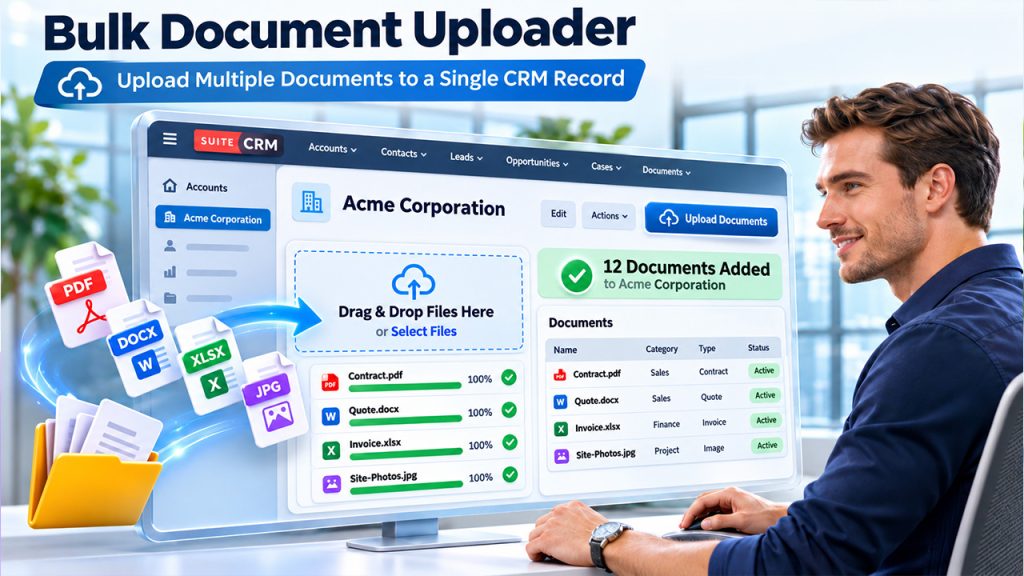
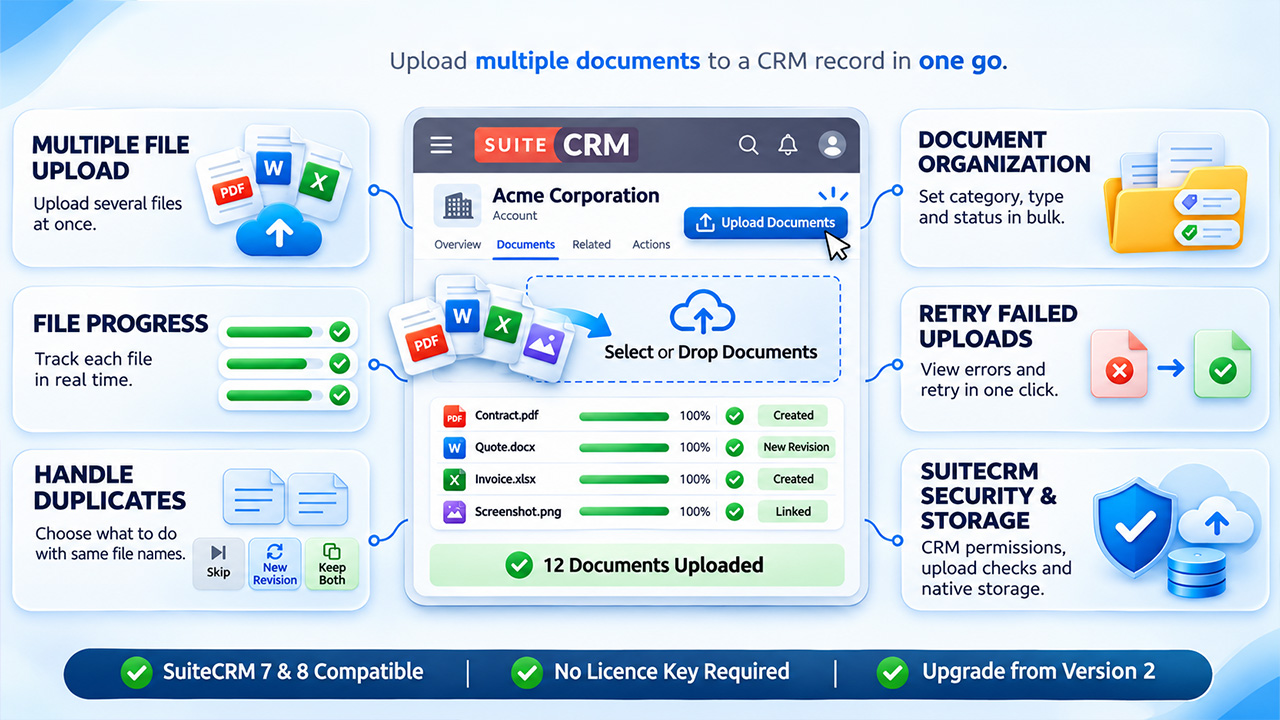
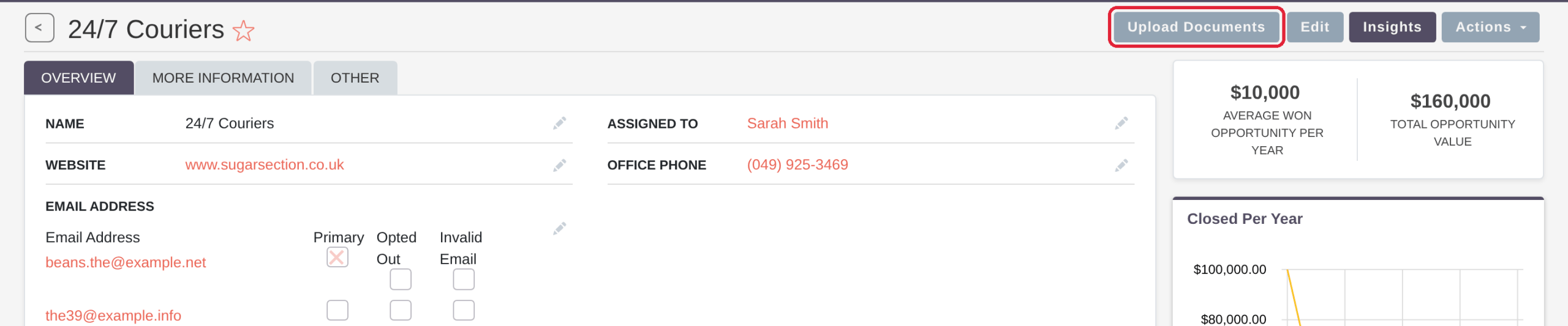
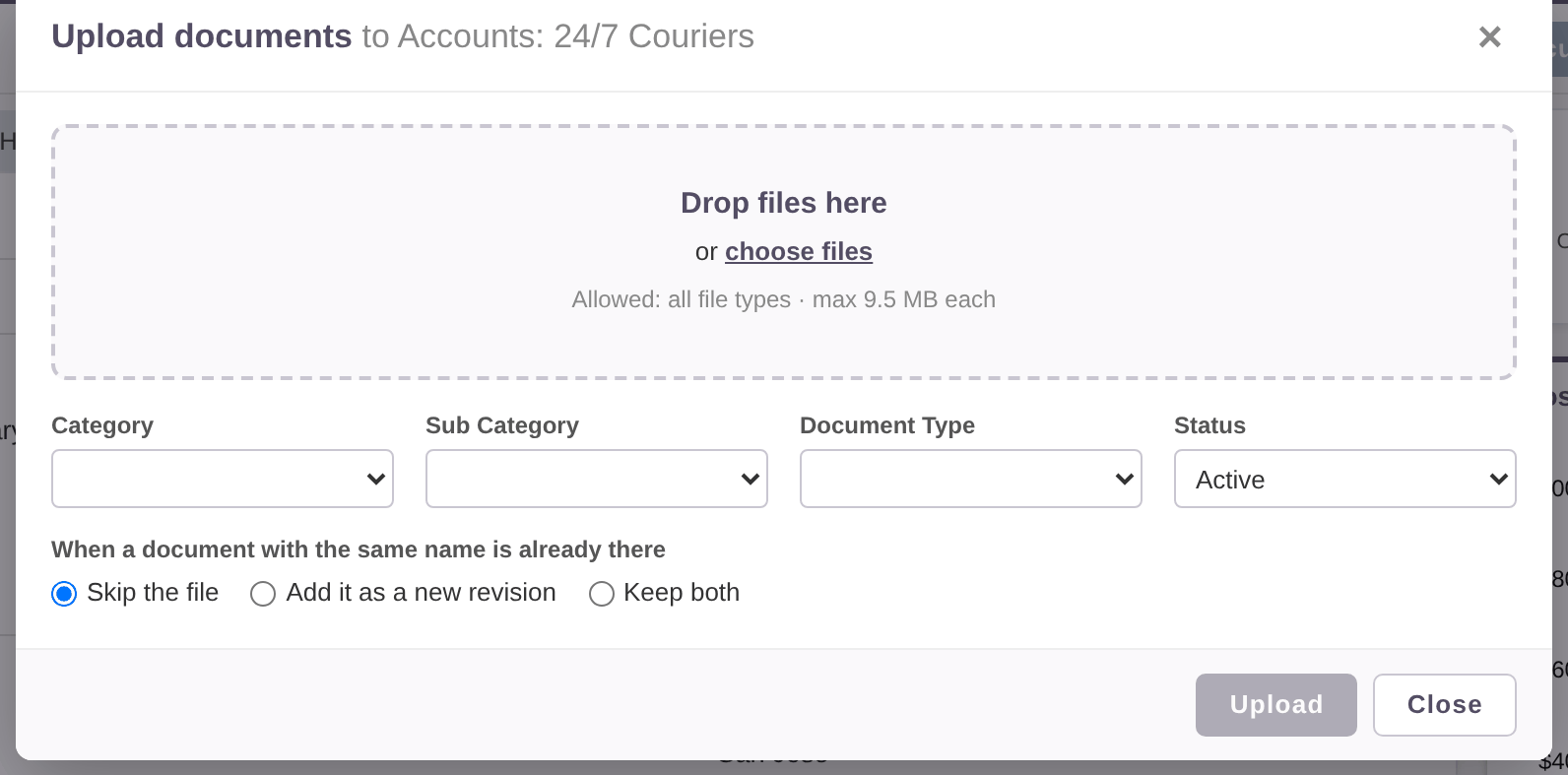
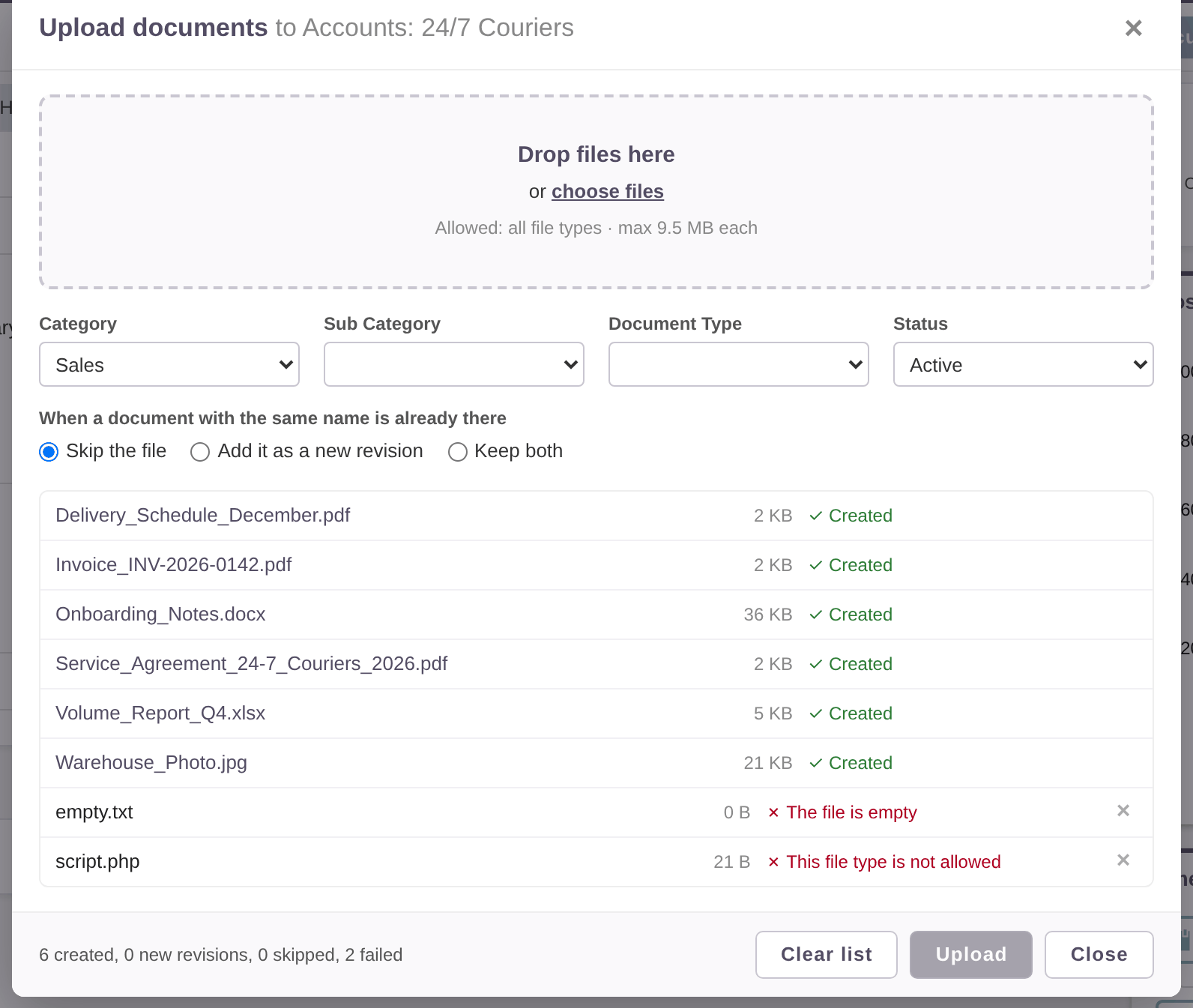
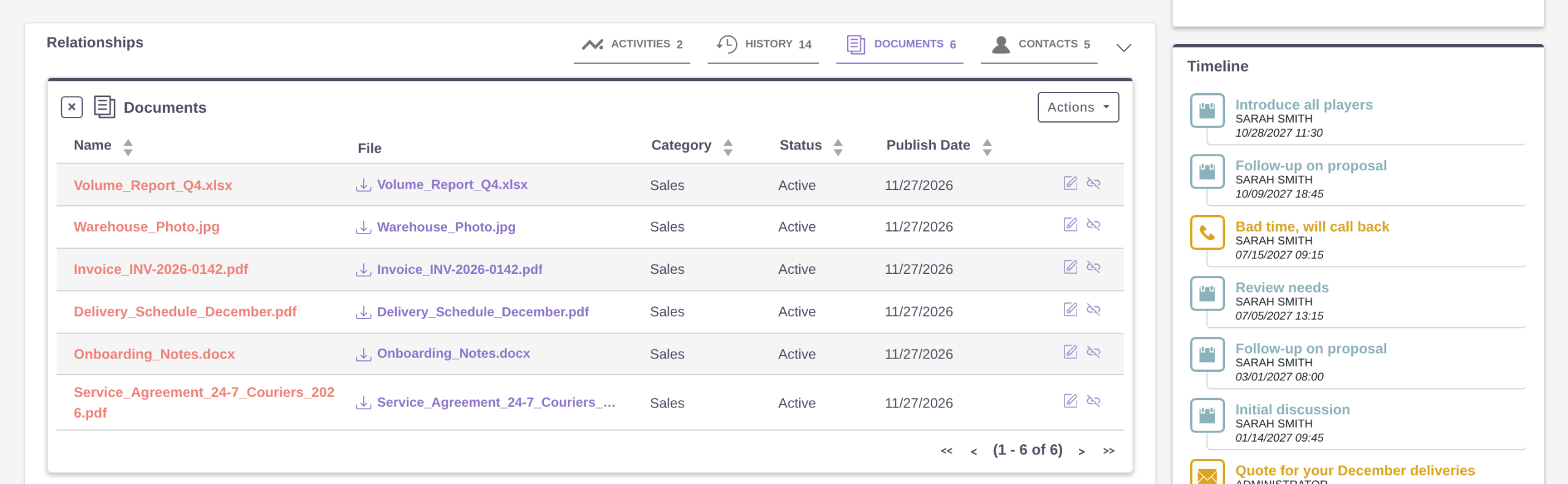
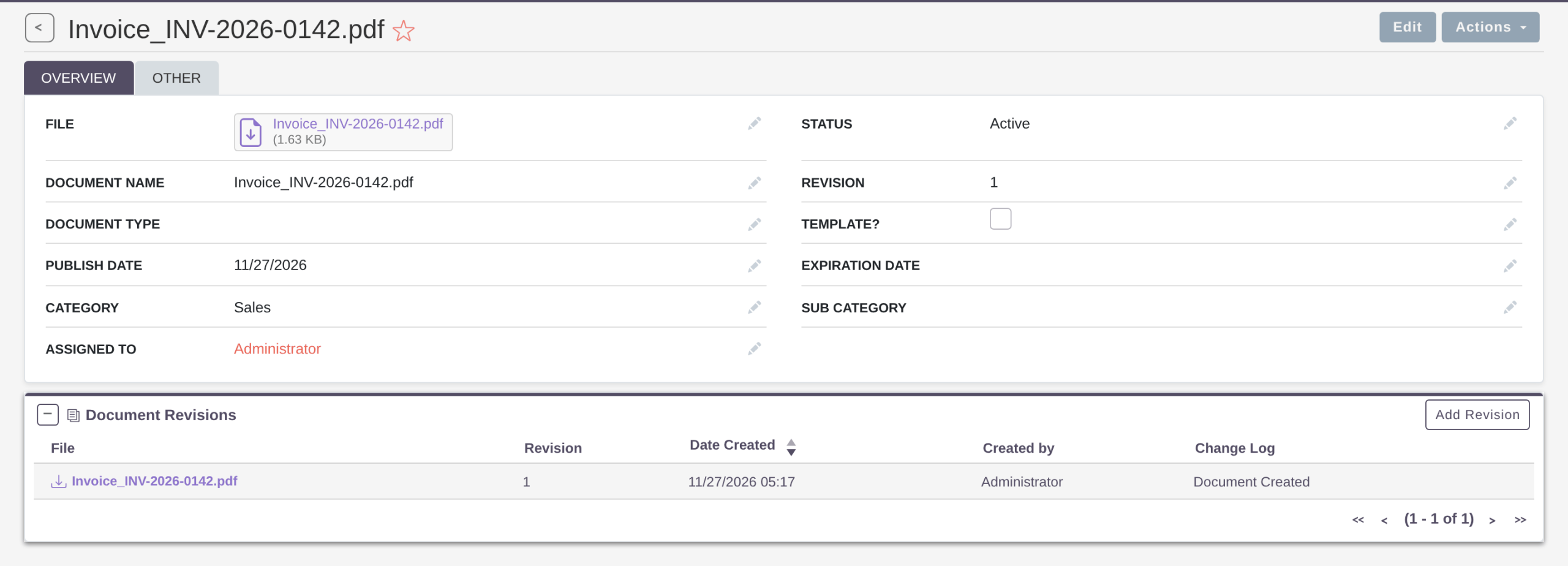
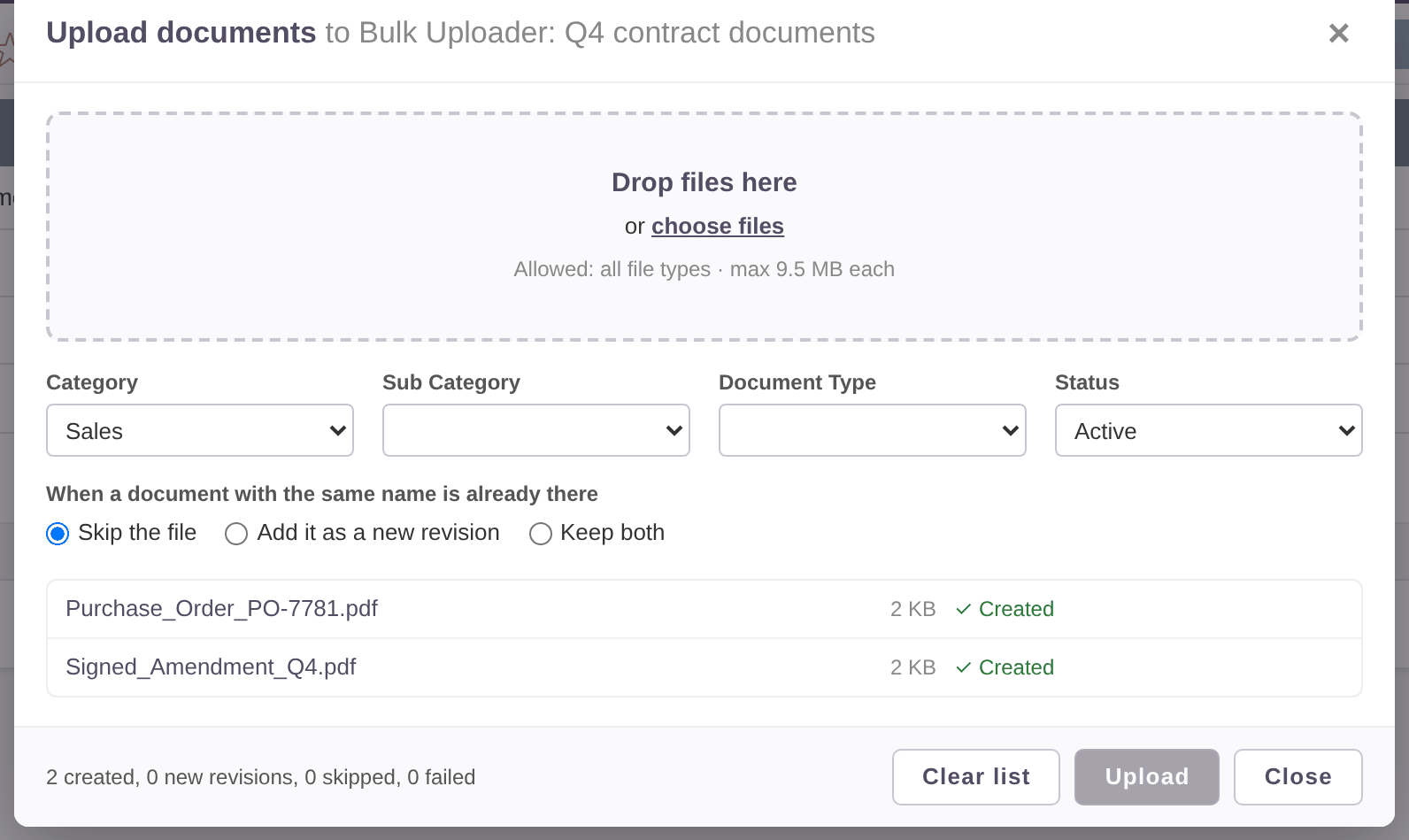
Outright Bulk Document Uploader adds an Upload Documents button to accounts, contacts, leads, opportunities, cases and any module linked to Documents. Drop many files at once: each becomes a normal SuiteCRM document with its first revision, linked to the record, with category, sub category, document type and status.
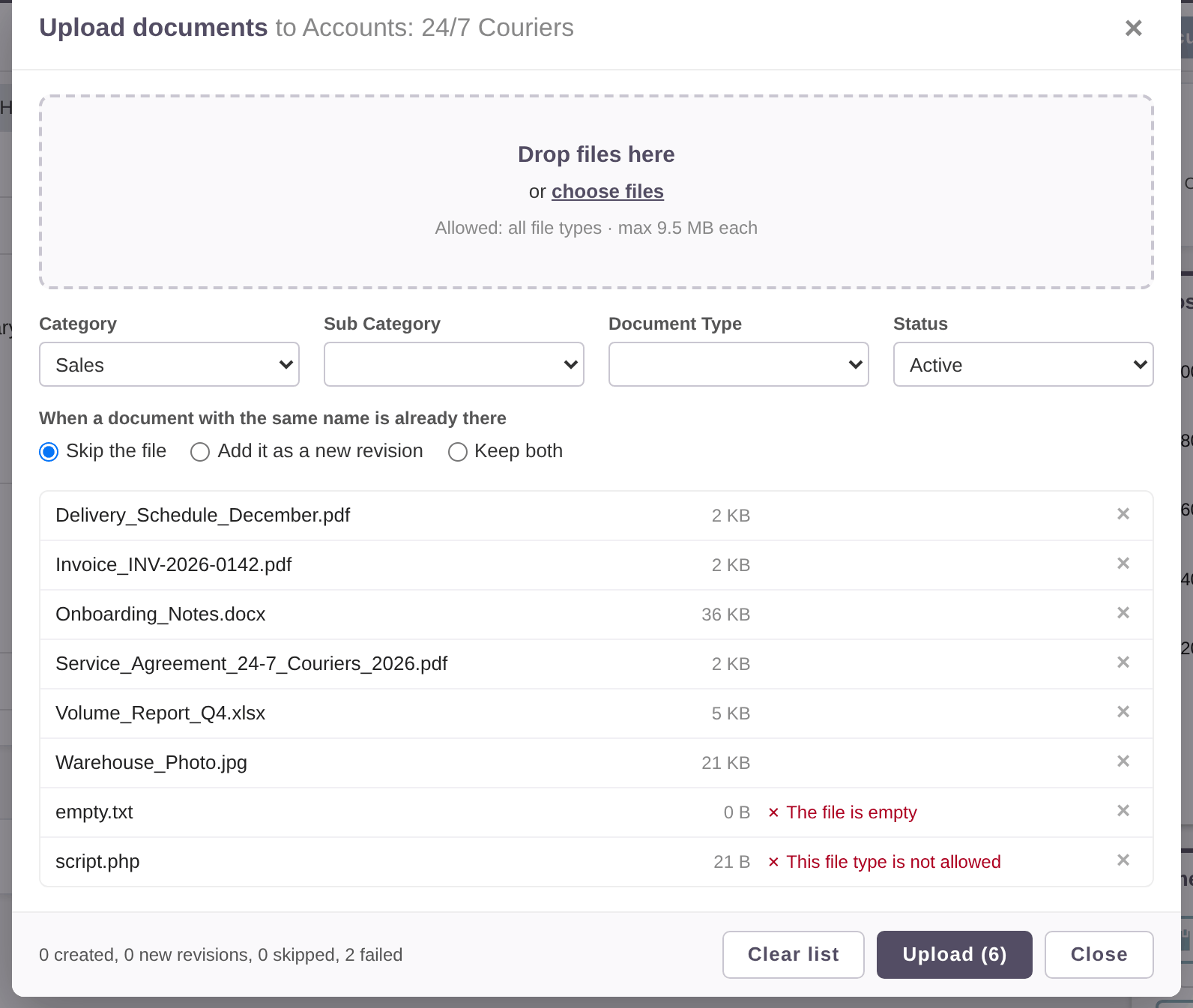
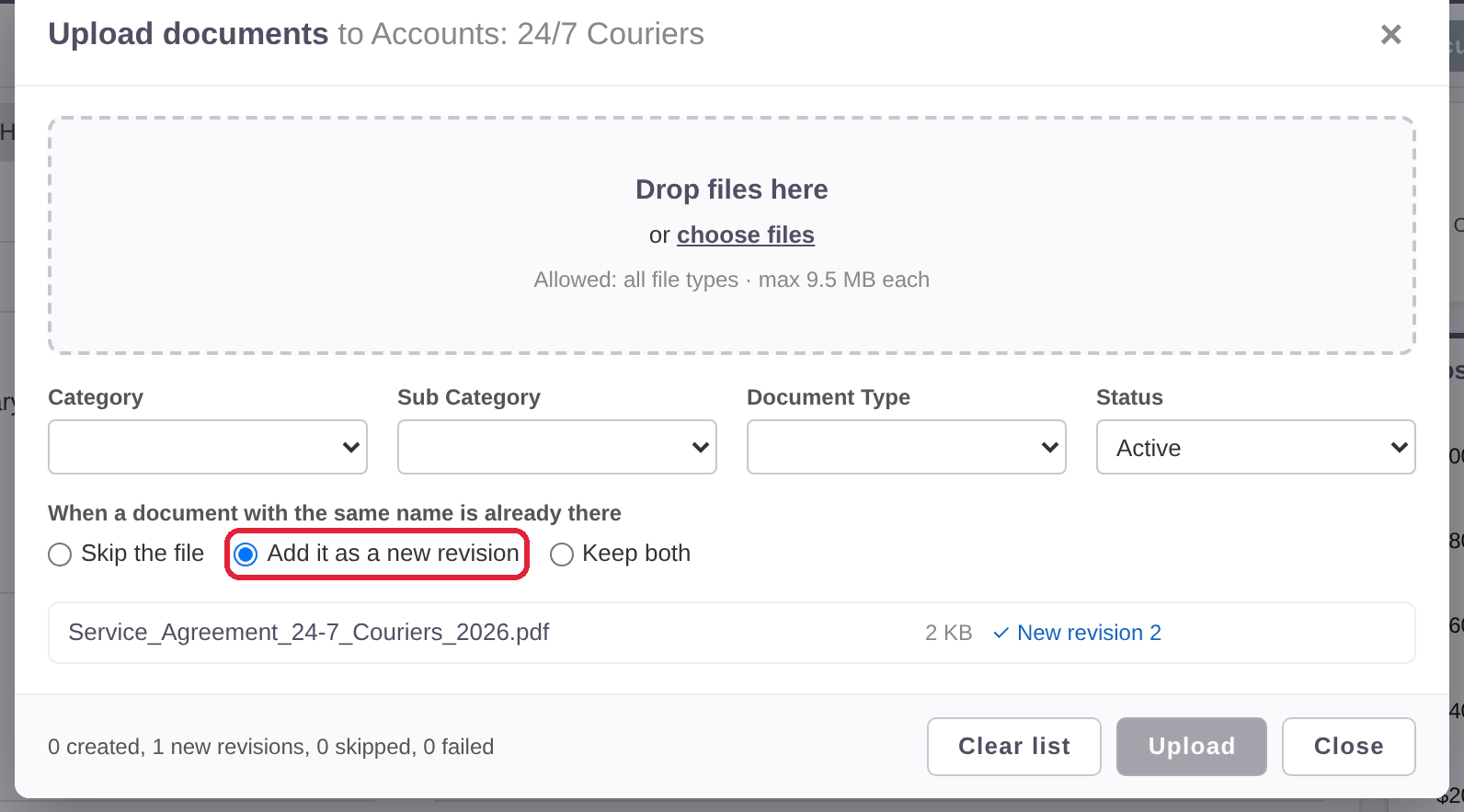
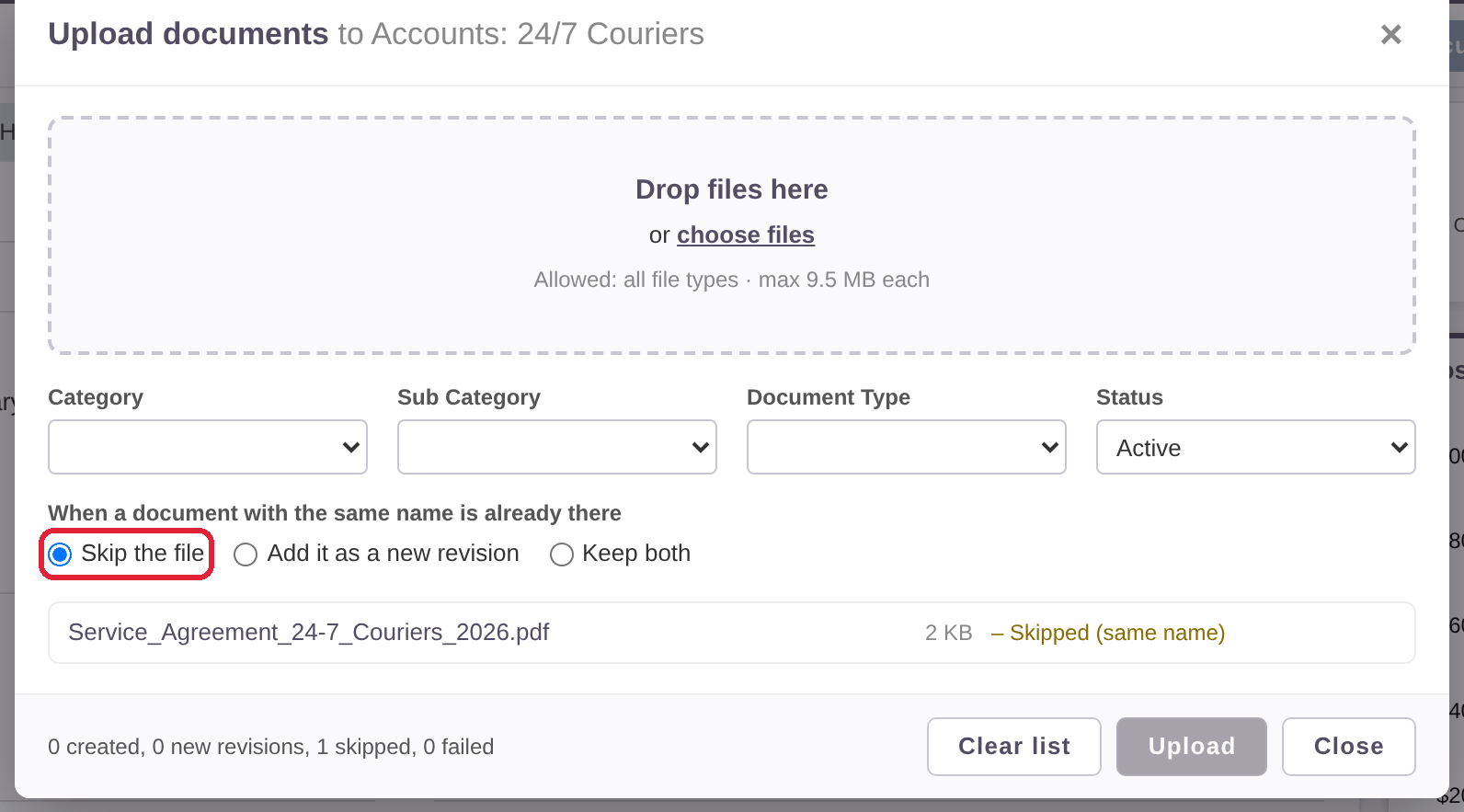
Files are checked before the upload – empty files and blocked types are refused straight away with the reason. Every file shows its own result: Created, New revision, Skipped (same name) or failed with the reason, and failed files can be sent again with Retry failed. A file with the same name can be skipped, added as a new revision or kept as another document.
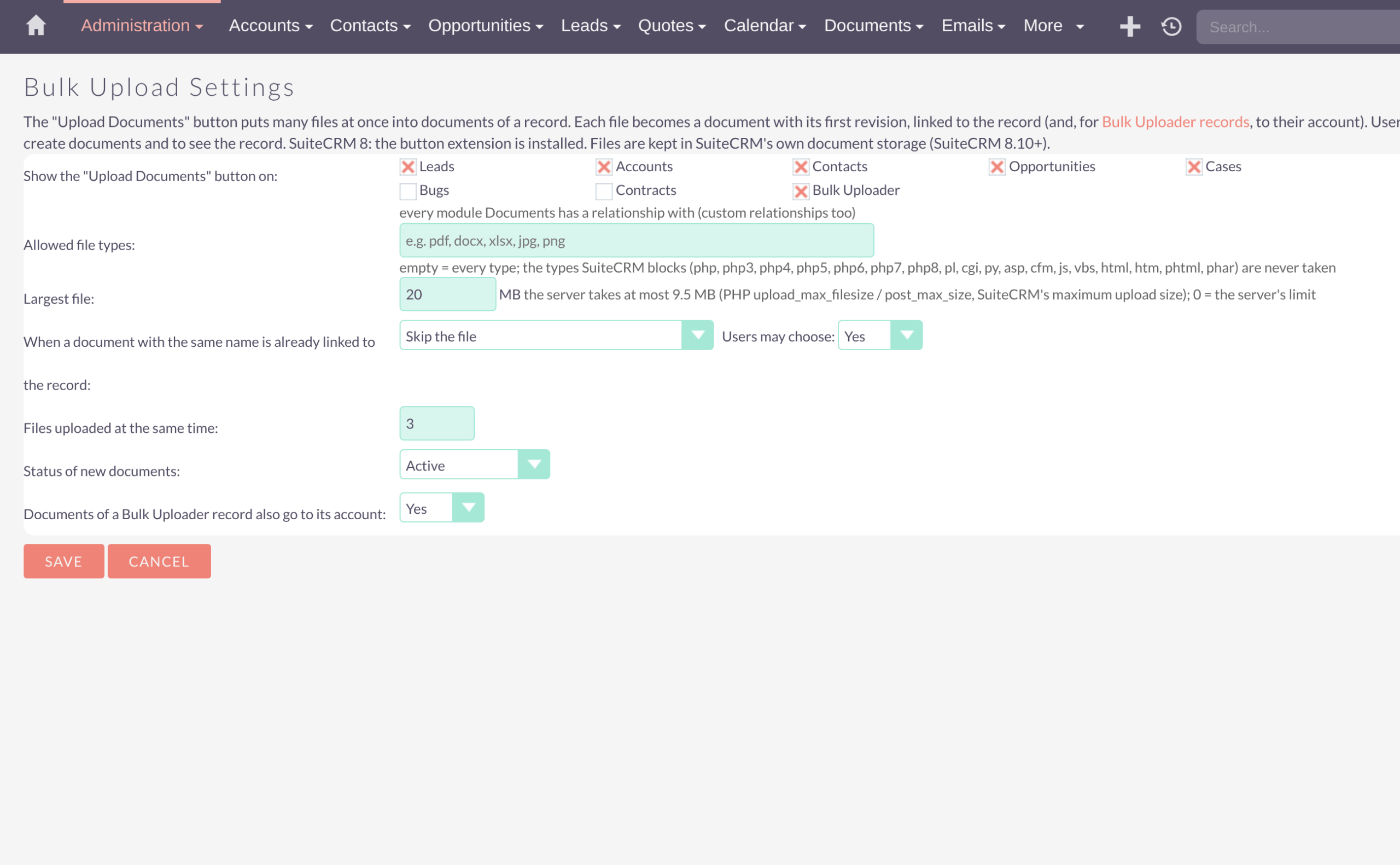
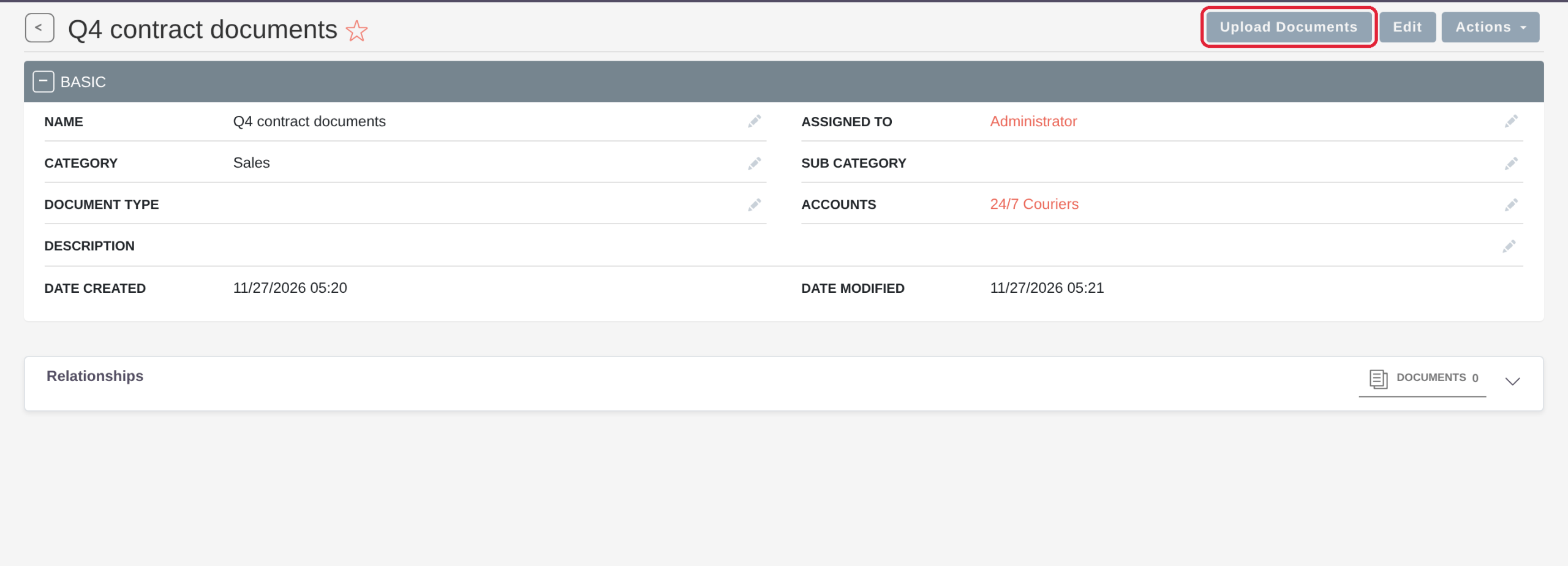
Bulk Uploader records group uploads – for example the contract documents of a quarter – with default category, sub category and document type, and link the documents to the record and its account. Settings decide the modules, allowed file types, largest file and status of new documents. No licence key is needed.
Compatibility: SuiteCRM 7.13 – 7.15 and SuiteCRM 8.x (tested on 8.10.2), PHP 7.4 – 8.4. Upgrades version 2 in place – Bulk Uploader records, links and documents stay. No licence key.
Real-World Use Cases
✅ Sales
Problem: Contracts, quotes and proposals for a deal are uploaded one by one.
Outright Bulk Document Uploader setup: Drop all files on the opportunity at once – Category Sales, Status Active.
✅ Customer support
Problem: Customers send many screenshots and log files for one case.
Outright Bulk Document Uploader setup: Upload them all to the case in one step; every file shows its result.
✅ Account management
Problem: Updated contracts create duplicate documents.
Outright Bulk Document Uploader setup: Same name → Add it as a new revision: one document, next revision.
✅ Finance and back office
Problem: Invoices for an account pile up in a folder.
Outright Bulk Document Uploader setup: Select the whole folder (Ctrl+A) and upload it to the account with category and type.
✅ Projects
Problem: A project’s papers are scattered across records.
Outright Bulk Document Uploader setup: A Bulk Uploader record per project, linked to the account, with default category and document type.
✅ IT and administrators
Problem: Users upload risky or very large files.
Outright Bulk Document Uploader setup: Settings → allowed file types and largest file; scripts and empty files are refused with the reason.
Key Highlights
✅ Many files in one step
Drag & drop or choose a whole folder – every file becomes a SuiteCRM document linked to the record.
✅ A result for every file
Created, New revision, Skipped or failed with the reason – and Retry failed sends failed files again.
✅ No duplicates
Same name → skip, add as a new revision or keep both; the admin decides whether users may choose.
Most Popular
Check out these related extensions
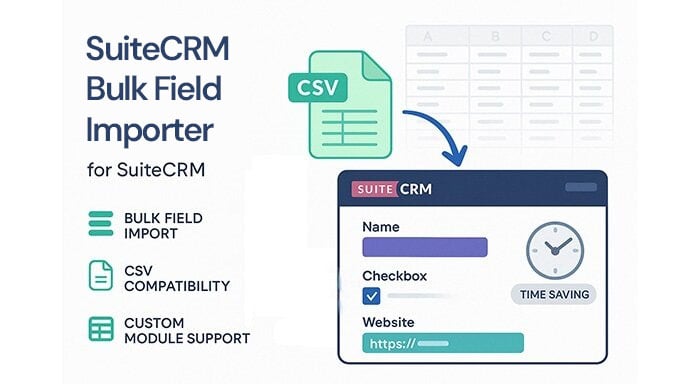

Key Features
Discover what makes this product stand out
✅ Upload
- Upload Documents button on accounts, contacts, leads, opportunities, cases and any module linked to Documents.
- SuiteCRM 8: next to Edit / Actions; SuiteCRM 7: in the title bar and the ACTIONS menu.
- Drag & drop or choose files; several files are uploaded at the same time.
✅ Document details
- Category, Sub Category, Document Type and Status for the new documents.
- Each file is a normal SuiteCRM document with its first revision, linked to the record.
✅ Checks and results
- Files checked before upload – empty files and blocked types refused with the reason.
- Result and summary for every file: Created, New revision, Skipped (same name) or failed.
- Retry failed; only the Documents subpanel is refreshed after the upload.
✅ Files with the same name
- Skip the file, add it as a new revision or keep both.
- Setting for whether users may choose in the upload window.
✅ Bulk Uploader records
- Group uploads with default category, sub category and document type.
- Documents linked to the Bulk Uploader record and its account (setting).
✅ Settings
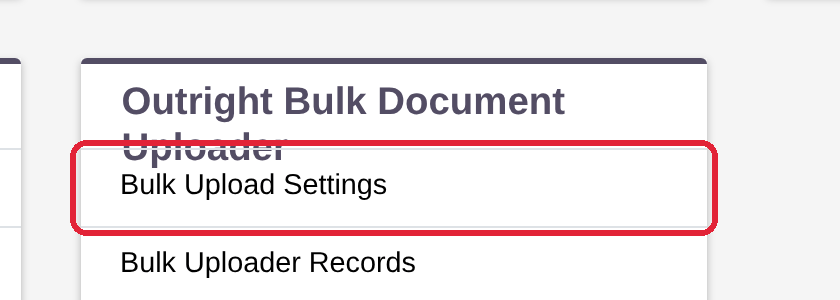
- Modules with the button, allowed file types and largest file (never more than the server takes).
- Files uploaded at the same time and status of new documents.
✅ SuiteCRM 8
- Own SuiteCRM 8 extension for the button and upload window.
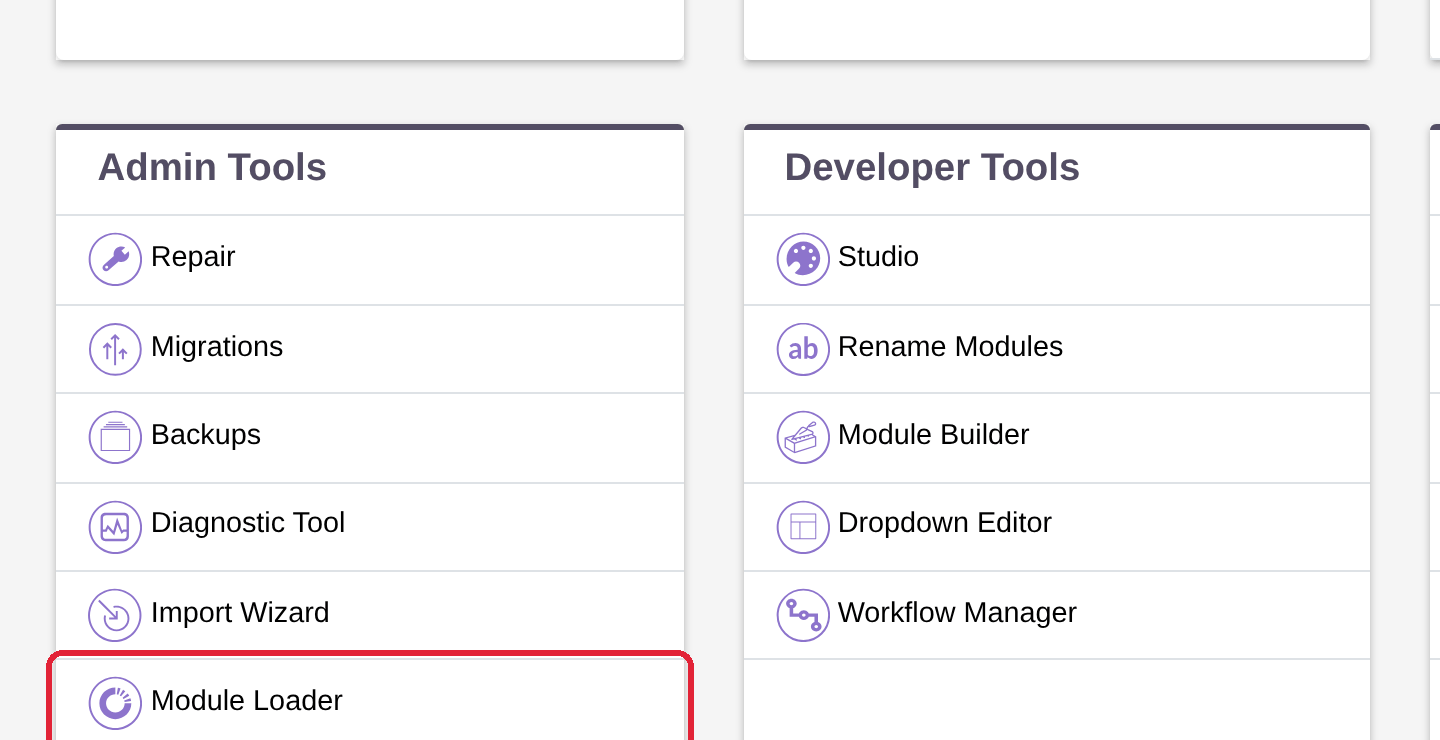
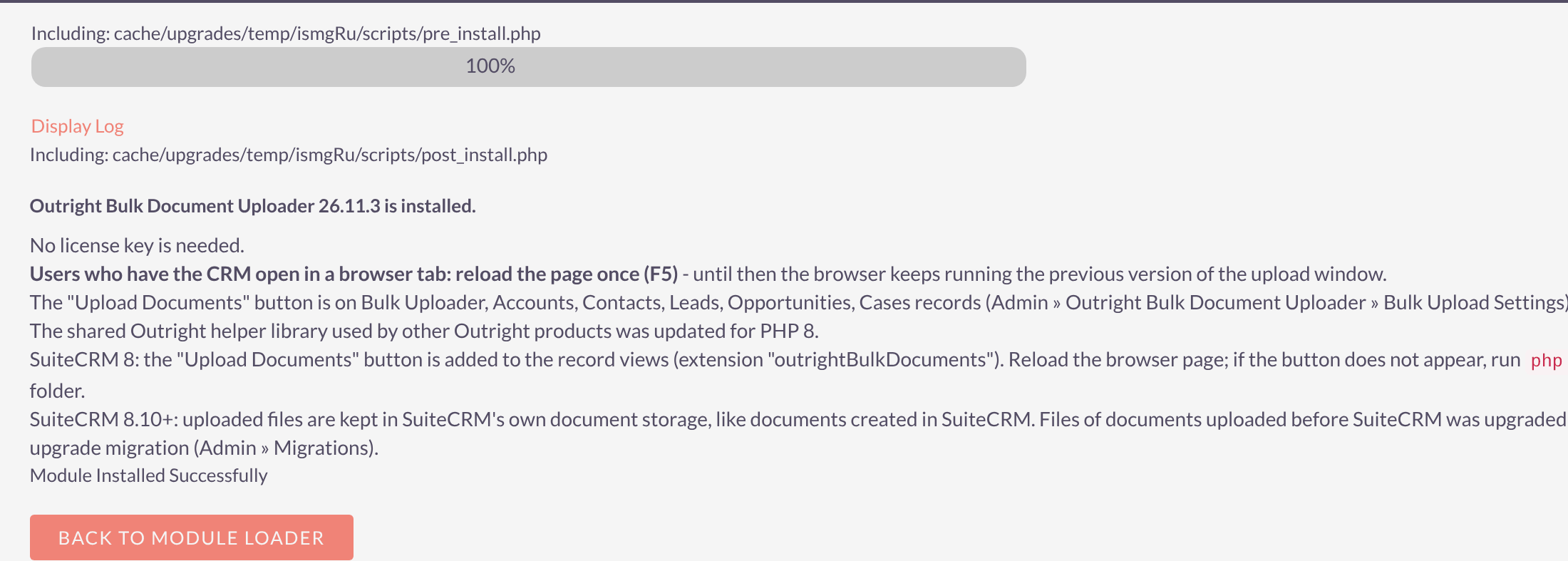
- On SuiteCRM 8.10+ files are kept in SuiteCRM's own document storage.


Visual Showcase
See the product in action through screenshots


1
2
3
4
5
6
7
8
9
10
11
12
13
14
15
16
17
Product Videos
Watch our product in action
Coming Soon
User Guide
Learn how to use and configure the system step by step


FAQs
Question? Look here.
Which versions are supported?
SuiteCRM 7.13 – 7.15 and 8.x (tested on 8.10.2), PHP 7.4 – 8.4.
Do I need a licence key?
No.
Which modules get the Upload Documents button?
Accounts, contacts, leads, opportunities, cases and any module linked to Documents – chosen in the settings.
How many files can I upload at once?
As many as you select or drop; several are uploaded at the same time.
Which file types are allowed?
Every type SuiteCRM does not block, or only the types listed in the settings. Empty files and scripts are refused.
What is the largest file?
The value in the settings – never more than the PHP and SuiteCRM upload limits.
What happens with a file of the same name?
It is skipped, added as a new revision or kept as another document – set by the admin or chosen by the user.
What if a file fails?
The reason is shown; Retry failed sends the failed files again.
How do I upgrade from version 2?
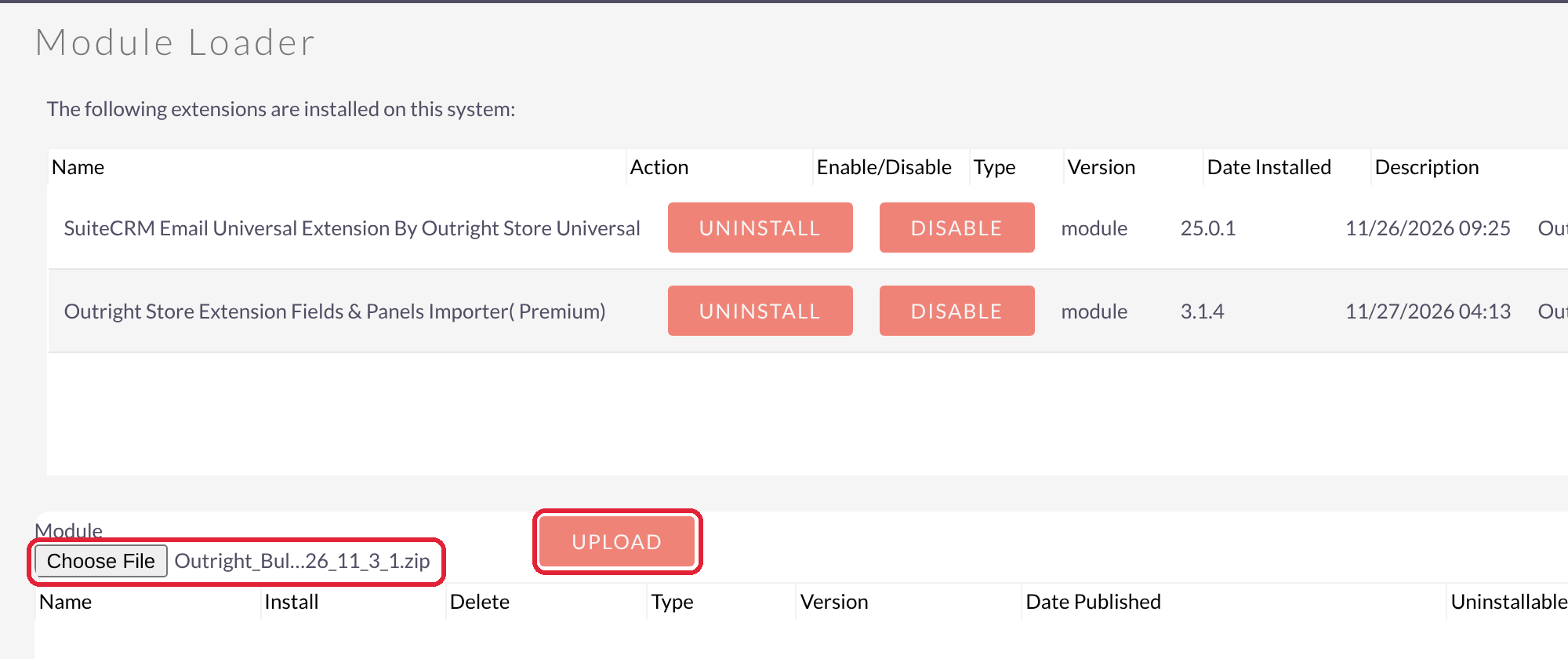
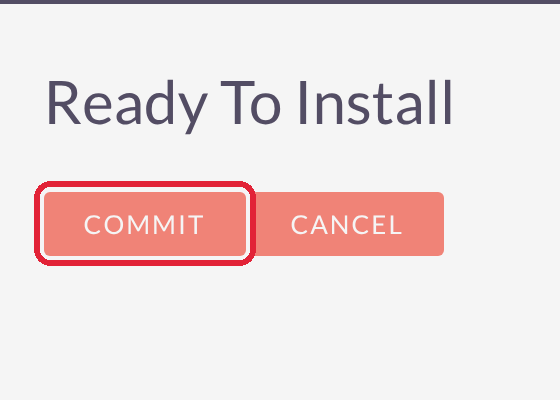
Install the new zip over the old version – do not uninstall first. Records, links and documents stay.
What happens on uninstall?
With Do Not Remove Tables, Bulk Uploader records, links and settings stay; the documents always stay.