




★
(0 Reviews)
Outright Fields & Panels Importer for SuiteCRM
$0.00
Product Description
Outright Fields & Panels Importer for SuiteCRM
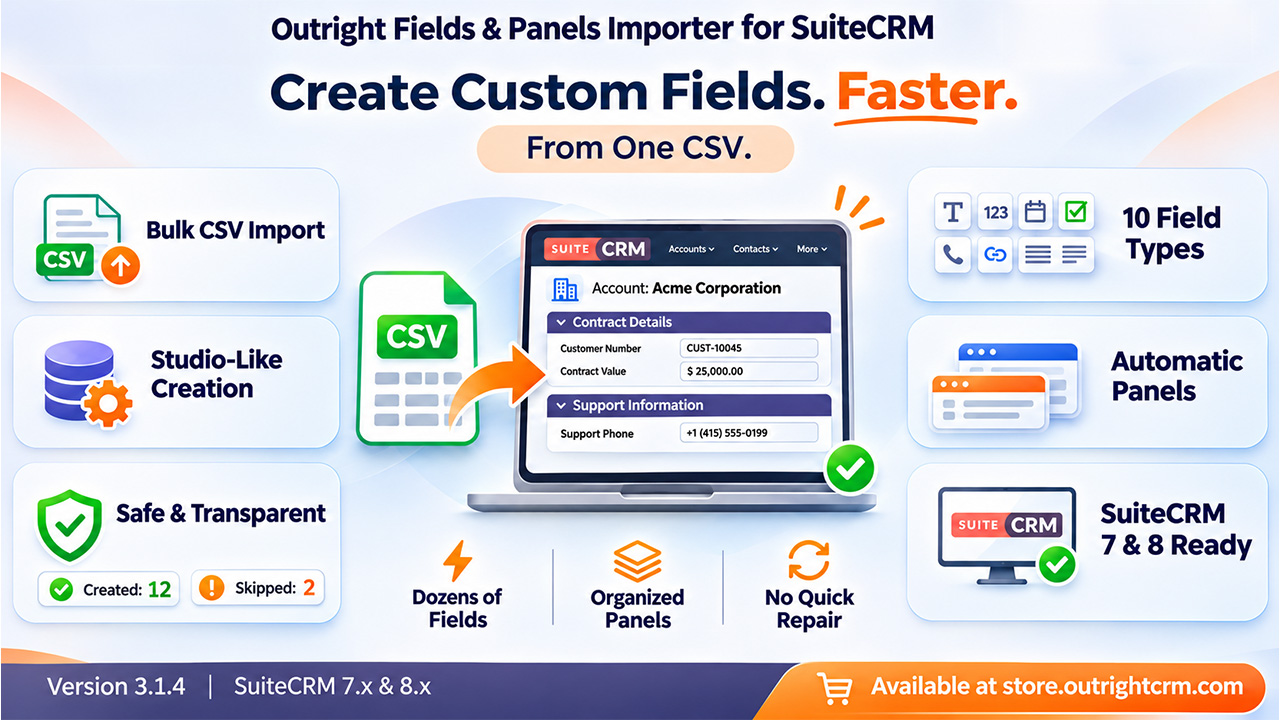
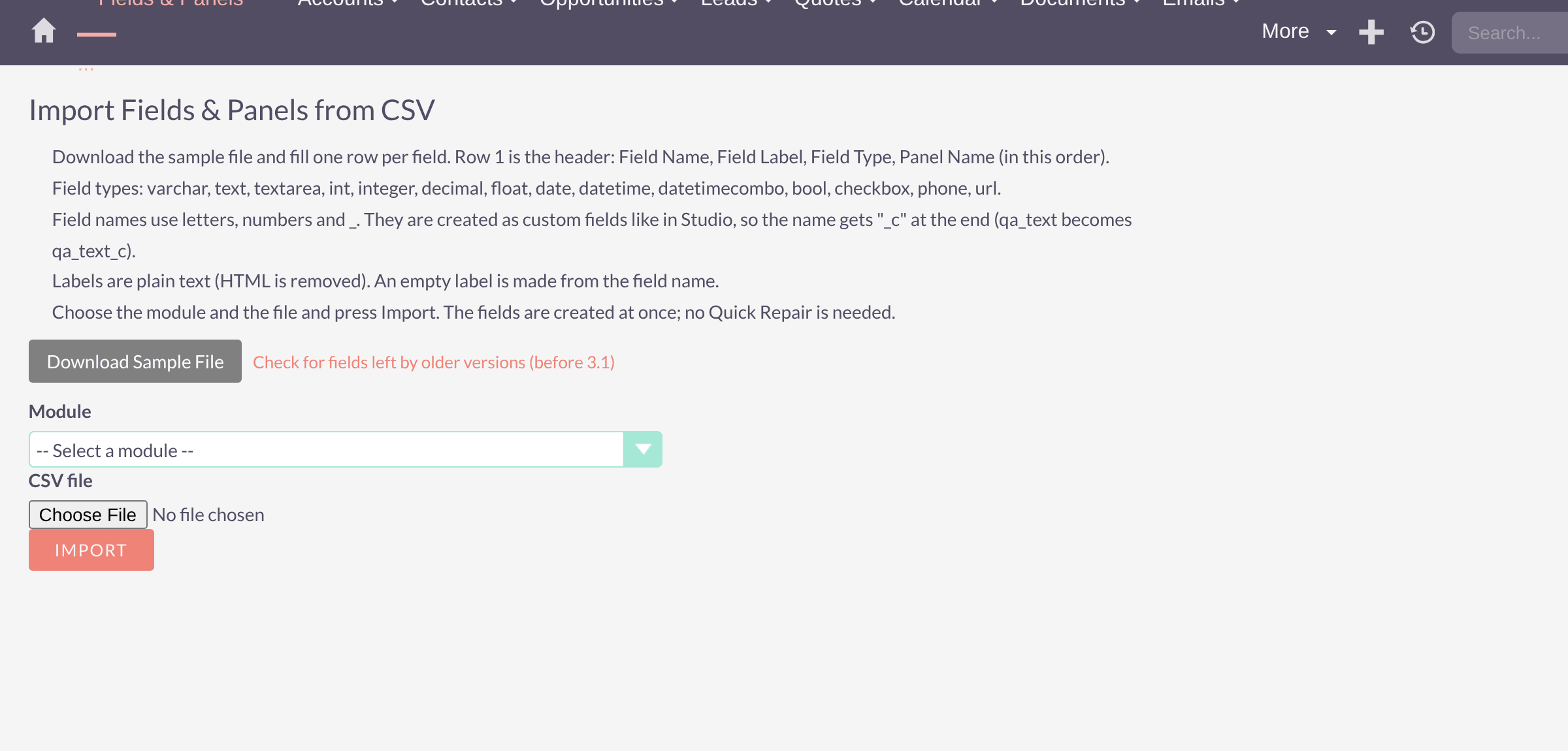
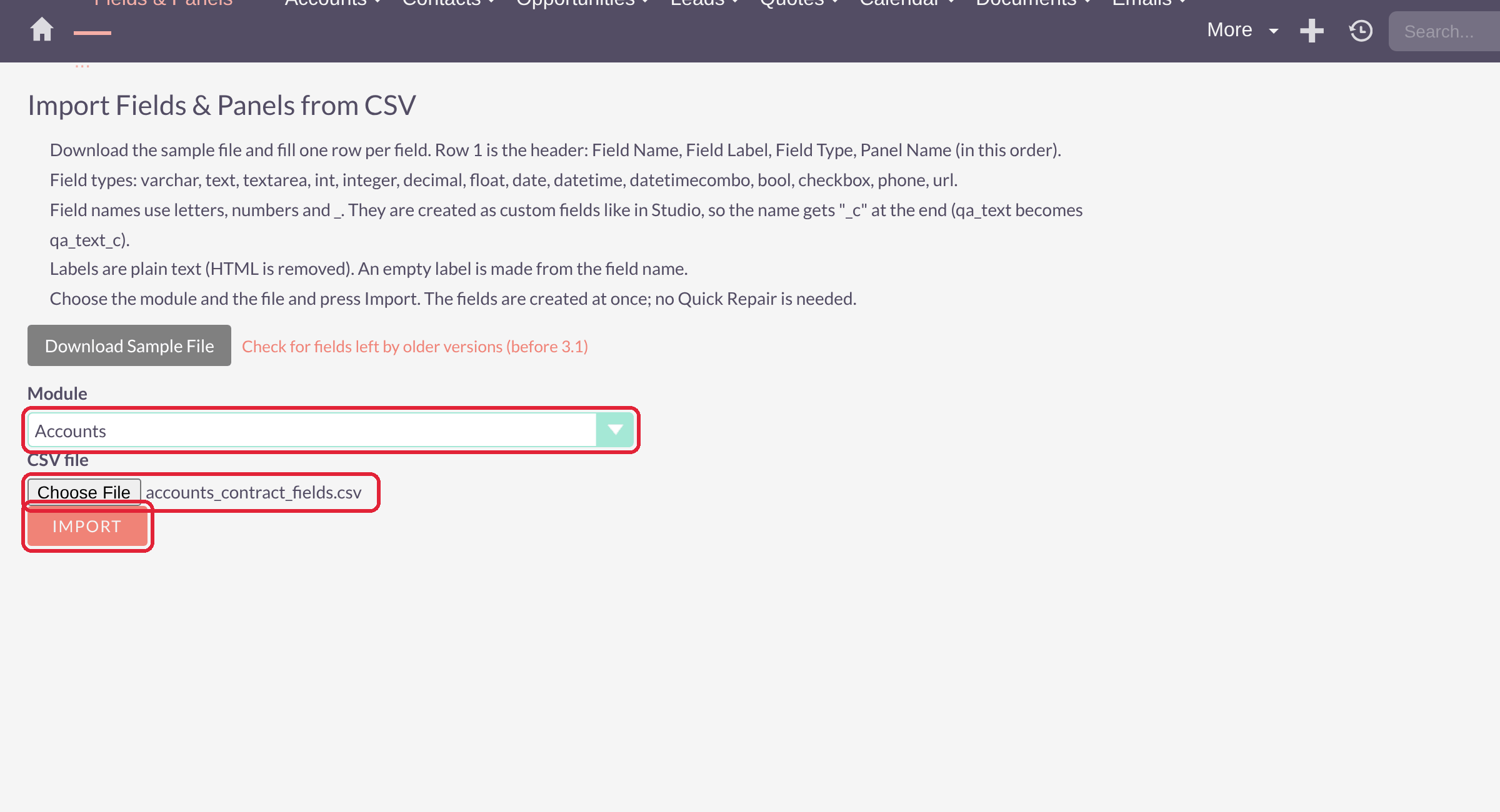
Outright Fields & Panels Importer creates custom fields in SuiteCRM in bulk. Write your fields in a spreadsheet — name, label, type and panel — save it as CSV and import it: every field is created like in Studio, as a real database column, and placed in new panels of the module’s edit and detail view.
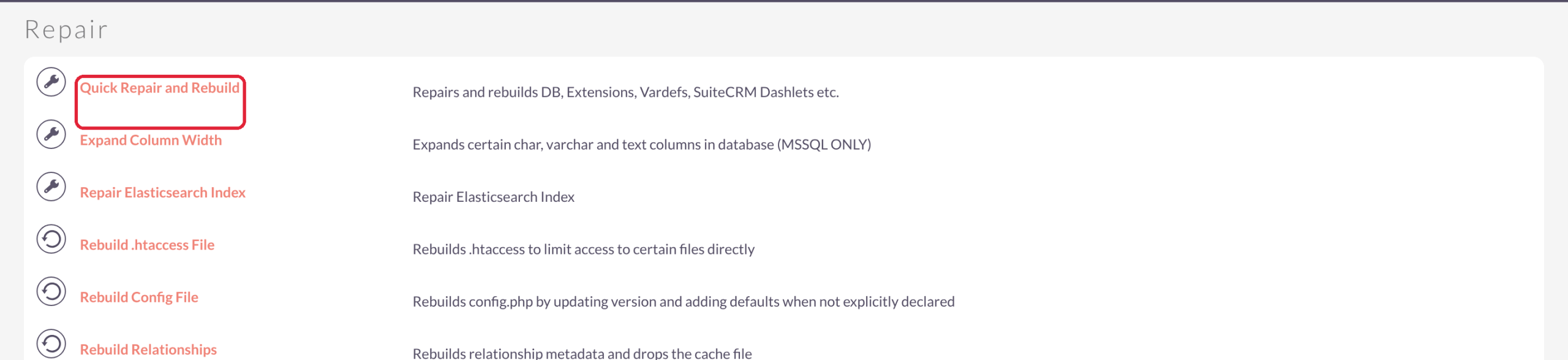
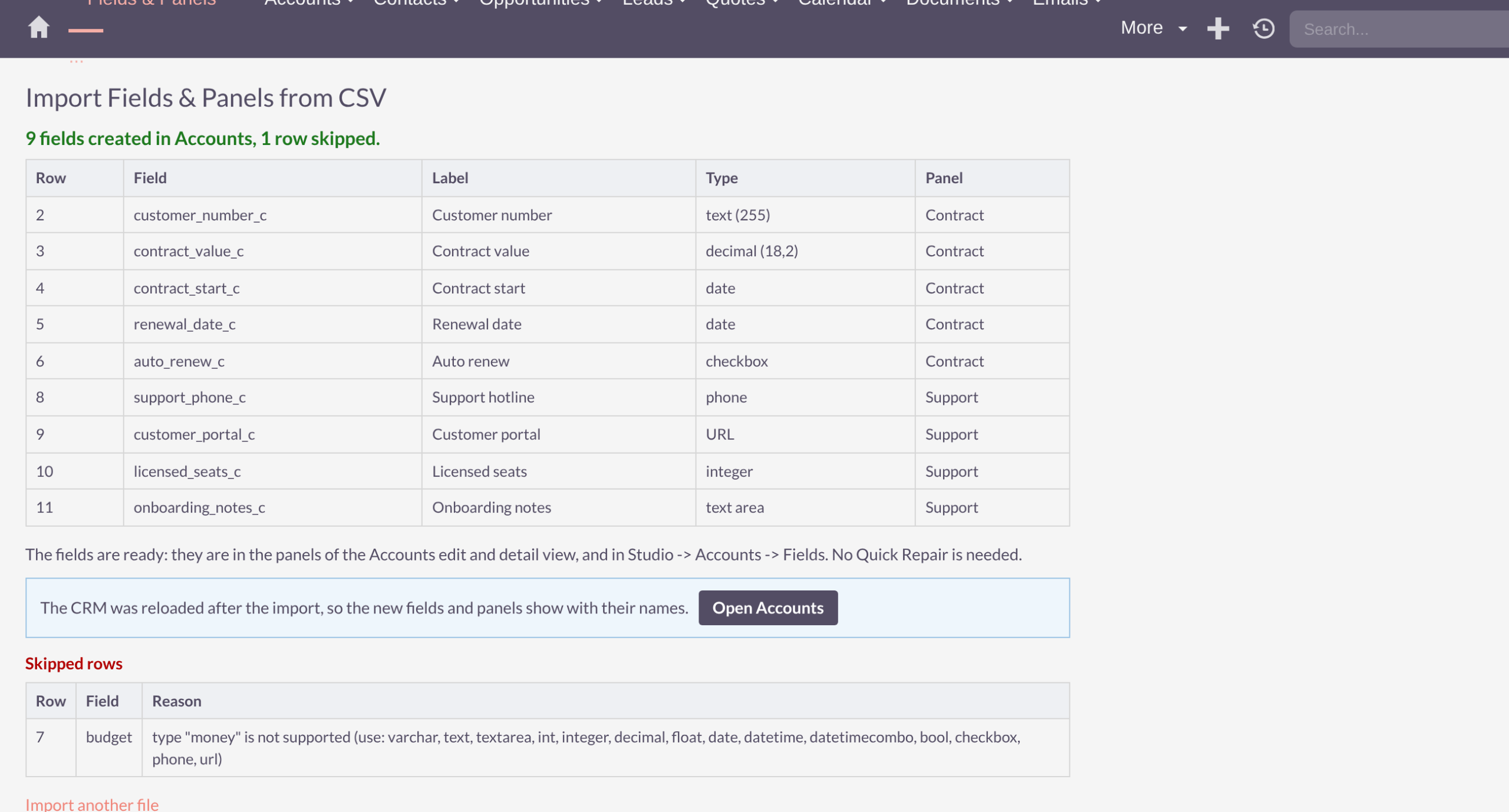
There is no Quick Repair and no clicking through Studio field by field. The result page lists every field created and every row skipped with the reason; existing fields are never overwritten, so importing the same file again is safe. On SuiteCRM 8 the CRM reloads itself so the new fields show with their names at once.
Text, text area, integer, decimal, float, date, date-time, checkbox, phone and URL fields are supported, for any module including custom modules. A built-in check finds and repairs fields left by older versions. No licence key is needed.
Compatibility: SuiteCRM 7.x and 8.x (tested on 8.10.2) and SugarCRM CE 6.5, PHP 5.3 – 8.x. Administrator access required. No licence key.
Real-World Use Cases
✅ CRM implementation partner
Problem: A new customer needs 60 custom fields across modules.
Outright Fields & Panels Importer setup: One CSV per module, imported in minutes.
✅ Sales operations
Problem: Contract data must be tracked on accounts.
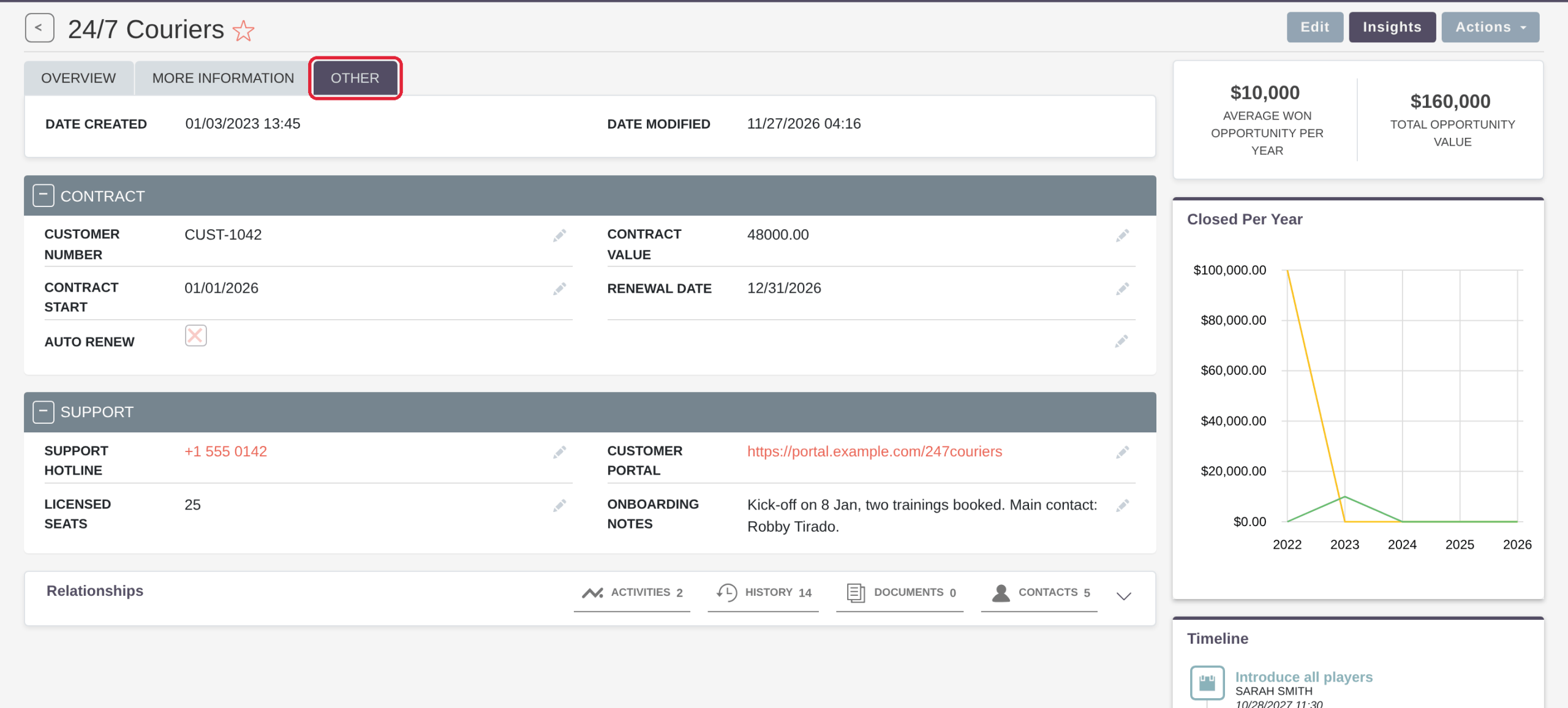
Outright Fields & Panels Importer setup: Contract panel: customer number, value, start, renewal, auto renew.
✅ Support
Problem: Account support details are scattered.
Outright Fields & Panels Importer setup: Support panel: hotline, portal URL, seats, onboarding notes.
✅ Marketing
Problem: Contact profiles need social and preference fields.
Outright Fields & Panels Importer setup: Personal panel: LinkedIn, birthday, VIP, preferred language.
✅ Data migration
Problem: Old CRM fields must exist before importing data.
Outright Fields & Panels Importer setup: Create the fields from the old system’s field list, then import the data.
✅ IT / multiple instances
Problem: Test and live must have the same fields.
Outright Fields & Panels Importer setup: Import the same CSV on every instance.
✅ Admins without Studio know-how
Problem: Studio is slow for many fields.
Outright Fields & Panels Importer setup: Fill a spreadsheet, import, done.
✅ Upgrade from 2.x
Problem: Old fields cause “Differences found”.
Outright Fields & Panels Importer setup: Check for fields left by older versions → Fix.
Key Highlights
✅ Dozens of fields in seconds
One CSV row per field – name, label, type and panel – instead of creating each field in Studio.
✅ Ready at once
Real database columns, placed in new panels of the edit and detail view; no Quick Repair, and SuiteCRM 8 reloads with the new names.
✅ Safe and transparent
Every created field and skipped row listed with the reason; existing fields are never overwritten; old-version fields checked and fixed.
Most Popular
Check out these related extensions


Key Features
Discover what makes this product stand out
✅ CSV import
- Header: Field Name, Field Label, Field Type, Panel Name; sample file to download.
- Any module, including custom modules.
✅ Field types
- Text (255), text area, integer, decimal (18,2), float (18,2), date, date and time, checkbox, phone, URL.
✅ Created like Studio
- Custom fields with _c, real database columns, labels in the language files.
- Fields grouped into new panels of the edit and detail view by Panel Name.
✅ Result and safety
- Result page with every created field and every skipped row with the reason.
- Existing fields are never overwritten – re-importing is safe; invalid names and types are skipped.
- Labels as plain text (HTML removed); empty labels made from the name.
✅ SuiteCRM 8
- CRM reloads after an import so names show at once; "Open <module>" button; labels cache refreshed.
✅ Older versions
- Check for fields left by versions before 3.1 and fix them (with backup).

Visual Showcase
See the product in action through screenshots



1
2
3
4
5
6
7
8
9
10
11
12
Product Videos
Watch our product in action
Coming Soon
User Guide
Learn how to use and configure the system step by step


FAQs
Question? Look here.
Which versions are supported?
SuiteCRM 7.x and 8.x and SugarCRM CE 6.5, PHP 5.3 – 8.x.
Do I need a licence key?
No.
What does the CSV look like?
Header row Field Name, Field Label, Field Type, Panel Name, then one row per field. A sample file is on the importer page.
Which field types can I create?
varchar, text/textarea, int/integer, decimal, float, date, datetime, checkbox/bool, phone and url.
Which modules?
Any module, including custom modules.
Do I need a Quick Repair after importing?
No. The fields are created as real columns at once.
Where do the fields appear?
In new panels (by Panel Name) of the edit and detail view, and in Studio → Fields.
What happens if I import the same file twice?
Nothing is changed – existing fields are skipped with the reason.
Can I use Excel?
Yes – save as CSV UTF-8.
Does it work in SuiteCRM 8?
Yes; the CRM reloads after an import so the new fields show with their names.