





One Monday morning, you noticed that your online store has been running slowly lately. You’ve had to add multiple plugins so that checkout doesn’t get affected. However, your hosting bill keeps rising. If this sounds familiar, then you’re not alone. WooCommerce is actually a good platform. It's just that it’s not the only one out there, and it is not even the best fit for a lot of store owners.
The goal is not to make you quit WooCommerce right now. This guide simply aims to show you what other options exist and what each one is actually good at, so you can pick smarter when WooCommerce stops working for you.
What Is WooCommerce?
WooCommerce is a free plugin that turns a WordPress website into an online store. It's an open source, which means you own your data outright, control your design completely, and can use almost any feature you can imagine as long as there's a plugin for it (and there usually is). That flexibility is the reason why millions of small businesses use it.
But flexibility comes with a cost. You have to solely manage hosting, security updates, resolve plugin conflicts, and tune up performance. There is no support line available to call when things break in the middle of the night. Some sellers are fine with this trade-off. However, others start Googling “WooCommerce alternatives”.
WooCommerce Alternatives: Quick Comparison Table
Compare the leading WooCommerce alternatives side by side to quickly identify the platform that best matches your business needs, budget, and growth plans.
| Platform | Best For | Starting Price |
|---|---|---|
| Shopify | Fully managed, product-based stores | $39/month |
| BigCommerce | High-volume, high-traffic stores | $39/month |
| SureCart | WordPress stores without plugin bloat | $179/year |
| MemberPress | Memberships, courses, and gated content | $199.50/year |
| Wix eCommerce | Small, straightforward product catalogs | $29/month core plan |
5 Best WooCommerce Alternatives: Detailed Comparison
Now that you've seen the quick comparison, let's take a closer look at each platform, its standout features, pricing, and the type of business it's best suited for.
1. Shopify

Shopify is more than just a store builder. It's an entire infrastructure that handles everything from hosting and payment processing to inventory, shipping labels, and tax calculation under one roof. It has its own payment gateway (Shopify Payments), fulfillment network, and POS system for stores that sell in person.
You can sell physical products, digital downloads, subscriptions, and services without needing four different plugins for each. It is a reliable platform as it has powered stores through massive traffic spikes; Black Friday is one such example. This is difficult for a self-managed website like WooCommerce unless you invest heavily in hosting infrastructure.
Features:
- Native payment processing with fraud analysis built in
- Multi-channel selling like Amazon, Instagram, TikTok, and in-person POS from one dashboard
- Thousands of apps for shipping, accounting, and marketing automation
- Abandoned-cart recovery and built-in analytics dashboards
Pricing: Starts around $29/month for Basic, moving to $79/month for Grow, and up to $299/month for Advanced (all annual billing; monthly billing runs $39, $105, and $399, respectively). Transaction fees apply unless you use Shopify Payments directly.
Choose this if you want infrastructure-grade reliability but don’t want to hire anyone to manage servers. If you're wondering, is BigCommerce better than Shopify? The answer largely depends on your business needs
Read also: WooCommerce vs Shopify: Which E-Commerce Platform Is Best in 2026?
2. BigCommerce

BigCommerce is essentially built for experienced merchants who deal with massive catalogs or sudden traffic surges. Its architecture handles unlimited products and high-volume transactions natively, without the performance penalties that plugin-heavy WooCommerce sites often run into as they scale.
It sells physical goods primarily but also supports digital products. It offers advanced SEO controls, multi-currency support, and B2B functionality. It allows businesses to build and customize their storefront independently while handling backend operations through APIs without any third-party involvement.
Features:
- No transaction fees on any pricing tier, regardless of the payment gateway used
- Built-in B2B tools like customer-specific pricing and bulk ordering
- Headless commerce support via API for custom storefronts
- Native integrations with Amazon, eBay, and major marketplaces
Pricing: Starts at $39/month, scaling to $105/month for Plus, with custom enterprise pricing for large-volume merchants.
Choose this if you're running (or planning to run) a large catalog and need enterprise features without an enterprise price tag. If BigCommerce still feels heavier than what you need right now, it's worth comparing it against other BigCommerce alternatives before you commit to a migration.
3. SureCart
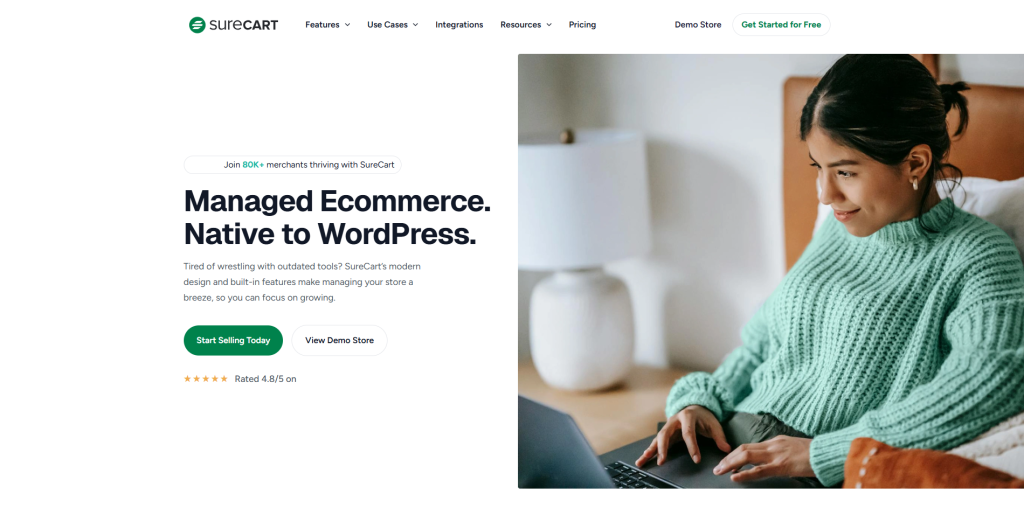
SureCart is built for people who are tired of using six separate plugins just so they can accept a subscription payment or recover a failed charge. It runs as a WordPress plugin, so your store stays on your own hosting, and your data stays yours. However, core commerce functionality such as subscriptions, tax handling, and checkout comes built in.
It sells the same products as Shopify and BigCommerce; however, it shines in subscription management specifically. It offers a flexible billing schedule, automatic dunning (retrying failed payments before you lose the customer), and free trial handling that would normally need a premium WooCommerce extension.
Features:
- Built-in subscription billing with automatic failed-payment recovery
- One-click upsells and order bumps at checkout
- Direct support for Stripe, PayPal, Apple Pay, and Google Pay
- Compatible with Elementor, Divi, and other major WordPress page builders
Pricing: Starts at $179/year for a single store, scaling to $599 lifetime for unlimited stores.
Choose this if you want to stay inside the WordPress ecosystem but don’t want to manage a plugin stack just to run checkout.
4. MemberPress
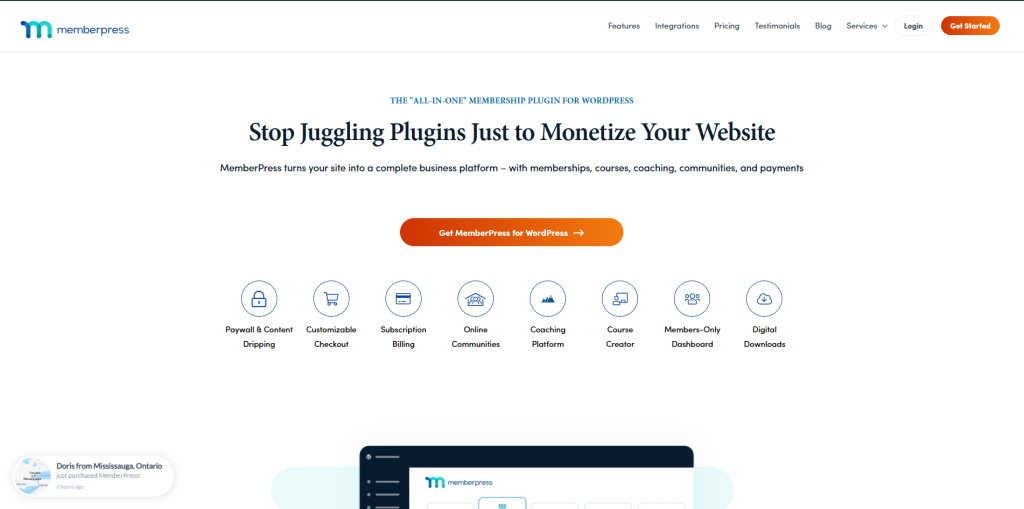
It does not compete with WooCommerce; rather, it’s built to solve the problem that WooCommerce doesn’t, which is selling access. MemberPress is a WordPress Plugin that is built to gatekeep content behind paywalls, structure tiered membership levels, and manage the ongoing billing relationship that comes with subscription-based access.
It basically sells courses, coaching programs, private communities, podcasts, and any content that needs to be released on a schedule or restricted to paying members only. Its “dripping” feature allows you to release material gradually over time. Moreover, you can also set automatic access expiry even for members who are still paying.
Features:
- Tiered membership levels with granular content restrictions
- Content dripping and scheduled access expiration
- Automatic billing reminders and professional PDF invoice generation
- Native integrations with Stripe, PayPal, and Authorize.net, no added transaction fees
Pricing: Launch $199.50/year, Growth $349.50/year, Scale $499.50/year.
Choose this if your business model is built around ongoing access rather than one-time product sales.
5. Wix eCommerce
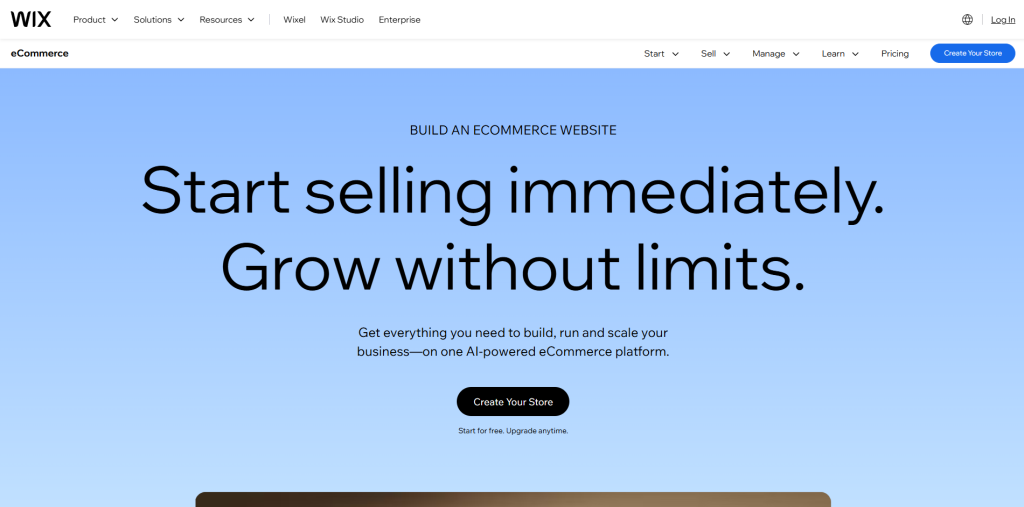
Wix eCommerce is a fully hosted, drag-and-drop platform that is built for people from a non-technical background. The entire experience from design to checkout is easy to set up and requires no technical knowledge. However, it lacks advanced customization.
Its strong point is its speed to launch, combined with built-in marketing tools like email campaigns and social media integrations. SEO basics are also included without needing separate apps. It's a modest, well-curated catalog that does its job without friction.
Features:
- Fully visual drag-and-drop editor with real-time preview
- Built-in email marketing and abandoned-cart recovery
- Mobile-optimized checkout out of the box
- App market for extending functionality when needed
Pricing: eCommerce entry plans start around $17/month, core plan at $29/month
Choose this if you're running a small, focused catalog and want the fastest possible path from idea to live store.
How to Choose the Right WooCommerce Alternative
Don't select a platform just because it’s popular. Pick something that matches what your store actually needs right now. A few questions can point you in the right direction:
How Technical Do You Want to Get?
If you don’t want to deal with coding or manage hosting, Shopify or Wix are your ideal options. If you want to stay inside WordPress, SureCart gives you that control without the plugin overload.
What Are You Selling?
If selling physical products, go with BigCommerce. For courses or gated content, MemberPress is your pick.
Where Do Your Customers Find You?
If sales happen across Instagram, TikTok, or marketplaces, Ecwid's multi-channel sync will save you real time.
How Quickly Do You Need to Launch?
If you deal with smaller catalogs and tight timelines, Shopify or Wix are your best options.
If you’re looking for a universal answer, there’s none. The answer is picking the one that fits your business today. That's the whole point of comparing these platforms in the first place. Do not chase the “best” one, but the one that works alongside you.
Conclusion
There's no single “best” WooCommerce alternative, and if anyone claims that, treat it as a red flag. The right pick among these WooCommerce alternatives depends entirely on what your store needs right now. If you want to launch faster without managing servers, go with Shopify and Wix. SureCart keeps you inside WordPress while cutting the plugin clutter that comes standard with WooCommerce, whereas BigCommerce handles scale and multi-channel selling that a single WooCommerce install often can't keep up with.
Don't switch platforms just because a blog post told you so. Be honest about what your business actually sells, assess how it needs to grow, and choose the tool that matches your business's reality instead of the one that everyone is talking about.
FAQs About WooCommerce Alternatives
Shopify and Wix eCommerce require the least technical knowledge and make a store live faster than others.
Yes. SureCart runs on WordPress and includes core commerce features like subscriptions and checkouts without extra plugins.
MemberPress since it's designed around gated content, scheduled access, and recurring billing rather than product sales.
Yes. It handles unlimited products, B2B pricing, and high traffic natively, with no added transaction fees.
Not always. WooCommerce itself is free, but hosting and premium extensions add up, so total costs can land close to or above a hosted platform's monthly fee.