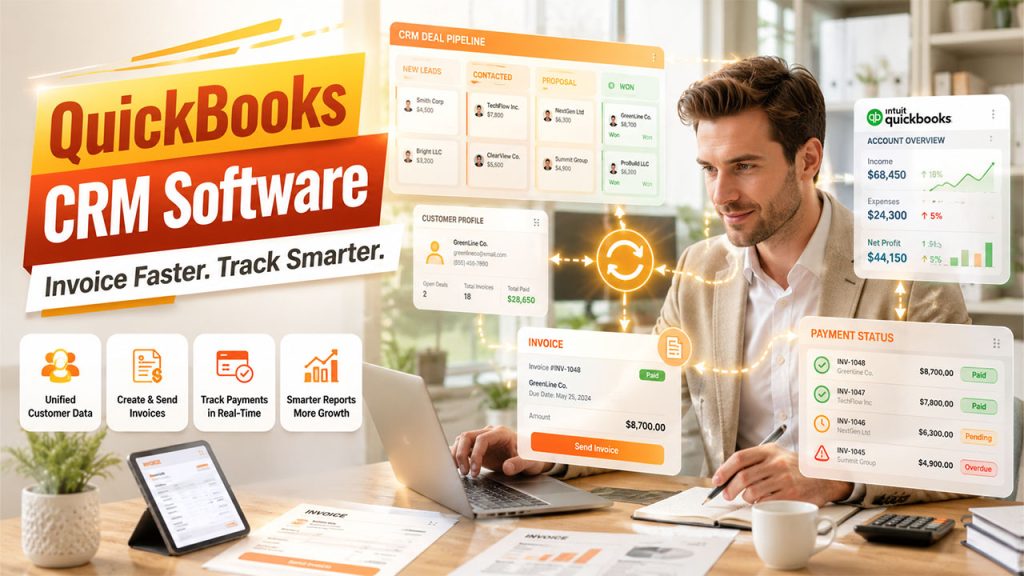






Handling finances and sales on different platforms generally leads to duplicate entry of data, delayed invoices, and misaligned customer records. This is precisely why more and more businesses are adjusting CRM software integrated with QuickBooks — a solution that combines accounting and customer relationship management into a connected and single workflow. By connecting sales pipelines directly to payment and invoicing records, teams can remove manual reconciliation and get a centralized view of customer records in real-time.
As businesses scale up, the gap that exists between what sales teams close and what accounting teams bill for continues to widen. This is exactly where this integration plays a major role. In this guide, let us break down what a QuickBooks-integrated CRM does, why it is important, how it operates, and how to choose the right option for your business.
What Is CRM Software Integrated with QuickBooks?
CRM software integrated with QuickBooks can be defined as a customer relationship management platform that directly connects with QuickBooks accounting software, enabling billing, sales, and financial data to automatically synchronize between the two platforms. Instead of transferring invoices, customer details, or payment statuses from your CRM to QuickBooks (or vice versa), the integration ensures that both platforms remain updated in real-time.
This connection generally encompasses the following:
- Contact and Customer records shared between the QuickBooks and CRM.
- Invoice creation and monitoring directly initiated from CRM deals.
- Payment status updates instantly reflected across both platforms.
- Revenue and sales reporting created from centralized data.
- Pricing and product catalogs remain consistent on both platforms.
For businesses that depend on QuickBooks for bookkeeping, a CRM-QuickBooks integration eliminates the friction between the sales team that closes the deal and the financial team that bills for it. Instead of treating accounting and sales as individual departments working from individual records, the integration ensures one shared source of truth effectively for each customer transaction.
Why Businesses Need CRM Integrated with QuickBooks:
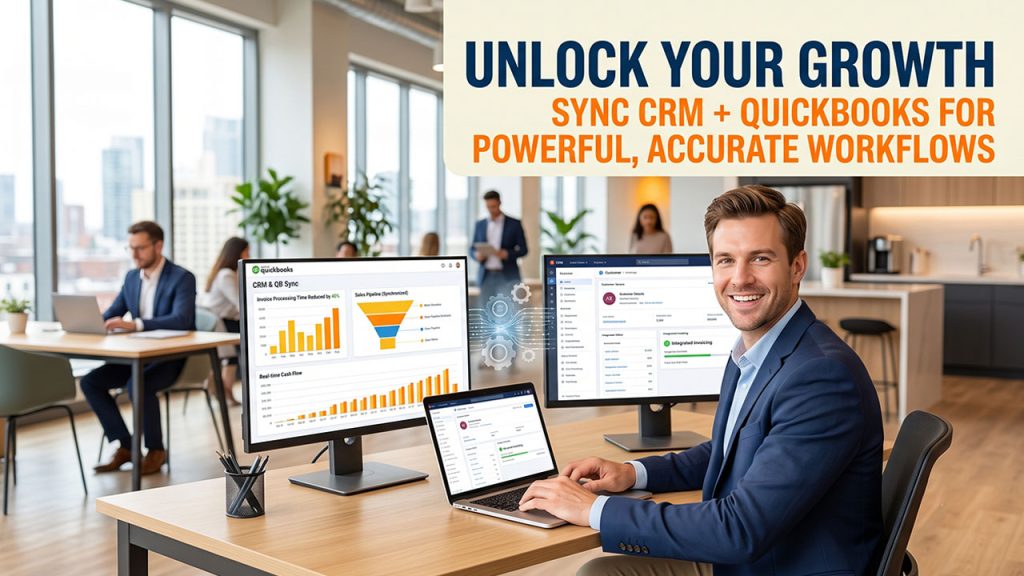
Accounting and sales teams often work with different priorities. However, disconnected tools create real operational issues. A CRM integrated with QuickBooks directly solves a lot of these pain points.
- Removes Duplicate Entry of Data — Deal values, customer details, and invoice data no longer need not be individually entered into the two platforms.
- Speeds up Invoicing — Sales representatives can create invoices from within the CRM, the moment a deal is closed, without waiting for the account team.
- Enhances Visibility in Cash Flow — Sales leaders can keep track of paid deals, overdue deals, and pending deals, without going back-and-forth between various platforms.
- Reduces Errors — Manual re-entry is one of the top sources of mismatched records; synchronizing completely eliminates this risk.
- Boosts Accuracy of Reporting — Revenue reports extracted from the same synchronized dataset, so finance and sales are always working from the similar numbers.
- Provides Quicker Decision-making — Managers can go through combined financial and sales data without waiting for reconciliation at the end of the month.
This is extremely crucial for small as well as mid-sized companies where the same handful of people manage both financial and sales administration. In such environments, each manual step removing the process of invoicing directly translates into the time saved somewhere else. If you are assessing options more widely, the detailed guide on CRM for small business encompasses how to align with CRM capabilities to align with size and workflow of your team.
Important Features You Need to Look for in a QuickBooks-Integrated CRM
Not each CRM provides a similar depth of QuickBooks connectivity. When you compare CRM software integrated with QuickBooks, you need to emphasize on such capabilities:
- Two-way Synchronization — Data must be updated bidirectionally, not just CRM software to QuickBooks.
- Automated Invoice Creation — The capability to directly create and send invoices from an opportunity or deal record.
- Real-time Tracking of Payments — Payment statuses that are recorded in QuickBooks must be reflected in the CRM without any manual refreshes.
- Custom Mapping of Fields — Flexibility to align fields of QuickBooks with the data structure of your CRM.
- Reporting dashboards — Combined financial and sales reporting without exporting information to spreadsheets.
- Support for Different QuickBooks Versions — Compatibility with QuickBooks Desktop or QuickBooks Online as per the use of your business.
- Role-driven Access Controls — The capability to limit who can edit or view financial information within the customer relationship management.
Accounting-driven practices particularly benefit from this integration level, since service delivery and client billing are tied together closely. Firms handling a large clientele require confidence that generated invoices from the CRM exactly match what shows up in QuickBooks, without any double-checking manually. Let us go through our breakdown of the best CRM for accountants that involves numerous platforms specifically built around QuickBooks connectivity.
How CRM and QuickBooks Integration Work Practically?
Typically, QuickBooks CRM integration tethers through a third-party connector or an official app marketplace listing, as per the CRM provider. Once authorized, the tools exchange information as per the triggers like:
- A new customer record is generated in the customer relationship management software and mirrored in QuickBooks.
- A deal that moves to "Closed Won," which prompts an invoice draft in QuickBooks.
- You can record the payment in QuickBooks and the CRM deal status according to updates.
- Repetitive billing schedules set in QuickBooks are visible within the customer timeline of the CRM.
- Credit memos or refunds issued in QuickBooks are updated in the CRM record of the customers.
Most advanced integrations operate in the background with significantly less setup, though a few businesses can choose to personalize automation rules or field mappings to align with the available processes. Setup complexity changes as per the number of custom fields, product variants, or tax rules that business maintains already in QuickBooks. Understanding the wider mechanics of how CRM works can assist teams in planning a seamless rollout before tethering accounting information.
Prevalent Challenges When Incorporating CRM with QuickBooks
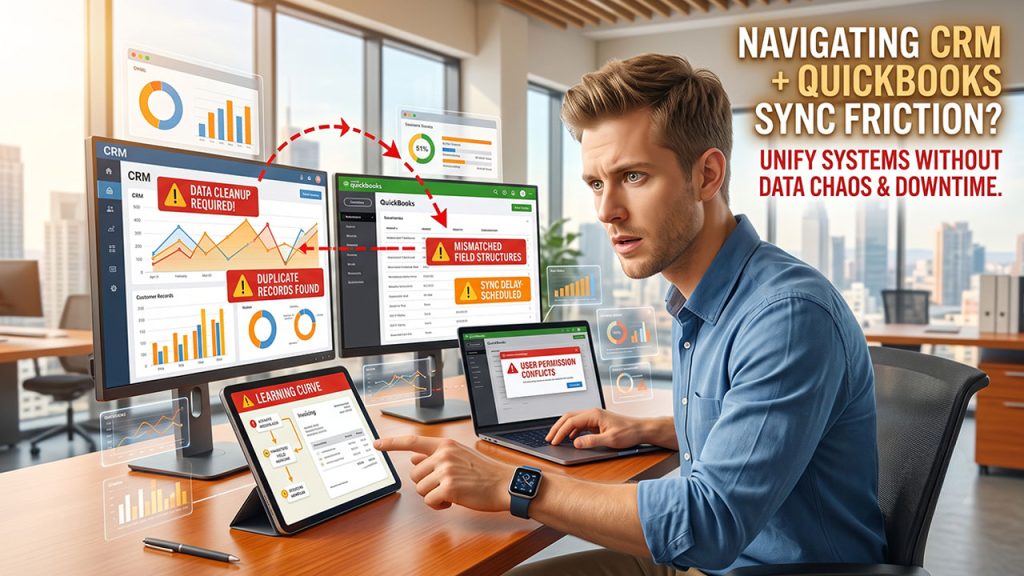
While the advantages are considerable, businesses must also plan for a few common friction points when configuring a CRM integrated with QuickBooks:
- Data Cleanup Before Migration — Outdated or duplicate customer records must be resolved before initial synchronization to avoid carrying errors into both platforms.
- Mismatched Field Structures— QuickBooks fields and CRM fields do not always align by default, which might need manual mapping.
- Sync delays — A few integrations get updated in real-time, while others synchronize on a scheduled basis, which can affect reporting accuracy briefly.
- User Permission Conflicts — Without clear control of access, sales representatives might accidentally edit financial records which they should not have had access to in the first place.
- Learning Curve for Teams — Sales staff with invoicing workflows may require brief training once billing tasks go into customer relationship management.
Addressing such issues early on, ideally during the stage of evaluation instead of after go-live, enables businesses to avoid disruption to billing and daily sales operations.
Selecting the Best CRM Software Incorporated with QuickBooks
Choosing the best platform relies on the size of business, sales volume, and how closely sales and finance teams collaborate. Before committing, consider:
- Your QuickBooks Version — Confirm the CRM provides support to the QuickBooks online, QuickBooks Desktop, or both.
- Team Size and Complexity — Smaller teams may require straightforward invoice synchronization, while bigger businesses may need sophisticated automation and multi-currency support.
- Simple Setup — Find integrations that do not require extensive involvement of developers.
- Data Security — Since financial information is involved, confirm the integration follows authentication protocols that are secure.
- Scalability — Select a platform that can manage increased transaction volume as the business scales up.
- Vendor support — Consistent support is important once the integration is live, specifically when QuickBooks releases updates that might impact synchronization.
Taking time to map out such needs before implementation minimizes the possibilities of switching solutions later because of missing functionality. Businesses that also depend on additional CRM modules for pipeline management or lead tracking must confirm that such features remain unaffected once QuickBooks synchronization is enabled.
Conclusion
CRM software integrated with QuickBooks provides businesses with a possible way to link customer relationship management platforms with day-to-day financial processes. By synchronizing payments, invoices, and customer data automatically, teams minimize manual errors, save time, and get a clear picture of real-time revenue.
Irrespective of whether you are a small business owner handling your accounting firm or own books catering to numerous clients, selecting a CRM integrated with QuickBooks that aligns your workflow can enhance your financial accuracy and sales efficiency meaningfully. Taking the time to assess such features, plan common challenges in setup, and confirm compatibility with your QuickBooks version can help you ascertain that integration ensures lasting value instead of becoming another disconnected platform.