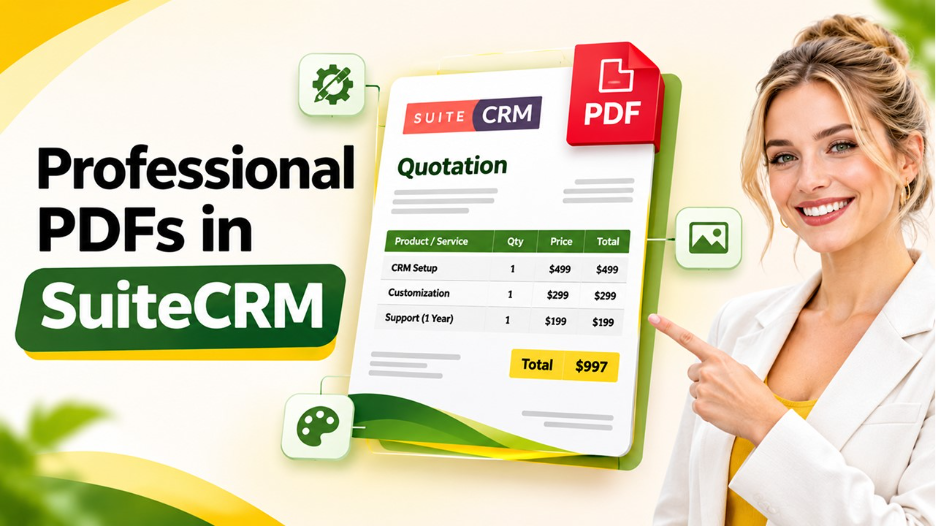






In today's competitive business environment, creating professional business documents is just as important as delivering quality products and services. Whether you are sending quotations, invoices, proposals, or other customer-related documents, presentation matters. A well-designed document not only communicates important information but also creates a positive impression of your brand.
This is where the Outright Premium PDF Template for SuiteCRM comes into the picture. It provides businesses with a practical way to improve the appearance of their CRM-generated PDF documents while maintaining a professional and consistent brand identity.
SuiteCRM is widely used by businesses to manage customer relationships, sales activities, and business operations. However, standard PDF layouts may not always match a company's branding requirements or document presentation preferences. A premium PDF template can help overcome these limitations by offering improved formatting, customization, and a more polished document experience.
Let's explore how this template can benefit your business and make everyday CRM document management easier.
What Is the Outright Premium PDF Template for SuiteCRM?
The Outright Premium PDF Template for SuiteCRM is designed to enhance the appearance and presentation of PDF documents generated through SuiteCRM. It helps businesses create visually appealing documents without relying entirely on generic layouts.
Instead of sending customers basic-looking PDFs, businesses can use a more structured and professional document design that reflects their brand identity.
Depending on the available template configuration, users can customize different document elements, such as:
- Company logos and branding elements.
- Header and footer sections.
- Font styles and text formatting.
- Table layouts and document spacing.
- Customer and business information.
- Product and service details.
- Terms, conditions, and other relevant information.
These customization possibilities make it easier to create documents that look consistent across different customer interactions.
Why Do Businesses Need a Premium PDF Template?
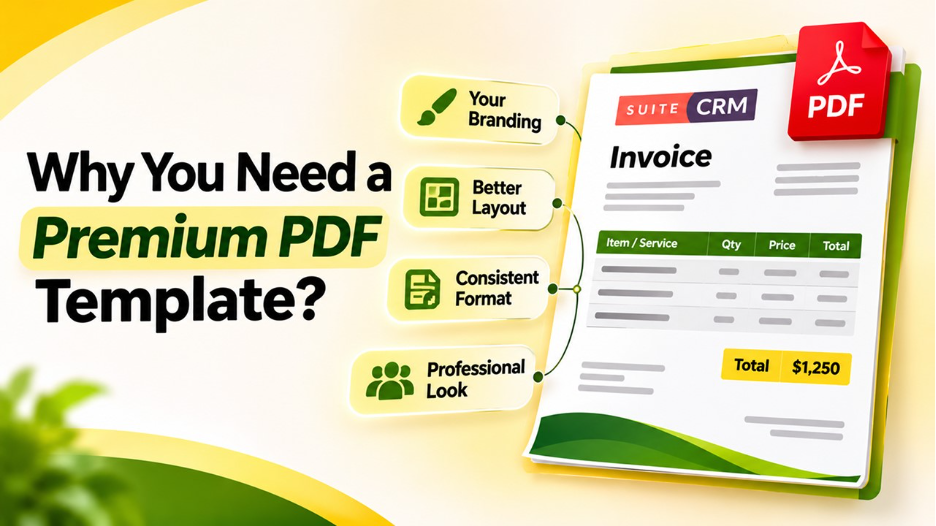
Imagine sending a quotation to a potential customer. The pricing and product information might be accurate, but the document looks outdated, poorly formatted, or difficult to read.
This can affect the overall impression your business creates.
A professional document presentation helps communicate reliability and attention to detail. It also makes important information easier for customers to understand.
Here are some reasons businesses consider upgrading their PDF templates:
1. Better brand presentation
Every customer interaction contributes to your brand image. Customized PDF documents allow businesses to maintain consistent branding through logos, colors, and professional layouts.
2. Improved readability
A well-organized document helps customers quickly identify important information, including prices, product descriptions, totals, and payment terms.
3. Consistent document formatting
Using a common template reduces formatting differences between documents generated by different employees or departments.
4. A professional customer experience
Whether you are sending an invoice or a business proposal, a polished PDF can make communication more professional.
Key Features of the Outright Premium PDF Template for SuiteCRM
The Outright Premium PDF Template for SuiteCRM can be a valuable addition for businesses that want greater control over their CRM document presentation.
Let's look at some of the important capabilities to consider.
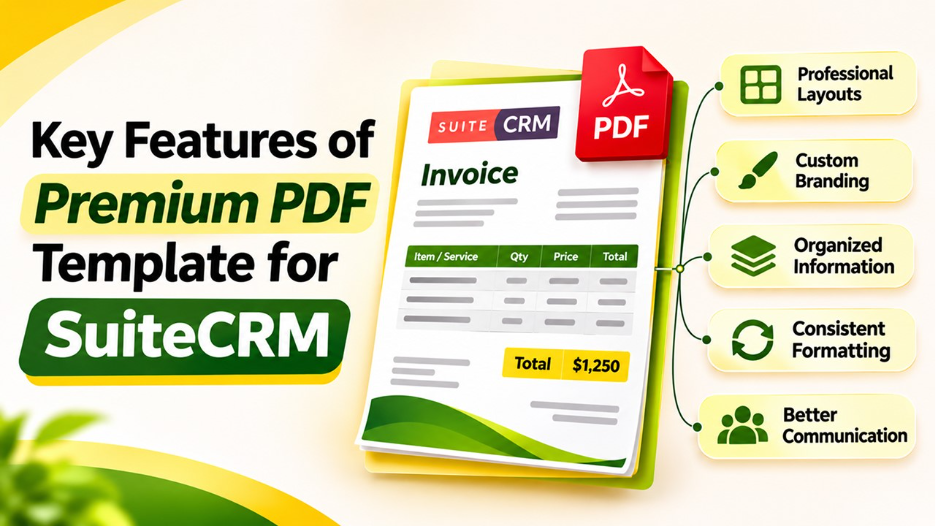
1. Professional PDF Layouts
Document layout plays an important role in how information is presented. A premium template can provide structured sections, better spacing, organized tables, and visually balanced content.
This makes documents easier to read and gives them a more professional appearance.
2. Custom Branding Options
Your business documents should represent your company's identity. Custom branding options help incorporate your logo, company details, and other visual elements into generated PDFs.
This ensures that customers receive documents that look connected to your brand rather than generic CRM exports.
3. Organized Information Display
Business documents often contain multiple types of information, including customer details, product descriptions, quantities, prices, taxes, and totals.
A structured PDF layout helps organize these details into understandable sections. Customers can review the information without searching through an unnecessarily complicated document.
4. Improved Document Consistency
When different team members generate documents, maintaining a consistent format can become challenging.
A shared PDF template provides a common structure that helps standardize document presentation across the organization.
5. Better Customer Communication
Professional documents can make business communication clearer and more convenient. Customers can easily review quotations, invoices, and other important information in a familiar PDF format.
How Does a Premium PDF Template Improve SuiteCRM Workflows?
SuiteCRM helps businesses centralize customer information and manage different sales and service activities. PDF documents are an important part of these workflows because they allow businesses to share information outside the CRM system.
For example, a sales representative may generate a quotation for a potential customer. An accounts team member may prepare an invoice, while another employee may share a proposal with a business partner.
When document generation follows a consistent format, employees spend less time correcting layouts and formatting issues.
A customized PDF template can support these activities by providing a standardized document structure.
It can also help businesses maintain a consistent presentation across customer-facing documents, making everyday communication more organized.
Who Can Benefit from This PDF Template?
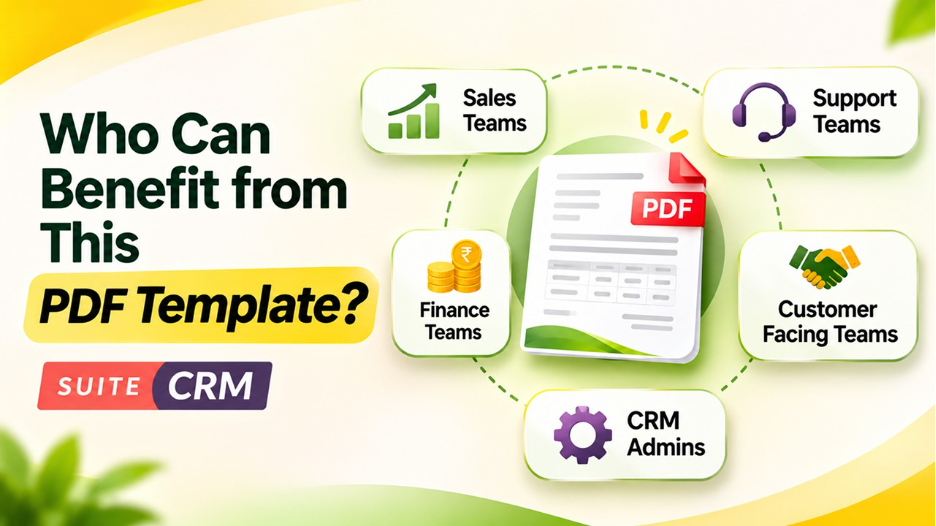
The Outright Premium PDF Template for SuiteCRM can be useful for businesses and teams that regularly generate PDF documents through their CRM.
Some potential users include:
Small and medium-sized businesses: Companies looking to improve their business documents without creating every PDF layout from scratch.
Sales teams: Sales representatives who regularly share quotations, proposals, and other customer-facing documents.
Finance and accounting departments: Teams that need clearly formatted invoices and billing documents.
Service-based businesses: Organizations that prepare service estimates, agreements, and customer-related documents.
CRM administrators: Professionals responsible for maintaining SuiteCRM configurations and improving the user experience.
Regardless of business size, having a consistent document format can make customer communication more professional.
Why Choose Outright for Your SuiteCRM PDF Requirements?
Choosing a PDF template is not just about making documents look attractive. It is also about finding a solution that supports your business requirements.
Outright's premium PDF template offering can be considered by organizations that want to improve their SuiteCRM document presentation.
Before implementing any template, businesses should evaluate its compatibility with their SuiteCRM version, supported modules, customization options, and installation requirements.
It is also important to check whether the template supports the specific fields and document types your organization uses.
A suitable PDF template should fit naturally into existing CRM workflows instead of introducing unnecessary complexity.
Tips for Getting the Most Out of Your SuiteCRM PDF Template
Once you have selected a suitable template, a few simple practices can help you get better results.
- Use consistent branding: Add the correct company logo, contact information, and brand colors.
- Keep layouts simple: Avoid unnecessary design elements that make documents difficult to read.
- Review generated PDFs: Check spacing, alignment, totals, and field values before sharing documents.
- Test different modules: Verify that the template works correctly with the SuiteCRM modules you regularly use.
- Collect employee feedback: Ask users whether the document layouts meet their everyday business requirements.
- Maintain compatibility: Test template changes after SuiteCRM upgrades to avoid unexpected formatting issues.
These small steps can help maintain document quality and reduce unnecessary corrections.
Conclusion
Professional business documents play an important role in building customer trust and maintaining a consistent brand image. While SuiteCRM provides businesses with useful CRM capabilities, improving the appearance of generated PDFs can further enhance the overall experience.
The Outright Premium PDF Template for SuiteCRM offers an approach to creating more organized, professional, and brand-consistent documents. From quotations and invoices to other business-related PDFs, a well-designed template can make everyday communication easier and more presentable.
For businesses looking to improve their SuiteCRM document generation experience, exploring a premium PDF template can be a worthwhile step. The key is to choose a solution that matches your workflow, supports your CRM configuration, and delivers the document quality your customers expect.
Frequently Asked Questions (FAQs)
It is a premium PDF template solution intended to improve the design and presentation of PDF documents generated through SuiteCRM. It can help businesses create more professional and organized documents.
Customization depends on the template's supported options. Businesses should check the available settings for adding logos, company details, colors, and other branding elements.
The supported document types depend on the template configuration and compatible SuiteCRM modules. Check the product documentation to confirm support for invoices, quotations, and other required documents.
Yes, it can be worth considering for small businesses that regularly generate customer-facing PDF documents and want to maintain a professional and consistent document appearance.
Check SuiteCRM version compatibility, installation instructions, supported modules, customization capabilities, and whether the template meets your organization's document generation requirements.