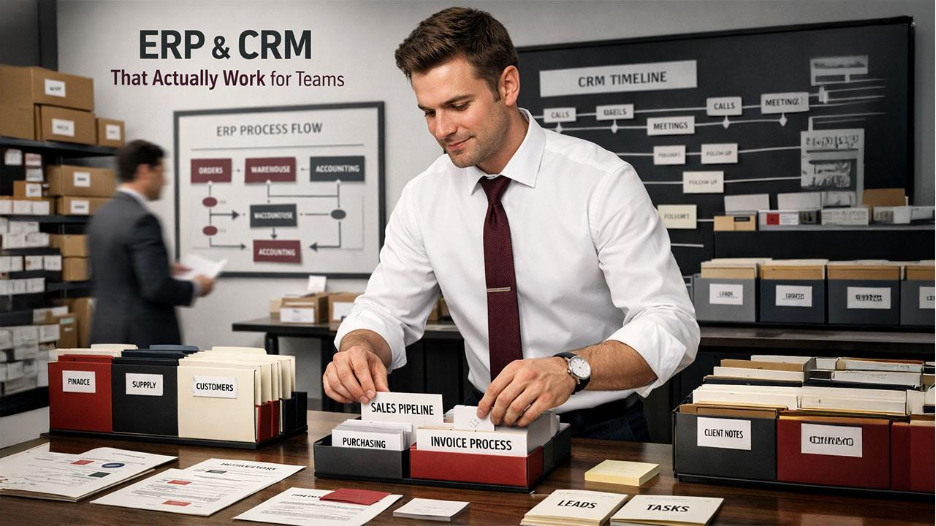






ERP and CRM systems are often sold as all-in-one solutions, but their real value depends on how clearly their purpose is defined in your organization. Understanding the fundamental differences between ERP vs CRM helps teams choose the right tool for specific needs. Teams benefit most when these tools help them do their daily work, rather than forcing them to follow complicated or confusing processes. Making their role clear from the start reduces frustration and sets realistic expectations for adoption and use.
ERP and CRM Systems Explained: What Your Team Actually Needs
ERP systems help businesses streamline their internal management processes. It helps Finance teams in monthly closing and auditing. Procurement teams utilize the software to manage their vendors, purchase order systems, and payment schedules. Operational teams monitor inventory levels, production throughput, and order fulfillment timelines. With all information centralized, the ERP system becomes the single source of truth for departmental operational data, and all teams work on the same stream instead of disconnected spreadsheets.
CRM systems emphasize interactions with external clients. Sales teams record leads, opportunities, and progress on deals. Marketing teams look at the response to campaigns and analyze the segments of the clientele. Support teams note issues, include resolutions, and response times.
CRM tools offer a record of communication, so any member of the team can see what was previously discussed without relying on memory or personal notes. In organizations using mature ecosystems such as Microsoft, this often includes structured implementations supported by MS Dynamics CRM services to align pipelines, reporting, and automation with actual sales behavior.
The difference between ERP and CRM becomes clearer when teams examine where data originates and how it is used.
| Feature / Focus Area | ERP (Enterprise Resource Planning) | CRM (Customer Relationship Management) |
| Primary Function | Manages internal operations and transactions | Tracks customer interactions and relationships |
| Data Origin | Financial, operational, procurement, and inventory | Leads, contacts, deals, customer communications |
| Main Users | Finance, operations, procurement, HR | Sales, marketing, customer support |
| Key Purpose | Ensure accuracy, compliance, and operational control | Maintain continuity and insight in customer relationships |
| Interaction with Other Systems | Often integrates with CRM to align commitments and inventory | Often integrates with ERP to reflect orders, billing, and service fulfillment |
| Typical Outcome | Streamlined internal processes, accurate records | Better pipeline visibility, improved customer follow-up |
Problems arise when these platforms overlap without coordination or remain isolated when shared data is required. Proper separation of responsibilities, combined with controlled data exchange, allows teams to rely on each system without confusion or duplication.
Common Reasons ERP and CRM Fail to Deliver Value
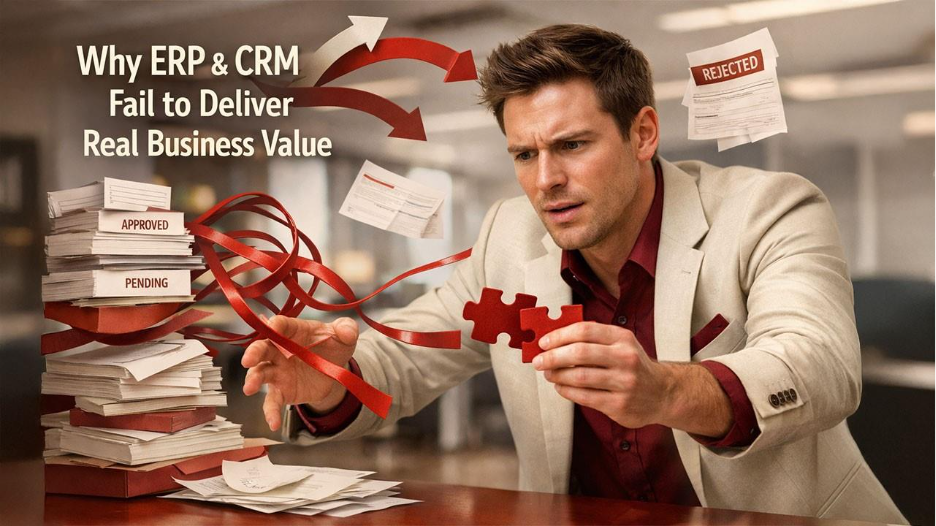
- The low adoption of the systems is cited. If employees feel the new systems do not integrate well with the way they work and tend to stick to spreadsheets, email threads, etc., to do things, adoption will suffer. Then, without active engagement, all the ERP and CRM features will be there, and they will be limited to only those features.
Another common mistake:
- Over-customization. Organizations exceed the defined goals of the business and step into the territory of increased requirements and costs when they customize business systems without purpose and within the domain of defined business goals. Every added custom module, function, and workflow do 3 things: they increase maintenance costs, they increase the likelihood of bugs, and they increase the scope of complexity and decrease the scope of measured tangible complexity to a point where teams do not understand the updated systems and processes, reducing their confidence in the systems and ultimately slowing down processes.
Finally, a lack of alignment between software and real workflows undermines effectiveness. ERP and CRM solutions are designed to reflect operational and customer processes, but if configurations are disconnected from how employees actually work, the platforms become an obstacle rather than an aid. Misaligned workflows result in duplicate entries, delays, and reporting inconsistencies. Consulting with a PowerApps consultant can help bridge gaps between platform capabilities and the operational realities of your team, ensuring that software supports work instead of complicating it.
How to Align ERP and CRM with Real Team Workflows
Before implementing an ERP or CRM system, an organization must first understand its business processes. Alignment begins with a people-oriented process, as the organization’s “workflow” strategy offers insight as to where processes can be implemented. This helps assess if a process is critical or can be automated, as well as the handoff between departments. This kind of groundwork is critical so that the system creates clarity, rather than friction. However, clarity is also provided by the selection of the right features. Not all modules or tools are required across all teams. Finance, for example, may use detailed reporting and approvals, whereas sales may require a system to manage and track leads and opportunities.
Selecting features that support what is actually required for a role helps to maintain relevance and avoid system fatigue. The same is true for technology training, as decreased error rates are a natural consequence of eliminating unnecessary modules. Guiding all configuration decisions with simplicity serves as a best practice. Confusing systems do not drive adoption; complex workflows, too many fields, and automation rules that overlap are examples of what to avoid. Aligned enterprise resource planning and customer relationship management systems should be instruments of efficiency, not administrative burdens. Perfectly designed, aligned systems support the organization’s workflow, not the other way around.
Practical Tips for Improving ERP and CRM Adoption
For teams early, collaborating on technical adoption helps determine how the system impacts their jobs and allows them to offer input on practical needs. This helps understand the system, and helps reduce system resistance, and increases the team's responsibility for the system. Most system benefits training to provide real-life examples, rather than leaving it as an exercise or feature to be learned.
Order processing, lead tracking, and report generation are examples of work teams perform to improve understanding of workflows. Less guesswork, or informal workaround, occurs as reliance on process flows increases. Establishing internal champions is being adopted in departments. Examples of those who understand the software and operational context are team members. These go to people's guide for standards, and for use promotion. The internal champion helps erase platform usage and the adoption of old usage habits.
Integrating ERP and CRM for Better Data and Collaboration
Combining ERP and CRM systems enables teams to tap into uniform data across both internal operations and customer-facing processes. When there is cross communication between sales, operations, and finance, teams are able to coordinate and rapidly make decisions. Furthermore, Integrated systems create a single system of record, allowing teams to report and forecast based on a single source of truth while eliminating duplicate data entry and reducing errors. On the other hand, the upside to the integration causes challenges.
Data consolidations, process misalignment, and systems updates occur. Where are the systems and what are the boundaries? Where are the literal data boundaries? Where are the functional boundaries? Where are the time boundaries? The worst thing is to integrate systems and to have to re-integrate them. A thorough understanding of data quality and the relationship between ERP and CRM systems is critical. Changes to the data in the system must reflect changes in the real world and vice versa; wrong and out-of-sync data will cause incorrect and out-of-sync data to be generated. Data quality can be ensured to some extent through regular purging and deletion, automated error detection, and cross-validation are even better practices to maintain data quality systems.
Measuring Success: How to Know Your ERP and CRM Are Working
Tracking performance helps determine whether ERP and CRM systems are delivering practical value. Key metrics should cover both usage and business outcomes.
For ERP, these may include:
- Transaction processing times
- Inventory accuracy and compliance with approval workflows.
For CRM, metrics often focus on:
- Lead conversion rates
- Sales cycle length
- Customer response times.
Monitoring user engagement is equally important. Low login frequency, incomplete data entries, or frequent workarounds indicate that adoption is lagging. Dashboards that highlight system usage trends can help managers identify areas where additional training or process adjustments are needed.
Continuous optimization should be based on team feedback and measurable outcomes. Periodic reviews allow adjustments to workflows, feature configuration, and reporting structures. Iterating in response to practical challenges ensures that the systems remain aligned with operational needs and continue providing value over time.
Final Thoughts: Making ERP and CRM a Tool, Not a Burden
When teams see ERP and CRM systems as useful instruments that assist in their daily work, and not just abstract systems, real value can be gained from these tools. Most vendors appreciate the value these systems can deliver, and with a long-term perspective, value can be gained without having to make repetitive and frequent changes that increase complexity. By utilizing a people and processes-centric perspective, flexible software configurations can be aligned with and support operational realities.
Ongoing and continuous customization and assessment of the systems and processes can maintain the relevance of the systems. There should be an organizational shift in their focus to assessing and scaling their systems. Growth, changes in processes, and changes in the role and responsibilities of team members and/or cross-functional teams require the addition of more software modules, integrations, and/or adjustments. From the outset, assessing the system can minimize disruptions and maintain focus on the primary objectives of the system. These principles enable ERP and CRM systems to be useful instruments to assist in the daily work to avoid complexity and improve the systems to maintain their relevance.