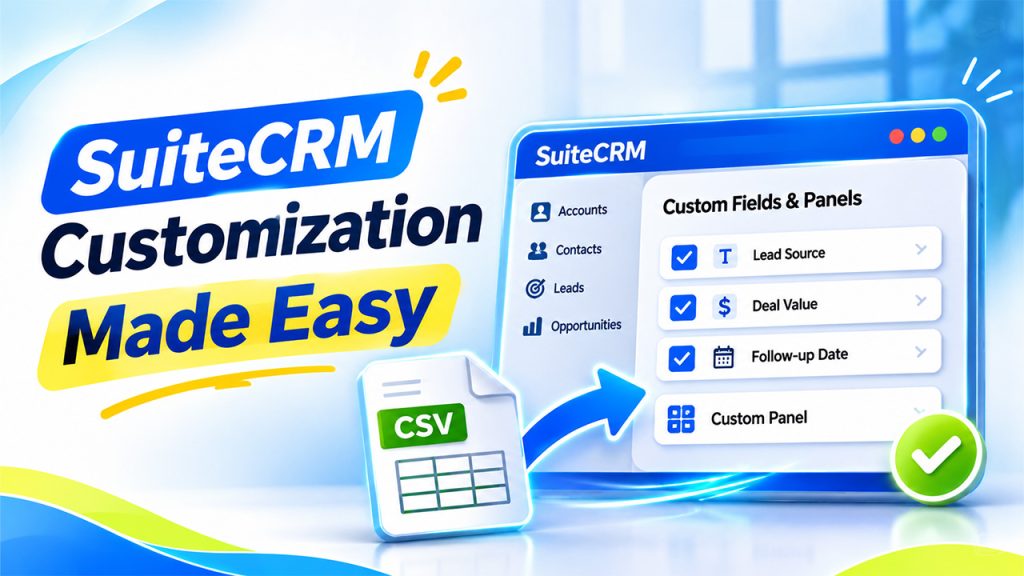






SuiteCRM is a powerful open-source CRM platform that helps businesses manage customer relationships, sales activities, marketing campaigns, and everyday business operations. However, as businesses grow, their CRM requirements also become more specific. Teams often need additional fields, customized panels, and better-organized layouts to manage information effectively. Adding these elements manually can become time-consuming, especially when multiple modules require similar customizations.
This is where the Outright Fields & Panels Importer for SuiteCRM becomes useful. It offers a convenient way to import fields and panels into SuiteCRM without spending hours configuring everything manually. Whether you are a CRM administrator, developer, or business owner, this solution can make customization easier and more manageable.
Instead of repeating the same configuration tasks, users can simplify the process and focus on making their CRM work better for their business.
1. Understanding the Importance of SuiteCRM Customization
Every business has different requirements for managing customer information. A sales team might need additional fields to track lead sources, deal values, and follow-up dates, while a support team may require fields for ticket categories, issue priorities, and resolution timelines.
Although SuiteCRM provides several built-in customization options, managing multiple fields and panels manually can become challenging.
For example, imagine setting up 20 custom fields across five different modules. Creating each field individually, configuring its properties, and arranging the layout takes considerable time. The process becomes even more complicated when similar configurations need to be repeated across different SuiteCRM environments.
A structured import process can help reduce this repetitive work and make CRM customization more efficient.
2. What Is Outright Fields & Panels Importer for SuiteCRM?
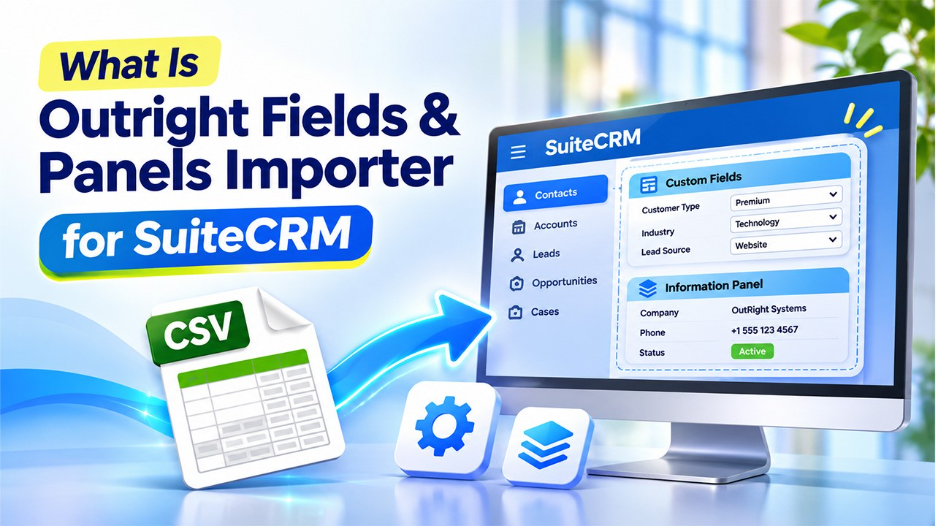
The Outright Fields & Panels Importer for SuiteCRM is designed to simplify the process of adding custom fields and panels to SuiteCRM. Rather than configuring every element individually, users can use an import-based approach to manage their customization requirements.
It helps make the configuration process more organized, particularly for businesses that frequently modify CRM layouts or work with multiple modules.
Here are some of the key ways this type of solution can help:
- Simplified field management: Reduce repetitive manual work when adding custom fields.
- Panel organization: Make it easier to structure information within CRM layouts.
- Improved efficiency: Spend less time on repetitive configuration activities.
- Consistent customization: Help maintain similar field and panel structures across modules or environments.
- Better administration: Make CRM customization easier to manage as business requirements change.
For organizations that regularly update their CRM structure, having a dedicated importer can make routine administration considerably more convenient.
3. Key Benefits of Using a Fields and Panels Importer
The biggest advantage of using an import-based customization approach is the reduction in manual effort. However, its benefits go beyond saving time.
A. Saves Valuable Time
Creating custom fields one by one can take a significant amount of time. This becomes particularly frustrating when administrators need to configure several modules.
An importer helps streamline this activity by reducing repetitive configuration steps. Administrators can spend less time on setup and more time improving CRM workflows.
B. Reduces Manual Configuration Errors
Manual configuration can sometimes result in inconsistent field names, incorrect settings, or missing layout elements.
Using a structured import process can help improve consistency and reduce the chances of mistakes. However, administrators should always validate imported configurations before applying them to a live CRM environment.
C. Improves Layout Management
A well-organized CRM interface makes everyday work easier. When important information is grouped logically, employees can find the details they need without navigating through unnecessary sections.
Managing fields and panels together helps administrators maintain a more structured user experience.
D. Supports Better Productivity
Employees should spend their time managing customers and completing business activities rather than struggling with poorly organized CRM layouts.
A properly customized SuiteCRM environment can make information easier to access, reduce unnecessary navigation, and support smoother daily operations.
4. How Does Outright Fields & Panels Importer for SuiteCRM Help Administrators?
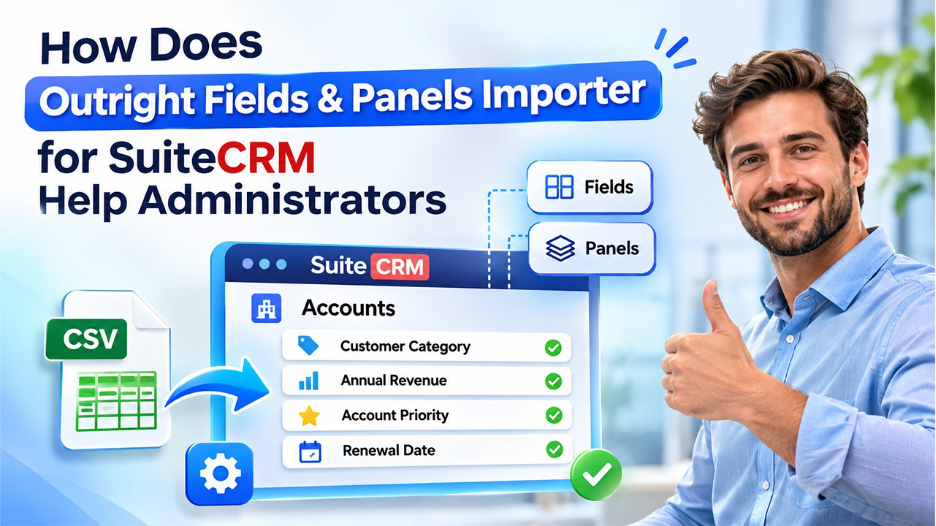
CRM administrators frequently deal with changing business requirements. A company might introduce a new sales process, launch another service, or decide to collect additional customer information.
Each change may require updates to existing CRM modules.
The Outright Fields & Panels Importer for SuiteCRM can make these customization activities more manageable by providing an import-oriented approach to field and panel configuration.
Consider a business that wants to update its Accounts module with additional information, such as customer category, annual revenue range, account priority, and renewal date.
Instead of treating every customization as an entirely separate manual task, administrators can use an appropriate import workflow to organize the required configuration.
This can be particularly helpful when:
- Setting up a new SuiteCRM instance.
- Recreating existing CRM configurations.
- Managing multiple custom fields.
- Organizing module layouts.
- Updating CRM structures as business needs evolve.
The actual import capabilities and supported configuration formats depend on the extension's version and documentation.
5. Why Businesses Should Focus on Better Field and Panel Organization
Adding more fields to a CRM does not automatically make it more useful. In fact, too many unnecessary fields can make the interface confusing.
The real objective should be to collect relevant information and present it in a way that supports everyday business activities.
For example, a sales team might benefit from having customer details, lead information, opportunity values, and follow-up dates grouped into meaningful sections.
Similarly, a customer support team may prefer panels that organize contact information, service history, and issue-related details.
Using Outright Fields & Panels Importer for SuiteCRM as part of a structured customization strategy can help administrators organize these elements more efficiently.
A few practical recommendations include:
- Identify which fields are genuinely required by each department.
- Group related information into meaningful panels.
- Avoid creating duplicate or unnecessary fields.
- Maintain consistent naming conventions.
- Test imported configurations before deploying them to production.
These simple practices can make a noticeable difference in the overall CRM experience.
6. Best Practices Before Importing Fields and Panels
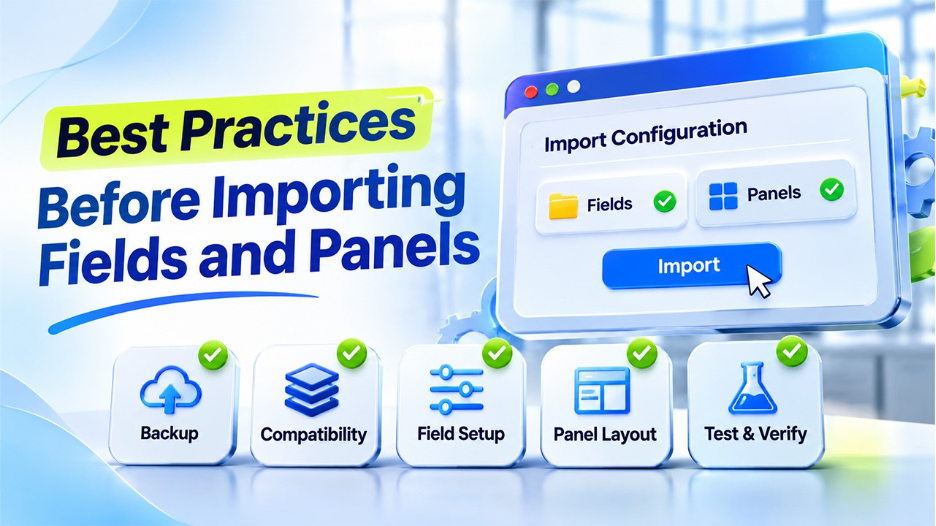
Although importing configurations can simplify CRM administration, preparation is important. A few checks before starting can prevent unnecessary troubleshooting later.
Take a backup: Always create a backup of your SuiteCRM instance before making significant customization changes.
Check compatibility: Verify that the importer supports your installed SuiteCRM version.
Review field configurations: Check field names, data types, dropdown options, and other relevant properties.
Understand panel layouts: Make sure the intended fields are placed in the correct sections and modules.
Test in a development environment: Import and validate configurations in a test environment before applying them to your live CRM.
Verify the results: Check that the imported fields and panels appear correctly and that existing CRM functionality remains unaffected.
Following these practices helps make customization more predictable and reduces the risk of disrupting existing business processes.
7. Is This Importer Useful for Developers and CRM Administrators?
Absolutely. Both developers and administrators can benefit from a more organized customization process.
Developers often work on CRM implementations where several modules require similar configurations. An import-based approach can help reduce repetitive setup activities and make deployment preparation more convenient.
Administrators, on the other hand, are responsible for keeping the CRM aligned with changing business requirements. They need a practical way to manage layouts without unnecessarily complicating everyday maintenance.
The Outright Fields & Panels Importer for SuiteCRM can support these activities by simplifying field and panel configuration.
For businesses working with customized SuiteCRM environments, this can be a useful addition to their CRM administration toolkit.
Conclusion
A well-organized CRM system can make a real difference in how businesses manage customer information and everyday operations. However, maintaining custom fields and panels manually can become difficult as the CRM grows.
The Outright Fields & Panels Importer for SuiteCRM provides an import-focused approach to simplifying these customization activities. By reducing repetitive configuration work and helping administrators organize CRM layouts, it can contribute to a more efficient management process.
Whether you are setting up a new CRM environment or improving an existing one, choosing the right customization approach is important. With proper planning, compatibility checks, and testing, field and panel management can become a much smoother part of your SuiteCRM administration process.
Frequently Asked Questions (FAQs)
It is an extension designed to simplify the process of importing custom fields and panels into SuiteCRM, helping administrators manage CRM customization more efficiently.
An importer can reduce repetitive manual configuration, save administrative time, and help maintain consistent field and panel structures across CRM modules.
The supported modules and import capabilities depend on the extension's version and documentation. Check compatibility and supported configuration options before importing.
Yes. Creating a backup before making customization changes is strongly recommended. It provides a recovery option if an import causes unexpected configuration issues.
It can contribute to better productivity by simplifying CRM customization and helping administrators organize information more effectively. Well-structured layouts also make it easier for employees to access relevant customer information.