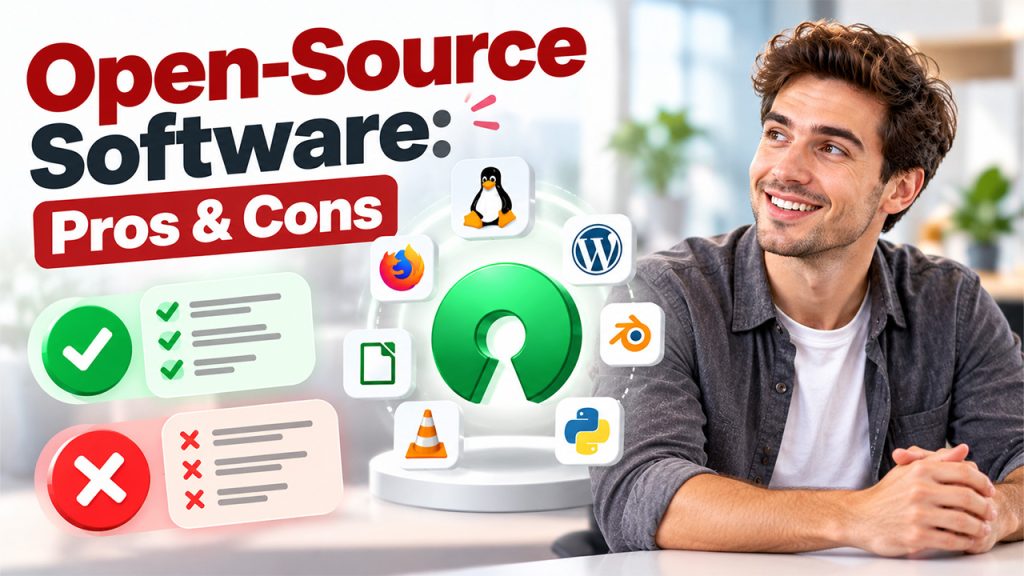






Suppose there is a public library where the shelves hold building plans instead of books. Anyone can walk in, read a plan, copy it, make changes, and hand back a version that they think is better. And to do all this, they don't need any special permission, as long as they follow a few simple rules. That's the core idea behind open-source software. You probably use it every day without even noticing it. It runs parts of your phone, powers many websites, and sits quietly inside the apps your workplace often relies on. This guide explains what it is, how it works, where to find it, and how to keep it safe. Let's dig in.
What Is Open-Source Software?
Every program begins as source code. It is a written set of instructions that tells a computer what to do. There is commercial software that keeps the code locked away. However, in open-source software, the code is published for everyone to see. You can read it, alter it, and share it, as long as you follow the license attached to it.
A license is just a short set of rules defined by the creator. Here's the important part that most people often miss: open source doesn't necessarily mean that they are free of cost. Some companies sell support or hosting. What makes it open is access to the code, not the price.
How Does Open-Source Software Work?
Open-source software usually grows through teamwork. Typically, a project starts with one person or a small group. They publish the code online, often on a site like GitHub, and invite others to join in. Developers from all over the world can then suggest fixes, add features, or report problems.
Here's the usual path of a single change:
- A developer spots a bug or has an idea for a new feature.
- They copy the project code and make the change on their own computer.
- They send the change back to the project team for review.
- The maintainers test it, ask questions, and suggest edits.
- Once it's approved, the change is added and released to everyone.
There are different types of licenses, and each one works differently. Permissive licenses, like the MIT license, allow you to do almost anything with the code. Stricter ones, like the GPL, ask you to share your own changes under the same rules. Therefore, before you begin, always remember to read the license first.
So, if you are wondering how to use open-source software yourself, we have an answer.
- First, start by finding a tool that fits your needs.
- Then confirm that the project is active and skim through its license.
- Install it only from the official website or project page, then follow the setup guide.
- If you feel stuck, reach out to a community forum to dispel your doubts.
- And if you end up liking the tool, you can report a bug or fix a typo in the guides to help people.
8 Popular Examples of Open-Source Software
You've likely used more open-source tools than you think. Some are household names, and others work behind the scenes. Here are a few popular ones.
| Software | What it does |
| Linux | An operating system that runs servers, phones, and many computers |
| Firefox | A web browser known for its focus on privacy |
| WordPress | A website and blog builder used by millions of sites |
| LibreOffice | An office suite for documents, spreadsheets, and slides |
| VLC Media Player | Plays almost any video or audio file |
| GIMP | A photo editor that many people use instead of paid options |
| Blender | A tool for 3D models and animation |
| Python | A beginner-friendly programming language |
Business tools follow the same path. Open-source CRM software, like SuiteCRM, helps teams manage customers without paying license fees.
Advantages and Disadvantages of Open-Source Software
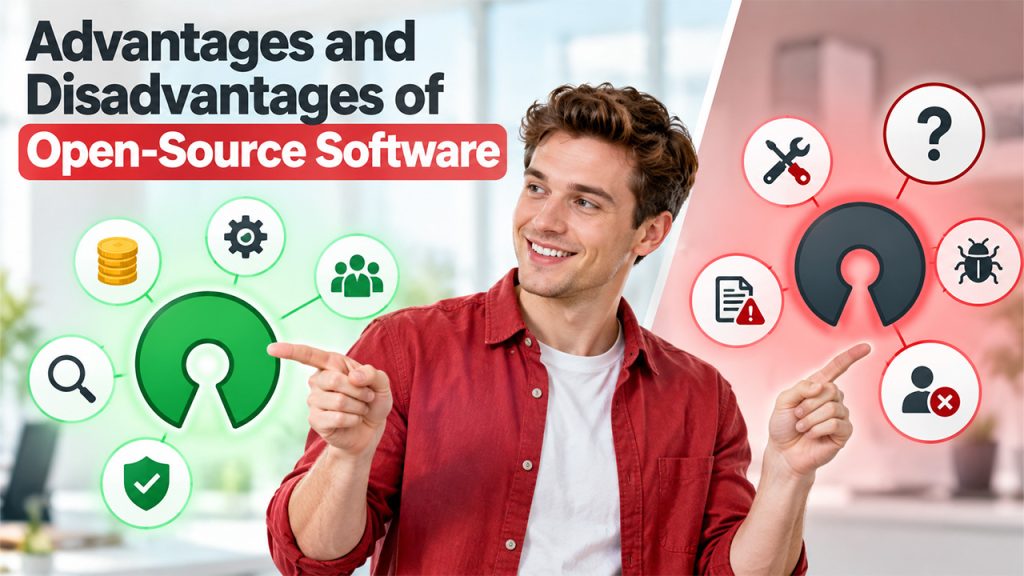
No tool is perfect for everyone. Every tool has its downsides, and therefore, one should be honest about them:
Pros:
- Lower cost: Many tools are free to download, which saves money on licenses.
- Flexibility: You can change the code, so it fits your exact needs.
- Transparency: Anyone can check what the software is really doing.
- Quick fixes: Large communities often spot and repair bugs fast.
- No lock-in: You aren't tied to one company's pricing or decisions.
Cons:
- Uneven support: Some tools rely on forums instead of a help desk.
- Learning curve: A few tools need technical skill to set up.
- Mixed quality: Some projects are polished, while others are barely maintained.
- Shared responsibility: You're often the one who has to apply updates.
- License rules: Certain licenses come with conditions you must follow.
The takeaway is simple: open-source software gives you freedom; however, that freedom works best when you stay involved at every step.
How to Improve Open-Source Software Security
Security with open-source software comes from good habits, and these are the ones worth building.
- Choose Active Projects: Look for recent updates and a steady group of contributors. A project that hasn’t been active for years may still hold problems nobody has fixed.
- Download From Official Sources: Use the project's own website or a trusted code library. Fake copies online can hide harmful code and cause damage to the system.
- Check the License and Reputation: Read the terms and conditions carefully and see what other users say. User reviews and an active community chatter can reveal more than you think.
- Keep Everything Updated: Install updates and security patches as soon as they're released. Many attackers exploit old flaws or vulnerabilities that already have a fix.
- Track What You Use: Inside your software, maintain a simple list of open-source parts. This will help you come up with fixes if something breaks. You can't fix something if you don't know it's there.
- Scan for Known Weaknesses: Use free scanning tools to check your code and its add-ons for known flaws. Run them on a regular schedule, not just once.
- Limit Access and Permissions: Not every tool needs access to everything. Give each tool only the access it truly needs. That keeps the damage small if something goes wrong.
Conclusion
Open-source software started as a niche idea and later grew into a foundation of modern technology. The price isn't its biggest strength. Rather, it's the freedom to see how things actually work, change them, and share what you've learned. However, that freedom comes with a small responsibility, too: choose your tools carefully and keep them updated. If you're new to this, try one tool this week. It can be a browser, a photo editor, or a note-taking app, and read about how its community runs. As more people and companies build in the open, understanding open-source software will become a useful everyday skill.
Frequently Asked Questions
Most open-source software is free to download and use. However, some projects charge for extras like technical support, hosting, or premium features, so it’s smart to check the project’s website first.
It can be safe, but only when you choose wisely. Pick projects that are active, well-reviewed, and updated often, download them from official sources, and install new updates as soon as they’re released.
Yes, most open-source licenses allow business use, and many companies rely on these tools every day. Just read the license carefully first, because some licenses ask you to share any changes you make.
Open-source software makes its code public, so anyone can view, change, and share it under the license terms. Closed-source software keeps its code private, so only its owner can edit or distribute it.
No, you don’t. Many popular tools, such as Firefox, LibreOffice, and VLC, install and run just like any other app. Coding skills only matter if you want to change the software code yourself.