





It's early in the morning and you already open four tabs, each one for a different purpose. One shows yesterday's sales, another has last month's invoice, a third is a spreadsheet that someone didn't remember to update, and the fourth one is your inbox, where a client is asking a question, you can't quite answer while digging through all three. This is the everyday chaos that eats up hours in small businesses everywhere. It doesn't necessarily mean that you're bad at running things; it's just that you're running too many disconnected things at once. That's the gap business management software is built to close.
What Is Business Management Software?
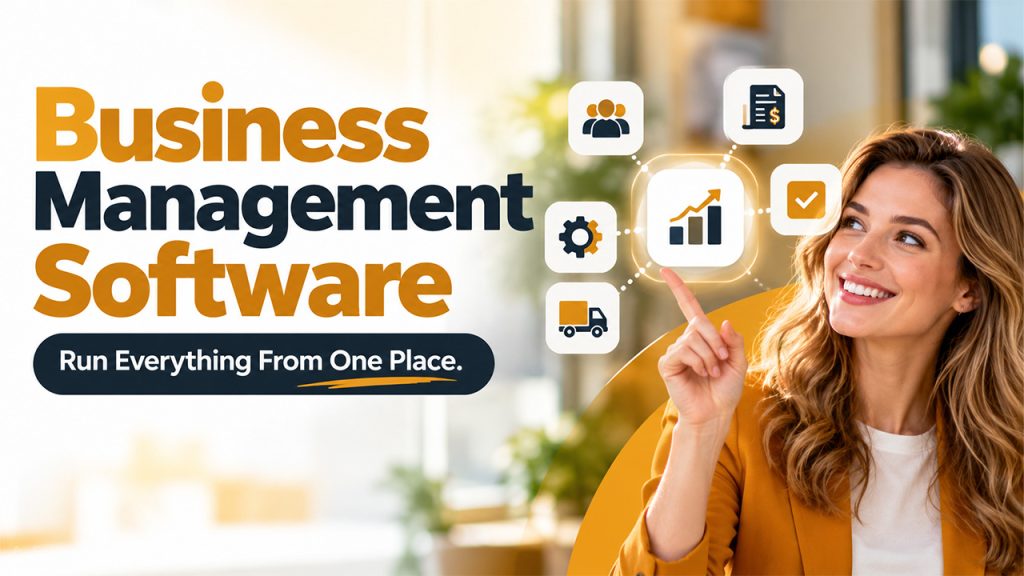
Business management software is a collection of digital tools, applications, or platforms to manage and automate different aspects of business, such as finances, sales, projects, and team management. Instead of juggling five different apps, you have everything in one centralized place and get a single connected view. Think of it like the one place that finally talks to everything else. It's not just useful to big corporations. It's just as useful, maybe even more so, for a small team trying to push past its limits.
Key Functions of Business Management Software

From managing projects to tracking finances, these core functions help bring everyday business work into one connected system.
Project and Task Management: It can assign tasks, set deadlines, and track who's doing what without manual effort or sending five follow-up emails a day. The projects stay visible instead of getting buried in someone's inbox. Accountability happens naturally when everyone sees the same board.
Customer Relationship Management (CRM): This software is used to store customer details, track every conversation and deal, and automate follow-ups, so nothing slips through the cracks. This is where good client management software for small businesses becomes important. It makes it easy to manage clients and customer relationships.
If you're a one-person show, CRM for Solopreneurs does the remembering for you, so nothing about a client gets lost between conversations.
Accounting and Financial Management: This software manages invoices, expenses, and payroll automatically. There's less manual work, which means fewer typos and fewer late nights reconciling numbers. This also provides you with a real-time picture of your cash flow, not a guess based on last month.
Inventory and Operations Management: This is useful for businesses that sell physical products, as this keeps stock levels honest and in check. It sends alerts before you run out of products, so you get enough time to restock. Additionally, it also flags what's selling too slowly, so money isn't stuck sitting on a shelf.
Human Resources and Team Management: Onboarding, time-off requests, and performance reviews are all managed automatically and live in one place. You no longer have to deal with scattered forms and forgotten emails. It frees up whoever's been quietly doing HR on the side, on top of their actual job.
Reporting and Analytics: Dashboards turn raw numbers into something you can actually act on. Instead of waiting for a monthly report, you see trends as they happen without missing anything. That means you can catch a problem early, not three months later.
Types of Business Management Software
Every business runs differently; that's why they don't need the same kind of system. Here's a quick breakdown of the main types and where each one tends to fit best.
| Software Type | Purpose | Best Suited For |
| ERP | End-to-end control across the whole business | Manufacturing, logistics, retail with complex operations |
| CRM | Managing sales, leads, and customer relationships | Sales-driven teams, service businesses, solopreneurs |
| Project Management Tools | Tracking tasks, timelines, and team workload | Agencies, consultants, small project-based teams |
| Accounting Software | Handling invoices, payroll, and financial reporting | Startups and small businesses managing tight budgets |
| Business Suites | Bundling several functions into one connected platform | Growing businesses that have outgrown single-purpose tools |
If your business revolves around relationships and follow-ups, CRM for Small Businesses will be more helpful to you than a heavier all-in-one system that you won't even use to its fullest.
Key Benefits of Business Management Software

The right software can reduce manual work, improve visibility, and help your team make better decisions with less effort.
Save Time and Improve Productivity: When most things are automated, there is no need to copy data between apps manually. Hours spent on manual updates get freed up, which can be used somewhere else. Moreover, shared dashboards and workflows remove friction when everyone works with the same version of truth.
Reduce Manual Errors and Duplicate Data: When numbers auto-sync instead of being re-entered by hand, typos and duplicate entries drop sharply. Fewer mistakes mean fewer awkward conversations with clients or vendors. It also means fewer surprises during the tax season.
Make Faster, Data-Driven Decisions: When you can see everything on one dashboard, you don't have to wait for someone else to draft or pull out a report. You see what's working and what isn't right when it matters. Moreover, it also eliminates guesswork or gut feeling with actual numbers and data.
Scale Operations as Your Business Grows: These systems are designed to grow with you, so you don't have to start from scratch every time you hire, expand, or add a new service. This is where Business Process Automation Software really shows its value. It keeps routine work running smoothly even as volume increases.
Deliver a Better Customer Experience: When your team has full context on a customer instantly, they respond faster and service feels more personal. Customers notice when a business remembers them properly. That kind of consistency quietly builds loyalty.
How to Choose the Right Business Management Software
The best fit depends on your business needs, existing tools, team size, and the problems you need to solve.
- Identify Your Business's Biggest Challenges: If you’re chasing leads, prioritize CRM. Similarly, if you’re drowning in invoices, explore accounting features first.
- Check Integration and Compatibility: Your email, calendar, and payment tools should sync in, not get replaced.
- Choose Software That Fits Your Team Size: A tool built for five people can feel clunky at twenty, and vice versa.
- Compare Cloud-Based and On-Premises Options: Cloud is faster to set up, whereas on-premises gives more control but needs more upkeep.
- Calculate the Total Cost of Ownership: Training and setup matter just as much as the sticker price. A cheap tool nobody actually uses ends up costing more in the end than a slightly pricier one your team adopts properly.
Conclusion
At the end of the day, business management software isn't really about collecting more tools; it's about getting your time back. Do not go for the system with a longer feature list. Choose the one that closes the gap between something happening in your business and you actually knowing about it. Whether you're a solo founder or running a growing team, the right system turns scattered effort into something that just works together. Pick based on your actual bottleneck, not the shiniest option, and you'll spend a lot less time juggling tabs and a lot more time running your business.
Frequently Asked Questions (FAQs)
It's one system that brings together your sales, finances, projects, and team tasks, so you're not switching between five separate apps just to get a clear picture.
Not exactly. A CRM focuses on customers and sales, while business management software is broader, often including CRM as just one piece among finance, HR, and operations.
Yes, often more so than for large companies. It replaces manual coordination with automatic updates, which saves time and reduces costly mistakes without needing a big team to manage it.
Costs vary widely based on features and team size. Most pricing includes setup, training, and ongoing support, so it's worth comparing total cost over time, not just the monthly fee.
Usually, yes. Most modern platforms connect with tools you're already using through integrations, so you can transition gradually instead of rebuilding your entire workflow overnight.