



★
(0 Reviews)
Outright BCC / Email Archiver for SuiteCRM
$799.00
Product Description
Outright BCC / Email Archiver for SuiteCRM
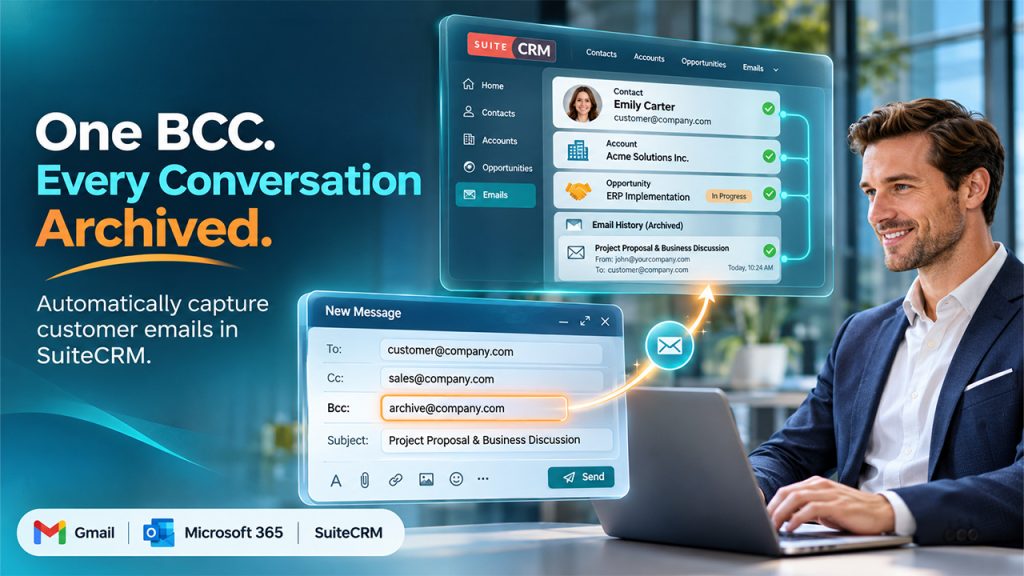
Outright BCC / Email Archiver keeps every customer conversation in SuiteCRM — without a plug-in in Outlook or Gmail. Put your archive address in BCC when you write to a customer, or forward an e-mail to it, and the e-mail is archived in SuiteCRM within moments.
Each archived e-mail is linked automatically to the right records: every contact, lead and account with an address from To or Cc, addresses found in the subject or body of forwarded e-mails, open opportunities of those customers, and — with the BCC Record Mapper — projects or any module that stores a customer e-mail address.
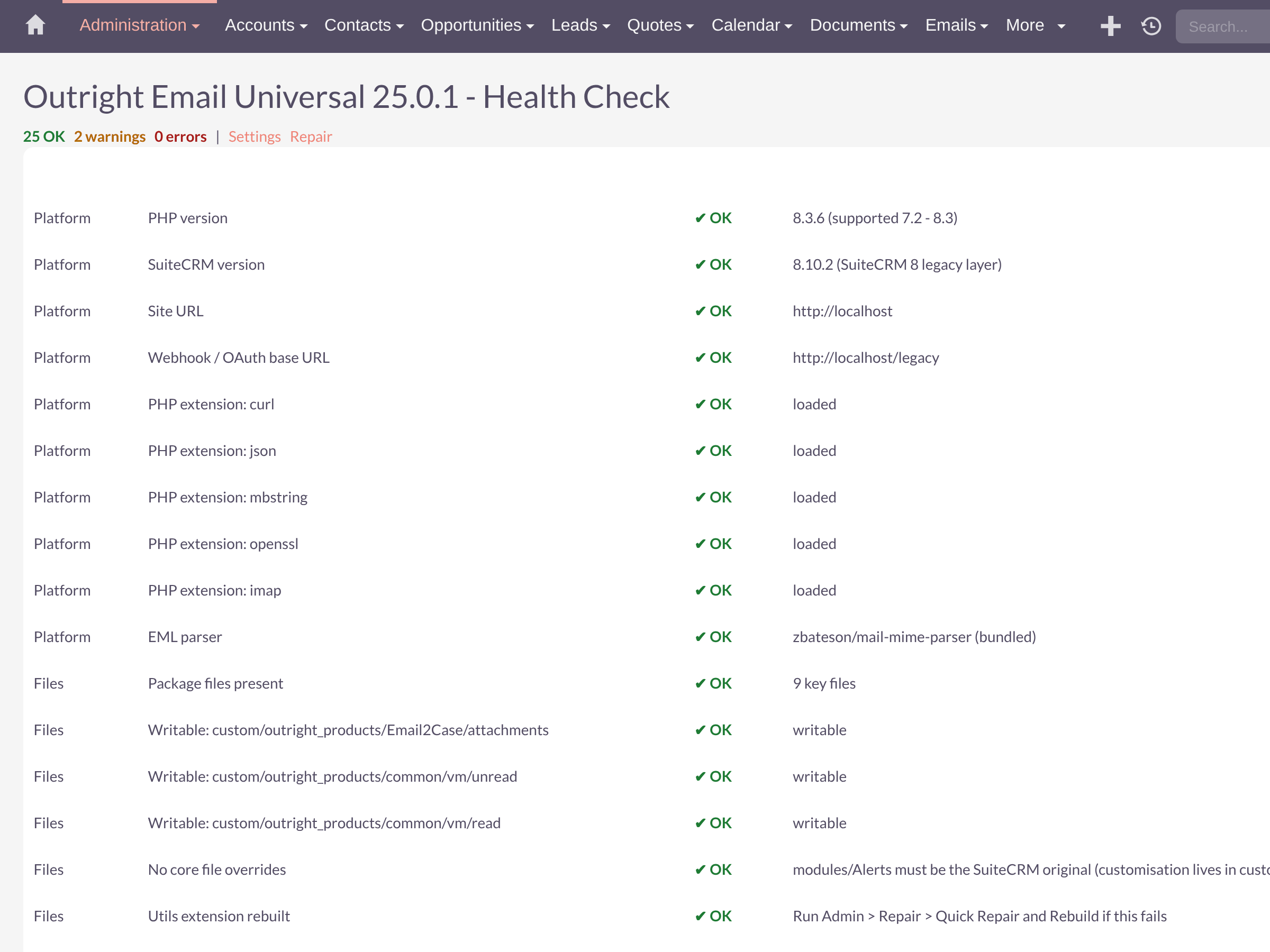
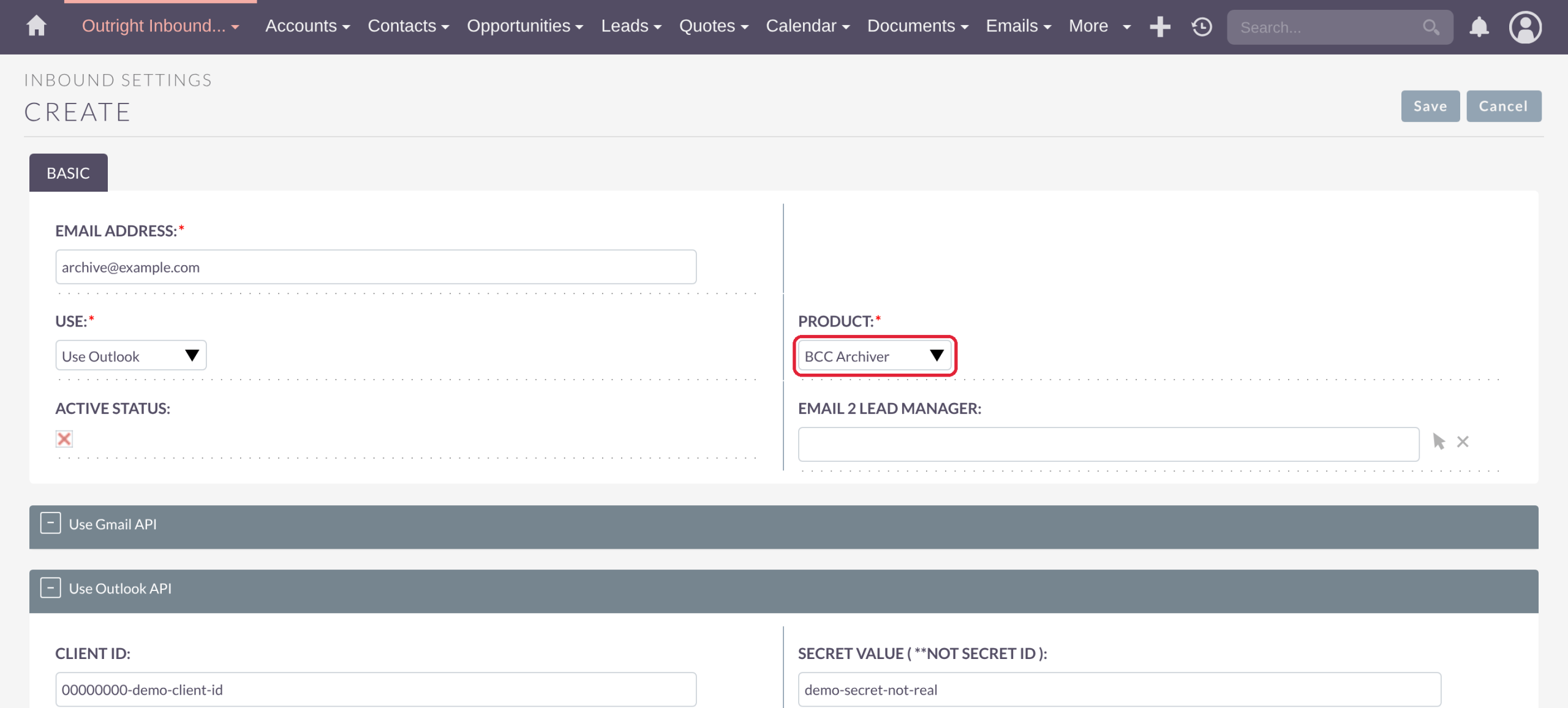
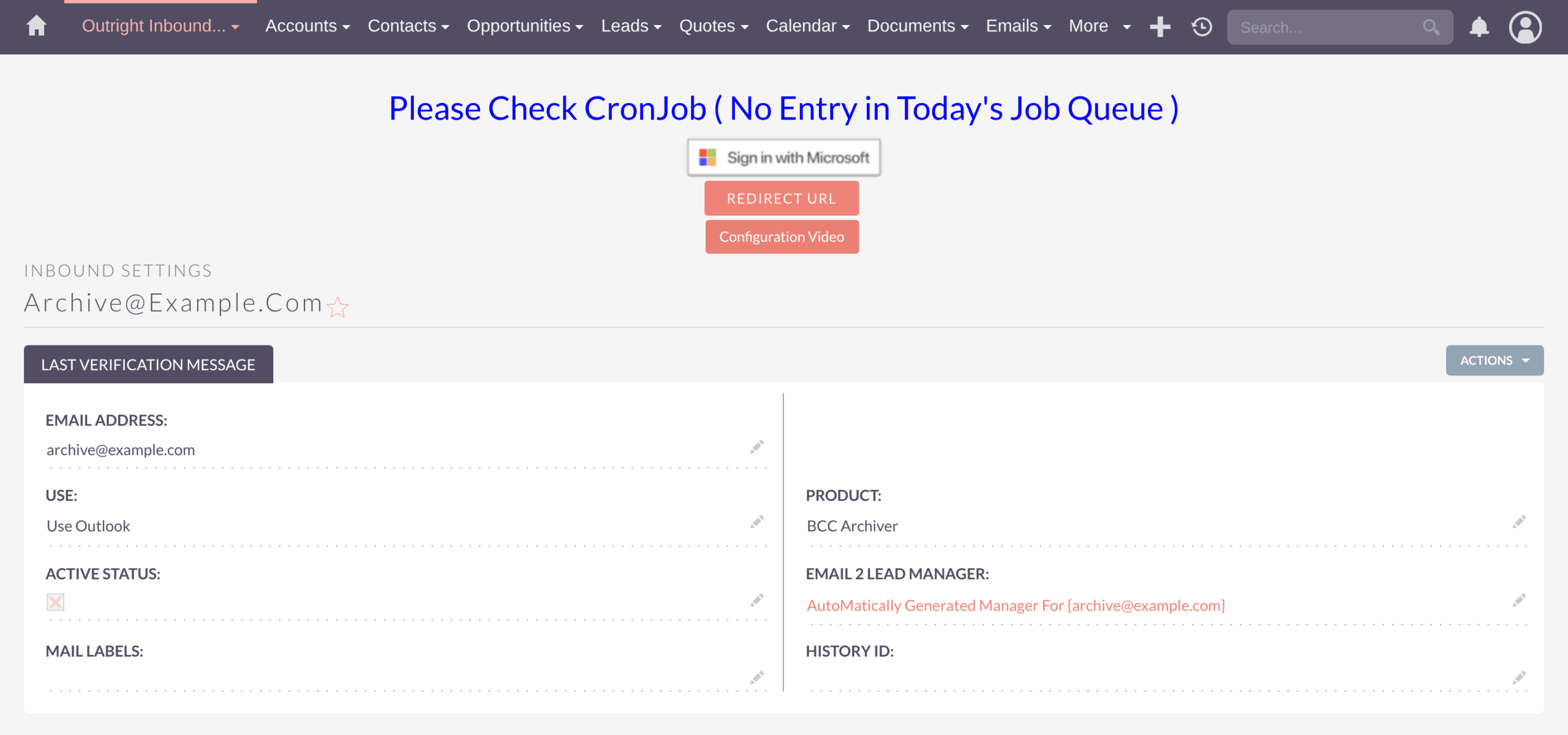
The archive mailbox is a Gmail / Google Workspace or Microsoft 365 / Outlook mailbox connected by push, renewed automatically. An audit shows every archived e-mail and how many records it was linked to, and a Health Check confirms the setup. No licence key is needed.
Compatibility: SuiteCRM 7.10 – 7.15 and SuiteCRM 8.x (tested on 8.10.2), PHP 7.2 – 8.3 with curl, json, mbstring, openssl and imap. Needs a Gmail (Google Cloud Pub/Sub) or Microsoft 365 / Outlook (Entra app) archive mailbox and the SuiteCRM cron job. Upgrades 24.x and 25.0.0 in place.
Real-World Use Cases
✅ Sales
Problem: Customer e-mails stay in personal mailboxes.
Outright BCC / Email Archiver setup: Sales reps add archive@ in BCC; e-mails appear on contacts and accounts.
✅ Account Management
Problem: Nobody sees the full conversation with a key account.
Outright BCC / Email Archiver setup: All e-mails linked to the account and its contacts.
✅ Deal Tracking
Problem: E-mails about a deal are not on the opportunity.
Outright BCC / Email Archiver setup: Attach in opportunity – open deals only.
✅ Projects / Services
Problem: Project e-mails get lost.
Outright BCC / Email Archiver setup: BCC Record Mapper on Projects with the customer e-mail field.
✅ Customer Replies
Problem: Replies come to personal inboxes.
Outright BCC / Email Archiver setup: Forward to archive@; body address check finds the customer.
✅ Compliance
Problem: Customer communication must be stored in the CRM.
Outright BCC / Email Archiver setup: Automatic BCC rule in Outlook / Gmail for the whole team.
✅ Teams without a CRM Plug-in
Problem: Outlook / Gmail add-ins are not allowed.
Outright BCC / Email Archiver setup: Archiving by BCC – nothing to install.
✅ Upgrade from 24.x
Problem: Old archive settings must stay.
Outright BCC / Email Archiver setup: Install 25.0.1 over it: settings and e-mails kept.
Key Highlights
✅ Archive with One BCC
No plug-in, no copying: add the archive address in BCC or forward an e-mail – it is in SuiteCRM within moments.
✅ Linked to the Right Records
Contacts, leads and accounts by address, addresses in subject and body, open opportunities, and any module through the BCC Record Mapper.
✅ Gmail and Outlook, Set and Forget
Push from Gmail Pub/Sub and Microsoft Graph, automatic renewal, an audit of every e-mail and a Health Check.

Key Features
Discover what makes this product stand out
✅ Archiving
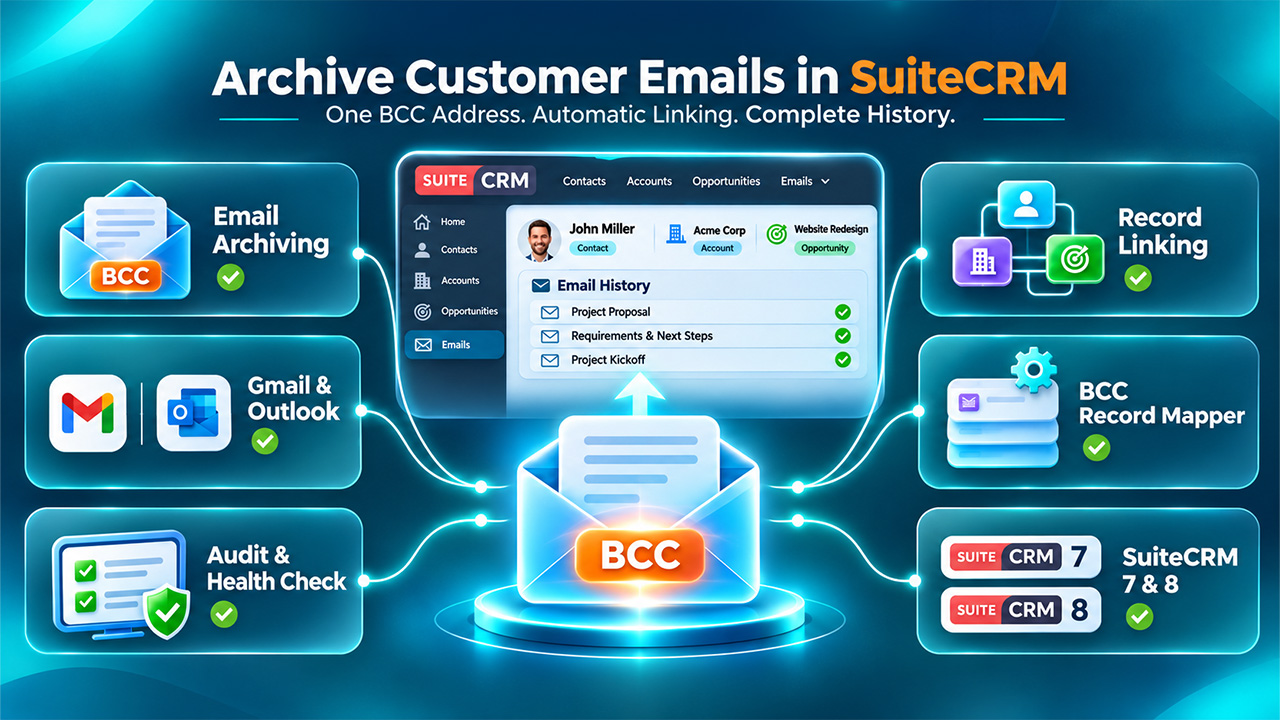
- E-mails sent in BCC or forwarded to the archive mailbox are saved as archived e-mails with sender, recipients, subject and body.
- Works with any mail program – nothing to install for the users.
✅ Linking
- Every contact, lead, account ... with an address from To / Cc gets the e-mail in its History.
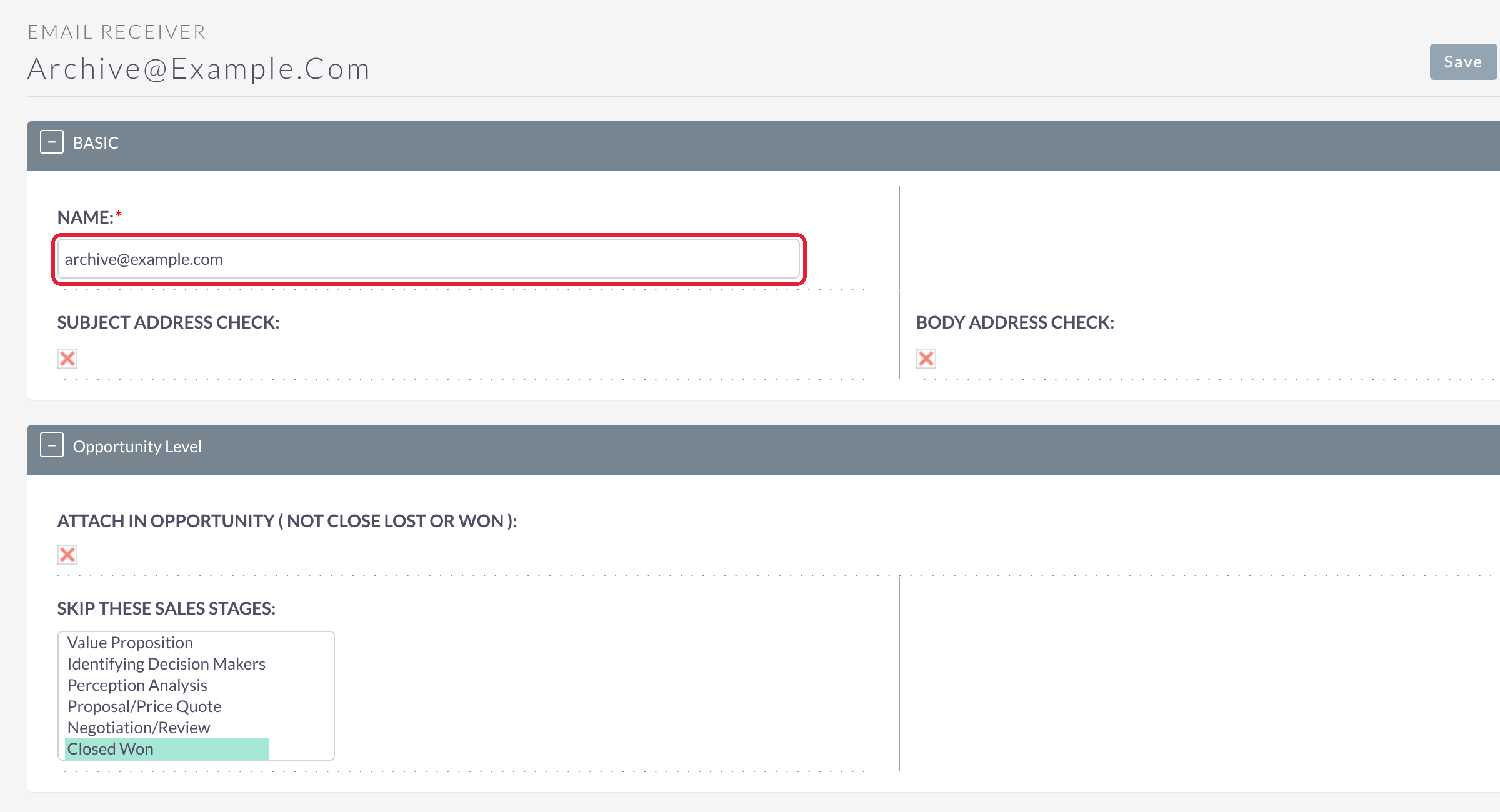
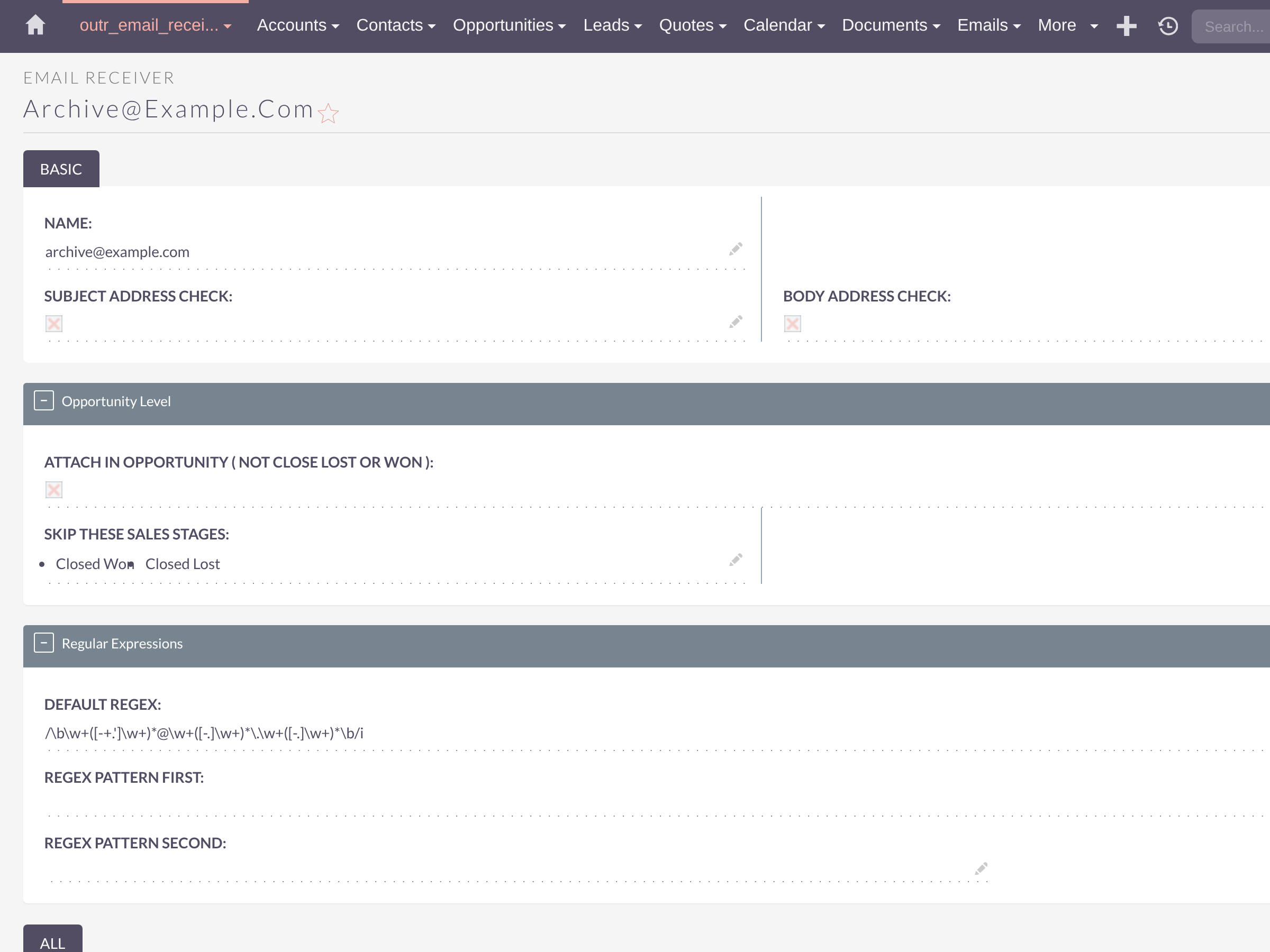
- Subject and body address check for forwarded e-mails; regular expressions for addresses or other references.
- Attach to open opportunities of the customer, skipping chosen sales stages (e.g. Closed Won / Lost).
✅ BCC Record Mapper
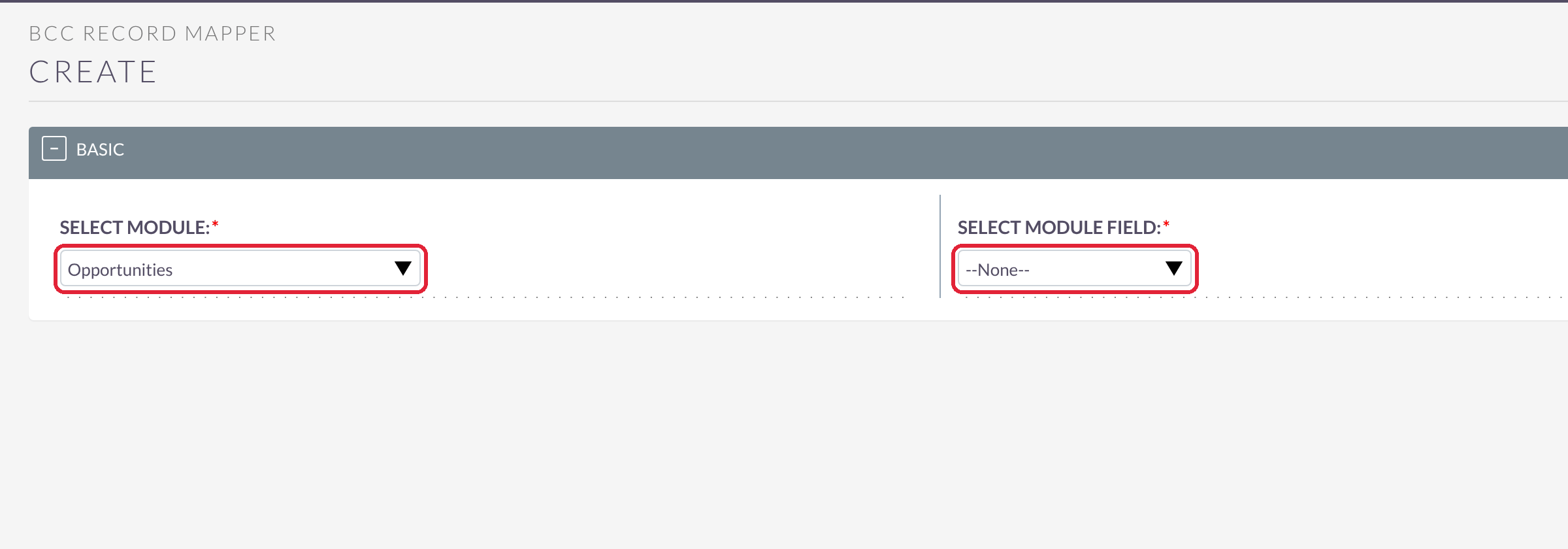
- Link e-mails to projects, opportunities or any module by a field holding the customer's e-mail address (custom fields too).
✅ Archive Mailbox
- Gmail / Google Workspace via Pub/Sub or Microsoft 365 / Outlook via Microsoft Graph; several mailboxes possible.
- Automatic renewal of the Gmail watch and the Outlook subscription.
✅ Audit and Administration
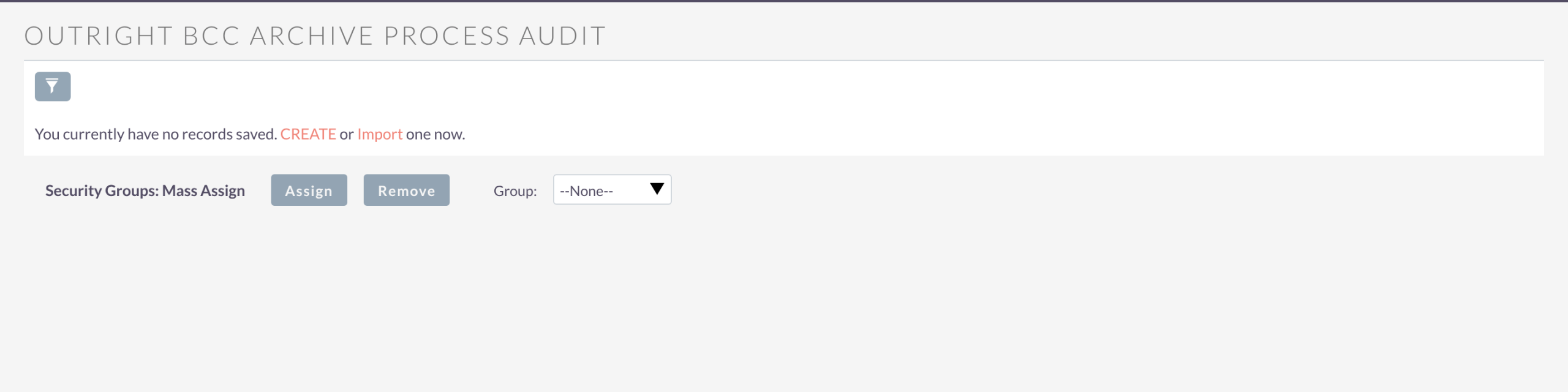
- Outright BCC Archive Process Audit: every e-mail with the number of linked records and links to them.
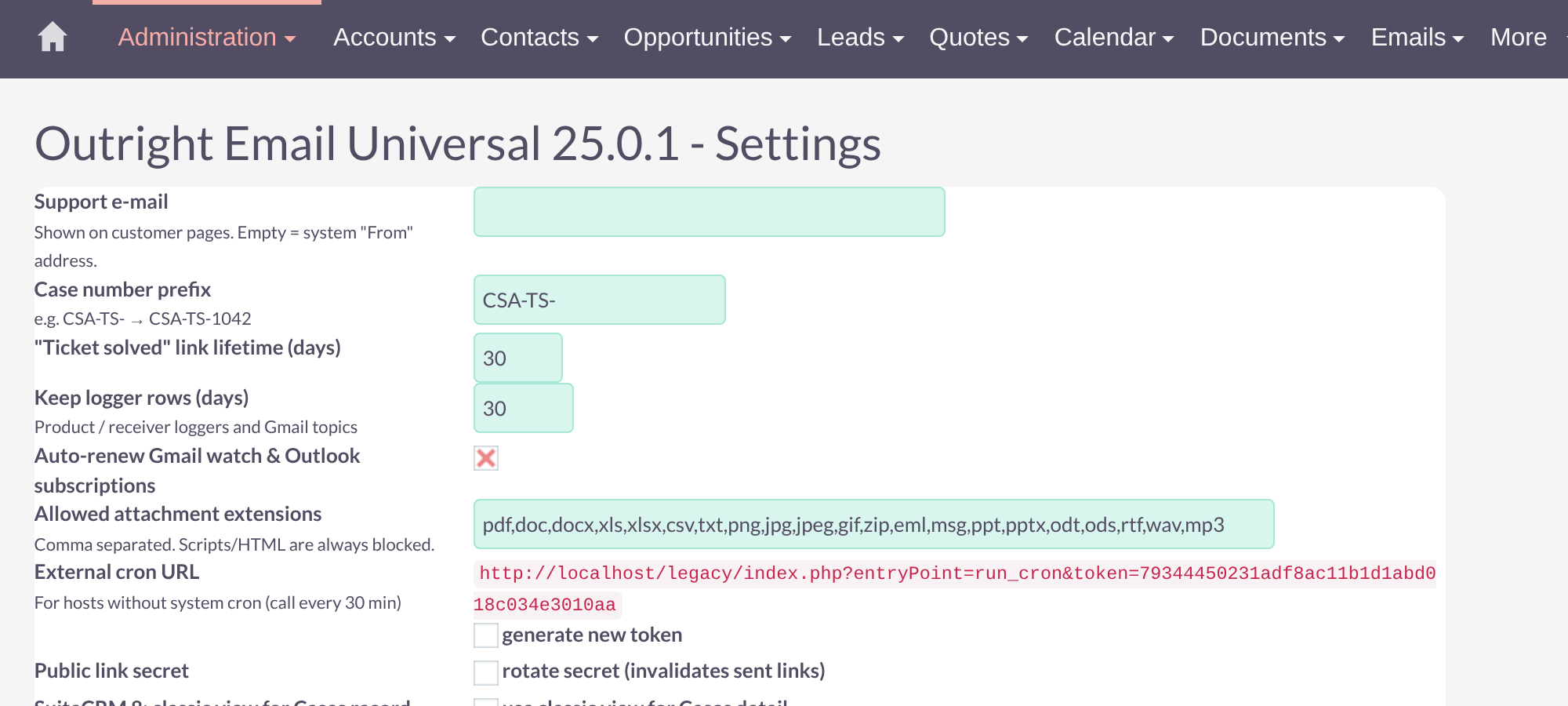
- Settings (attachment types, log retention, external cron URL), Step 1 / Step 2 admin panel, Health Check.
✅ SuiteCRM 7 and 8
- SuiteCRM 8 support with /legacy webhook and sign-in URLs and classic-view routing; no licence key.


Visual Showcase
See the product in action through screenshots
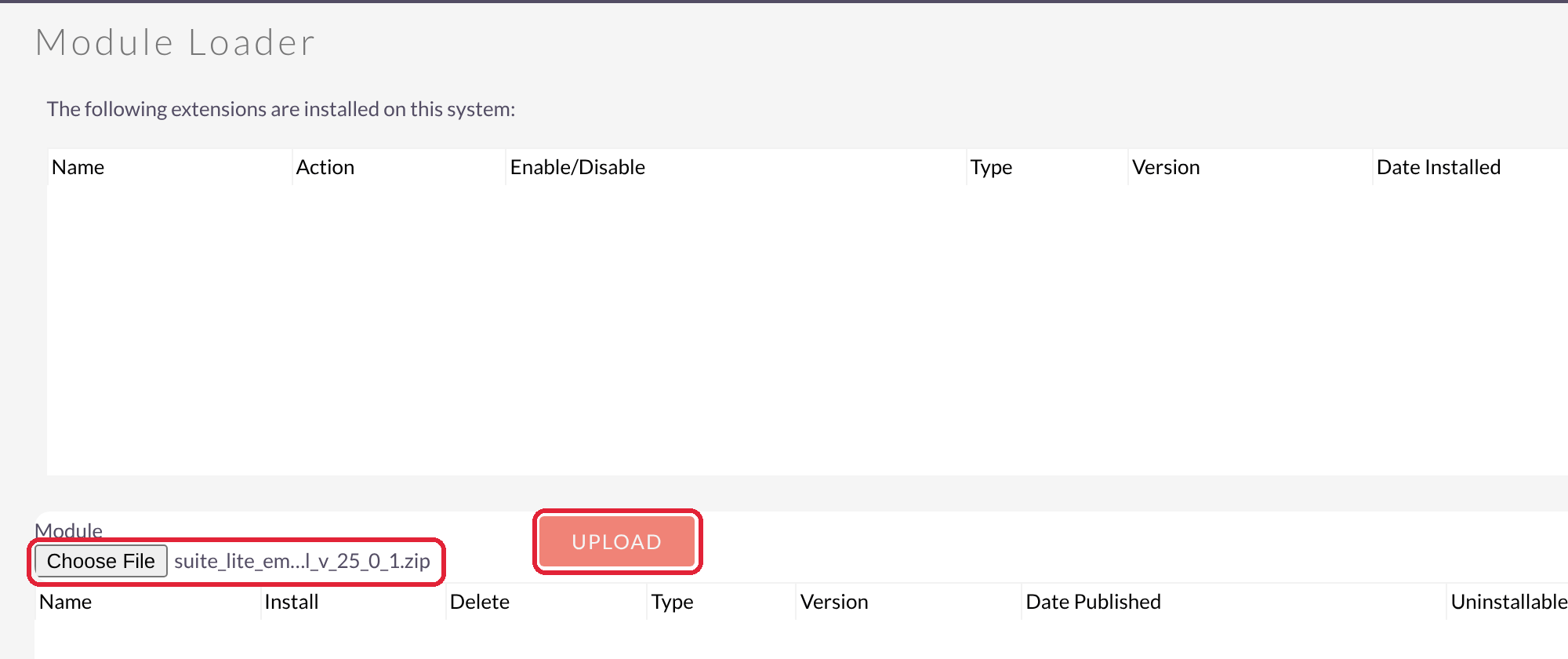

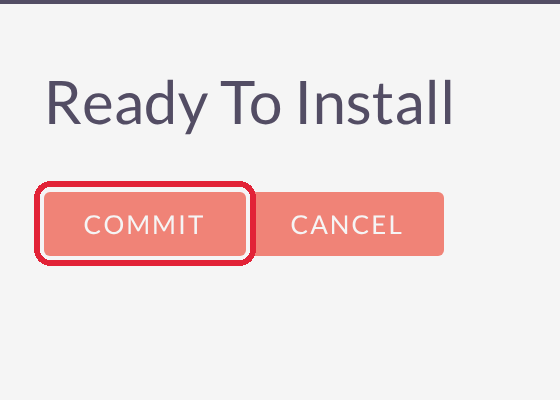
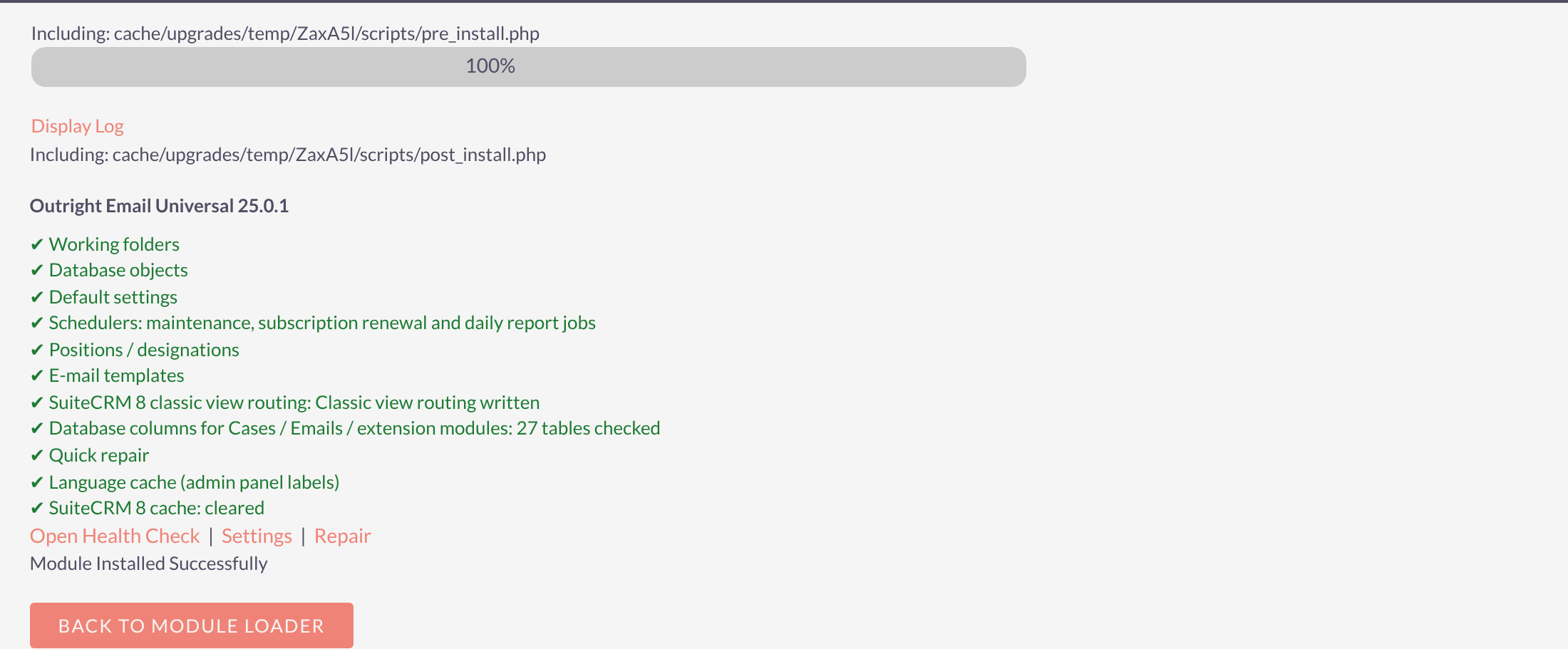
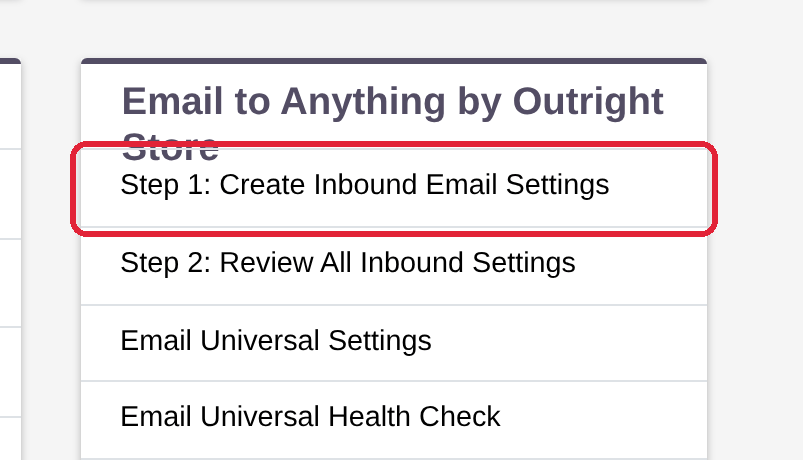


1
2
3
4
5
6
7
8
9
10
11
12
13
14
15
Product Videos
Watch our product in action
Coming Soon
User Guide
Learn how to use and configure the system step by step


FAQs
Question? Look here.
Which SuiteCRM versions are supported?
SuiteCRM 7.10 – 7.15 and 8.x (tested on 8.10.2), with PHP 7.2 – 8.3.
Do I need a licence key?
No. Version 25.0.1 works right after installation.
How do I archive an e-mail?
Add the archive address in BCC when you send it, or forward the e-mail to the archive address.
Do users need a plug-in?
No. It works with any mail program; users only add the archive address in BCC.
Which mailboxes can be the archive mailbox?
Gmail / Google Workspace (with Pub/Sub) or Microsoft 365 / Outlook (with Microsoft Graph).
Which records get the e-mail?
Every contact, lead, account ... with an address from To or Cc; optionally addresses in subject and body, open opportunities, and modules set up in the BCC Record Mapper.
Can e-mails be linked to projects or custom modules?
Yes, with the BCC Record Mapper and a field that holds the customer's e-mail address.
How fast are e-mails archived?
Within moments – Gmail and Outlook push new e-mails to SuiteCRM.
Do the mailbox connections expire?
No, they are renewed automatically while cron runs.
Will my 24.x settings be kept?
Yes. Install 25.0.1 over the old version.