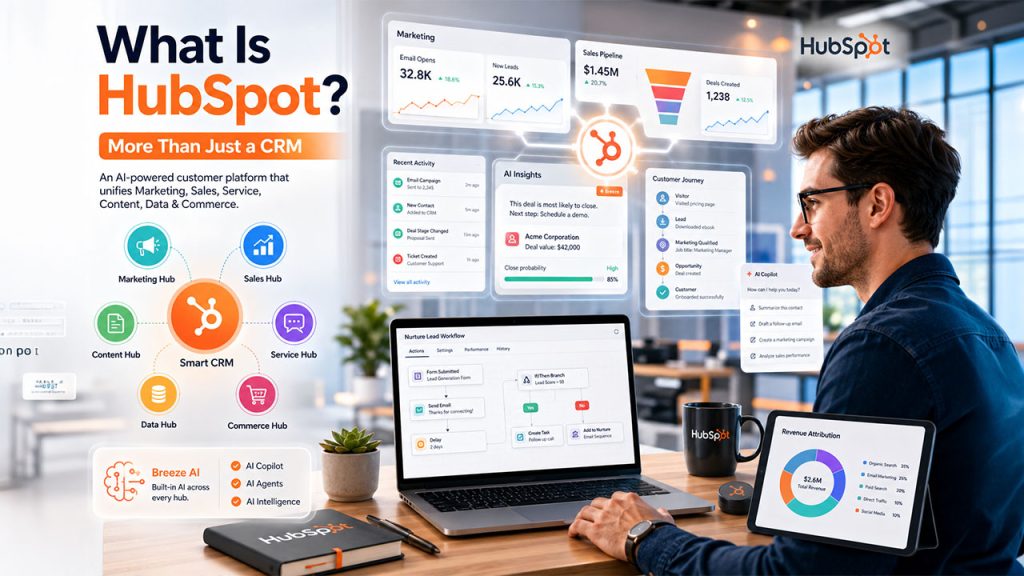






HubSpot CRM is a popular name in the business landscape. Most businesses and professionals are familiar with it. However, only a handful of them can explain clearly what it does, apart from saying that “it is just a CRM”. As a matter of fact, HubSpot is a complete and AI-driven customer platform that goes far beyond just managing contacts. It centralizes sales, marketing, service, content, and operations under a single room, developed on top of what the company calls its Smart CRM. Irrespective of whether you are a small business owner evaluating your first CRM or a sales manager assessing an upgrade, having a complete understanding about the full scope of HubSpot platform is vital before purchasing any plan.
This guide is dedicated to explain what is HubSpot, how is it structured, what is the purpose of every hub, details about the pricing, and whether it is best solution for your business.
What Is HubSpot?
HubSpot CRM can be defined as an AI-powered Smart CRM platform that centralizes sales, marketing, customer service, content management, and data operations into one centralized system. Built in 2026 by Brian Halligan and Dharmesh Shah at MIT, HubSpot was built originally around the term “inbound marketing,” the core idea that businesses evolve better by attracting better prospects through helpful content more than interruptive outreach.
Nowadays, the platform has considerably scaled. In 2026, HubSpot caters to 288,706 paying customers existing in 135+ countries and has reported close to $3.13 billion in total annual revenue, reporting a 19% annual increase. Such figures indicate its improving adoption not just among small businesses, but also across enterprise and mid-market segments.
HubSpot as a CRM vs. HubSpot as a Platform
There is a prevalent misconception that HubSpot is just a contact database. In reality, the HubSpot CRM is the fundamental technology, what the company refer to as the “Smart CRM.” On top of this technology, a suite of intuitive tools known as Hubs are developed. Every Hub is purpose-built to serve a unique business function. This architecture is what sets HubSpot apart from individual customer relationship management platforms.
How HubSpot Is Organized: The Intelligent CRM and Its Hubs
The foundational technology in the HubSpot platform is the smart CRM. It is a single source of truth that centralizes and manages all contact data, company records, deal data, support tickets, and activity history. Each Hub tethers to this shared layer of data, which implies sales, marketing, and service teams work with the same customer data instead of working as individual and disconnected platforms.
The platform presently involves six Hubs:
Marketing Hub — email, lead generation, and campaign automation.
Sales Hub — deal tracking, pipeline management, and prediction.
Service Hub — help desk, ticketing, and customer feedback.
Content Hub — Blogging, CMS, and AI content platforms.
Data Hub — Integrations, the quality of data, and operations automation.
Commerce Hub — payments, billing, and revenue reporting.
| Hub | Primary Function | Primary Users |
| Marketing Hub | Email marketing, lead generation, campaign automation, landing pages, SEO, attribution reporting | Marketing Teams |
| Sales Hub | Deal tracking, Pipeline management, sequences, sales forecasting, AI lead scoring | Sales Representatives, Managers |
| Service Hub | Help desk, Ticketing, knowledge base, AI chatbots, customer feedback | Support & Success Teams |
| Content Hub | CMS for blogs, website management, forms, AI content tools | Content & Web Teams |
| Data Hub | External integrations, data quality management, data synchronization, AI-based cleanup, etc. | RevOps and Ops team |
| Commerce Hub | Billing automation, payment processing, and revenue reporting | Finance and RevOps team |
What Is the Smart CRM?
The Smart CRM is the AI-based contact and company database of HubSpot. It logs calls, emails, and meetings automatically; tracks different stages of deal across pipelines; and records all customer interaction at one place. Contrary to standard CRM platforms, the Smart CRM leverages AI to reveal insights like contact health scores, engagement signals, and deal risk indicators so teams can effectively focus on their efforts.
What Is Breeze AI?
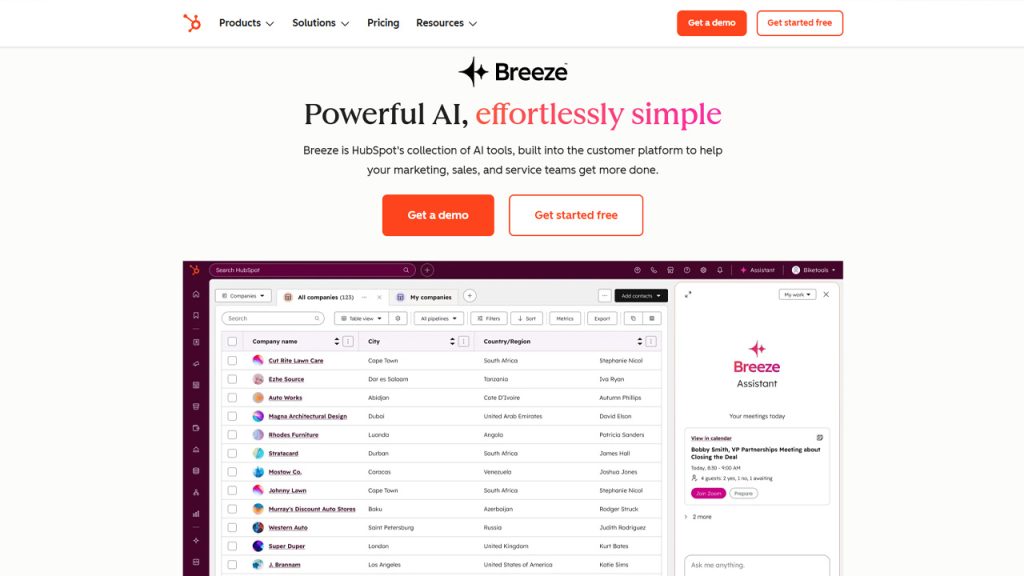
Breeze AI is the embedded AI engine of HubSpot. It works across three layers:
Breeze Copilot: a conversational assistant used for summarizing records, drafting emails, and automating tasks.
Breeze Agents: autonomous bots that manage workflows such as customer support and prospecting.
Breeze Intelligence: AI-based enrichment of data for the company and contact records.
Breeze AI is available across premium tiers and is greatly important to the platform strategy of HubSpot.
What Are the Different Hubs in HubSpot?
Marketing Hub
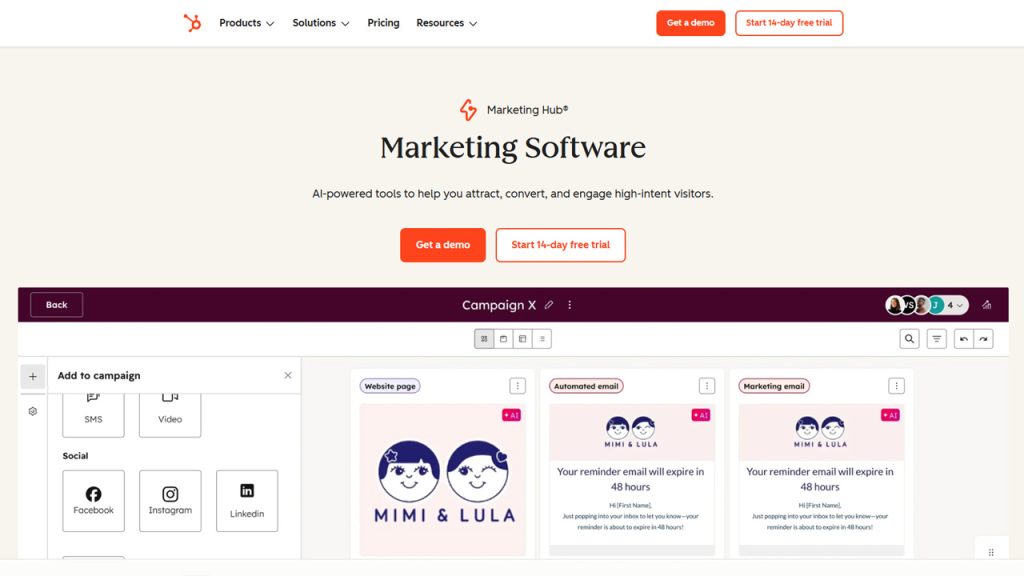
Marketing Hub is specially built for marketing teams that are responsible for creating and managing leads. Important capabilities involve the following:
Automated nurture workflows and email marketing
Landing pages, pop-up tools, and lead capture forms
Blog management and SEO recommendations
Ad campaign management and social media scheduling.
Campaign analytics and multi-touch attribution reporting.
Marketing Hub is ideal for businesses that operate inbound or content-based marketing strategies and require a centralized platform to handle all campaigns.
Sales Hub
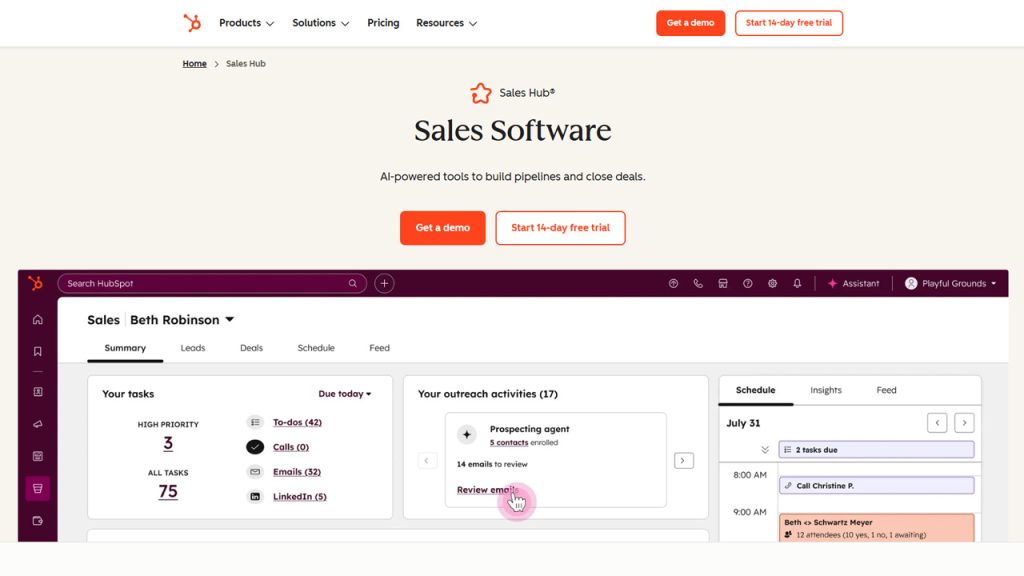
Sales Hub provides sales the key tools to handle their pipeline and more efficiently close deals. Important characteristics involve:
Management of visual pipeline with deal monitoring and stage automation.
Task queues and email sequences for organized outreach.
AI-driven lead scoring to emphasize high-value prospects.
Sales prediction and reporting of team performance.
Conversation intelligence for recording of calls and coaching.
For B2B sales teams handling numerous stakeholders and deals, Sales Hub provides a trackable improvement in follow-up consistency and pipeline visibility.
Service Hub
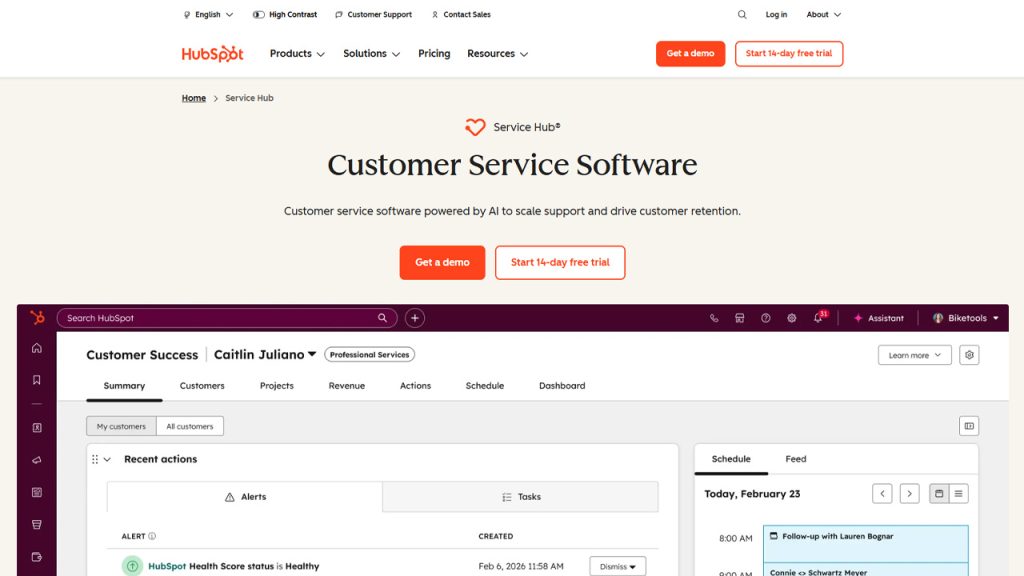
Service Hub aids success team in managing customer support and post-sales relationships. It includes:
Ticketing system and shared inbox for managing support requests.
NPS survey and customer satisfaction (CSAT) tools.
Knowledge base for self-service customer support
AI-driven chatbots for automated support to common queries.
Customer portal access and SLA management
Content Hub
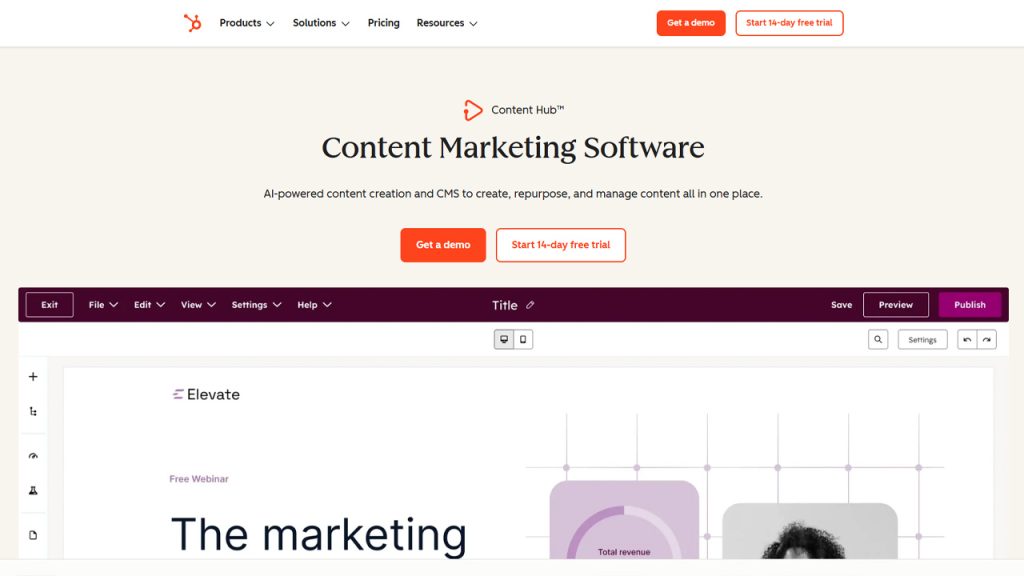
Content Hub, previously known as CMS Hub in 2024, is the content and website management system of HubSpot. It is connected directly to the Smart CRM, which implies customization and lead capture are in-built instead of being bolted on. Important capabilities involve blog and webpage management, AI-powered content creation, smart content personalization as per the visitor data, and CTA and form management. Marketing-driven websites either choose Content Hub or WordPress-based stacks to manage their content workflow.
Data Hub
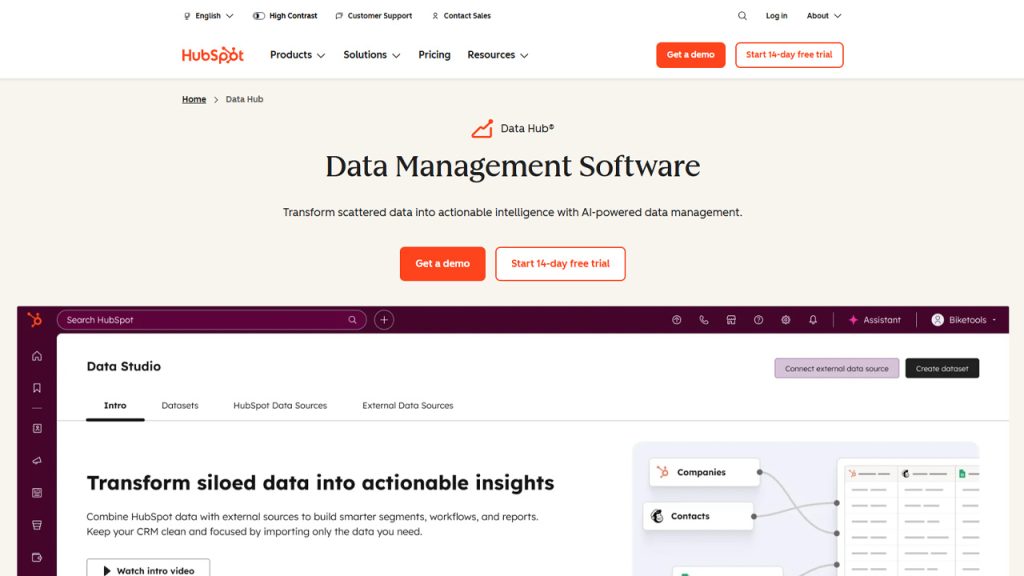
Data Hub (which is formerly known as Operations Hub) is developed for operations team and RevOps that must maintain reliable and clean data across various systems. It provides:
Two-way data synchronization with third-party tools (e.g., NetSuite and Salesforce)
Automated duplicate management and data quality workflows.
Customizable automation to align with custom business logic.
Compatibility with snowflake data warehouse integration in the Enterprise tier.
A representative small-to-medium sized business workflow might appear like this:
A prospect logs on to the website (Content Hub)
Fills a form and submits it (Marketing Hub) and becomes a lead.
The lead is then assigned to a sales representative (Sales Hub). The prospect is converted into a customer.
After some time, the same customer raises a support ticket (Service Hub).
Everything is tracked in a centralized HubSpot record, with clean information flowing through Data Hub integrations.
HubSpot Pricing: How the Cost Structure Works?
The HubSpot pricing is structured into four tiers: Free, Starter, Professional, and Enterprise, which is individually available for every Hub or bundled as a customer platform package. In 2026, HubSpot utilizes a seat-based pricing model where Core Seats define access levels across purchased Hubs.
| Tier | Cost | Key Features | Key Limitations |
| Free | $0 | Deal tracking, contact management, basic email and forms | Limited automation; HubSpot branding on forms and emails |
| Starter | From $15/seat/month | Standard automation, CRM segments, ad management | Limited reporting, no advanced AI features |
| Professional | From $800-1200+/month (hub-dependent | AI tools, complete automation, sophisticated reporting, sequences | Mandatory fees for onboarding ($1500-$3,000 one-time) |
| Enterprise | From $2,000-3,600+/month (hub-dependent) | Predictive lead scoring, custom objectives, multi-touch attribution | Mandatory fees for onboarding ($3,500-7,000 one-time). |
Free vs. Paid Plans
The free HubSpot CRM is a feasible choice for small teams. It offers features like company and contact management, deal pipelines, standard email tools, and form builders. In paid plans, you get access to advanced AI features, automation functionalities, A/B testing, custom reporting, and remove HubSpot branding from communication and landing pages. HubSpot Academy is a free resource for training and certification. It is available to both free and paid users.
Factors That Impact Total Cost of HubSpot
Numerous factors impact the exact cost of a HubSpot subscription beyond the basic tier price:
The total number marketing contacts — Marketing Hub pricing grows with contact volume apart from included thresholds.
Number of seats — Core Seats are priced approximately at $20/month (Starter), $50/month (Professional), and $75/month (Enterprise)
Hub selection — Every Hub comes with its own cost; customer platform packages in bundle provide higher pre-Hub pricing.
Mandatory onboarding costs — Enterprise and Professional tiers need one-time investment between $1,500-7,000 as per the Hub.
Integration complexity — Breeze intelligence and third-party connectors credits elevate the overall cost.
Who Are the Ideal Users of HubSpot?
HubSpot is an effective choice for the particular types of businesses and specific application areas. It specifically works well for:
B2B companies that have multi-touch and longer sales cycles that need visibility into pipeline and automated follow-ups.
Inbound marketing-driven businesses that create leads via SEO, content, and email.
Mid-market teams going beyond entry-level CRMs and spreadsheets and requiring an integrated platform.
Teams looking for consolidation — businesses that want to replace numerous point solutions (CRM, email tool, help desk, CRM) with one centralized platform.
HubSpot is less suited for teams that need detailed customization at minimum cost, self-hosted infrastructure, open-source flexibility, and full data ownership. Such tools can look to adopt SuiteCRM or SugarCRM.
Industries That Utilize HubSpot Commonly
While HubSpot is extensively used across many industries, it enjoys high adoption across niches like SaaS and technology, professional services (consultancies, agencies, legal), e-commerce, manufacturing, and healthcare. Its marketing automation capabilities and inbound methodology make it specifically ideal for knowledge-based B2B sectors.
HubSpot vs. Other CRM Platforms
Selecting a CRM platform for your business is an important decision that needs good understanding of trade-offs, not just characteristics. Let us see an objective comparison of HubSpot against its top three alternatives.
HubSpot vs. Salesforce
HubSpot vs. Salesforce - HubSpot provides quicker onboarding, less upfront expenses, and a more innovative user interface, making it a preferred option for small-and-medium businesses and mid-market teams. All large enterprises and multinational corporations go for Salesforce because they need detailed customization, multi-division architectures, and complex workflow logic. If your team cannot afford a Salesforce administrator, the lower administrator overhead of HubSpot is a considerable operational advantage.
HubSpot vs. Zoho CRM
HubSpot vs Zoho CRM - Zoho CRM provides lower per-seat pricing and robust native customization for teams who work with a limited budget. HubSpot is a market leader in marketing automation depth, content platforms, and ecosystem integrations. For businesses where sales alignment and inbound marketing are strategic needs, the centralized platform of HubSpot generally delivers higher cross-team visibility.
HubSpot vs. SuiteCRM
HubSpot vs. SuiteCRM - SuiteCRM is a popular, self-hosted, and open-source CRM platform that provides complete ownership of data, no per-contact costs, and detailed customization options. This is suitable for teams that are technically capable and want to have infrastructure flexibility and higher budget control.
On the other hand, HubSpot ensures a more refined user experience, in-built AI capabilities through Breeze AI, and an extensive marketplace of third-party integrations. However, since it is a commercial SaaS platform, it comes with contact-based pricing at scale and continuous subscription costs. Choosing the right CRM depends on the technical capacity of your team and long-term cost tolerance.
Related blog: Pipedrive vs HubSpot: Which CRM is Right for You?
How to Get Started with HubSpot?
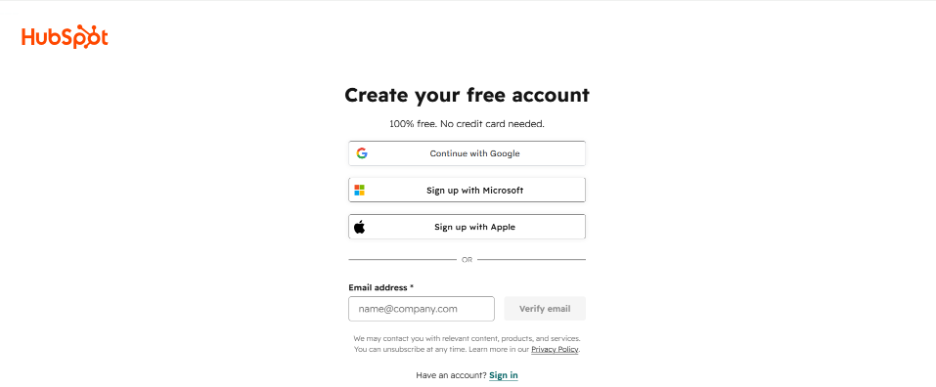
Signing up at HubSpot is a simple process. The suggested approach for the most teams is mentioned as follows:
You can create an account at HubSpot at any time. It is 100% free with no credit card required.
Once you have signed up and logged in, you need to then recognize which Hub you want for your main workflow, whether it is marketing sales, service, or a combination of Hubs.
Check your team size and contact volume before purchasing any paid tier.
Next, you might have to finish all the relevant certifications via the HubSpot Academy, which any user can access for free.
Check whether an Enterprise or a Professional plan onboarding is managed better internally or via a certified HubSpot Partner.
When You Need to Work with a HubSpot Partner?
In Professional and Enterprise plan require necessary onboarding. Partnering with a credible HubSpot Partner can greatly minimize implementation time, reduce configuration errors, and make sure that your team extracts higher value from day one, especially when you are switching from an existing CRM platform to HubSpot.
Conclusion
HubSpot is one of the most comprehensive CRM platforms available for evolving businesses. Its strength exists not in just one Hub, but the way all tools for service, marketing, sales, content and operations synchronize through the smart CRM. For teams that require an end-to-end CRM platform with robust automation, in-built AI through Breeze, and responsive tech support, HubSpot is a recommendable choice.
Having said, pricing quickly scales up at higher pricing tiers, and costly onboarding fees at to the initial investment. Teams that have good technical capacity, a preference for data ownership, or low-budget can look for open-source alternatives like SuiteCRM. What is important is aligning the platform with your precise business needs instead of selecting a tool as per brand recognition alone.
Also Read
Frequently Asked Questions : What Is HubSpot
Yes — the free HubSpot CRM is a genuine option for small teams, covering deal tracking, contact management, basic email, and forms. However, core automation features, sophisticated AI characteristics like Breeze AI, and in-depth reporting need a paid plan.
No. While HubSpot was associated originally with inbound marketing, it now includes dedicated tools for customer support, sales, website management, and customer support.
ipedrive is a tool focused on sales-pipeline. HubSpot includes a smart CRM, but it goes beyond that and offers tools for content management, marketing automation, AI-driven data enrichment, and customer service.
Yes. Content Hub is a comprehensive CRM directly connected to the Smart CRM. You can use it when deep customization in marketing and lead-capturing are priorities.
HubSpot is a commercial SaaS CRM platform that offers a polished and tailored user experience, in-built Breeze AI, and a larger marketplace for integration. SuiteCRM is self-hosted and open-source, providing greater control and minimum long-term costs for businesses with dedicated technical teams.