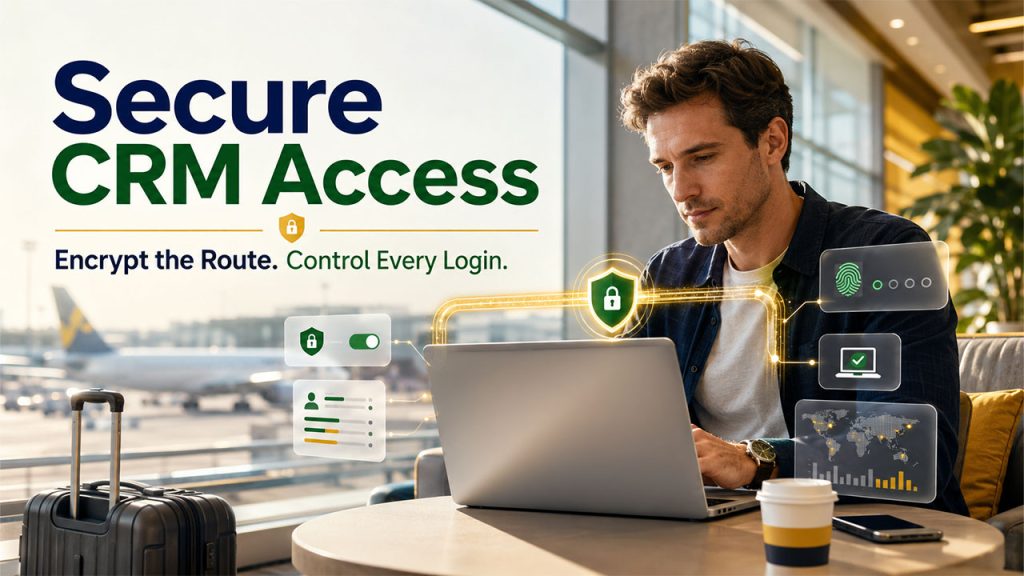






Remote CRM access is no longer something new. A business representative opens a laptop at the airport, checks an opportunity, downloads a proposal, and updates a contact before boarding. Now, this is both useful and messy. Why? Well, because the customer record moves across the home network, personal device, and in-browser session that no one in the office IT team can track.
That’s why companies are now conducting careful VPNpro.com analysis and choosing a solution that fits their business needs. However, the larger question is: what is the role of VPN within a CRM security plan? Let’s find out.
Why Remote CRM Access Changes the Risk
A Customer Relationship Management is not just a digital address book. It has customer identities, sales notes, support history, contracts, and in some cases, the payment details. That’s why, once an employee connects from outside the office network, access shifts beyond the trusted perimeter, increasing the risk of exposure.
And this is the real issue. While the CRM remains perfectly configured, the path leading to it can include an exposed network, an outdated device, a reused password, or a browser carrying risky extensions.
A common mistake people make here is treating every remote-access problem as a VPN problem. But that’s not the case. A VPN’s job is to encrypt traffic between a device and the VPN server. It gives administrators more controlled access and helps them navigate untrusted networks more effectively.
That means it can never repair weak CRM permissions, prevent an employee from sharing credentials, or remove malware already living on the laptop.
What a VPN Does and Does Not Cover
The practical value of a VPN becomes clear when the controls are separated by purpose. In most cases, businesses buy overlapping products, sit through the setup, and then realize a key area is not covered by the scope of this VPN.
And that’s why a head-to-head comparison helps clear the picture and make way for better decision-making. Here is an example:
| Security Needs | VPN | CRM Control | Device Control |
| Encrypt traffic on public Wi-Fi | Strong fit | Limited role | Limited role |
| Restrict access by network route | Strong fit | Moderate fit | Moderate fit |
| Limit records a user can access | No | Strong fit | No |
| Block login after password theft | No | Strong with MFA | Moderate fit |
| Detect an infected laptop | No | No | Strong fit |
Building a Sensible Access Model
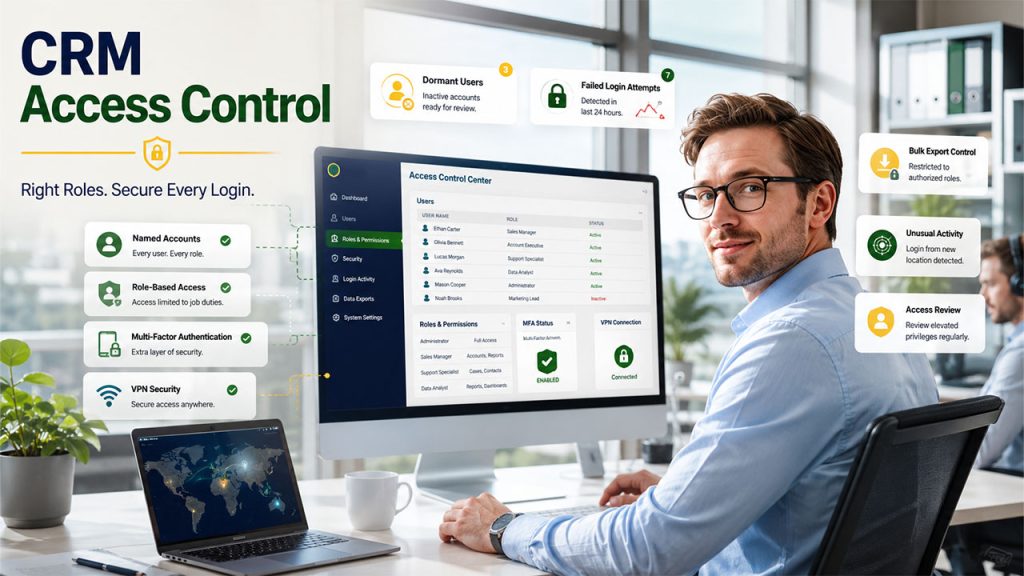
Start with the CRM itself. Every user must have a named account, a role based on actual duties, and access only to the modules and records required for work. At the same time, shared login must be eliminated, and so should the accounts of former employees and abandoned contractors.
Additionally, multi-factor authentication must be enabled, especially for administrators and anyone who can export large data sets.
After that, place the VPN where the workflow justifies it. For instance, required VPN access can make sense for administrators, employees handling sensitive accounts, people working remotely or using public networks, or self-hosted CRM deployments not intended for open internet exposure.
Now, for a cloud CRM that already uses encrypted web connections, implementing identity control will be more relevant.
In this case, a sensible baseline does not require twenty-seven rules or heroic policy documents. Instead, it needs a few controls that administrators can enforce, and employees can realistically follow:
- Need multi-factor authentication for CRM and VPN accounts
- Patch laptops, browsers, VPN clients, and CRM extensions quickly
- Disable dormant users and review elevated privileges regularly
- Restrict bulk exports to roles that genuinely need them
- Monitor failed logins, unusual access times, and large downloads
These steps may seem ordinary, but that is the point. Security programs often get distracted by rare attack scenarios while old accounts, careless permissions, and missed updates remain in plain sight, creating loopholes. Now, routine controls fill these gaps before the organization starts looking for another dashboard.
Choosing Without Getting Distracted by Feature Lists
VPN shopping often becomes a spreadsheet marathon. Hundreds of locations, lofty speed claims, additional privacy tools and layers, bundled blockers and whatnot. Now, all of these will be secondary for CRM access.
Instead, business teams should focus on stable clients, strong encryption, centralized account management, dependable support, clear logging policies, and fast access revocation. Additionally, device compatibility should be assessed for better decision-making.
Final Note: Secured Access Works Best as a Layered Routine
A VPN plays a key role in strengthening remote CRM access, especially on untrusted networks or when a business needs a control route into a private deployment. But that’s not all; you also need to support the VPN with strong authentication, regulated permissions, healthy devices, useful logs, and regular account review.
That’s why the better approach is not to buy just another security product and add it to the system. It is about building modest controls that keep working together, even on an ordinary and chaotic Tuesday.