





Finding the right prospects and collecting accurate contact information can be challenging for sales and marketing teams. Businesses often spend hours searching for decision-makers, verifying email addresses, and manually entering contact details into their CRM. This repetitive process takes valuable time away from building relationships and closing deals.
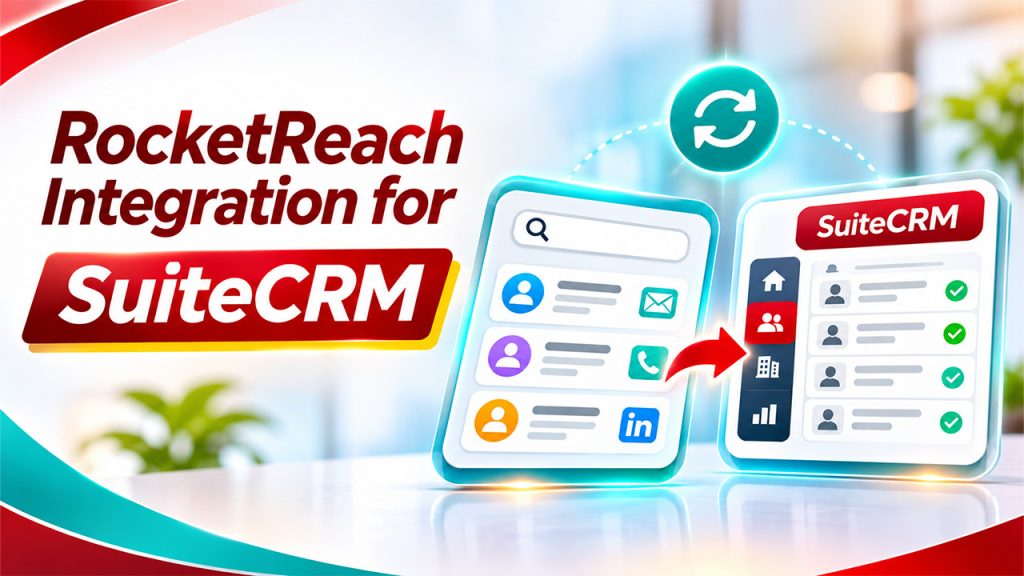
This is where Outright RocketReach Integration for SuiteCRM 8 becomes useful. It brings RocketReach's professional contact discovery capabilities directly into SuiteCRM, helping businesses identify potential customers and save relevant information without constantly switching between applications.
Whether you manage a growing sales team, handle lead generation, or work in business development, this integration can make prospecting more organized and efficient. Let's explore how it works, its important features, and why it can be a valuable addition to your CRM environment.
What Is Outright RocketReach Integration for SuiteCRM 8?
RocketReach is a professional contact discovery and business intelligence platform that helps users find information about professionals and companies. It provides access to business contact details, professional profiles, and other information that supports sales prospecting.
Outright RocketReach Integration for SuiteCRM 8 connects these capabilities with your SuiteCRM environment. Instead of searching for prospects separately and manually transferring their information, users can discover relevant professionals and create CRM records through the integration.
The extension is designed to simplify prospect research by bringing contact discovery closer to everyday CRM activities.
It supports searches for decision-makers, employees, and professionals based on different criteria. Once suitable results are available, users can select the relevant information and create records in SuiteCRM.
This helps sales representatives maintain a more organized database while reducing repetitive administrative work.
Key Features of RocketReach Integration for SuiteCRM 8

The integration offers several capabilities that can improve how businesses manage prospect information and customer acquisition activities.
1. Search for Decision-Makers
Connecting with the right decision-maker is important for successful B2B sales. Reaching someone who has no involvement in purchasing decisions can delay conversations and waste valuable resources.
With Outright RocketReach Integration for SuiteCRM 8, users can search for decision-makers within organizations and identify professionals holding relevant positions.
For example, a sales representative targeting technology companies may search for CEOs, marketing directors, department heads, or other relevant professionals.
This makes prospect identification more focused and helps sales teams approach the right people.
2. Find Professional Contact Information
Having a prospect's name is not always enough to start a meaningful business conversation. Sales teams also need relevant contact information.
The integration helps users access available professional details, including:
- Business email addresses.
- Phone numbers.
- LinkedIn profiles.
- Twitter profiles.
- Facebook profiles.
Having these details available within the prospecting workflow makes it easier for representatives to identify potential communication channels.
However, contact availability and verification depend on RocketReach's data, account permissions, and subscription plan.
3. One-Click Record Creation
Manually creating CRM records can become frustrating when sales representatives work with large prospect lists.
The SuiteCRM RocketReach Integration simplifies this process by allowing users to create new Accounts and Contacts from relevant search results.
Instead of copying information field by field, users can select a suitable prospect and save the available information directly into SuiteCRM.
This reduces repetitive data entry and allows sales representatives to spend more time engaging with potential customers.
4. Role-Based Search Options
Not every business targets the same type of professional. Some organizations focus on senior executives, while others approach department managers, consultants, or technical specialists.
The integration provides role-specific search options that help users narrow their prospecting activities.
For example, a company offering marketing automation software might search for Chief Marketing Officers, Marketing Managers, and Digital Marketing Heads.
These targeted searches make it easier to build prospect lists that align with business objectives.
5. Company-Specific Employee Search
Finding relevant professionals within a particular organization can be especially useful for account-based marketing and enterprise sales.
With Outright RocketReach Integration for SuiteCRM 8, users can explore company-specific decision-makers and employees.
For example, if a sales team wants to approach a particular enterprise, it can search for professionals working within that organization rather than building an entirely new prospect list.
This approach supports account research and helps sales representatives identify potential contacts within target companies.
6. Keyword-Based Contact Search
Sometimes, job titles alone are not enough to identify suitable prospects.
Keyword-based searching offers another way to discover professionals based on relevant terms associated with their roles, expertise, or business activities.
For instance, businesses selling cybersecurity solutions may search using terms such as information security, network security, or cybersecurity management.
This provides additional flexibility when building prospect lists for specific products or industries.
7. Custom Module Record Creation
Different businesses organize their CRM information differently. While some teams primarily work with Leads and Contacts, others depend heavily on Accounts, Opportunities, or custom modules.
The integration supports custom module selection for creating records, allowing businesses to align prospect information with their existing CRM workflows.
This flexibility can be particularly helpful for organizations that have customized SuiteCRM to match their internal sales processes.
8. Control Search Result Limits
Large search results are not always helpful. Reviewing hundreds of professionals can make prospect selection unnecessarily complicated.
The integration includes search result limit options, allowing users to control how many results are displayed.
This makes prospect research more manageable and helps users concentrate on the most relevant opportunities.
How Does the Integration Improve Sales Productivity?

The biggest advantage of connecting RocketReach with SuiteCRM is the convenience of having prospect discovery and CRM record management in a connected workflow.
Without an integration, sales representatives may need to search for professionals on one platform, collect their details, open their CRM, and manually create records.
This process can introduce duplicate entries, incomplete information, and unnecessary administrative work.
The SuiteCRM RocketReach Integration helps reduce these challenges by bringing prospect information into the CRM environment.
Here are some practical benefits:
Less manual work: Users can create CRM records without repeatedly copying and pasting contact information.
Better prospect identification: Role-based and keyword-based searches help teams discover professionals who match their target audience.
Organized contact management: Relevant prospect information can be stored in SuiteCRM for future reference and follow-ups.
Improved sales workflows: Representatives can spend less time collecting information and more time communicating with potential customers.
Flexible CRM usage: Support for different record types helps businesses maintain their preferred CRM structure.
How to Use RocketReach Integration in SuiteCRM 8
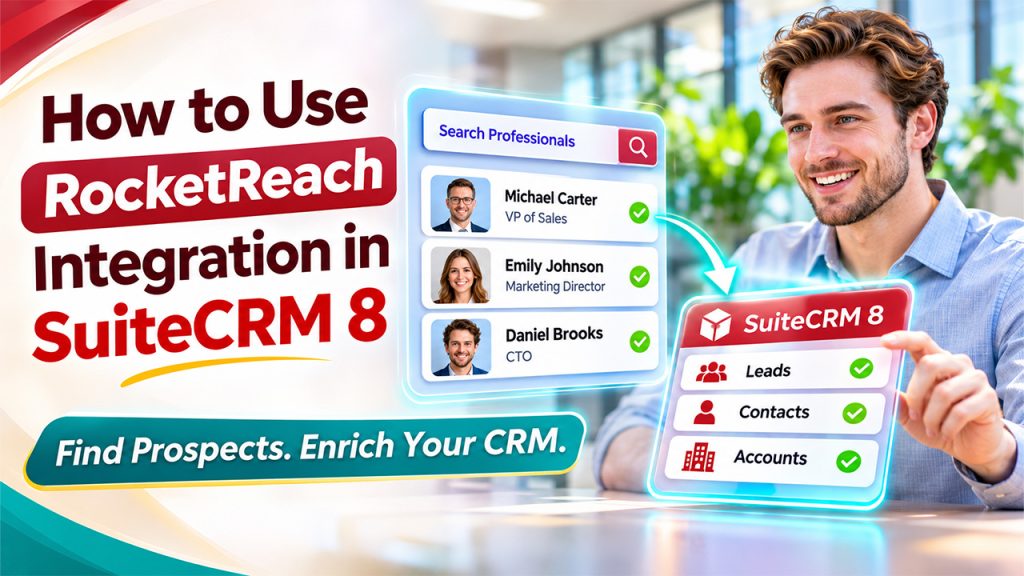
Getting started generally involves a few straightforward steps.
Step 1: Install the integration
Install the RocketReach extension compatible with your SuiteCRM 8 environment. Follow the vendor's installation instructions and confirm that the required permissions and dependencies are configured.
Step 2: Configure RocketReach access
Set up the required RocketReach credentials or account connection according to the extension's documentation.
Make sure your RocketReach subscription provides access to the required search and contact information features.
Step 3: Open the integration
Navigate to the installed integration within SuiteCRM and access its available search functionality.
Step 4: Search for prospects
Use the available filters to search for decision-makers, employees, or professionals using company names, roles, or relevant keywords.
Step 5: Review search results
Review the available professional information and identify contacts that match your business requirements.
Step 6: Create CRM records
Select the relevant prospects and use the available record creation functionality to save them as Accounts, Contacts, Leads, or supported custom module records.
Before creating records, review existing CRM data to avoid duplicates.
Why Choose Outright RocketReach Integration for SuiteCRM 8?
Choosing the right CRM extension is about more than adding another feature. It is about making everyday business processes easier.
Outright RocketReach Integration for SuiteCRM 8 brings contact discovery and CRM record creation into a more connected workflow.
For sales teams handling multiple prospects, this can reduce the effort involved in collecting professional information and maintaining CRM records.
It is particularly useful for:
- B2B sales and business development teams.
- Lead generation professionals.
- Recruitment and talent acquisition teams.
- Marketing teams building targeted prospect lists.
- Businesses managing large contact databases.
The integration also supports more structured prospecting by allowing teams to search for professionals based on roles, companies, and keywords.
As with any contact discovery tool, businesses should review data accuracy, respect applicable privacy regulations, and follow appropriate communication and consent requirements.
Final Thoughts
Effective prospecting starts with finding the right people and maintaining useful information about them. When these activities involve multiple disconnected tools, sales teams can lose time on repetitive tasks instead of focusing on business opportunities.
Outright RocketReach Integration for SuiteCRM 8 helps address this challenge by connecting professional contact discovery with SuiteCRM's record management capabilities.
From decision-maker searches and company-specific employee discovery to one-click record creation and custom module support, the integration offers practical features for businesses looking to improve their prospecting workflow.
If your organization uses SuiteCRM 8 and wants a more convenient way to discover professionals and manage prospect information, this integration is worth exploring.
Frequently Asked Questions (FAQs)
It is a SuiteCRM extension that connects RocketReach's professional contact discovery capabilities with SuiteCRM, allowing users to search for professionals and create CRM records using available contact information.
Yes. The integration supports decision-maker searches and role-based filtering, helping users identify professionals such as CEOs, executives, and department heads.
Depending on data availability and your RocketReach subscription, you can access professional email addresses, phone numbers, and social profile information.
Yes. The integration supports one-click creation of Accounts and Contacts. It also provides custom module record creation capabilities, subject to the extension's configuration.
The extension is intended for SuiteCRM environments, but compatibility should be confirmed against your specific SuiteCRM 8 version, PHP environment, and installation requirements before deployment.