





An online video downloader is a browser-based and free tool that saves videos from platforms such as Instagram, YouTube, TikTok, and more directly to your device with no requirement for software installation. Paste the URL, choose your quality, and download it. Responsible use of it and within the copyright laws for personal offline viewing.
The way people consume video content has drastically changed primarily because of streaming platforms. Ranging from product reviews and how-to-guides to online lectures and entertainment clips, videos are used everywhere for sharing stories and data across the internet. However, the majority of platforms are specialized to ensure that users remain engaged online. They do not provide a simple way to save content for offline utilization. This is where an online video downloader becomes a vital tool.
An online video downloader removes the friction between online video watching and having it available on your device whenever you require it. Irrespective of whether you are a student saving educational materials to prepare for exams, a traveler downloading content to keep himself entertained for a long flight, or simply someone who wishes to revisit their favorite clip without any buffering, a video downloader serves a practical and clear purpose.
The best part? Most online video downloaders need no installation of software, no payment, and no sign-ups. Paste a video URL, choose your desired quality, and the file is directly saved to the local storage of your device. With support for different platforms, resolutions varying from 360p to 4K, and compatibility across all major browsers and operating systems, such tools have become a go-to solution for a lot of users all around the world.
In this blog, let us walk you through all aspects you must know, i.e., what an online video downloader is, how it works, which platforms it provides support, and how you can responsibly use it.
What Is an Online Video Downloader?
An online video downloader is an app-based or web-based tool that enables users to save videos from the web directly to their devices. Instead of depending on the native download feature of the streaming platform, which is generally paywalled, restricted, or unavailable entirely. These platforms fetch the video file from the source URL and transfer it to your local storage.
Key features of a dependable video downloader:
- Operates without the installation of any software.
- Provides numerous platforms and video-sharing websites.
- Enables users to choose from distinct resolution options (360p, 720p, 1080p, 4K).
- Compatibility with tablets, smartphones, laptops, and desktops.
- Quickly ensure clean results without any watermarks.
Contrary to screen recording, which can reduce the level of video quality and increase file size, a proper online video downloader saves the original format and resolution of the content. It is a faster, cleaner, and more reliable way of saving offline videos.
Also Read: YouTube Unblocked Proxy: Overview, Benefits, and Use Cases
How to Use an Online Video Downloader?
The process of using an online video downloader is extremely simple. Most platforms follow a step-by-step and simple workflow:
- Copy the video URL — Go to the video you wish to save and copy its link from the address bar or the share option of the platform.
- Paste the URL — Open the tool “video downloader” and then paste the URL into the input field.
- Choose Video Quality — Select from available resolution options as per the available storage and preference.
- Click Download — Start the download. The tool then processes the URL and transfers the video file to your device.
- Access offline — The saved video gets stored in the local storage of your device and is ready for playback at any time, without needing an internet connection.
Modern online video downloaders also come equipped with features of intelligent autodetection. A few app-driven versions automatically recognize video links as you browse and allow single-tap downloads without the need to copy URLs manually.
Additional features provided by the advanced video downloader tools include the following:
- Multiple downloads run simultaneously in the background.
- Pause and resume functionality for files with large sizes.
- In-built media platform for instant offline playback.
- Real-time tracking of download progress.
- 4K and HD quality support for crystal-clear results.
Platforms That Online Video Downloaders Support
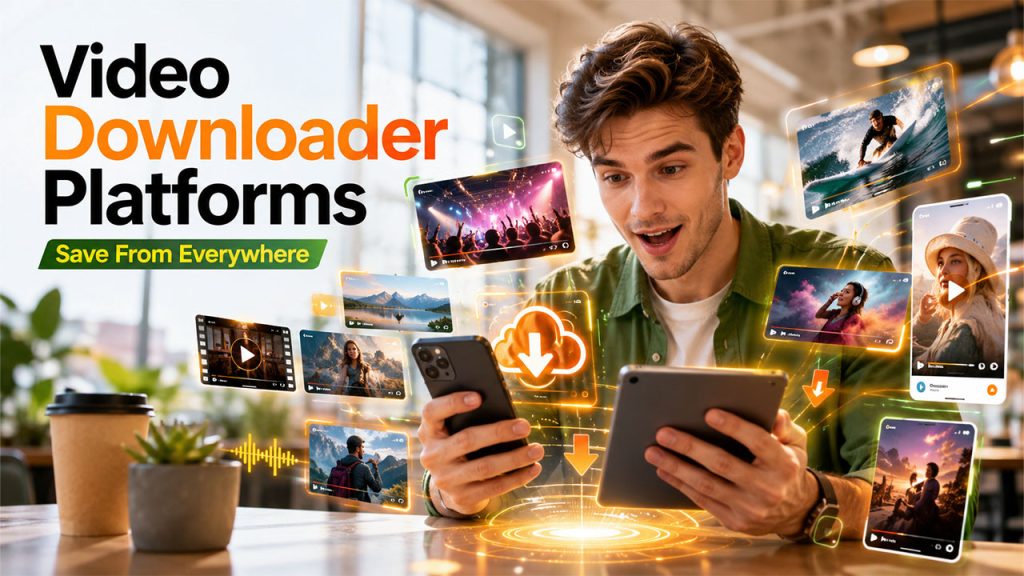
One of the benefits that stands out for a quality video downloader is its wide platform compatibility. Most leading tools provide support to a broad range of social media networks and websites, making them flexible for daily use.
Platforms That Are Commonly Supported Are as Follows:
- YouTube — Save music videos, tutorials, documentaries, and educational content.
- Facebook — Download clips from your public pages, feed, or group posts.
- Instagram — Save stories, reels, and regular video posts.
- TikTok — Download reels and shorts without watermarks.
- Dailymotion — Save long-form videos and niche content.
- Vimeo — Download creative, professional, and portfolio video projects.
- Reddit — Extract embedded video from community posts and threads.
- Twitter/X — Save interviews, news clips, and viral videos.
Since the majority of platforms do not provide an in-built download button, an online video downloader effectively fills that gap. Irrespective of whether you are on iOS, Android, Windows, Mac, or Linux, or a browser-based video downloader that smoothly works across all devices with just a stable internet connection. If you want to save content specifically from social platforms, check out our in-depth guide on how to download social media videos.
Key Features to Look for in a Video Downloader
Not all online video downloaders are created the same. Before selecting one, it aids to know what separates a reliable tool from a subpar one.
Top-Quality Output
An effective video downloader ensures the same resolution as the original source. Quality must not be compromised during the process of downloading and extraction.
No Installation Needed
The right online video downloaders are always entirely browser-based. There is no requirement to download or install any plugin, software, or extension to get started.
Multiple Resolution and Format Support
Look for platforms that provide a vast range of quality options, from compressed formats for saving storage to full 4K and HD downloads for the right viewing experience.
No Watermarks
Downloaded videos must be ready to use and clean, without any watermarks or branding by the downloader itself.
Reliability and Speed
A reliable video downloader quickly processes requests with minimum wait time. Tools that utilize multi-threading technology can complete downloads close to three times more quickly than standard options.
Platform and Device Compatibility
Irrespective of whether you are on a desktop or smartphone, the online video downloader must consistently work across all operating systems and devices without any performance problems.
Is It Legal to Utilize a Video Downloader?
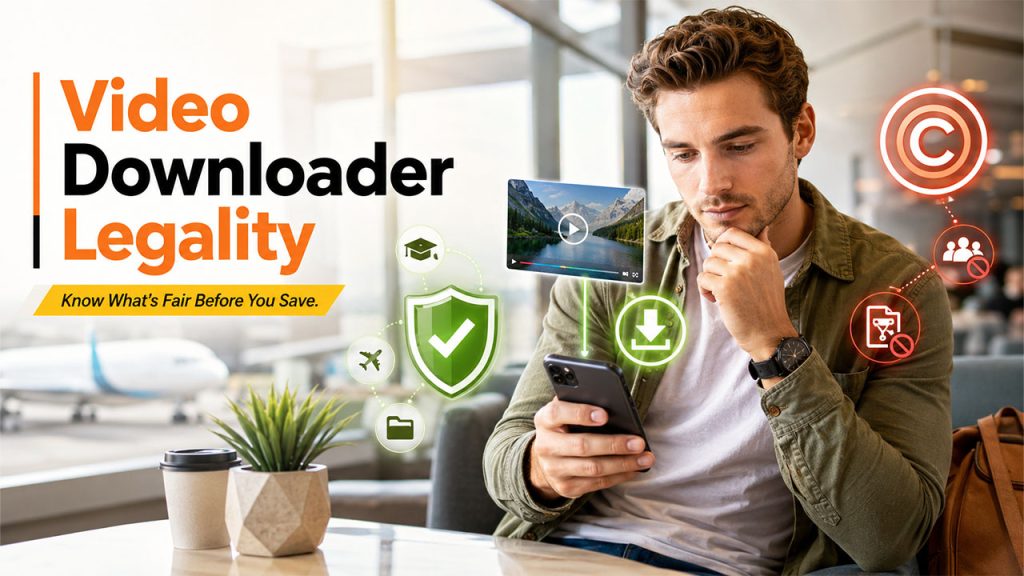
This is a key question that each user needs to address before utilizing any online video downloader.
The short answer is that it depends on how the downloaded content is utilized.
- Personal Offline Use — Downloading the video for your own non-commercial, offline viewing is considered legal in many regions.
- Sharing or Redistribution — Uploading content that is downloaded to other platforms or commercially utilizing it without the permission of the creator is a violation of copyright law.
- Copyrighted content — Downloading videos that are copyright-protected for redistribution is illegal and might involve legal consequences as per the regulations of the country.
Each video downloader tool works under the principle that users are entirely responsible for how they utilize the downloaded content. Review the terms of service of the platform you are downloading from always, and respect the intellectual property rights of the content creators.
Responsible use cases of an online video downloader involve the following:
- Academic study and eLearning
- Saving content for areas with no or restricted internet connectivity.
- Developing a personal offline media library.
- Offline viewing during commute or travel.
It is also worth noting that a few platforms, such as YouTube TV, provide their own native recording features for specific content types. If you use such services, understanding how to record on YouTube TV can serve as a complementary, platform-approved way to access content offline.
Conclusion
An online video downloader is a time-saving and practical tool for anyone who consumes digital content on a consistent basis. From professional webinars and educational tutorials to travel vlogs and entertainment clips, it enables users to create a personal offline library without depending on a smooth network connection.
When responsibly used and within legal boundaries, a video downloader adds a great level of genuine convenience to daily digital life. What is important is to select a tool that is quick, reliable, and clean, one that provides support to distinct platforms, preserves the quality of videos, and works across all your devices.
Irrespective of whether you are going for a dedicated mobile app or a browser-based solution, the right online video downloader provides all you need in just a few clicks, completely free of cost.
FAQs About Online Video Downloader
Q1. Is an online video downloader free to use?
A- Yes, a lot of online video downloaders are absolutely free. They need no registration, subscription, or software installation to get started.
Q2. Can I utilize a video downloader on my smartphone?
A- Absolutely. Most video downloader tools are absolutely compatible with iOS and Android devices and directly work through a dedicated app or mobile browser.
Q3. What options of video quality does an online video downloader support?
A- Most platforms provide numerous resolution options, generally ranging from 360p to full HD 1080p and 4K, as per the available quality at the source.
Q4. Is it safe to use a browser-based video downloader?
A-Reputed online video downloaders are safe to use. However, always avoid platforms that need unnecessary permissions, display intrusive advertisements, or need software downloads.
Q. Can you download videos from any platform utilizing a video downloader?
A- Most online video downloaders provide support to a broad range of platforms including Instagram, YouTube, Facebook, Vimeo, TikTok, and Twitter/X. Support can change by tool, so it is important to validate the compatibility of the platform before utilization.