





Introduction
Managing a small business typically means that you have to perform multiple roles at once, and customer follow-ups likely become the first thing to be forgotten. A free CRM for small business fixes this precise issue by providing you with one organized system to keep track of conversations, deals, and leads, instead of sticky notes and scattered spreadsheets. The positive news is that you do not require a large budget or a professional-level system up and running. Numerous established vendors now provide a genuinely usable free CRM for small businesses, and open-source options provide technical teams with a lot more control. In this guide, let us go through what a free CRM for small business includes actually, the most effective platforms that are available right now, and how you can get the free CRM to align with your precise workflow.
What Is a Free CRM for Small Business?
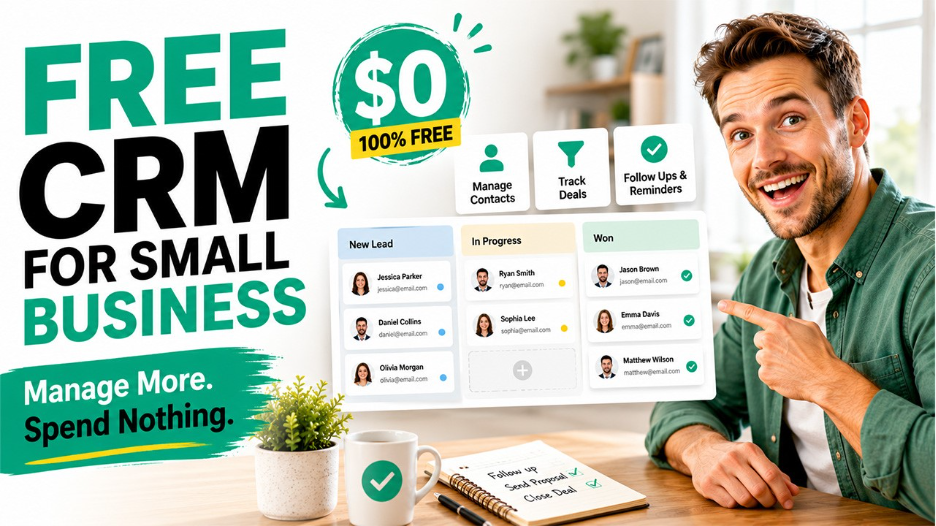
A free CRM for small business refers to a no-cost edition of CRM software that allows you to track sales conversations, contact details, and handle follow-ups in a single dashboard. Contrary to a complete paid subscription, such plans often limit the number of records, users, or sophisticated automations, but they still cover the basics that most teams require from the first day itself.
An effective and free CRM for small business generally involves:
- Centralized lead and contact management.
- Basic pipeline or deal tracking.
- Activity logging and task reminders.
- Standard email tracking or email integration.
- Straightforward reporting dashboards.
For a small sales team or founder replacing spreadsheets, this is typically more than sufficient to manage daily processes professionally. You can explore a wider breakdown of how CRM for small business operates and what you need to focus on as your team evolves.
Why Do Small Businesses Need to Consider a Free CRM?
People work with small budgets in the initial stages of a business, so a free CRM for small businesses eliminates the cost barrier upfront while still providing great operational value. It also provides teams with a lot of time to test workflows and comprehend what features really matter before going for a premium plan.
Main advantages are as follows:
- No cost of licensing, which frees up your budget for hiring or marketing.
- Quicker onboarding since the majority of free plans have guided and simple setups.
- An organized alternative to scattered notes and spreadsheets.
- Room to assess the CRM before committing to a premium subscription.
What Are the Best Free CRM Platforms for Small Businesses?
Let us get a deeper look at some of the most trustworthy options that are presently available:
1. Zoho CRM Free Edition:
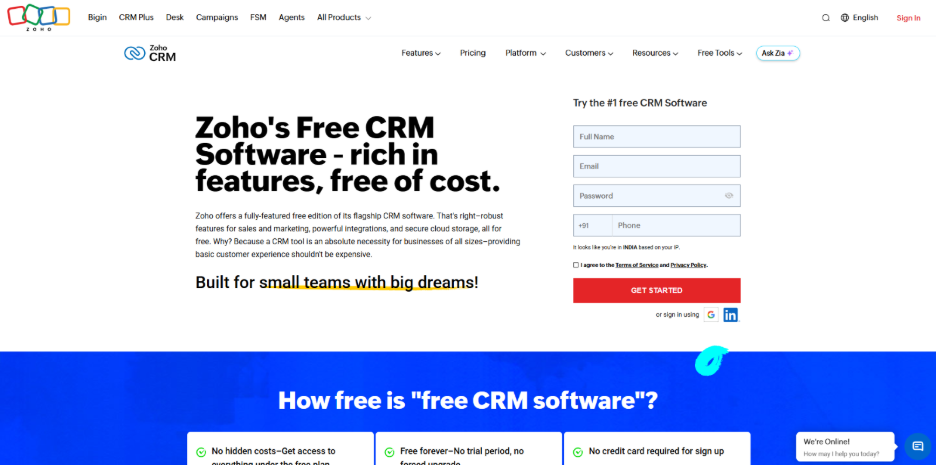
Zoho provides a free-forever plan that provides support to three users as well as deal, lead, and contact management. Furthermore, standard integrations and automation across the Zoho environment are important. There are no credit card requirements or trial period, which makes it a good starting point with low risk for very small teams.
2. HubSpot CRM:
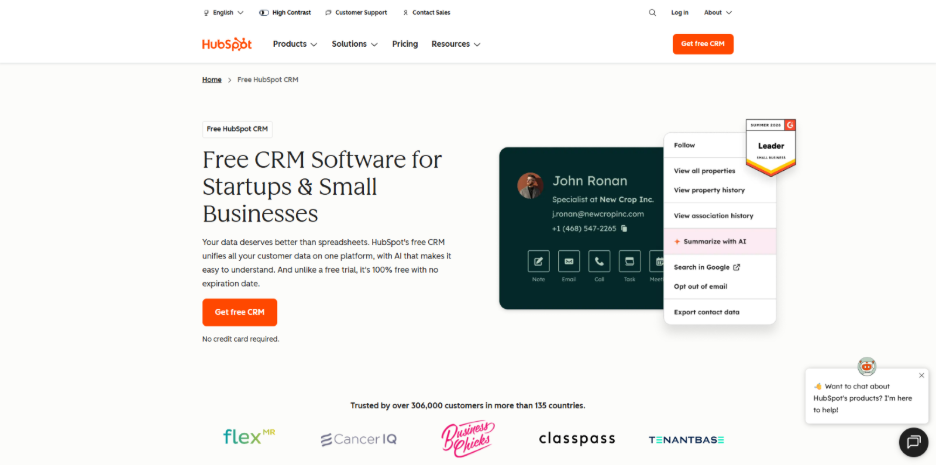
The free CRM tools of HubSpot encompass deal and contact management, forms, email tracking, and live chat at no cost. It cleanly incorporates wider marketing and sales tools of HubSpot, so it helps businesses that are looking to invest in inbound marketing later. However, a few sophisticated features are only accessible in premium plans.
3. Salesforce Free CRM:
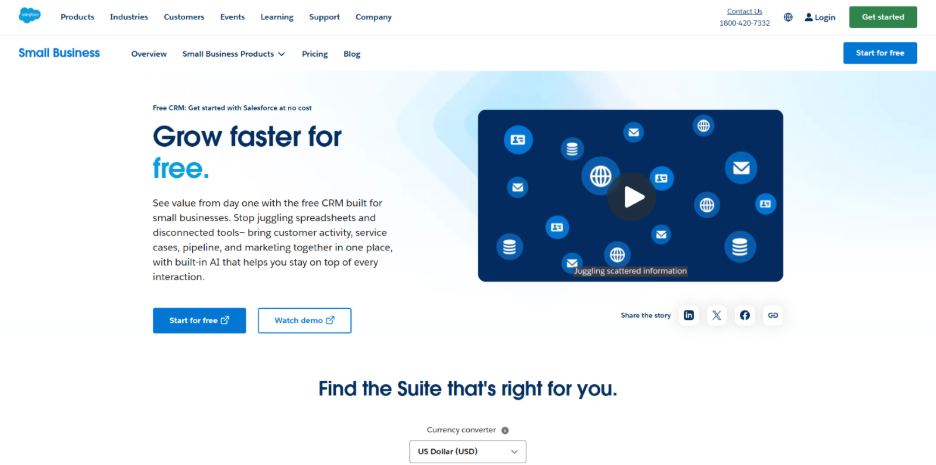
Salesforce has introduced a free entry point recently that centralized service, sales, marketing, and Slack together for around two users, with guided onboarding created for founders with no technical background. It is a practical way to experience the environment of Salesforce before moving to a premium Starter or pro Suite plan.
4. Bigin by Zoho
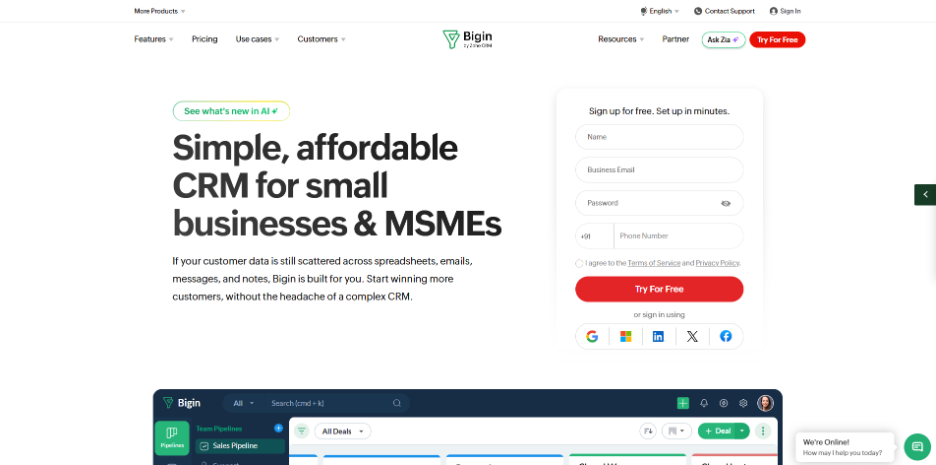
Bigin is a pipeline-first and simplified CRM squarely aimed at businesses shifting away from spreadsheets. It takes away the complexity of enterprise in favor of an easy and clean pipeline view, which numerous small teams find simpler to adjust than a complete CRM.
5. Monday CRM
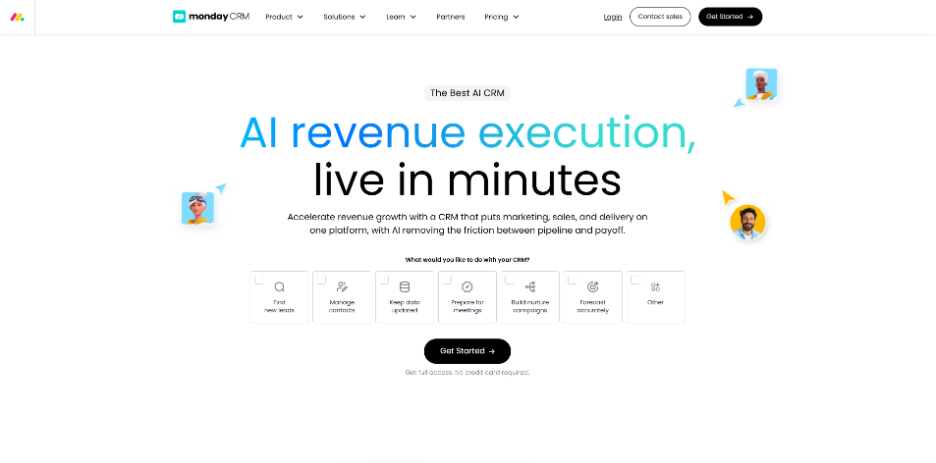
The CRM building blocks from Monday.com are known for customizable and visual boards. While its free plan is more restricted than the option given, it works well for small teams that already leverage monday.com for project management and need lead tracking in the similar workspace.
Each of the above-mentioned platforms are genuinely free CRM for small business. However, the right choice depends on the size of your team, technical comfort, and whether you plan to grow into a premium environment later.
Open-Source CRM: SuiteCRM and SugarCRM
If your team has access to development resources and needs complete control over customization and hosting, open-source options are worth considering along with any hosted free CRM for small business.
SuiteCRM is a self-hosted, free, and PHP-based CRM created as a fork for the last open-source release of SugarCRM. It encompasses the entire lifecycle of the customer, including accounts, leads, quotes, opportunities, campaigns, cases, and workflow automation, all under an AGPL license with no fees per-seat. Since you own the deployment, you get limitless customization and total control, though it does need ongoing maintenance and server administration skills.
SugarCRM offered an open-source Community Edition originally that inspired the SuiteCRM project. However, SugarCRM discontinued its free open-source edition and now mainly focuses on commercial products like Sugar Enterprise and Sugar Sell. For businesses that need the original open-source spirit today, SuiteCRM has successfully become the actively maintained successor.
For technical teams that compare the different types of CRM systems available, assessing free plans against self-hosted open-source customer relationship management is a great exercise before making a final choice.
Boosting Capabilities of Free CRM with Custom Extensions
A free CRM for small businesses explains the fundamentals. However, each organization eventually requires something that the default setup does not provide, whether that is a specific custom field, particular automation rule, or an integration with another platform that your team depends on. This is where customized CRM extensions provide to be crucial.
Instead of completely changing the platforms, you can include targeted extensions and plugins to your current CRM to:
- Automate routine tasks that simplify and accelerate your sales process.
- Include custom modules and fields according to your industry.
- Integrate messaging tools, like WhatsApp or SMS, into the Customer Relationship Management.
- Develop customized reports that your default dashboard does not provide support to.
If you are implementing SuiteCRM or SugarCRM, enhance it with dynamic and flagship plugins which allows you to widen the capabilities of the platform without a complete rebuilt, enabling you to keep the cost advantages of open-source software while reducing functionality gaps as your workflows evolves further.
Conclusion
Selecting a free CRM for small businesses does not imply settling for a basic tool. Between hosted solutions such as HubSpot, Zoho, Bigin, Salesforce, and monday CRM, and open-source options such as SuiteCRM, small businesses have capable and genuine choices at no major cost. What is important is aligning your platform to your technical comfort and team size, then improving it with custom plugins as your processes become more particular. Begin with the free plan that aligns with your workflow today and customize or scale only when your business needs it precisely.
FAQs About Free CRM for small businesses
A- Most free CRM vendors covered here include HubSpot, Zoho, Salesforce, Bigin, and Monday.com provide permanent free tiers with no need for credit cards, not time-limited trials. Limits often apply to sophisticated features or user counts, not access.
A- This typically changes by platform. The free plan of Zoho provides support to around three users. On the other hand, the new free tier of Salesforce provides support to two. Check the current limits of every vendor before adopting the CRM.
A- Hosted free Customer Relationship Management (such as HubSpot or Zoho) are managed by the vendor with limited features, while open-source options such as SuiteCRM are fully personalizable, self-hosted, and charges at no per-seat costs. However, it needs your own maintenance and server.
A- Free CRMs operate well for small teams that replace spreadsheets. However, user caps, record limits, and automation restrictions often mean that you will need to upgrade to a premium plan as your pipeline and team grows.
A- Yes, most of the platforms enable standard integrations and custom fields even on free plans and open-source CRMs such as SuiteCRM providing support to detailed personalization through extensions and plugins without a complete platform rebuild.