






When scrolling through social media feeds, we often want to download social media videos on the device without wasting time. It could be a DIY reel, an academic lecture, a celebrity story, or just a funny clip. But saving all such content doesn’t remain easy because nearly all platforms restrict direct downloading.
Even if some allow it, they give the control to the creator whether to enable the download option or not. As a result, you end up wasting your time looking for the quick downloading options. But now, you don’t need to look further, as this guide covers some of the fastest possible methods to download social videos.
So, let’s explore them.
Opt For Online Video Downloaders
The quickest way to download social media videos you want is to use an online video downloader. Since they work directly on the web, you don’t have to burn your time and energy on installing anything. Another reason they help you right away is that they are accessible on all devices, including desktops and mobile phones. That means you can instantly access them and start saving a clip without any delay.
Let’s walk through a few such downloaders.
SmallSEOTools - Video Downloader
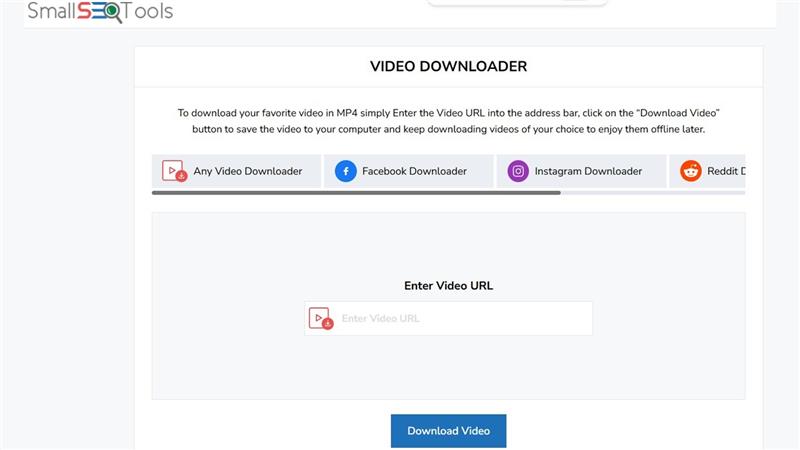
SmallSEOTools.com's all-in-one video downloader is quite popular among its users. Why? Because this tool is completely free to use, allowing you to save unlimited clips from whichever social media channel you want. Additionally, it supports full HD downloads with multiple format options. So, whenever you need to make an instant download, give it a try.
Key Features:
- 4K video downloads
- Safe & secure journey
- No watermarks on videos
GetInDevice - Social Clip Saver
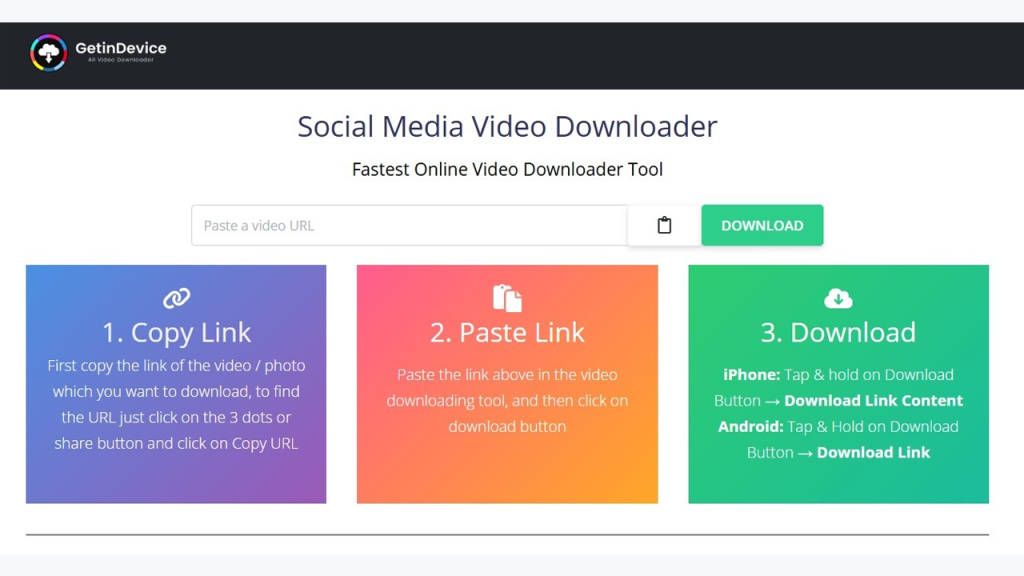
If you want a downloader that is dedicated to social media, GetInDevice could be a good choice. It supports 50+ sites, including all the famous social platforms. It even works with Threads, which was launched a couple of years ago. The best part? It displays the icons of the supported sites so that you can easily see if it’s compatible with your targeted video-hosting website.
Key Features:
- Multiple language options
- No unnecessary redirects
- Advanced link detection
Ummy - Video Downloader

Ummy is especially useful for YouTube videos. However, it has clearly mentioned that it doesn’t support downloading for unauthorized commercial use of clips. So, make sure that you only use it to save clips for entertainment or learning purposes and don’t share saved videos publicly. To download social media videos using this tool, you just need to provide it with the video URL.
Key Features:
- Ad-free downloading experience
- No upfront payment requirements
- Multiple download methods
Try Video-Downloading Extensions
This method is suitable for you if you don’t have the time to visit downloaders repeatedly to save videos. But to save that time, you’ll have to first face one-time hassles: installing and integrating a video-saving extension to your browser. Once integrated, you can download social media videos directly from the page you are viewing them on.
Here are some add-ons that let you do so effortlessly:
Video Downloader Professional
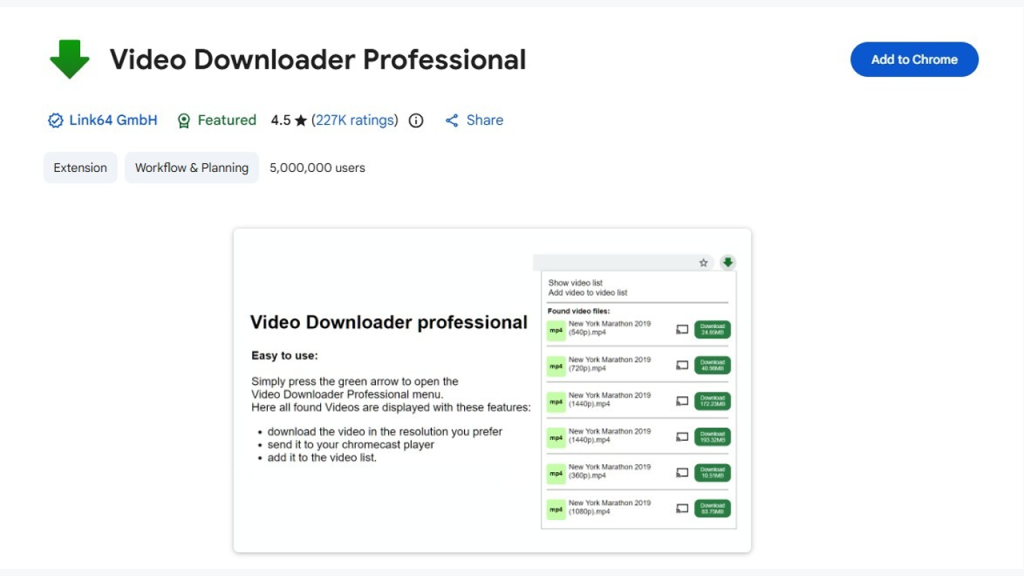
Video Downloader Professional is one of the highest-rated extensions available on the internet. The reason why users like it so much is that it doesn’t keep you waiting for downloads. As you install it on your browser, you can instantly go to the page where the clip is playing and click its icon in the toolbar to view downloading options.
Key Features:
- Easy integration
- Chromecast feature
- Resolution choices
Social Media Downloader
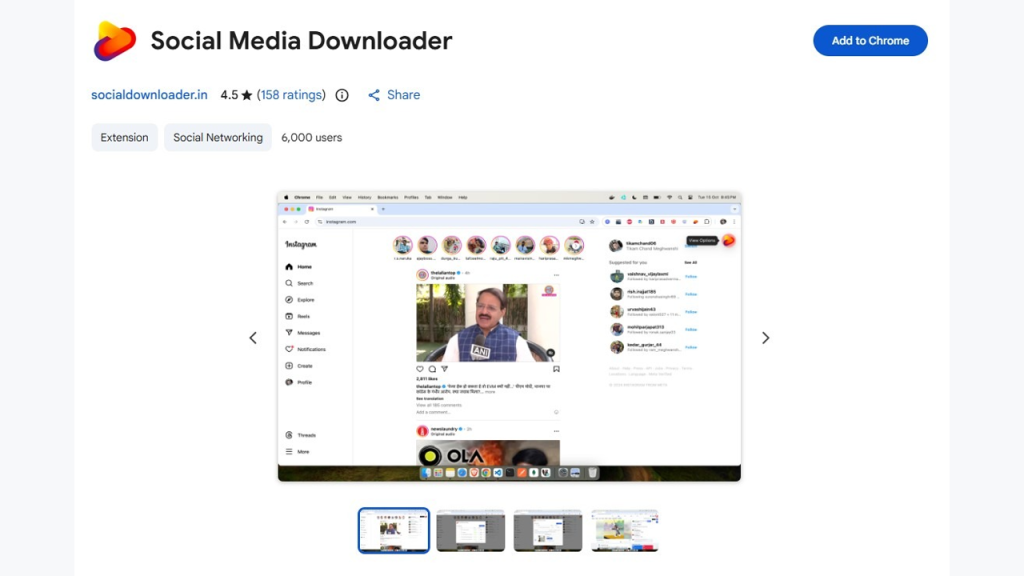
The name itself indicates that this extension has been specifically made to download social media videos. While it’s not as popular as the above one, it has satisfied many users with its ease of use and reliability. What makes it a quicker option is that it automatically fetches streaming videos and shows a download button for each, so that you can start downloading quickly.
Key Features:
- Direct download option
- Accurate URL fetching
- Batch download facility
Video Downloader Social
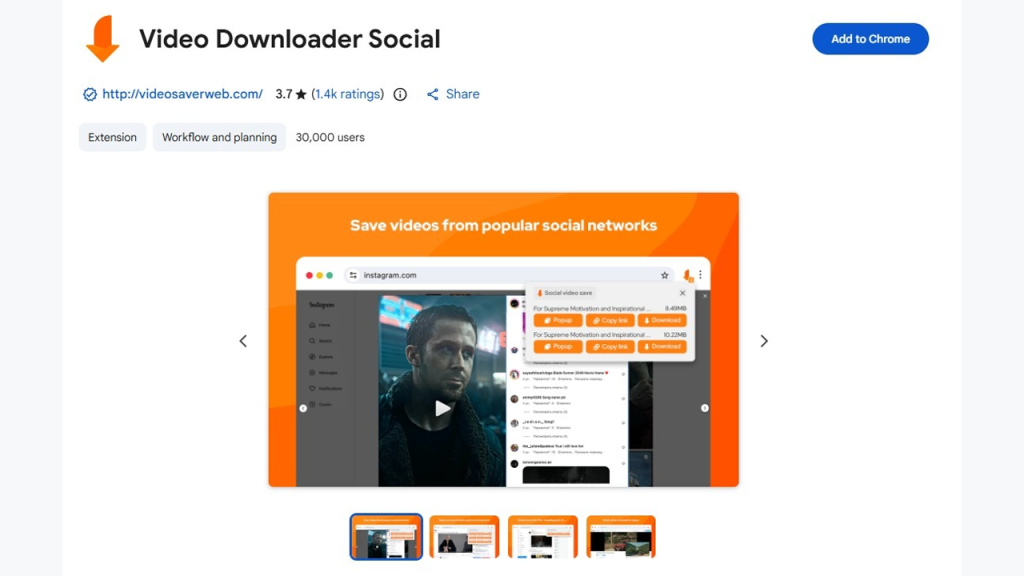
This is another dedicated browser add-on to download social media videos. Its specialty is that it shows all the available versions of the same clip in a list. Each of them comes with different resolutions and format options. This facility provides you with the freedom to make the choice that best suits your needs and device compatibility.
Key Features:
- Easily navigable dialogue box.
- No registration is required.
- Detects M3U8 streaming formats
Use Dedicated Mobile Applications
Another faster downloading option is installing a dedicated video-downloading app on your mobile. Just like extensions, the apps also require a one-time effort. Once you have them on your smartphone, you can open them anytime and anywhere to make a quick download. These applications also work with video URLs and fetch them from the respective social media sites within seconds. You can rely on the following choices for a better experience.
All Video Downloader & Player
All Video Downloader & Player is available on both iOS and Android devices. So, no matter which operating system your mobile has, you can install this app easily. As you open it after installing, a clean user interface shows up with the input box at the top. Whatever video you want to download, just insert its link and proceed further.
Key Features:
- Built-in media player
- Download manager
- Option to block ads
Video Downloader - InShot Inc.
Video Downloader by InShot Inc. is also a suitable choice. It’s a lightweight app that gets installed quickly without taking up too much space. Just like the above application, it also provides a clearly visible URL box where you can paste links directly. And since it’s completely free, you can use it as many times as you want to download social media videos.
Key Features:
- Password protection
- SD card supported
- Download progress insights
Video Downloader - GetinDevice

GetInDevice also provides a downloading app along with a web downloader. Just like its web utility, the app also works seamlessly with nearly all social media channels. So, you don’t need to install separate apps for each video-hosting site. Instead, just get this app and start your video-saving journey to create a personalized collection of offline clips.
Key Features:
- No malicious attachments
- Multilingual support
- Quality control options
Over To You
Now that you have multiple ways and resources in your hands, it’s up to you which method you prefer for instant downloads. Whichever option you go with, make sure that you make fair use of downloaded clips.