





Selling is easier when one person manages all of marketing, sales, client contact, follow-up, and fulfillment. A good CRM unifies contact records, tracks where your prospects are in the sales process, and automates the mundane routine. The best CRM for solopreneurs can't be overly complex or expensive, as your business expands. We'll show you six of the most practical CRMs in 2026 and tell you what to expect from each, who it's best for, and more. These options cover different business needs, from basic contact management and sales tracking to automation, reporting, and visual pipelines. This makes it easier to compare their features and choose one that fits your daily work.
What Is CRM?
CRM is an abbreviation for customer relationship management. The CRM program or application comprises customer and lead data, keeps track of all interactions, manages all sales chances, and aids in following up from a single work point. It enables the user to streamline activities associated with a certain contact rather than filling in different spreadsheets, emails, notes, and calendars. CRM for solopreneurs affords a single point for managing relationships and sales. One of the examples is HubSpot which offers a no-cost CRM including contact management, deal pipelines, tasks, activity monitoring, and reporting, thus arranging all lead activities.
Why Do Solopreneurs Need CRM?
Solopreneurs often manage every stage of the customer journey themselves. A prospect may arrive through LinkedIn, email, a website form, or a referral, while follow-ups happen across different channels. Without a structured system, it becomes easy to forget a conversation, miss a task, or lose track of an opportunity. A CRM for solopreneurs creates a repeatable process. You can record a lead, move it through sales stages, schedule the next action, and keep notes about conversations. A focused CRM For Freelancers can serve a similar purpose by organizing prospects, projects, communication, and follow-ups.
Essential Features of CRM for Solopreneurs
Examine the features of the best system that would benefit most from minimal daily effort required to operate it and provide extensive sales information to the organization. The last two features of CRM for solopreneurs are particularly beneficial for an individual since they relieve a single person of the routine management of customers.
- Contact and Lead Management: Storing the names, emails, companies, notes, sources, and interaction history, allowing searching for prospects, and reviewing the communication history before scheduling a meeting.
- Deal and Pipeline Management: Visualizing the closed and ongoing deals in a pipeline and defining stages for each deal in accordance with one’s sales logic.
- Tasks and Reminders: Keeping track of all necessary follow-up actions and ensuring that no potential customer is lost due to one’s negligence.
- Email and Calendar Synchronization: Reducing administrative work by synchronizing email and calendar with the application, minimizing the effort to organize various conversations with clients.
- Automation and Reporting: Automating repetitive tasks through the software’s workflow functionality, providing the necessary information about the pipeline’s value, activity, and conversion ratio at different stages for increasing efficiency.
6 Game-Changing CRM for Solopreneurs
Your best CRM is one that will adapt to a solopreneur's process for tracking leads, sales, and relationships. Here are a few options ranging from simple lead pipeline to general automation and customization.
1. HubSpot CRM
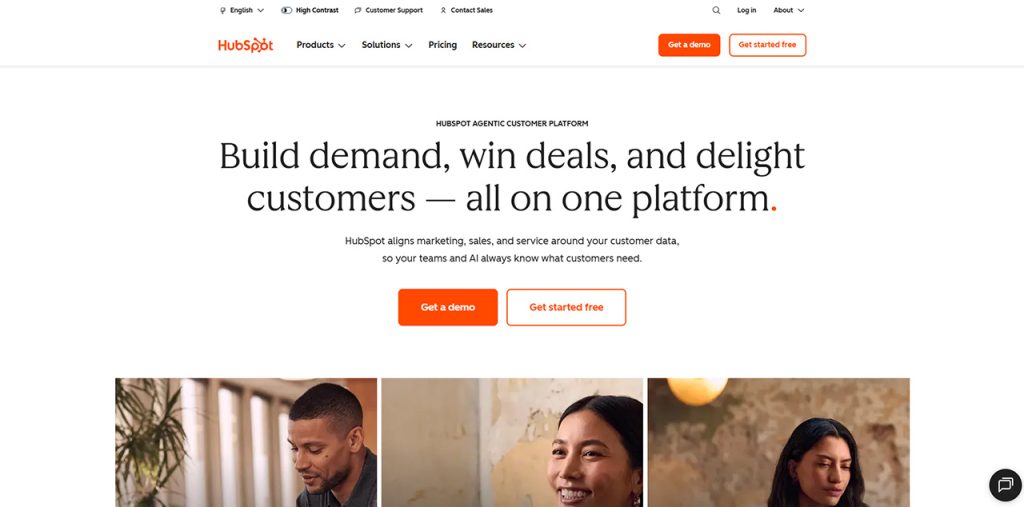
Plan Name Free CRM Features Contact management Deals, tasks, and reporting Email tracking, templates, and meeting scheduler Free CRM for two users and up to 1,000 contacts Visual pipeline and flexible stages that are perfect for a solopreneur who wants more general sales tools and might add other HubSpot products later.
2. Zoho CRM
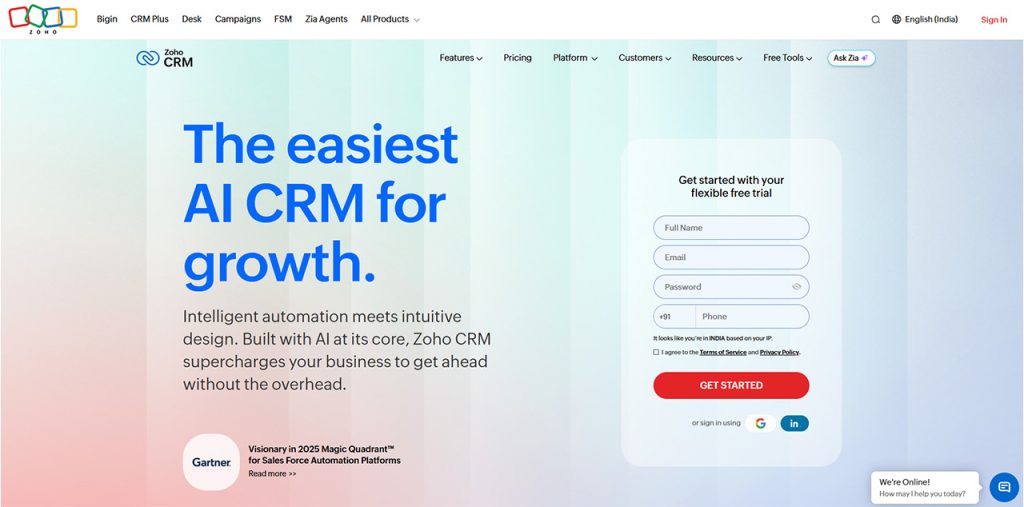
Zoho CRM wraps lead, company, and contact management, reminders and tasks, calls, reports, email templates, workflow automation, and APIs into its free tier for 3 users. It allows workflow rules, time-based actions, and more conditional workflows. Suitable for those who need to go further with automation and customization.
3. Bigin by Zoho
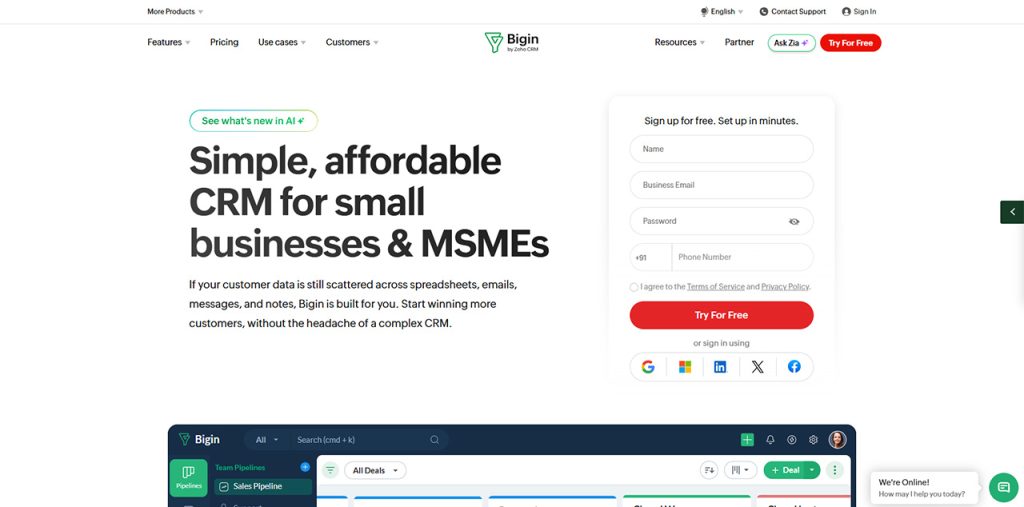
Bigin is for small businesses and less complex sales cycles. The free edition allows 1 user, 1 pipeline, 500 records, 3 automations, and native mobile apps. Bigin's other versions have 1 pipeline at $7 per user per month when billed annually, with additional pipelines, email and WhatsApp integration, and up to 50,000 records. Bigin retains the focus on pipelines and customer relationships.
4. Freshsales
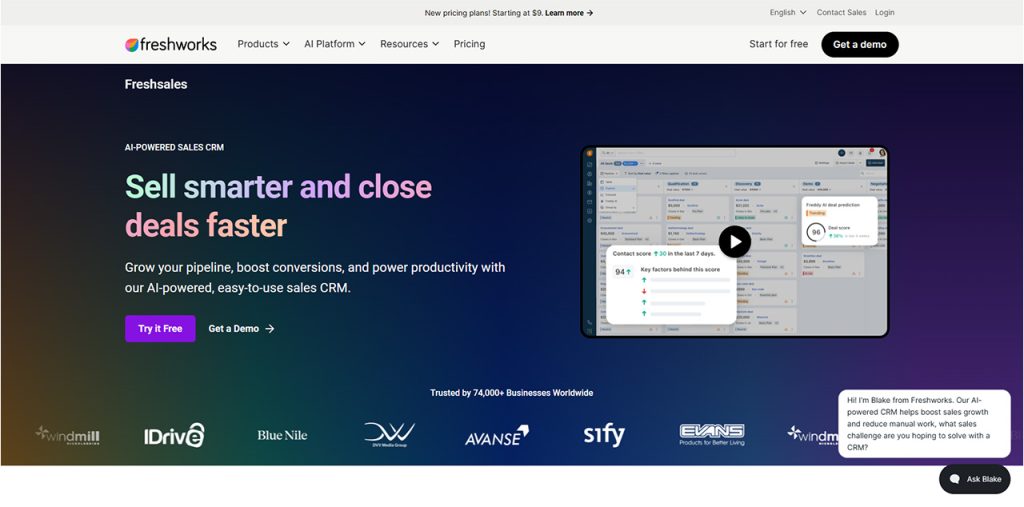
Freshsales includes contact management, activity timelines, pipelines, tasks, email, phone, chat, workflows, analytics, and AI. The free plan is limited to three users, with Growth costing $9 per user per month when billed annually. Freshsales is ideal for anyone wanting their communication tools inside their CRM, with lifecycle stages, custom fields, tasks, and sales sequences.
5. Pipedrive
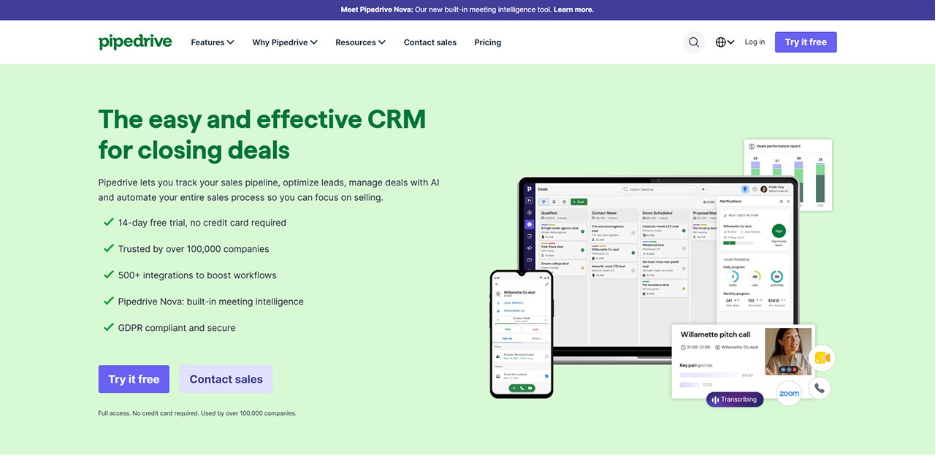
Pipedrive is laser-focused on managing the sales pipeline. The starting Lite plan, at $14 per seat per month (billed annually), offers lead, calendar, and pipeline management, real-time sales feeds, the ability to create reports using AI, and more than 500 integrations. Pipedrive works well if what you need above all else is a clear picture of the deals you're working on and what the next step should be. Higher pricing tiers offer email sync, follow-up scheduling, meeting scheduling, and forecasting. You get a 14-day trial to test out your workflow.
6. Monday CRM
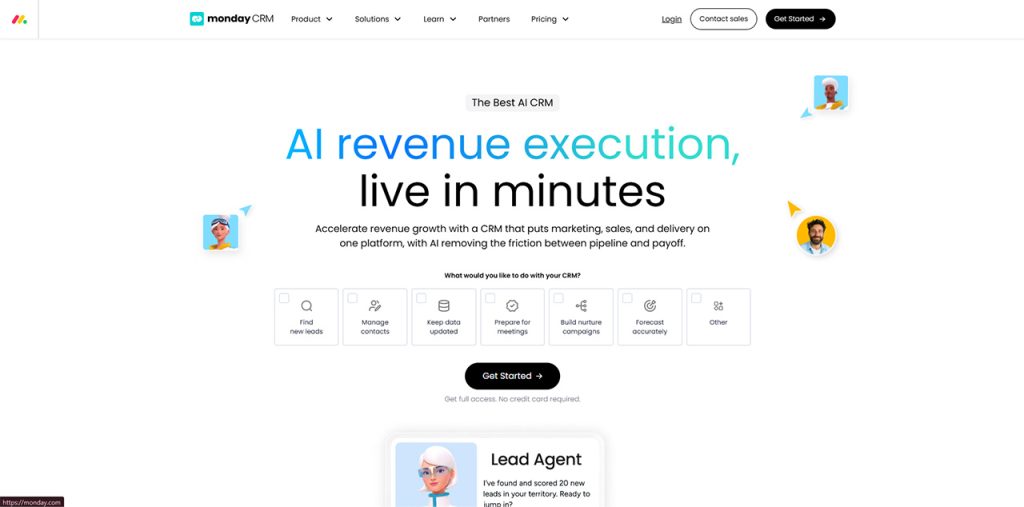
Get a bird's-eye view of leads, contacts, and deals. Pricing starts at $12 per seat, per month (when billed annually) and includes customizable columns, dashboards, quotes and invoices, 1000 active contacts and deals, and more. Basic also includes: a visual workspace to organize deals, contacts, and leads, and the ability to add sales automation. Perfect for solopreneurs who love the visual, board-led style of monday.com, but perhaps too broad if you simply need a sales pipeline.
How to Select the Best CRM for Solopreneurs
Start with your sales process, not the feature list. Map how leads enter, how you qualify them, when you send proposals, and what happens after the sale. Choose a CRM that supports these steps without adding complexity. Consider the total cost, including contact limits, automation, integrations, email features, and add-ons. Ease of use also matters because a system that takes too long to maintain can create more work.
Security is important when customer data and business records enter the system. If you already use enterprise risk management software, check whether the CRM fits your security and compliance processes. Finally, test the workflow with real contacts, deals, follow-ups, emails, and reports before choosing.
Conclusion
It is quite easy to manage a client relationship when all relevant information is collected in one place. The best CRM for solopreneurs is the program that delivers scattered information into a structured sales process. Among the apps you can choose are HubSpot, Zoho CRM, Bigin, Freshsales, Pipedrive, and Monday CRM, which provides a visual work management solution. There is no single answer to the question of which CRM is the best because it depends on your sales process, financial ability, integrations you need, and automated functions to keep, as well as your daily routine. It is suggested to start with the features you use every week, using real customers to test the CRM program.
FAQs About CRM for solopreneurs
A- The right option depends on your workflow, budget, and required features. HubSpot, Zoho CRM, Bigin, Freshsales, Pipedrive, and Monday CRM each support different approaches to contact and sales management.
A- Yes. A CRM helps one-person businesses organize contacts, track opportunities, schedule follow-ups, record communication, and manage sales activity from one place.
A- Yes. HubSpot and Zoho CRM offer free CRM options, while Bigin also provides a free edition for one user. Free plans have different limits, so check the current terms before choosing one.
A- Focus on contact management, pipelines, reminders, email and calendar integration, automation, reporting, mobile access, security, and pricing that fits your current business size.