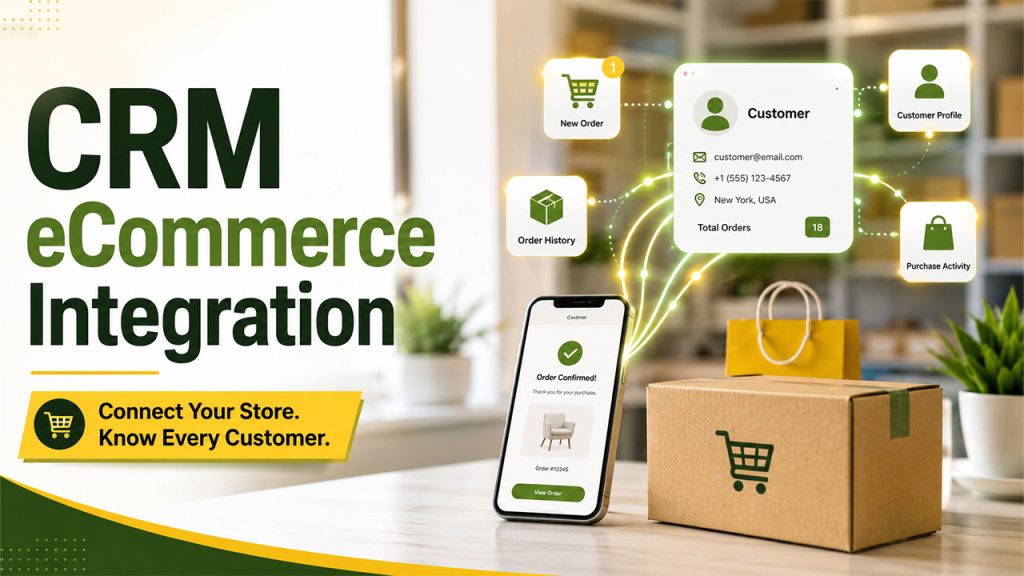






If your online store and your CRM aren’t talking to each realizing it. CRM eCommerce integration is what closes that gap, connecting your customer data with your storefront so every order, interaction, and purchase history feeds into one system instead of living in scattered, disconnected tools.
Teams will have to make manual efforts, neglect follow-up, and deal with an incomplete understanding of the customer without it. With it, everything from marketing to support operates based on the same, precise information.
In this blog, we’ll break down what this integration actually involves, how it works, the benefits it brings, and how to choose the right approach for your business.
What Is CRM eCommerce Integration?
CRM eCommerce integration is the process of connecting your customer relationship management system with your online store, so that customer data, orders, and behavior flow automatically between the two rather than being managed separately.
Essentially, it means every purchase made, cart abandoned, and change to customer profile details made on the website is automatically reflected in your CRM system, with no manual input required. All the sales, support, and marketing departments have access to the same live information on customers rather than outdated spreadsheets or exports that lose their relevance in just a few days.
It is not necessarily done by a single tool but through integration via native applications, API, or a middleware platform.
How it Works
In simple terms, integration is achieved by creating a two-way (or in some cases even one-way) data connection between your CRM and your e-commerce software, meaning that data gets synced without any effort on your part.
Customer data sync: All new customers, along with changes to their contact information or profiles, get immediately transferred to your CRM.
Order and purchase history: All orders placed will be added to the customer’s CRM profile for your staff to see all the products bought and the dates they were bought.
Inventory and product data: Some integrations may also include product catalog or inventory management, which allows your salespeople to immediately see if the item is available for purchasing.
Behavioural triggers: Any actions taken by your customers, such as leaving items in the cart or buying something several times, can trigger certain actions in your CRM, such as sending an email or notification to your sales team.
This syncing typically happens through APIs, webhooks that fire the moment an event occurs on your store, or a middleware platform that sits between both systems and manages the data flow so neither platform needs to be rebuilt to talk to the other.
Key Benefits of CRM eCommerce Integration
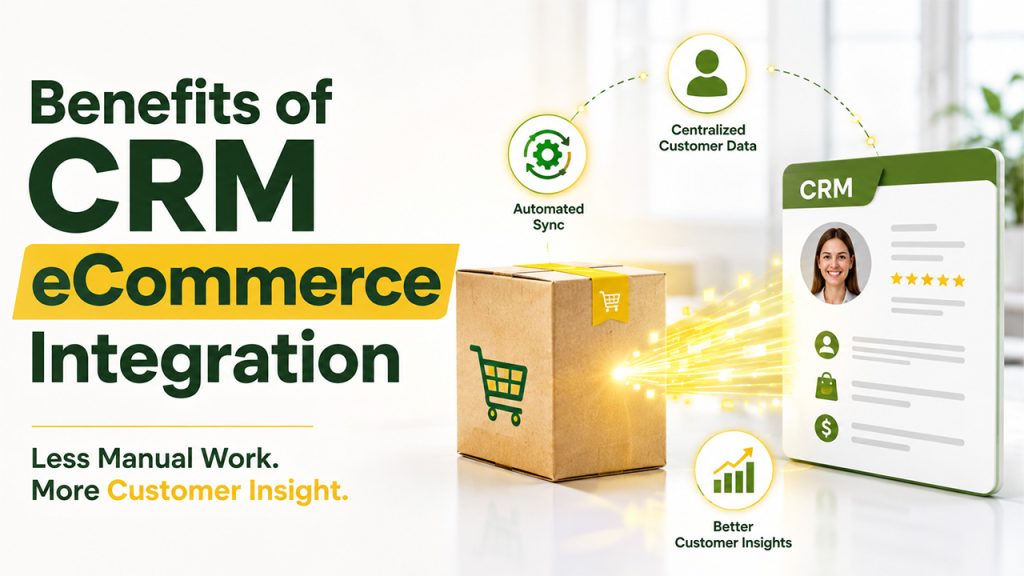
Once it’s set properly, the payoff from CRM eCommerce integration shows up across nearly every customer-facing part of the business:
- Centralized customer profiles: All interactions, transactions, and preferences are kept in one place so that no department acts on incomplete information.
- Faster, more personalised follow-ups: Sales and customer service departments will be able to check the transaction history instead of requesting that information from the client.
- Reduced manual data entry: Automatic syncing eliminates the errors and wasted hours that come with manually exporting and importing customer data.
- Better marketing targeting: Purchase behaviour feeds directly into segmentation, making campaigns more relevant instead of generic blasts to the whole list.
- Improved customer support response: Support teams handling live conversations, like through e-commerce live chat, can see a customer’s order history instantly instead of digging for it mid-conversation.
- More accurate reporting: Sales and customer data staying in sync means leadership is making decisions based on real numbers, not outdated exports.
None of these benefits require a complicated overhaul either; they’re simply what happens once your systems stop working in isolation.
Common Integration Methods
There are many approaches to integration, and the choice depends on a business’ technical stack and the degree of customization required.
Native integrations: Built-in integration offered by both CRM and ecommerce platforms for the most common combinations such as Shopify with Salesforce and HubSpot. The quickest to implement, but offers limited customizability.
API-based integrations: A custom-built connection via the API of both platforms, allowing full control over the details of integration and data synchronization. Requires more programming but is scalable and flexible.
Middleware or third-party connectors: Platforms like Zapier or Make work as the middlemen between a CRM and a store, performing data synchronization without the need for customization in either of the two. A good compromise solution for organizations without developers.
Webhook-based syncing: Real-time triggers activated when particular events take place (e.g., new order received), synchronizing data immediately rather than with a delay.
When there is no available developer in the team, the most sensible approach will be to use either native integrations or third-party tools. In case of a more complicated situation, knowing about CRM integration methods in advance will help avoid picking the wrong solution to grow out of in a year.
Challenges to Watch For When Integrating

Integration resolves many challenges; it is important, however, to be prepared for the common pitfalls.
- Data quality issues: Syncing messy or duplicate customer data just moves the problem into your CRM instead of fixing it. Cleaning data beforehand saves headaches later.
- Platform compatibility limits: Not all CRMs and ecommerce platforms fit together perfectly, and not all functions can be managed natively.
- Ongoing maintenance: While middleware and custom integration solutions have their costs, which may rise as more and more data is exchanged.
- Cost creep: Middleware tools and custom development both come with costs that can add up, especially as data volume or complexity grows.
- Security and privacy concerns: Customer data moving between two systems means both platforms need proper security measures in place to avoid exposure.
None of this makes integration a bad move; it just means planning for upkeep rather than treating it as a one-time setup you never revisit.
How to Choose the Right Integration Approach
With multiple ways to connect your systems, picking the right one comes down to a few practical factors rather than guessing.
- Assess your technical resources: If you don’t have any in-house developers, then native integration or middleware such as Zapier is the way to go.
- Consider your data complexity: Order and contact syncs will do fine using available solutions, while customized data flows require an API-based solution.
- Factor in your growth plans: A quick native integration might work today but struggle to scale if your customer base or product catalog grows significantly.
- Check platform compatibility first: Confirm your specific CRM and ecommerce platform actually support the integration method you’re considering before committing to it.
- Budget for maintenance, not just setup: The cheapest option upfront isn’t always the cheapest overall once ongoing upkeep is factored in.
There’s no universally right answer here, just the option that fits your current setup without creating more work than it saves.
Conclusion
Ultimately, integrating eCommerce into CRM is more than a nice feature; it is what makes customer data accurate and allows you to align your efforts and follow up. There are various ways of achieving such integration: by using a native solution, implementing an integration based on APIs, or leveraging middleware tools. Whatever the method is, the result should be the same: your systems will no longer function independently.
You should begin with what suits your current technology stack, not what is the most advanced. In most cases, a simple integration works better than a complicated one.
The benefits of the integration are visible once your CRM and eCommerce systems start communicating with each other.
FAQs About CRM e-commerce integration
For most businesses without in-house developers, native integrations or middleware tools like Zapier are the easiest starting point, offering quick setup without requiring custom API development or ongoing technical maintenance.
Not always. The ability to connect CRM and eCommerce platforms depends on whether or not the particular CRM and eCommerce software has built-in connectivity, or whether an API or middleware solution will be needed to integrate them.
It can differ substantially. Native solutions are usually provided for free or at minimal cost, while a custom API integration or middleware product can require significant software development expenses.
Simple native integrations can be set up in hours, while custom API-based integrations may take several weeks depending on how much data needs to sync and how complex the workflows are.
Yes, even small stores benefit from centralized customer data and automated follow-ups, often more noticeably than larger businesses, since manual processes become unmanageable faster at smaller team sizes.