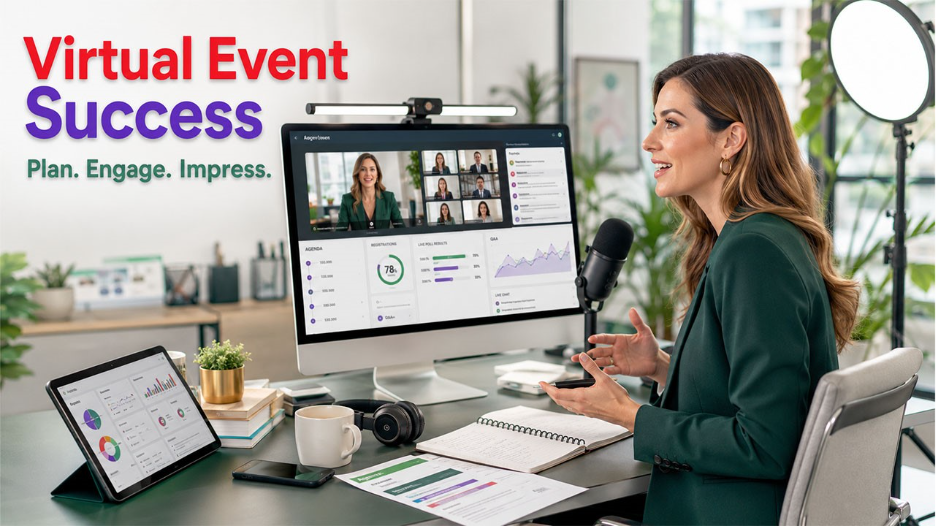






The way teams and businesses connect has dramatically changed over the last few years. Today, hosting a virtual event is a simple practice for team conferences, product launches, hiring drives, fundraisers, and networking sessions. However, a lot of organizers underestimate exactly how much goes into implementation. A well-organized plan can make the difference between an event people remember and one they leave midway and forget easily.
If you are planning to host a virtual event that is professional, engaging, and technically smooth, this guide explains all the key stages, from understanding the fundamentals to delivering a smooth real-time experience.
What Is a Virtual Event?
A virtual event is an organized gathering via the internet where participants join the event through an online platform instead of arriving at a physical venue. Such events can be anything from small team meetings and webinars to large-scale product launches, conferences, or job fairs, all conducted through the internet in real-time.
Contrary to in-person events, virtual events ensure:
- Anyone can join from around the world, irrespective of location.
- Minimum costs with no catering, no venue, or travel expenses.
- Scalability: a virtual event can invite anywhere between 50 people and tens of thousands of participants.
- In-built analytics to assess engagement, attendance, and performance.
The format is growing in popularity since it balances overall reach with convenience, making it a preferable choice for businesses of distinct sizes.
How to Host a Virtual Event: Step-by-Step
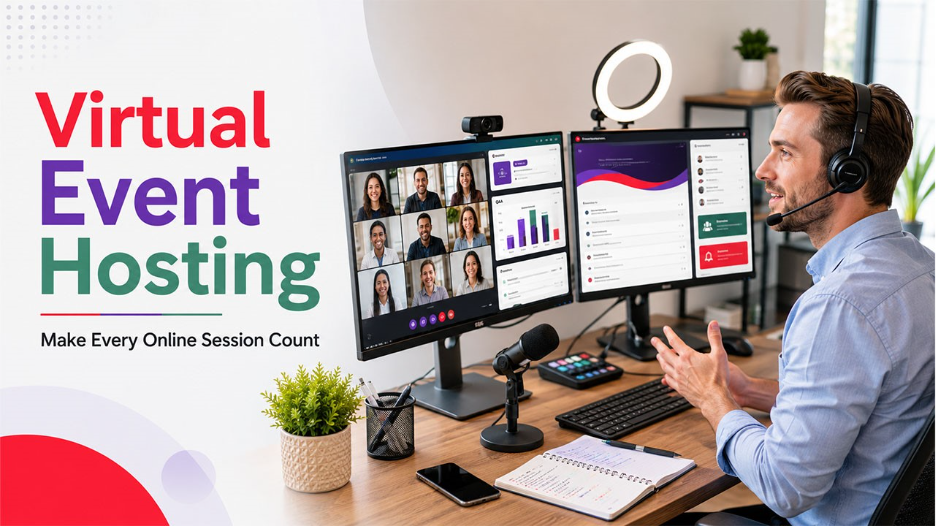
Step 1: Define Your Objectives and Audience
Before anything else comes up, it is important to be clear about what you want to achieve with virtual events. Do you want to generate leads, network within the industry, educate customers, or hire talent? If your objective is clear, every decision follows from choosing a platform to session structure.
Recognize your target audience and consider:
- Their preferred hours and time zones
- Expected attendance size
- Technical comfort levels
- Type of interaction they anticipate (active participation vs. passive viewing)
Adapting to different time zones often means speakers are connecting from hotels, airports, or temporary workspaces. A global eSIM can provide a reliable mobile data backup if their primary connection isn't available.
Step 2: Select the Right Solution
The platform you select directly impacts how seamless your virtual event hosting will be. Look for platforms that provide stable video and audio, breakout room functionality, Q&A, polling, and screen sharing. Also, take security characteristics into account, like role-based access control, waiting rooms, and encryption.
Important factors to assess:
- Scalability for your anticipated audience size.
- Compatibility with browsers (no forced app downloads)
- Support for moderators and co-hosts
- Integration with CRM platforms and registration
Step 3: Plan Your Agenda and Assign Roles
A well-organized agenda ensures that your virtual events stay on track. Break your session into organized segments with determined time slots. Assign particular roles such as main host, co-host for technical support, and individual panelists or speakers.
A sample framework agenda:
- Welcome and housekeeping (5–10 minutes)
- Main sessions or presentations (30–60 minutes)
- Interactive segment including polls, Q&A, or breakout rooms (15–20 minutes)
- Closing remarks and call to action (5–10 minutes)
Step 4: Ensure Rehearsal Before the Event:
One of the most ignored steps in hosting a virtual event successfully is the overall rehearsal. Implement a complete technical check with all moderators and speakers at least 24-48 hours in advance. You can test video, audio, screen sharing, and interactive tools. Recognize a backup plan for prevalent problems like connection failures or speaker drop-offs.
Step 5: Promote and Handle Registrations
Send event reminders and invites through social media, email, and any relevant CRM channels. Utilize a registration tool to collect attendee data, which also aids with post-event follow-ups. Confirm that all the invitees are attending with a reminder that contains instructions and even links.
Also Read: What Is the Best AI Virtual Receptionist for Business in 2026?
Right Practices for Hosting a Successful Virtual Event
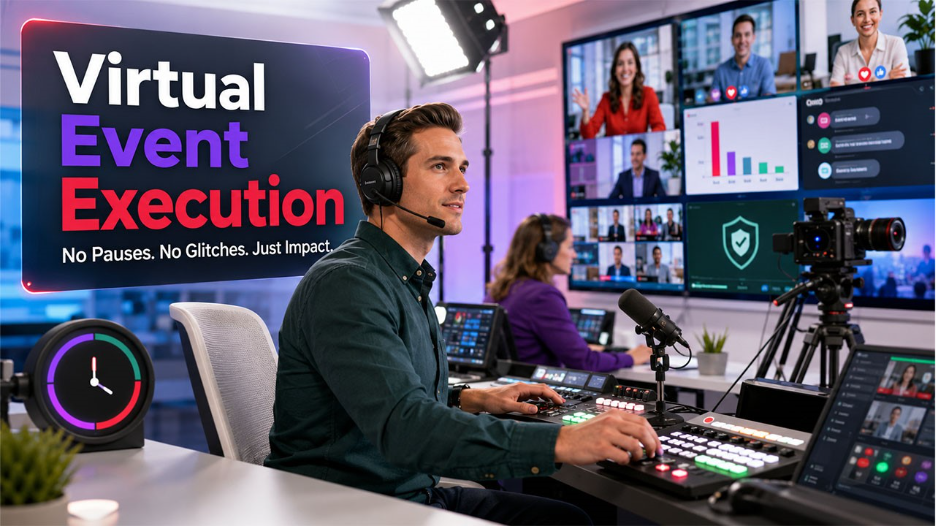
Once the planning is completed, execution is where your event truly comes to life. Such practices enable you to host a virtual event that feels professional and polished:
- Start on time — Punctuality indicates professionalism and respects the schedules of the attendees.
- Open with energy — Start with a clear and confident welcome that sets the tone for what’s to come.
- Actively Utilize Engagement Tools — Live Q&A, Polls, and breakout rooms to avoid passive participation and ensure that attention levels remain high.
- Keep transitions smooth — Prevent long pauses between different speakers. Brief the next parameter in advance, so handoffs become clean.
- Keep Track of the Chat — Specifically assign a team member to respond to questions, manage the chat, and identify technical problems.
- Record the Session — Recordings allow people who missed the event to watch later and catch up on all the updates. You can also use AI tools like Vizard AI to repurpose the records and create diverse marketing materials.
- Have a Contingency Plan — Be prepared for any technical glitches by having backup slides, a co-host prepared to take the stage at any time, and a support channel for all attendees.
Common pitfalls to prevent when you are hosting virtual events:
- One-way presentations with no interaction with the audience.
- Technical setup is completed on the day of the event.
- Unclear CTAs at the end of the session.
- Skipping the follow-ups after the event.
Technology and Tools for Virtual Event Hosting Tools
Choosing the right technology stack is as significant as the event agent itself. Beyond the core platform for video conferencing, numerous supporting platforms make virtual event management more professional and efficient.
Here are the important tool categories you must consider:
- Video Conferencing Platforms — Platforms such as Microsoft Teams, Zoom, or Google Meet manage the core audio-video experience. Select as per the size of the attendee and feature needs.
- Event registration tools — Platforms like native CRM integrations or Eventbrite aid in handling sign-ups, tracking attendance, and sending confirmations.
- Audience engagement tools — Apps such as Mentimeter or Slido add word clouds, interactive polls, and live Q&A without disrupting the session flow.
- CRM integration — Connecting your virtual event solution with the help of a CRM makes sure that attendee data directly flows into your marketing or sales pipeline. This is specifically valuable for post-event nurturing and lead tracking.
- Email Marketing Tools — Automated email sequences manage the event-day instructions, pre-event reminders, and post-event follow-ups without manual intervention.
- Analytics dashboards — The majority of platforms ensure built-in reporting on session drop-offs, attendance rates, poll responses, and engagement levels.
When assessing platforms, emphasize the ones that connect with one another. A disconnected tech stack ensures manual work and increases the possibility of data being missed. For teams that utilize a CRM already, select virtual event tools with native CRM support can greatly minimize administrative overhead during, before, and after the event.
Post-Event Follow-Ups
The event does not conclude when the session closes. An organized follow-up makes sure that the momentum keeps going and reinforces the value that you have delivered.
After your virtual event, ensure to:
- Send an email with a thank-you note to all attendees within 24 hours.
- Share the slides, event recording, or any promised resources.
- Collect feedback via a short survey after the event.
- Review engagement and attendance analytics from the platform.
- Leverage insights to enhance virtual event hosting strategies in the future.
Post-event engagement also aids in fostering leads and ensures robust relationships, which are greatly valuable for organizations utilizing CRM platforms to monitor attendee behavior and follow-up activity.
Conclusion
Comprehending how to host a virtual event is not a niche skill anymore. It is a core competency for teams and modern businesses. From setting clear objectives and selecting the right platform for smooth execution and following up with intent, each stage contributes to the overall business profits.
The right tech stack, well-rehearsed team, and organized agenda are the three core pillars that separate forgettable sessions from high-impact events. Once you have the right preparation in place, your next virtual event can ensure the right outcomes, such as better brand recall, stronger connections, and measurable business value.