





The relationship between BlackBerry devices and WhatsApp has significantly evolved over the years. Understanding how to access WhatsApp Web on BlackBerry requires knowledge of which devices support WhatsApp and which devices have lost support officially. While new Android-powered BlackBerry smartphones continue to provide complete functionality, older operating systems still face limitations. In this guide, let us get verified and accurate verification to help BlackBerry users effectively go through their messaging options.
WhatsApp Web BlackBerry- An Overview
WhatsApp Web, as we know, is a browser-based extension of the world-renowned messaging application that offers the same functionality that you see on your tablet or computer. Once users log in to web.whatsapp.com using the QR code, they can easily send messages, share media, and handle interactions via a web browser while ensuring synchronization with their mobile device. WhatsApp is not only used in personal conversations with family and friends, but is also used in business applications like customer support.
The service works by linking your smartphone to a web browser via QR code authentication. For BlackBerry users, accessing the WhatsApp Web entirely depends on the device model and operating system version. Only the Android-based BlackBerry smartphones ensure compatibility with present-day WhatsApp services.
BlackBerry Device Compatibility with WhatsApp Web
Operating System Prerequisites
The compatibility of BlackBerry with WhatsApp significantly changes as per the operating system.
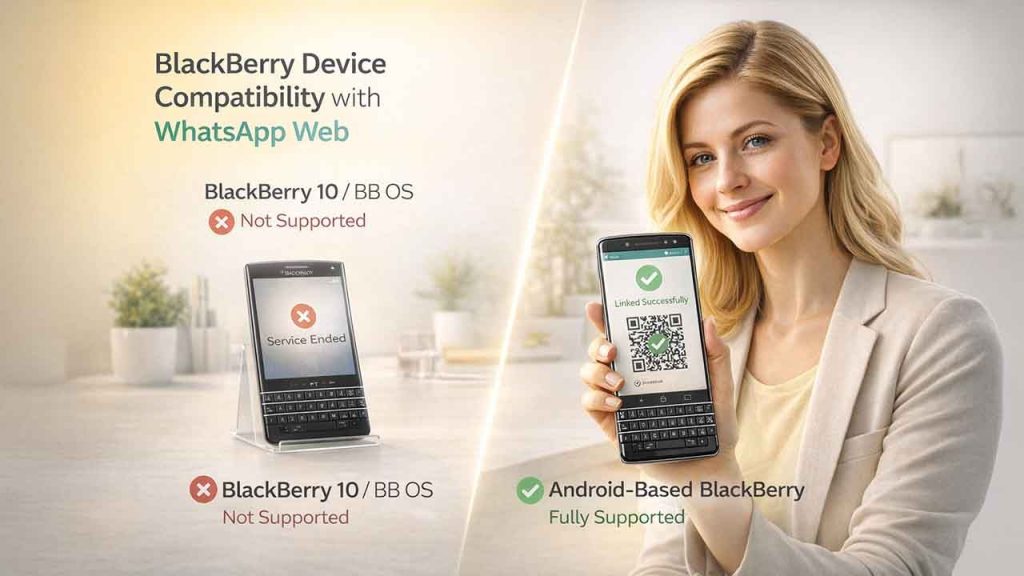
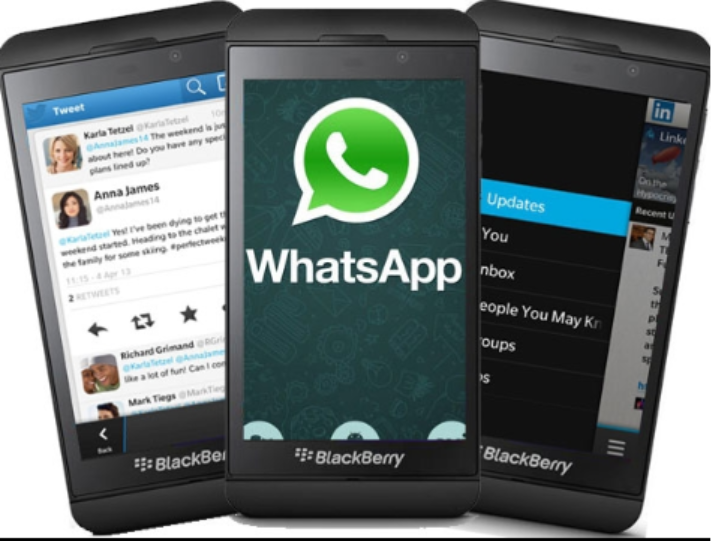
BlackBerry 10 Devices and BlackBerry OS:
- Officially the WhatsApp support ended on December 31, 2027
- No accessibility to the functionalities of WhatsApp Web
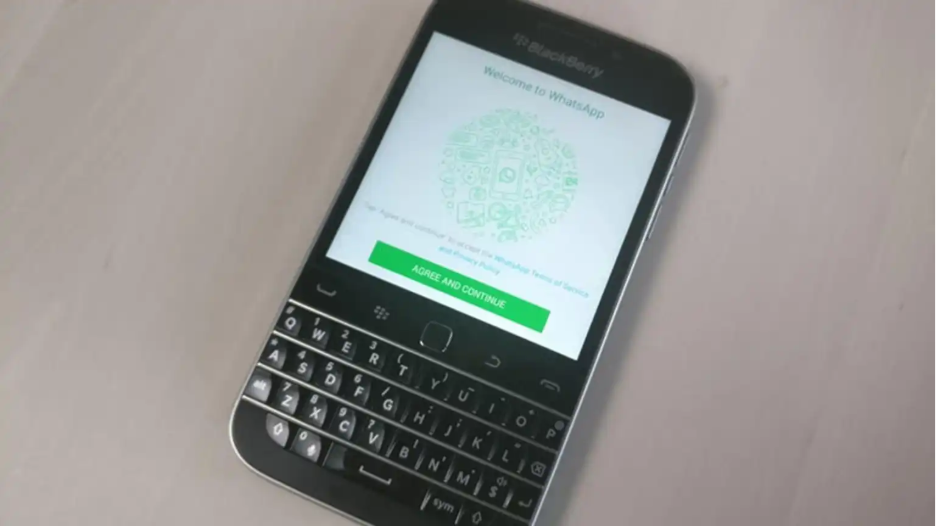
- Includes Passport, BlackBerry Classic, Z10, Z30, and Q10
- BlackBerry OS 7 and previous versions are also unsupported
Android-Based BlackBerry Devices:
- Complete WhatsApp Web and WhatsApp support
- Involves KEYone, BlackBerry Priv, and KEY2
- Run simple Android WhatsApp app
- Consistent updates via Google Play Store
Why Support for Older Devices Has Ended?
WhatsApp officially announced its discontinuation of support for BlackBerry 10 and BlackBerry OS on December 31, 2017. The primary reasons for discontinuation of support to older Android include lack of compatibility for modern security standards, encryption protocols, and feature needs. With BlackBerry devices comprising less than one percent of the smartphone market, ensuring separate development for such platforms has become unsustainable.
Also Read: WhatsApp Username Reservations from June 29: Now Connect Without Sharing Your Phone Number
Detailed Guide to Access WhatsApp Web BlackBerry
For Android-Based BlackBerry Devices
Utilizing WhatsApp Web on Android BlackBerry smartphones follows the simple procedure as mentioned below:
1. Install WhatsApp:
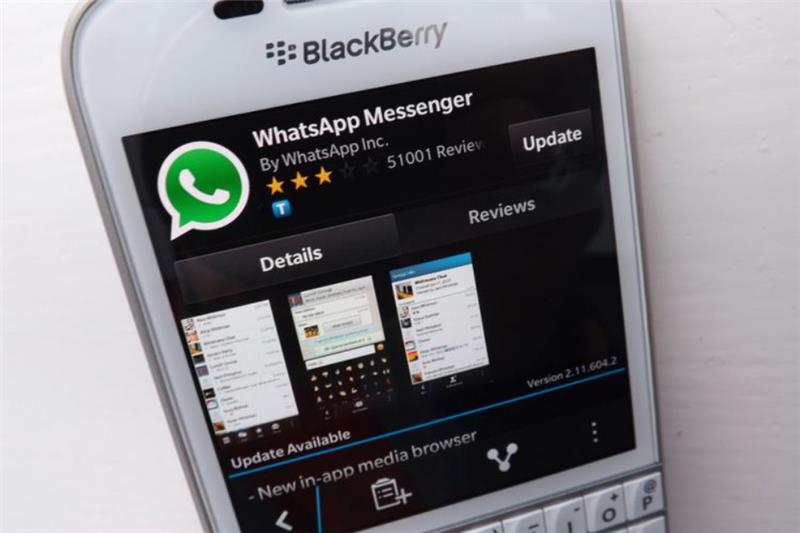
- Download WhatsApp application from Google Play Store
- Provide your phone number and verify it
- Complete your profile setup
2. Access QR Code Scanner:
- Open the WhatsApp application on your BlackBerry device
- On the Android device, you will see the menu icon with three dots
- Choose Linked Devices
- Select the option “Link a Device”
3. Connect to Your WhatsApp Web:
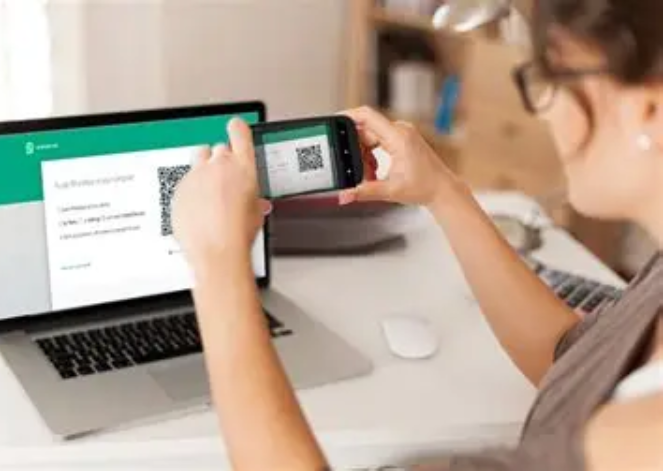
- Visit the website web.whatsapp.com on your system
- Next, you need to point your BlackBerry camera at the visible QR code
- Wait till your synchronization is complete
4. Begin Messaging:
- Access all interactions via your browser.
- Send media and messages.
- Ensure synchronization in real-time.
For BlackBerry OS Devices and BlackBerry 10
Users having BlackBerry OS devices or BlackBerry 10 cannot access WhatsApp Web or WhatsApp through official channels. After December 31, 2017, such devices lost the support to register new accounts, send messages, or receive messages via WhatsApp servers. While there are a few cases of users attempting workarounds via Android runtime environments, it is not advisable to follow such methods as they pose security risks and are unreliable.
Alternative Solutions for Older BlackBerry Users
Secure Messaging Alternatives
Since accessing WhatsApp Web on BlackBerry 10 devices is not possible, users can try a few alternative solutions:
- Telegram provides cross-platform messages with web accessibility
- Signal ensures encrypted and secure communication
- Standard email and SMS remain available.
As a business, you can directly ensure WhatsApp CRM integration, bypassing the need for having a smartphone to manage conversation.
Considerations Around Device Upgrade
Switching to an Android-based BlackBerry device showcases the only secure and practical solution for users who need WhatsApp functionality. The BlackBerry KEY 2 and KEYone provide physical keywords with complete Android ecosystem support, ensuring familiar experience while ascertaining compatibility with the modern applications.
Why Is It Not Recommended to Try Workaround?
You will see various sources on the internet suggesting that you install Android APK files or use modified applications on BlackBerry 10 devices. There are inherent security risks in such methods:
- Old devices are no longer officially authenticated by WhatsApp
- Modified apps can contain a few malware
- Unofficial versions are prone to risks since there is no end-to-end encryption
- Even the BlackBerry World app store has ceased its operations
- There are potential vulnerabilities in data security
Fixing WhatsApp Web on Android BlackBerry Devices
Connection Problems
If you experience difficulty connecting WhatsApp Web on your Android BlackBerry device:
- Validate the fact that the internet connection is stable on both devices
- Update your WhatsApp to the latest version
- Clear cookies and browser cache
- Restart your computer and BlackBerry device
- Confirm the registration of your phone number
Why Support for Older Devices Has Ended?
WhatsApp officially announced its discontinuation of support for BlackBerry 10 and BlackBerry OS on December 31, 2017. The primary reasons for discontinuation of support to older Android include lack of compatibility for modern security standards, encryption protocols, and feature needs. With BlackBerry devices comprising less than one percent of the smartphone market, ensuring separate development for such platforms has become unsustainable.
QR Code Scanning Problems
When you fail to scan QR code, you should:
- Clean the camera lens of your BlackBerry device
- Increase the brightness of your computer screen
- Position the camera at an adequate distance
- Make sure that the lighting is adequate
- Try out different web browsers
Synchronization Delays
Messages can experience delays between various devices:
- Check your Wi-Fi strength of mobile data
- Make sure that the BlackBerry device remains unlocked during initial connection
- Avoid network switching during active sessions
- Close background applications that are running unnecessarily.
Privacy and Security Considerations
Right Practices
Ensuring security while utilizing WhatsApp Web BlackBerry needs attention to numerous factors:
- Don’t forget to log out from WhatsApp Web especially if you are using shared computers.
- Consistently review linked devices in settings
- Allow two-step verification
- Ensure that your Android operating system is updated
- Use networks that are encrypted, secure, and password protected
- Track active sessions via Linked Devices.
Data Protection
WhatsApp implements end-to-end encryptions for all messages on the supported platforms. This encryption is applicable whether you are accessing conversations through WhatsApp Web or on your Android BlackBerry device. However, computer security must be your responsibility. Make sure that the device you are using has updated antivirus software and prefer not to access WhatsApp Web on unsecure and public computers.
Conclusion
Accessing BlackBerry and WhatsApp Web entirely depends on the operating system and device model. Android-based BlackBerry devices include KEYone, Priv, and KE2 to ensure complete compatibility with WhatsApp Web and WhatsApp. However, BlackBerry 10 and BlackBerry OS devices have lost official support permanently on December 31, 2017. Users utilizing legacy BlackBerry devices must transition to alternative messaging platforms or upgrade to Android-based models. For those utilizing compatible devices, WhatsApp Web on BlackBerry ensures smooth desktop messages while getting the productivity features that BlackBerry users value.