





Most people get the order wrong when they decide to build a mobile app. They first ask, “What is the best software for mobile app development?” before they even figure out what kind of app they’re building or who’s going to build it. This question doesn’t have a universal answer. A solo founder who wants to test an idea needs different software than a company that is making a banking app used by millions of people. The choice becomes easier when you ask yourself what you actually need and for what.
This isn't about chasing whatever tool is trending this month. It's about understanding the landscape well enough to pick the option that fits your project, your budget, and your skill level. Let's get into more details.
What Is Mobile App Development Software?
Mobile app development software is any tool that helps you design, build, test, and launch an app for iOS or Android. That definition is broader than most people assume. It's not just one type of program; it's a whole category that splits into a few distinct approaches, each suited to different kinds of builders and projects.
Let's see how the category generally breaks down:
- Native Development Tools: Using these tools, you can build a mobile app directly for one platform. You can use its official language like Swift for iOS or Kotlin for Android. You get full access to the device hardware and the best possible performance, but you have to maintain a separate codebase for each platform to keep things clean.
- Cross-Platform Frameworks: With these frameworks, you can write your code once and deploy it to both iOS and Android. This way, you can save time spent on writing multiple codes and reduce duplicate work. However, sometimes you’ll have to trade off a bit of platform-specific polish.
- Low-Code and No-Code Platforms: People who want to build an app but don’t want to write much code at all use these platforms. They usually create an app through visual editors and drag-and-drop interfaces. Some teams take this further with co-development software for shared, real-time building
- Enterprise Platforms: These platforms are built especially for large organizations that need compliance features, seamless integrations with existing business systems, and support for complex internal workflows.
Now, it doesn’t mean that one is better than the other. They are built to address different problems, and the best starting point is to figure out which category you fall into. Before picking a tool, it helps to have a clear sense of your app ideas.
Key Features to Look for in the Best Software for Mobile App Development
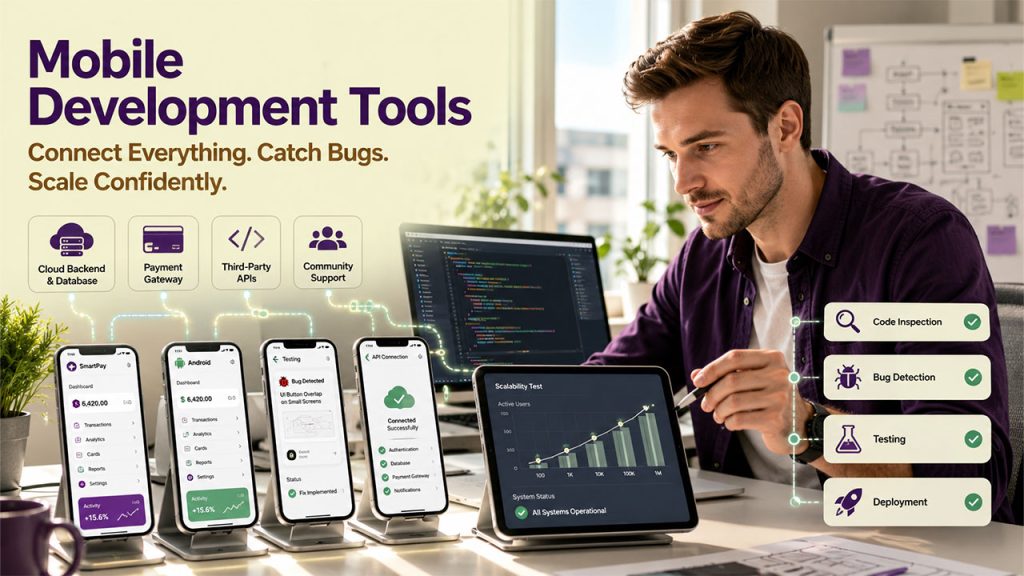
Every app development tool promises to simplify the process, but not all of them deliver the same value. Before comparing your options, here are the features that matter most when choosing the right software.
- Cross-Platform Support: It does not matter if you want to launch your app on one platform first. You should keep your option to expand to other platforms open, as you might want to do that later. Having a backup option means you don’t have to start from scratch, which saves a huge amount of time.
- Strong Documentation and Community Support: It must have established community support because when you hit a problem and you will, you can reach out to them. A large, active community usually means someone has encountered the same problems as you and already solved it and written about it.
- Testing and Debugging Tools: The software must support testing so that you can catch bugs and fix them before the product reaches your users, not after.
- Integration Capabilities: Your app will likely need to connect to a backend, a database, or third-party services like payment systems, so the software should make that reasonably painless and seamless.
- Scalability: The software should work for 100 users as well as 100,00 users alike. It must scale with you and your business.
If a tool checks these boxes, it’s worth considering.
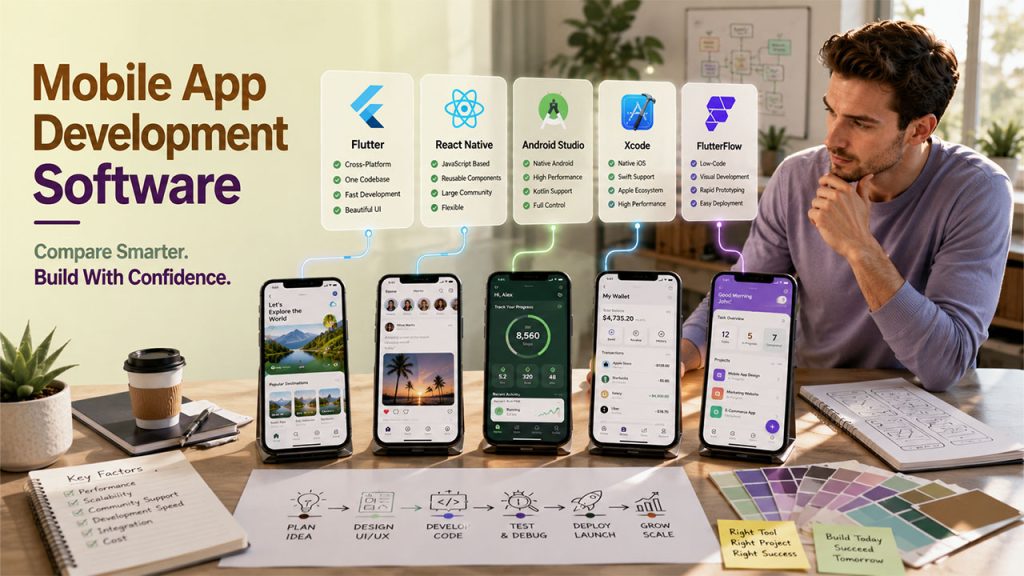
5 Best Software for Mobile App Development: Quick Comparison
If you want a quick overview before diving into the details, the table below compares the five best software options based on their type, primary use, key strengths, and pricing.
| Software | Type | Primary Use | Key Strength | Pricing |
| Flutter | Cross-platform framework | Building apps for iOS, Android, web, and desktop from one codebase | Hot Reload + consistent UI across platforms | Free & open source |
| React Native | Cross-platform framework | Building apps for teams already familiar with JavaScript/React | Reusable components + large developer community | Free & open source |
| Android Studio | Native IDE | Building performance-critical, native Android apps | Deep Kotlin/Java integration + built-in emulator | Free (Google Play publishing: $25 one-time) |
| Xcode | Native IDE | Building native iOS or iPadOS apps | Full access to Apple's ecosystem + iOS simulator | Free (Apple Developer Program: $99/year) |
| FlutterFlow | Low-code platform | Quickly building and testing apps without extensive coding | Visual builder with real, exportable Flutter code | Free plan (limited); paid plans from $39/month |
Top 5 Best Software for Mobile App Development in 2026
Now that you've seen the comparison at a glance, let's take a closer look at each tool to understand its features, ideal use cases, and pricing in more detail.
1. Flutter
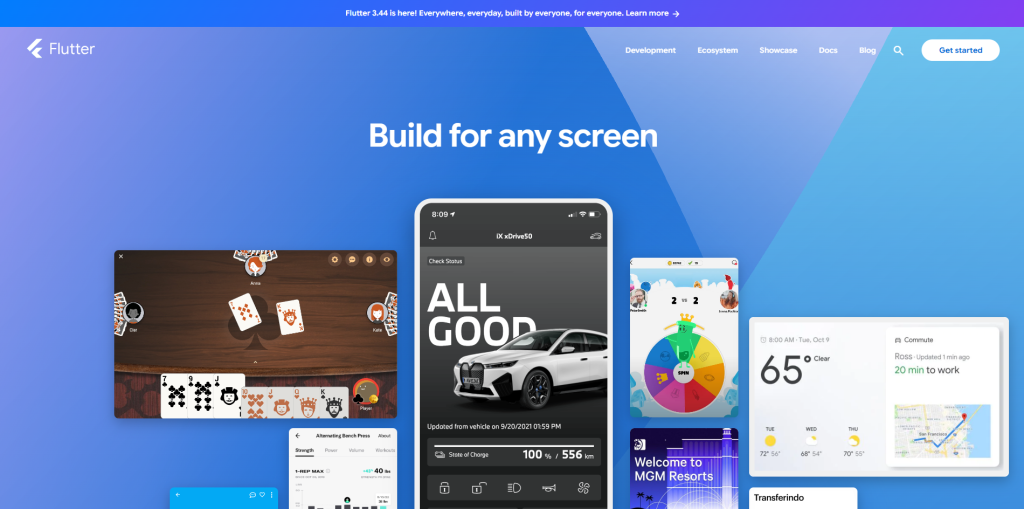
Flutter is a free app development framework offered by Google. It allows developers to build apps that run natively across iOS, Android, web browsers, and desktop; all from a single codebase without having to write separate code for each platform. It creates its own user interface, which lets your app look and behave the same on every device.
Key highlights:
- Single codebase for iOS, Android, web, and desktop
- Hot Reload for near-instant code updates during development
- Large library of pre-built, customizable widgets
- Backed and maintained by Google
Primary use: Best for teams that want cross-platform reach without sacrificing a polished, consistent design.
Pricing: Free and open source. No licensing cost, though publishing still requires separate developer account fees (Apple: $99/year, Google Play: $25 one-time).
2. React Native
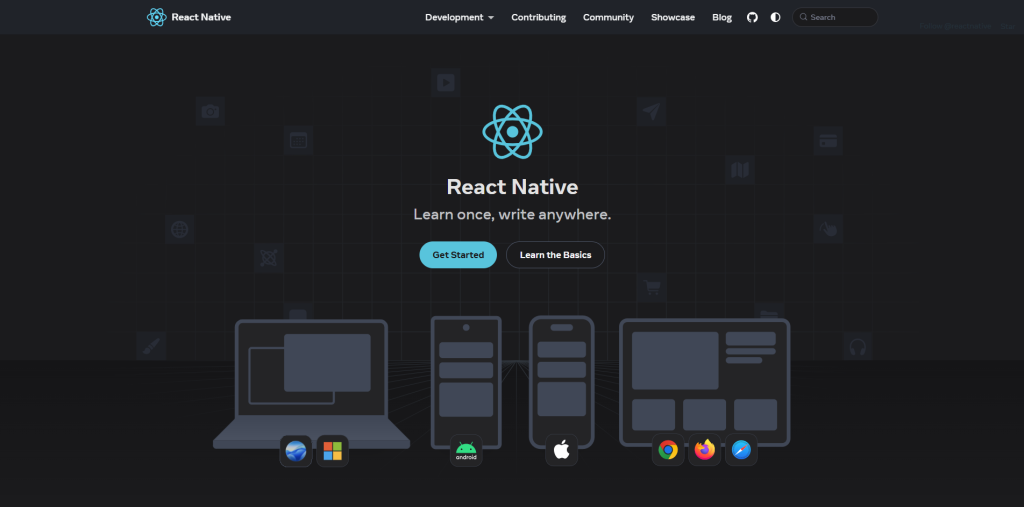
React Native is created by Meta. It allows developers to build mobile apps by using JavaScript and React, which is already familiar to many developers. Because of this familiarity with React, this is one of the most widely adopted cross-platform frameworks out there.
Key features:
- Reusable components shared between iOS and Android
- Large, active developer community and plugin ecosystem
- Access to native modules for deeper device-level functionality
- Built and maintained by Meta
Primary use: Best for teams with existing JavaScript or React experience who want to move fast without learning a new language.
Pricing: Free and open source. Same standard app store developer account fees apply for publishing.
3. Android Studio
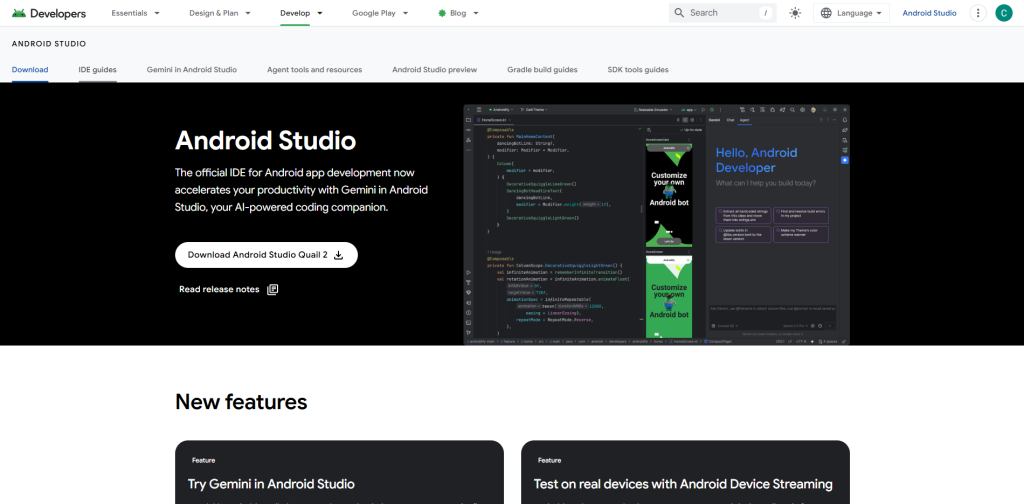
Android Studio is Google’s official software for building Android apps that run natively. If want to have complete control over your app’s performance and full access to all Android features, Android Studio is one of the most serious tools used by developers for Android development.
Key features:
- Built-in emulator for testing across different Android devices
- Deep integration with Kotlin and Java
- Detailed performance profiling and debugging tools
- Official IDE maintained by Google
Primary use: Best for developers building performance-critical Android apps, like games or apps relying heavily on device hardware.
Pricing: Free. Google Play Store publishing requires a one-time $25 developer registration fee.
4. Xcode
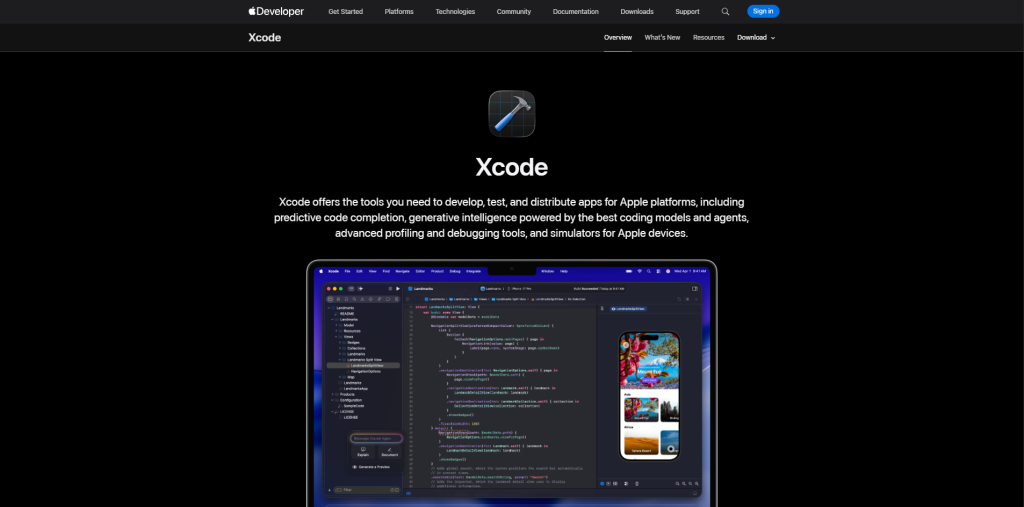
Xcode is a free development environment, officially created by Apple for developing iOS apps. It is essential if you’re building apps for iPhone or iPad. Here, you can write your script in Swift and design your own app interface. Finally, you submit your app to the App Store.
Key features:
- Visual interface builder for designing app layouts
- Built-in iOS simulator for testing without a physical device
- Tight integration with Apple's full development ecosystem
- Official IDE maintained by Apple
Primary use: Best for developers building native iOS or iPadOS apps who need full access to Apple's platform capabilities.
Pricing: It is free to download (Mac required). Publishing to the App Store requires an Apple Developer Program membership at $99/year.
5. FlutterFlow
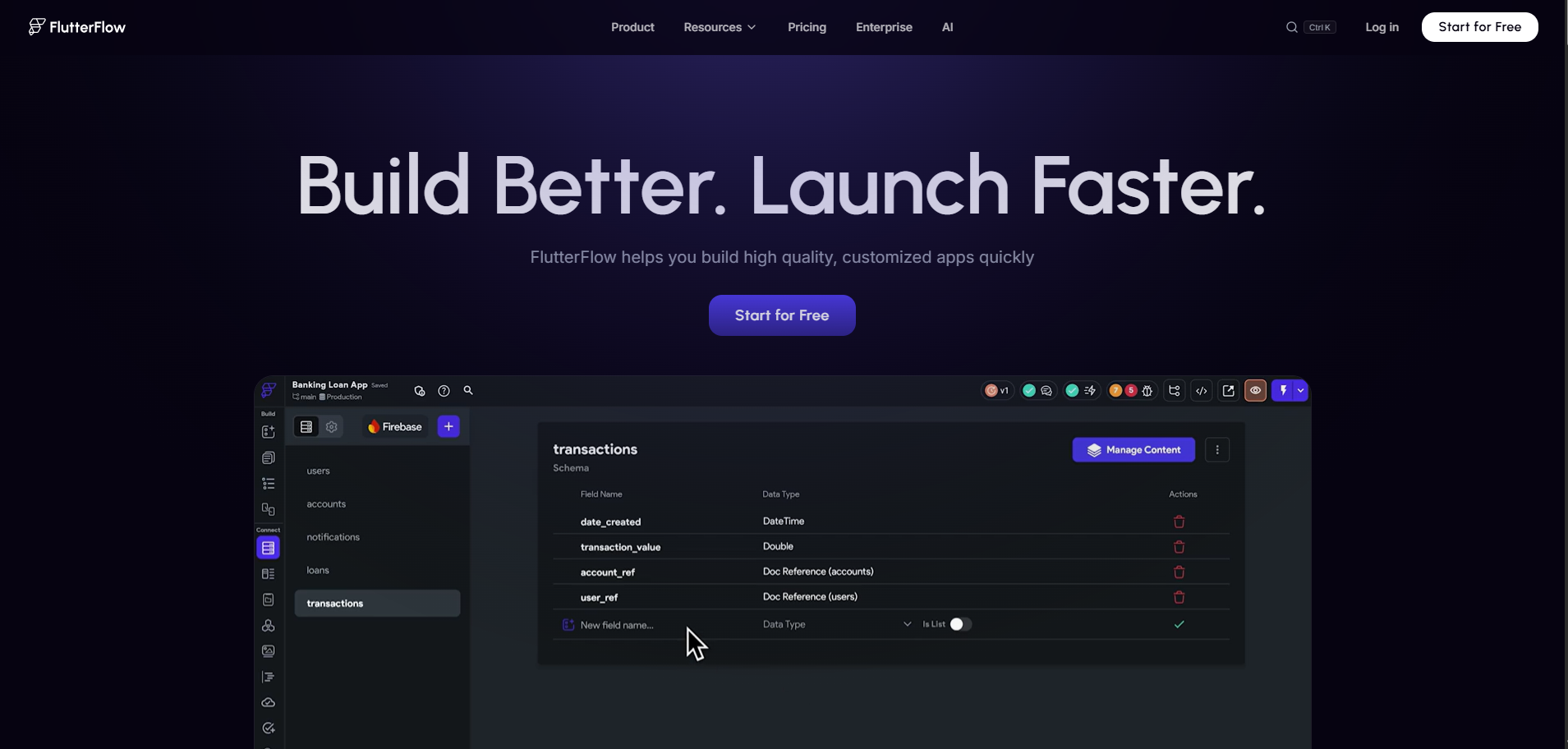
FlutterFlow is a low-code platform built on top of Flutter. It lets you design an app visually, dragging and dropping components into place, while still producing real, exportable Flutter code underneath. That last part matters, because it means you're not locked into a black box if you eventually want a developer to take over.
Key features:
- Visual drag-and-drop builder with real, exportable Flutter code
- Native integration with Firebase and Supabase for backend needs
- Support for custom code when low-code blocks aren't enough
- One-click deployment to the Apple App Store and Google Play
Primary use: Best for founders, designers, or small teams who want to build and test an app quickly without writing extensive code from scratch.
Pricing: Free plan available for prototyping (limited, no code export).
- Paid plans start at $39/month (Basic),
- $80/month for the first seat (Growth), and
- $150/month for the first seat (Business), with annual billing saving around 25%.
How to Choose the Best Software for Mobile App Development
Even the best software isn't the right fit for every project. Here's how to narrow down your options and choose the one that matches your goals, budget, and technical expertise.
- Define Your Mobile App Requirements: First, prepare a clear outline of what you want to build whether it’s a simple internal tool, a consumer app, or something that is performance-heavy like a video game. This answer shapes everything and lays the foundation. This step matters even more in app development for startups, where budget and timeline are tighter.
- Choose Software That Matches Your Skill Level: Assess your technical skills before you pick a platform. If you don’t code, go with a low-code platform like FlutterFlow. It'll be much easier to work with instead of forcing yourself to work with Xcode or Android Studio where you have to write code.
- Decide Between Native and Cross-Platform Development: If you only want to build apps for iOS, native tools like Xcode are an ideal option. However, if you need both iOS and Android without doubling your workload, a cross-platform framework is usually the smarter route.
- Consider Your Budget and Development Timeline: Native development tends to take longer and costs more since you're often building twice. Cross-platform and low-code tools generally get you to launch faster.
- Choose Software That Supports Long-Term Growth: Some tools work well for a quick prototype, but they are harder to scale later, so consider where the app needs to be in a year, not just next month.
Working through these questions in order usually points you toward one or two clear options, rather than leaving you stuck comparing a dozen tools with no real way to decide.
Once you've selected the right recovery distro, the process is straightforward. Follow these steps to access your Windows drive and recover your important files safely:
Even with the right recovery tool, a few simple precautions can make the difference between a successful recovery and permanent data loss. Keep these best practices in mind before you begin.
Conclusion
If you’re looking for an objectively right answer, sorry to break it to you, there’s none. There's not a single piece of best software for mobile app development that works for every project. And if you look at the bright side, it’s actually a good thing. It means that there’s a genuinely right fit for everything whether you’re building a fast-moving startup idea, a polished consumer app, or a serious native product built for one platform.
Flutter and React Native cover most cross-platform needs well, Android Studio and Xcode remain the standard for native development on their respective platforms, and FlutterFlow offers a genuinely useful shortcut for people who want speed without giving up real code underneath. Start with your project, not the tool, and the right choice tends to become obvious pretty quickly.
FAQs About Software for Mobile App Development
FlutterFlow, since it lets you build visually while still producing real code.
Not necessarily. Cross-platform tools like Flutter and React Native cover both from one codebase.
Yes, especially for performance-heavy apps like games or apps using device hardware directly.
React Native or FlutterFlow, both known for quicker development cycles.
Yes, though switching frameworks mid-project usually means significant rework, it is worth planning ahead.