





In today's fast-paced business environment, managing paperwork can become a time-consuming task. From sending contracts and agreements to collecting customer signatures, traditional document management processes often create unnecessary delays. Businesses need a smarter way to handle these activities without compromising efficiency or security.
This is where Outright DocuSign for SuiteCRM comes into the picture. It brings digital signature capabilities directly into your SuiteCRM environment, allowing businesses to send documents to customers and collect signatures without constantly switching between different platforms.
Whether you manage sales agreements, non-disclosure agreements (NDAs), or other important business documents, this integration helps simplify the signing process. Instead of printing, scanning, and emailing documents manually, your team can manage digital signatures through a more organized workflow.
Let's explore how this integration works and why it can be a valuable addition to your CRM system.
What Is Outright DocuSign for SuiteCRM?
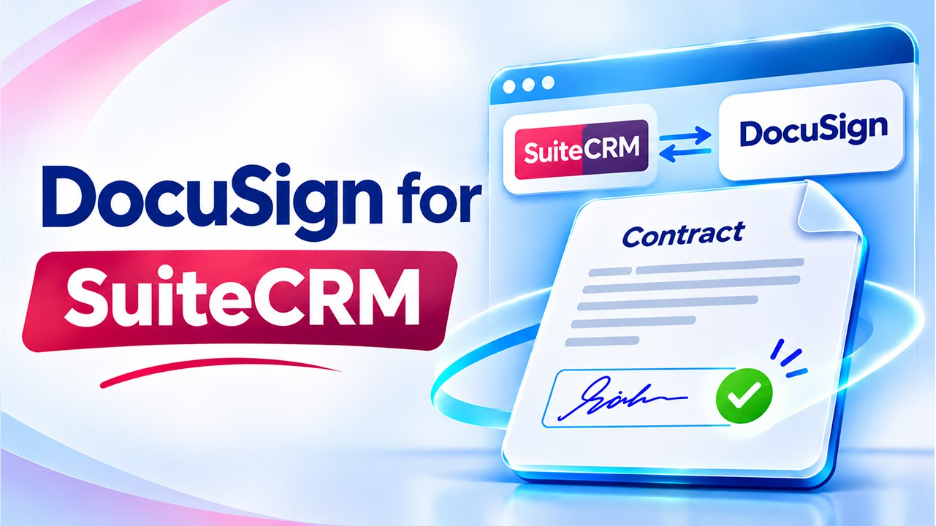
Outright DocuSign for SuiteCRM is an integration designed to connect SuiteCRM with DocuSign, a popular electronic signature platform. It enables businesses to send documents for digital signatures directly from their CRM environment.
The primary purpose of this integration is to eliminate repetitive document-handling activities and make the signing experience more convenient for businesses and customers.
Imagine your sales team has finalized a deal and needs the customer's signature on an agreement. Traditionally, employees might download the document, send it through email, wait for a response, and manually update the CRM once the agreement is signed.
With this integration, much of that process becomes easier. Employees can work with customer information already available in SuiteCRM and send documents for electronic signatures.
It helps businesses maintain a smoother document workflow while keeping important activities connected to their CRM operations.
Key Features of the SuiteCRM DocuSign Integration
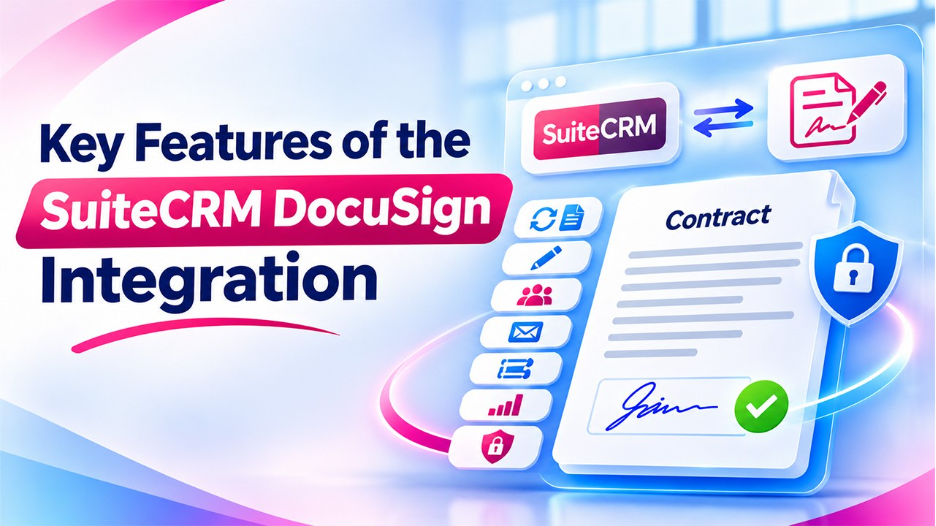
The integration offers several useful capabilities that make document signing more manageable.
1. Bi-Directional Template Synchronization
Managing document templates separately across different platforms can create confusion. This integration supports bi-directional template synchronization, allowing templates added in DocuSign or SuiteCRM to sync between the two systems.
This reduces repetitive template management and helps teams work with consistent document formats.
2. Automatic Field Mapping
Filling out customer details manually in every document takes time and increases the possibility of errors.
The field mapping functionality allows businesses to merge available CRM information into documents such as contracts, agreements, and NDAs.
For example, customer names and other relevant details can be populated using existing CRM records, reducing manual data entry.
3. Send Documents Separately
Businesses sometimes need to send similar documents to multiple customers while keeping each document personalized.
The separate sending functionality makes this process easier by allowing users to send individual copies to multiple recipients.
This can be particularly helpful for sales teams, customer onboarding departments, and organizations handling large numbers of agreements.
4. Send Documents to Multiple Recipients
When several individuals need to sign the same document, sending it separately to everyone can become inconvenient.
The Send to All functionality allows users to share the same document with multiple recipients.
This is useful for agreements involving multiple stakeholders or business partners.
5. Edit Templates Within SuiteCRM
Switching between applications just to make minor template changes can interrupt daily workflows.
The integration allows users to edit DocuSign templates directly within SuiteCRM, making document preparation more convenient.
6. Real-Time Document Status Updates
One common challenge with traditional document signing is knowing whether the recipient has opened or signed a document.
The integration provides real-time status updates, helping users monitor document activity and stay informed about the signing process.
7. OAuth 2.0 Authentication
Security is essential when dealing with business agreements and customer information.
The integration uses OAuth 2.0 authentication to establish a secure connection with DocuSign. This helps simplify authentication and reduces the need for repeated logins.
Why Businesses Should Choose Outright DocuSign for SuiteCRM
Choosing the right digital signature solution can make a noticeable difference in everyday business operations.
Outright DocuSign for SuiteCRM helps businesses reduce unnecessary administrative work while making document management more convenient.
Here are some important benefits.
1. Save Time on Document Management
Printing, signing, scanning, and emailing documents manually can consume valuable working hours.
Digital signatures help eliminate many of these repetitive activities. Employees can send documents directly through their CRM workflow and focus on more important responsibilities.
2. Improve Business Productivity
When employees spend less time managing paperwork, they have more time to focus on customers, sales opportunities, and business growth.
Automating parts of the signing process also helps reduce delays caused by manual document handling.
3. Enhance Customer Experience
Customers appreciate simple and convenient business processes.
Instead of visiting an office or printing physical documents, recipients can review and sign documents digitally.
This creates a smoother experience, particularly for businesses working with remote customers.
4. Reduce Paperwork
Managing physical documents requires printing materials, maintaining storage space, and organizing paperwork.
Digital signing reduces dependence on paper-based processes and supports more organized document management.
5. Keep Teams Updated
When document status is available within the CRM, employees can easily understand which agreements are pending and which have been completed.
This improves coordination between sales representatives, managers, and other team members.
How Does Outright DocuSign for SuiteCRM Simplify Daily Workflows?
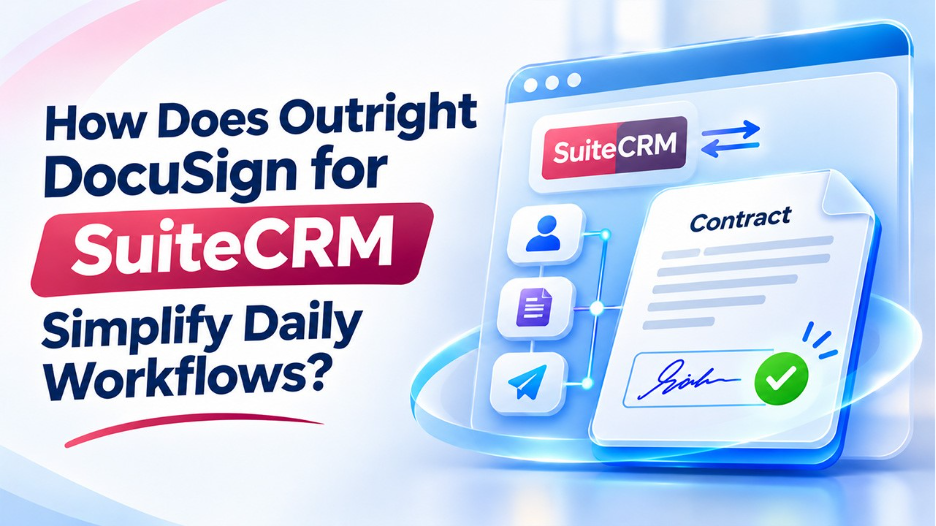
Consider a business that regularly sends proposals and contracts to potential customers.
Without an integration, employees may need to switch between SuiteCRM, email, document editors, and electronic signature platforms to complete a single agreement.
This creates unnecessary steps and makes tracking more difficult.
Outright DocuSign for SuiteCRM simplifies this workflow by connecting document signing with existing CRM activities.
Here is how a typical process can work:
- Access customer information: Employees select the relevant customer or business record in SuiteCRM.
- Prepare the document: They choose an available DocuSign template or another supported document.
- Map customer details: Relevant CRM information can be merged into the document.
- Add recipients: Users select the required contacts, accounts, leads, or other supported recipients.
- Send for signature: The document is shared with recipients for electronic signing.
- Track progress: Employees monitor document activity and signing status through the integration.
This approach makes document execution more organized and reduces the need for unnecessary manual coordination.
Who Can Benefit from This Integration?
The integration can be useful for businesses across different industries.
- Sales teams: Send proposals, quotations, and sales agreements without lengthy paperwork.
- HR departments: Simplify employee agreements and other routine documentation.
- Legal teams: Manage NDAs, business contracts, and approval documents more efficiently.
- Customer onboarding teams: Collect signed forms and agreements from new customers.
- Remote businesses: Exchange documents with customers and partners regardless of their physical location.
Organizations that regularly handle multiple documents can particularly benefit from a more streamlined signing process.
Why Integrate DocuSign with SuiteCRM Instead of Managing Them Separately?
Using separate applications for customer management and document signing can create disconnected workflows.
Employees may need to enter customer information multiple times, search through email conversations, and manually track agreement progress.
Integrating both platforms helps bring these activities closer together.
Instead of treating document signing as an isolated task, businesses can make it part of their existing CRM process.
The result is better workflow visibility, reduced administrative effort, and a more convenient experience for employees.
However, businesses should verify their SuiteCRM version, DocuSign subscription, API configuration, and integration requirements before implementation.
Conclusion
Efficient document management is an important part of running a successful business. When signing agreements involves too many manual steps, it can slow down operations and affect customer experiences.
Outright DocuSign for SuiteCRM provides a practical way to connect electronic signatures with CRM activities. Features such as template synchronization, automatic field mapping, bulk document distribution, recipient management, and real-time status updates help simplify everyday document workflows.
For businesses that regularly manage contracts, agreements, and customer documentation, this integration can reduce administrative work and improve overall productivity.
If your organization wants to make document signing faster and more convenient, integrating DocuSign with SuiteCRM is worth considering.
Frequently Asked Questions (FAQs)
It is an integration that connects SuiteCRM with DocuSign, allowing businesses to send documents for electronic signatures directly through their CRM environment.
Yes. The integration supports separate document distribution to multiple recipients, as well as sending the same document to multiple recipients using its Send to All functionality.
Yes. It supports field mapping that allows relevant CRM information to be merged into documents, reducing manual data entry.
Yes. Users can access real-time document status updates to monitor signing activity and identify pending documents.
Yes. Businesses need an appropriate DocuSign account and the necessary integration configuration to use the connected functionality.