





Running a core operational software on an aging infrastructure can create various major friction for growing businesses. However, migrating a critical software off a legacy service carries significant risks, including unexpected service downtime and data loss. Companies considering a legacy to cloud migration often worry about disrupting the ongoing sales, supply chains, or daily customer support. The research published by Gartner indicates that the maintenance of a legacy software consumes up to 74% of the total IT budget of an enterprise, making the process of modernization essential.
Understanding the process to migrate legacy application to cloud environments also help the technological leaders to modernize their software without any operational friction. Disruption can be drastically reduced through comprehensive application assessments, phased execution, continuous testing, and controlled cutover management. Organizations prioritize careful migrating legacy applications to the cloud protect revenue and maintain operational stability.
Why Legacy Cloud Migrations Can Disrupt Business Operations
An unplanned downtime of the system can also damage the reputation and financial revenue of the business instantly. According to research published by IDC, unpredicted IT outages generally cost enterprises an average of $5,600 per minute. The operational disruption during the migrating legacy application to cloud project usually stems from a hidden technical risk. Old, legacy applications generally rely on various undocumented dependencies, along with obsolete code libraries and hardcoded network addresses, that can break inside a modern virtual infrastructure.
Transferring massive database volumes across networks often takes far longer than teams anticipate, extending scheduled maintenance windows directly into regular business hours. Furthermore, inadequate staging environments prevent engineers from testing system behavior under realistic production traffic loads. Assuming legacy applications will switch over smoothly without rigorous preparation invites unexpected system crashes and stalled business workflows. Executive leaders must view migrating legacy systems to cloud platforms as a business continuity initiative rather than a simple infrastructure upgrade. Proper risk management requires continuous oversight, realistic timeline projections, and active cross-departmental coordination.
How to Migrate Legacy Applications to Cloud
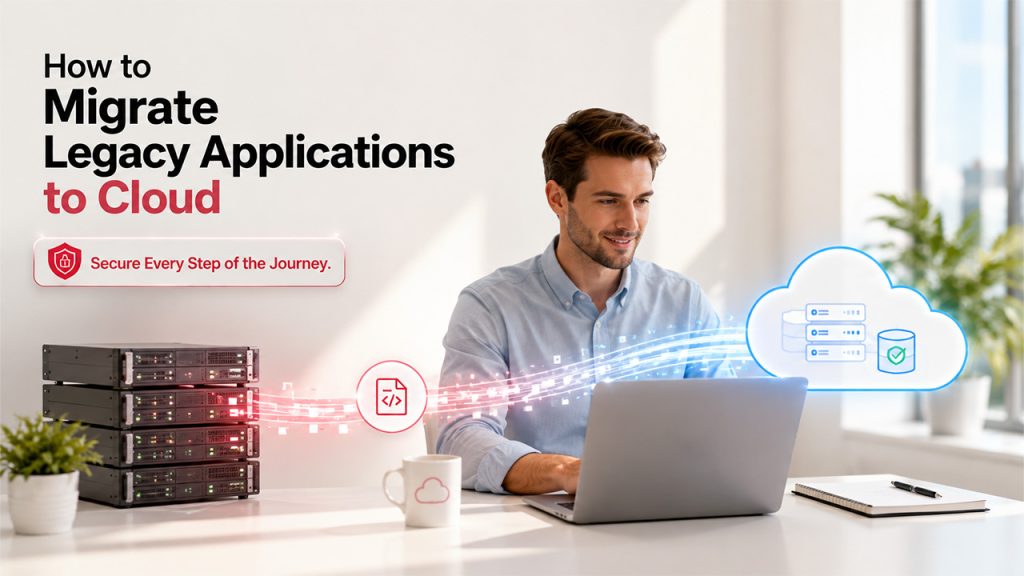
Executing a successful application migration requires a clear, predictable sequence for a smooth and predictable technical transition. Research published by McKinsey reveals that structured, phased transition methodologies reduce project delay risks by 45% compared to all-at-once approaches. Following an established framework reduces technical complications when moving legacy applications to cloud environments.
- Conduct a comprehensive application assessment to document hidden software dependencies, internal system components, operational integration points, underlying data flows, daily usage patterns, strict regulatory security requirements, downtime tolerance, and business-critical workflows before selecting a modernization path.
- Prepare the cloud environment by establishing landing zones, identity access management controls, baseline security policies, virtual networks, regulatory compliance frameworks, monitoring systems, and automated software deployment pipelines.
- Execute a low-risk pilot migration using non-critical secondary applications to evaluate migration tools, validate target cloud architecture, test network latency, refine operational processes, and verify technical team responsibilities. Organizations planning an AWS to Azure Migration can use this phased approach to validate workloads and minimize business disruption before moving production systems.
- Establish continuous data synchronization between legacy databases and modern cloud storage solutions to ensure real-time data consistency, maintain database integrity, and prevent data loss before full production cutover.
- Perform the final operational cutover during planned off-peak hours, rerouting live user traffic to cloud platforms using managed load balancers or DNS configuration updates while continuously monitoring application behavior.
- Complete post-migration validation, thoroughly checking system performance metrics, data reconciliation reports, user access logs, incident response readiness, and core functional workflows before formally decommissioning original hardware.
Following a methodical process ensures every legacy cloud migration remains manageable, secure, and transparent. Technical teams attempting migrating legacy applications to cloud destinations without clear phases face elevated risks of software failure and costly business downtime.
Assess Applications, Dependencies, and Critical Workflows
Before moving a single application byte, engineers must document every layer of the current software ecosystem. Research by Forrester highlights that 60% of unexpected cloud migration cost overruns originate directly from unmapped software interdependencies. IT teams need to document internal application components, third-party API connections, background processing scripts, and database calls. Tracing end-to-end data flows, tracking peak traffic times, and defining regulatory security requirements ensures nothing breaks during transition. Identifying acceptable downtime tolerance and pinpointing business-critical processes helps decision-makers choose the right modern migration path. Thorough initial discoveries streamline the entire migration from legacy systems to cloud platforms. Understanding system interdependencies allows teams to migrate legacy application to cloud environments without interrupting underlying business functions or negative customer impacts.
Select the Migration Strategy and Cutover Model
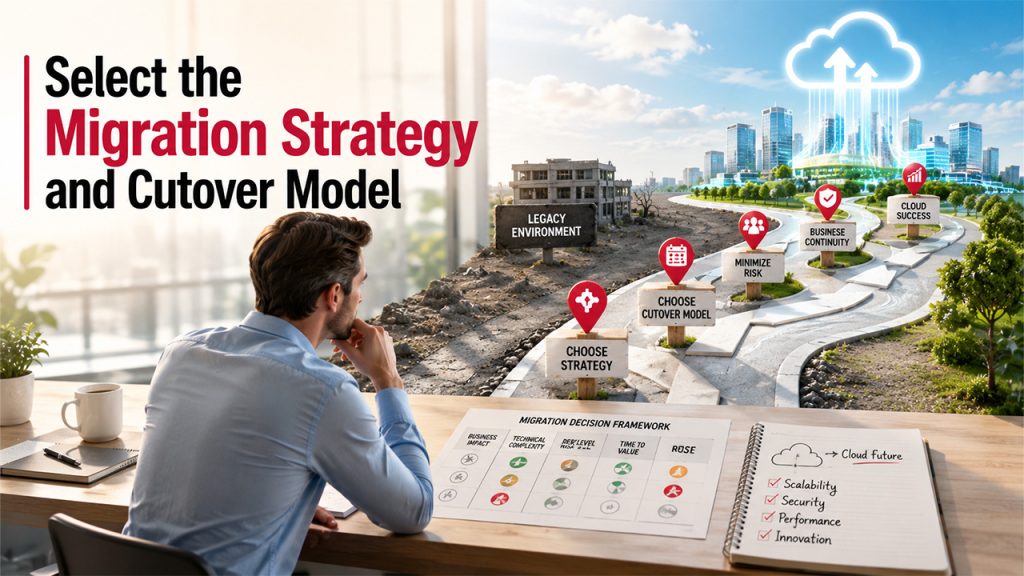
Choosing an appropriate modernization strategy depends on application code health, architecture complexity, and business goals. Flexera survey findings show that 52% of enterprise workloads are rehosted, while 28% undergo complete refactoring. Rehosting suits simple, stable software requiring swift transfer, whereas refactoring benefits legacy systems needing long-term scalability. Before deciding to migrate legacy application to the cloud, leaders must evaluate technical health alongside strategic needs. Choosing the cutover model is equally critical for risk management. Scheduled downtime works well for internal tools during off-peak weekend hours. Conversely, parallel execution or gradual traffic switching via canary deployments fits revenue-generating platforms requiring zero interruption. Organizations moving legacy applications to the cloud maintain continuous service availability by matching cutover strategies directly to risk limits.
Validate the Migration With a Low-Risk Pilot
Testing architectural assumptions in an isolated live environment before full production migration eliminates major project failure points. Migrating a standalone or non-critical application workload provides real-world validation for target cloud configurations, security tools, network throughput, monitoring systems, and team operational procedures. Technical benchmarks indicate that engineering teams conducting preliminary rehearsal runs reduce live cutover errors by over 80%. A pilot deployment gives engineers a risk-free environment to stress-test deployment automation scripts, inspect data flow speeds, and verify cloud security controls under realistic operational stress. During this initial trial phase, IT personnel sharpen their skills, refine cross-team communication channels, and clarify operational responsibilities during high-pressure migration tasks. Successfully completing a legacy app migration to cloud pilot proves whether expected target performance levels and recovery time objectives are realistic. Furthermore, running a pilot allows engineering managers to rehearse the entire cutover process, verifying how fast systems recover when unexpected issues arise. Setting up concrete, quantitative rollback conditions during pilot testing guarantees that teams can instantly revert changes without compromising primary business functions. Comprehensive pilot testing ensures that broader legacy application cloud migration projects proceed smoothly with minimal business exposure.
Migrate in Waves While Keeping Services Available
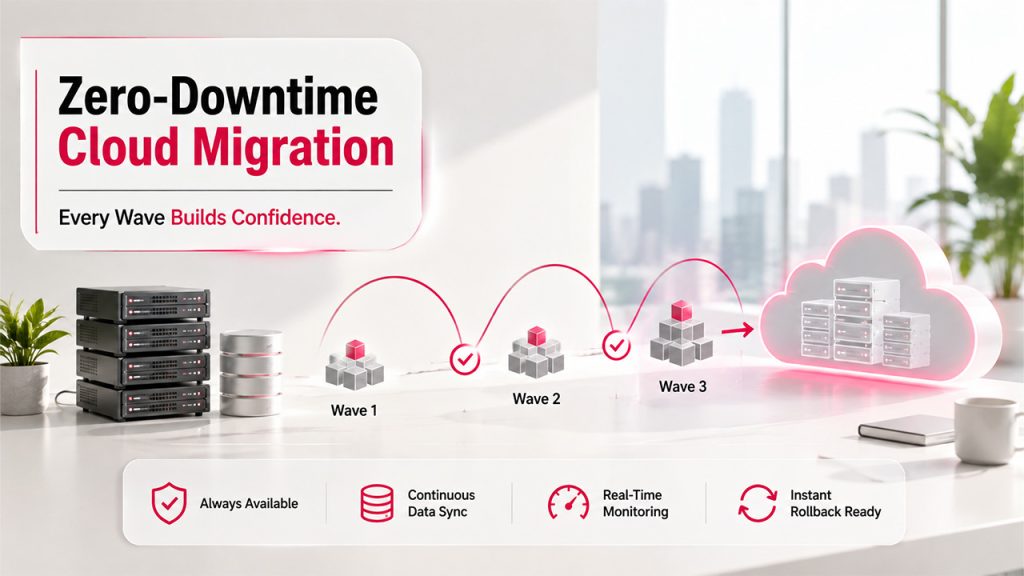
Attempting to transfer an entire enterprise software ecosystem at once creates severe, unnecessary business danger. Grouping interdependent software systems into controlled, sequential migration waves isolates potential failure points, limits business risk, and keeps daily operations available. Gartner analysis indicates that wave-based migration strategies reduce total unplanned downtime during enterprise transitions by up to 65%. Systems should be scheduled according to business criticality, moving low-impact internal modules first before touching core customer-facing engines. Continuous background data replication keeps legacy databases and new cloud datastores synchronized, preventing data loss prior to final traffic redirection. Rigorous pre-cutover testing validates database integrity, API connection stability, and system performance limits under real-world traffic volumes. Clear stakeholder communication keeps department heads, customer support teams, and external business partners fully informed about scheduled maintenance windows and potential temporary service impacts. When shifting live production traffic through load balancers or DNS updates, real-time operational monitoring tracks server latency, error rates, system memory, and CPU usage. Engineering teams must keep rollback scripts actively staged, enabling an immediate return to original legacy servers if cloud performance metrics drop below predefined operational thresholds. Enterprises moving legacy apps to the cloud protect core service levels through disciplined wave scheduling and proactive infrastructure monitoring. Proactive communication, automated data synchronization, and rigorous monitoring together form a reliable blueprint when moving legacy systems to the cloud without jeopardizing customer operations.
Stabilize the Cloud Environment Before Retiring Legacy Systems
Successfully routing live production traffic to the new cloud infrastructure does not signal immediate project completion. Maintaining a formal post-migration validation period guarantees long-term system stability, data integrity, and security under sustained enterprise workloads. Industry benchmarks demonstrate that keeping original legacy environments active for a 30-day parallel stabilization window reduces post-migration incident resolution costs by 40%. Continuous performance monitoring measures system response times, database query speeds, and background process completion rates. Systematic data reconciliation procedures confirm that cloud records match historical legacy databases without discrepancies or dropped transactions. Security personnel perform automated vulnerability assessments and audit identity access policies within the live production environment. Active collection of end-user feedback alongside dedicated incident response protocols allows IT teams to address minor operational issues before they disrupt business workflows. Decommissioning original legacy infrastructure should occur only after technical leads and business stakeholders verify that the cloud platform performs flawlessly. Mastering how to migrate legacy applications to cloud architecture ensures lasting operational resilience, lower maintenance costs, and unimpeded business growth.