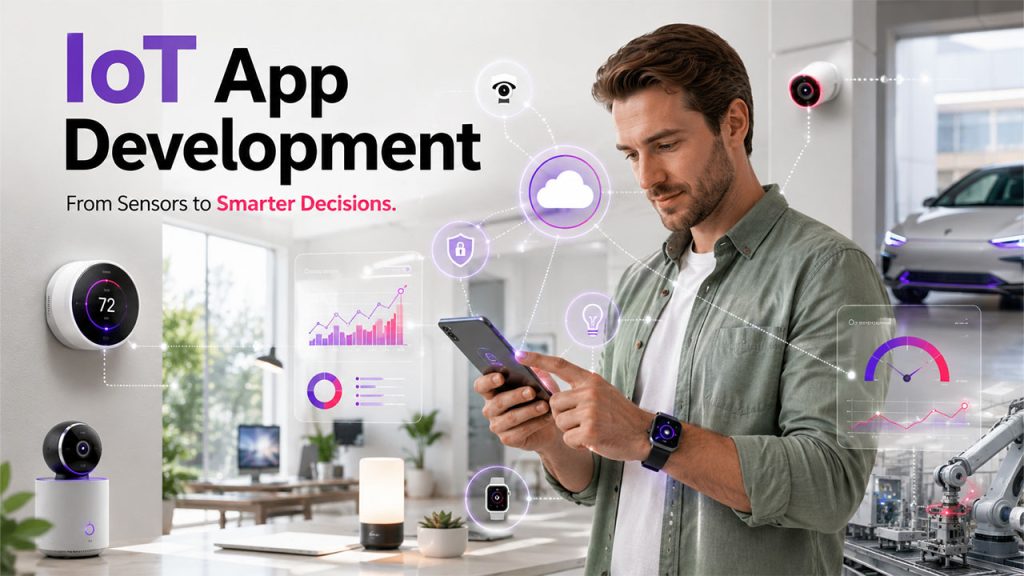






Check your phone right now, and you’ll find at least one app on there that connects to something in the real world, like a thermostat, fitness tracker, smartwatch, or maybe even your car. When you tap a button, somewhere across the room or even the city, a device responds. All of this is because of the Internet of Things (IoT), and it has been normalized so much that we barely even notice.
However, don’t mistake the app for the star of the show. Behind that clean, little interface sits a whole interconnected system of sensors, networks, cloud servers, and data pipelines. They all work together, so you can control things with just a tap. Building an IoT app means building this large network, not just the screen you see.
This guide walks you through everything you need to know about IoT app development, from its core components to the exact steps involved in building one.
What Is the Internet of Things (IoT)?
IoT stands for the Internet of Things, and it means connecting different everyday physical devices to the internet. They gather data about the working conditions of your environment and share it with users. A few examples include a smartwatch that tracks your heartbeat, a factory sensor that flags machine anomalies before they happen, or a delivery truck that reports its exact location in real time.
What makes it powerful isn't the individual device. It's the connection. A thermostat sitting alone on your wall is just a thermostat. But a thermostat that talks to an app, learns your schedule, and adjusts itself while you're at work is a part of an IoT network that turns ordinary objects into something a little smarter.
Core Components of IoT App Development
Building an IoT app doesn’t really classify as “app development” in the traditional sense. It's closer to building four different systems that all need to work in sync. Let's see the components of IoT apps:
- Hardware: This physical layer includes IoT sensors that collect information such as temperature, light, pressure, or motion; actuators that act based on that information, like turning on a TV; and the devices themselves that tie it all together, from a smart thermostat to a wearable fitness band.
- Software: This includes the IoT platform that manages your devices, plus middleware that acts like a translator between hardware and the app. If this is missing, your devices and your app will have zero coordination and speak two different languages.
- Networking: To make devices and cloud talk to each other, IoT protocols like MQTT or CoAP are used. They can work on low-power devices as they are pretty lightweight. Built-in security here is a must, as a poorly protected network invites cyberattacks.
- Data Processing and Analytics: Once data is collected, it must be analyzed to extract actionable insights. This is where IoT cloud computing and edge computing enter the picture. Moreover, machine learning spots patterns that humans could miss easily.
These four pieces act like the layers of a cake. If you skin one, the whole thing falls apart.
Key Features of IoT App Development
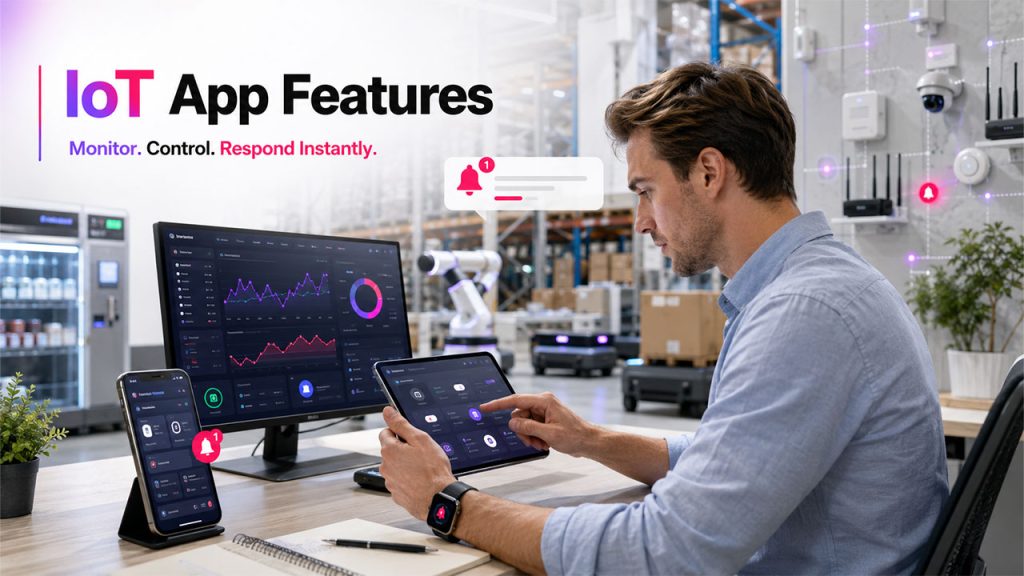
A well-designed IoT app combines these essential features to deliver a reliable, connected experience. Let's see what a good IoT app should be able to do.
Real-Time Data Monitoring
Your IoT app must show what is going on as things happen, not after five minutes, which beats the whole point. For instance, think of a warehouse that tracks temperature-sensitive goods. If the app lags even a little, you could miss the exact time when a fridge starts failing. Moreover, by the time you find out about this, the damage is already done.
Remote Device Control
This is one of the most attractive features and appeals to users because it gives them the power to control things around them. You can turn off lights from your office, adjust the temperature of your thermostat from bed, and shut down a piece of factory equipment without walking over to it.
Smart Push Notifications & Alerts
A good IoT app tells you immediately when something needs your attention. For instance, it alerts you when your car needs an oil change, or a patient’s heart rate just spiked. These alerts only work when they are relevant, and you receive them on time.
Interactive Data Visualization
Raw numbers without any context mean nothing to most people. Nobody can stare at a spreadsheet of temperature readings from the last 24 hours. However, if that data is turned into a simple line graph, people can understand what’s going on at a glance. That's why IoT data visualization matters.
Cross-Platform Compatibility
People use multiple devices at once. Someone might check their smart home app on their phone in the morning, later use their tablet, and wear a smartwatch when going out. Therefore, cross-platform compatibility matters, as an app that works on only one platform is going to frustrate users.
Scalability for Future Growth
An app built for ten devices might work well at first, but what happens when a business grows and suddenly needs to manage ten thousand? Scalability means the system was built with that growth in mind from day one, instead of being patched together in a panic later.
Benefits of IoT App Development for Businesses
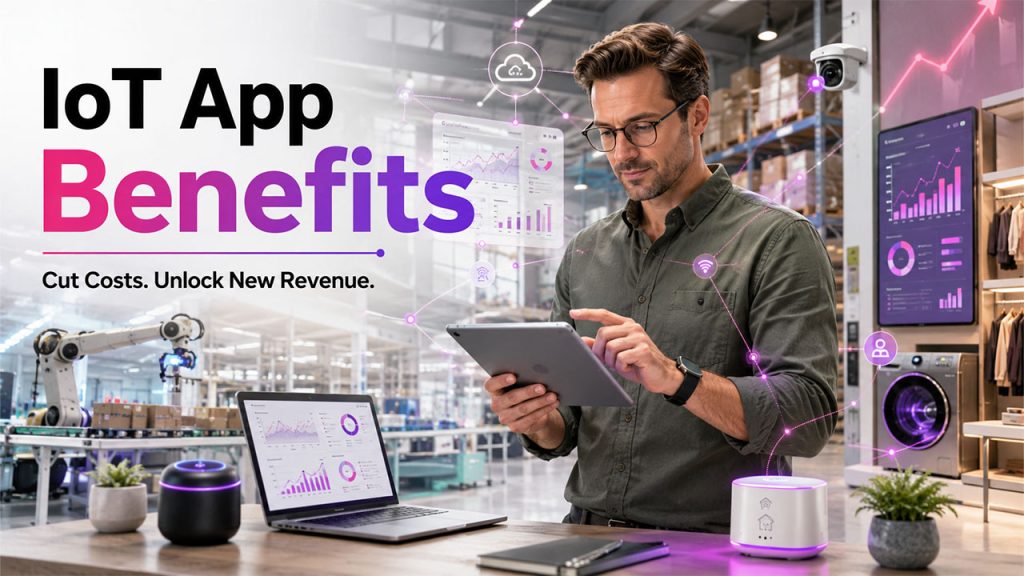
Beyond connecting devices, IoT apps create measurable value for both businesses and users.
Improved Operational Efficiency: When your routine tasks are automated, you save time spent on managing things that can be handled by machines. Smart irrigation doesn’t need anyone to keep an eye on soil moisture by hand every morning. It just knows and adjusts automatically. It speeds up the whole process and minimizes chances of human error.
Reduced Costs Through Automation: Predictive maintenance benefits you in ways more than you think. Instead of waiting for a machine to break down and cause a costly repair, sensors send signals or warning signs early. This helps you act fast before a full breakdown halts production for three days.
Smarter Data-Driven Decision Making: You’re gambling with things that matter when you make decisions based entirely on your gut or outdated data. IoT changes that by providing you with real, current data to make informed decisions. For instance, a retailer can see exactly which products are moving off shelves right now. He no longer has to wait for weekly reports that have already gone stale.
Enhanced Customer Experience: IoT delivers personalization that feels almost effortless. For instance, a fitness app learns about your patterns and alerts you at the right moment, or a smart home system adjusts the temperature automatically when you walk in. These small touches build a loyalty that is often hard to foster.
New Revenue Opportunities: This is particularly useful to businesses. They keep finding ways to keep earning from the physical product that they sold a long time ago. A connected appliance manufacturer might offer a subscription for advanced monitoring features. The product becomes a starting point, not the end of the relationship.
How to Build an IoT App: Step-by-Step Process
Do not rush into building an IoT app. It needs a logical path as it gets complicated fast.
- Define Use Case: What problem are you actually solving? Remote patient monitoring, predictive maintenance, or smart home automation. Pick a clear goal before you touch any code.
- Choose Right Technology Stack: This means picking hardware, software platforms, and connectivity options that fit your needs. Popular choices include AWS IoT, Microsoft Azure IoT, and Google Cloud IoT, alongside hardware like Arduino or Raspberry Pi for early prototyping.
- Design the Architecture: Map out how your sensors, gateways, and cloud services will all connect and communicate. This step matters as a shaky architecture causes problems that show up months later.
- Develop the Application: This is where the actual coding happens, along with API integrations that let your app talk to your devices and other systems.
- Implement Security: Encryption, authentication, and regular updates aren't optional extras. They're the difference between a safe system and a vulnerable one.
- Deploy and Monitor: Once it's live, the work isn't over. Continuous monitoring catches issues early, before they turn into bigger headaches.
If you miss a step here, you’ll have to pay for it later, often at the worst possible time.
Real-World Examples of IoT Apps
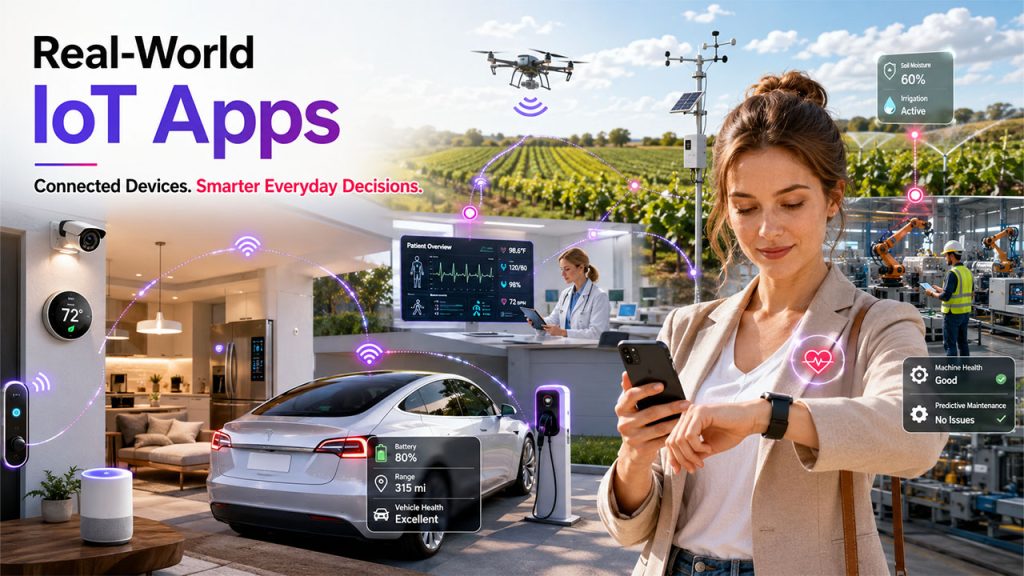
IoT powers a wide range of applications across industries, including these common examples. Let's look at important real-world applications of IoT:
Smart Home Applications: They let you control lighting, temperature, heating, and security directly from your phone. Examples of IoT home automation are:
- Google Home / Google Nest – lighting, thermostats, cameras from one app
- Amazon Alexa app – controls Echo devices, smart plugs, locks
- Samsung SmartThings – unifies lighting, climate, and security across brands
- Philips Hue app – smart lighting control and scenes
Fitness Trackers & Wearable Devices: They monitor your heart rate, sleep, and activity levels 24/7, and when something changes, even a little, they nudge you instantly. Common examples are:
- Fitbit (Charge, Sense) – heart rate, sleep stages, activity nudges
- Apple Watch – heart rate alerts, fall detection, workout tracking
- Whoop – recovery and strain scores based on continuous monitoring
- Garmin Forerunner/Venu series – activity and sleep tracking for athletes
Connected Vehicle Applications: They track location, monitor engine health, find routes with the least traffic, and even predict maintenance needs. For instance:
- Tesla app – remote control, location tracking, battery/service alerts
- BMW ConnectedDrive – route optimization, remote diagnostics
- Ford Pass – vehicle health alerts, maintenance scheduling
- OnStar (GM) – location tracking, predictive maintenance alerts
Industrial IoT (IIoT) Systems: They keep an eye on factory equipment and trigger alerts before something breaks and costs you heavily. Common examples are:
- GE Digital's Predix platform – predictive maintenance for industrial equipment
- Siemens MindSphere – factory equipment monitoring and analytics
- PTC ThingWorx – real-time equipment monitoring and alerts
- Honeywell Forge – asset performance monitoring in manufacturing plants
Smart Agriculture Solutions: They track soil moisture and weather conditions to help farmers make better decisions. A few examples are:
- CropX – soil moisture sensors paired with an app for irrigation decisions
- Climate FieldView (Bayer) – weather, soil, and yield data for farmers
- Farmers Edge – satellite imagery plus soil/weather monitoring
- Arable Mark – tracks crop and weather conditions in real time
Healthcare Monitoring Applications: They enable doctors to track their patients’ health without being in the same room and help cut down on unnecessary hospital visits. Examples are:
- Teladoc Health – remote patient monitoring and virtual visits
- Biofourmis – wearable-based remote monitoring for chronic conditions
- Withings Health Mate – connects health devices (BP monitors, scales) to share data with doctors
- AliveCor KardiaMobile – ECG monitoring app that lets doctors review heart data remotely
Each of these looks completely different on the surface. But underneath, they're all running on the same basic idea: collect data, send it somewhere useful, and act on it.
Common Challenges in IoT App Development
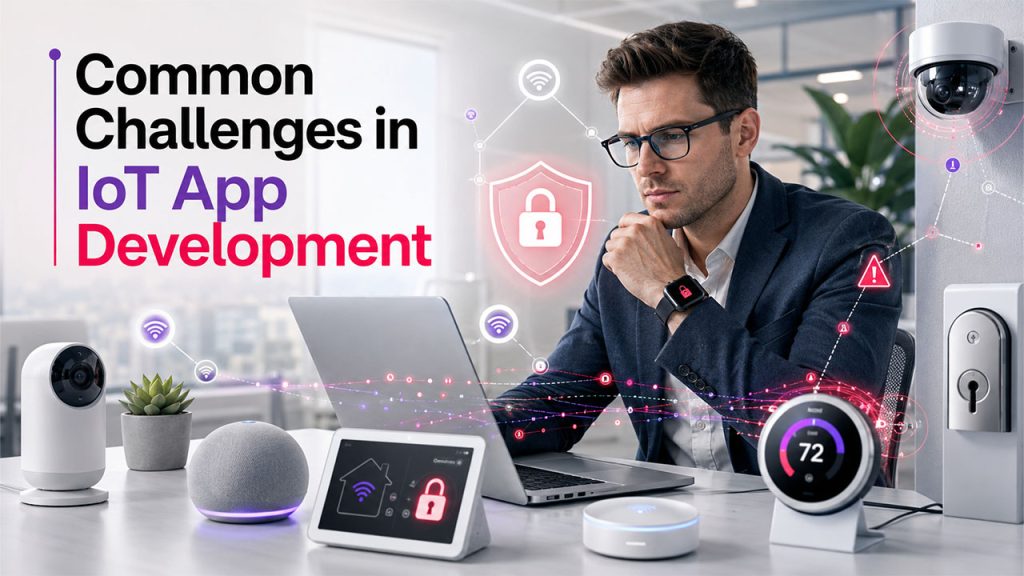
Despite its advantages, IoT development comes with several technical challenges that require careful planning. Weighing the advantages & disadvantages of IoT upfront helps you plan for these challenges realistically.
Security & Privacy Risks: As devices continue to connect to the internet and each other, it opens more potential entry points for attackers. Data breaches, unauthorized access, and even large-scale attacks are real risks if security isn't baked in from day one.
Interoperability Between Devices: Each device works on a different protocol and principle. Getting products from different manufacturers to work together smoothly can be genuinely frustrating.
Data Management & Storage: IoT devices generate enormous amounts of data every day. It becomes difficult to figure out what to store, what to leave out, where to store, and how to analyze it. It takes real planning and resources to do that.
Scalability Challenges: A system that works fine with a hundred devices might break under ten thousand if it wasn't designed with growth in mind.
None of these challenges are dealbreakers. But ignoring them tends to catch up with you eventually, usually at the worst possible moment.
Conclusion
Building an IoT app was never really about the app. It's about everything underneath it. The sensors that gather data, the networks that carry it, and the platforms to process it. The app simply puts a friendly face on all that complexity to mask it. Companies that treat IoT app development as "just another mobile app project" tend to run into trouble down the line. The ones that treat it as building a full connected system, with security and scalability baked in from the start, are the ones that actually make it work.
As more everyday objects get connected, this kind of systems thinking isn't going to become less important. If anything, it's going to matter more.
FAQs About IoT App Development
It involves building the hardware, software, networking, and data layers needed for connected devices to work together, not just the app interface itself.
Edge computing processes data close to the device for faster responses, while cloud computing handles larger-scale analysis from centralized servers.
MQTT and CoAP are two of the most common, both designed to work efficiently on low-power, low-bandwidth devices.
Yes. More connected devices mean more potential entry points, so encryption and authentication need to be built in from the start.
Yes, especially by starting with a clear, narrow use case and using existing cloud platforms rather than building everything from scratch.