





Choosing the right CRM solution is trickier than it ought to be, largely because vendors make their platforms seem like they do everything. But once you get down to choosing a CRM solution, the question is not what platform the most functions has, but rather what platform suits your processes best.
A CRM system that seems very appealing at the demo stage may be an incorrect decision if it does not fit your company’s sales process, organizational structure, or budget. The companies that turn out satisfied with their choice tend not to be those who chose the prettiest platform, but rather those who figured out what they really needed beforehand.
In this blog, we’ll walk through what to look for, the questions worth asking before you commit, and the mistakes that trip up a lot of businesses during this decision.
What Is CRM Software?
Before exploring how to choose the right one, it is important to understand the purpose of a CRM solution. CRM stands for Customer Relationship Management, software built to track every interaction a business has with its leads and customers, all in one organized place instead of scattered across emails, spreadsheets, and sticky notes.
If you want the fuller breakdown of what CRM covers and how it works, it’s worth reading a proper explanation of what CRM actually is before comparing specific platforms.
In its simplest form, the CRM stores contact information, communications, deal status, and reminders, all linked together. Rather than having to remember whom you last communicated with or going back through emails, all of this information is stored in one place that is searchable. This forms the basis for making the rest of this choice, as once the purpose of a CRM is understood, it becomes easier to assess whether a particular CRM achieves this purpose.
How to Choose a CRM: Key Factors to Consider

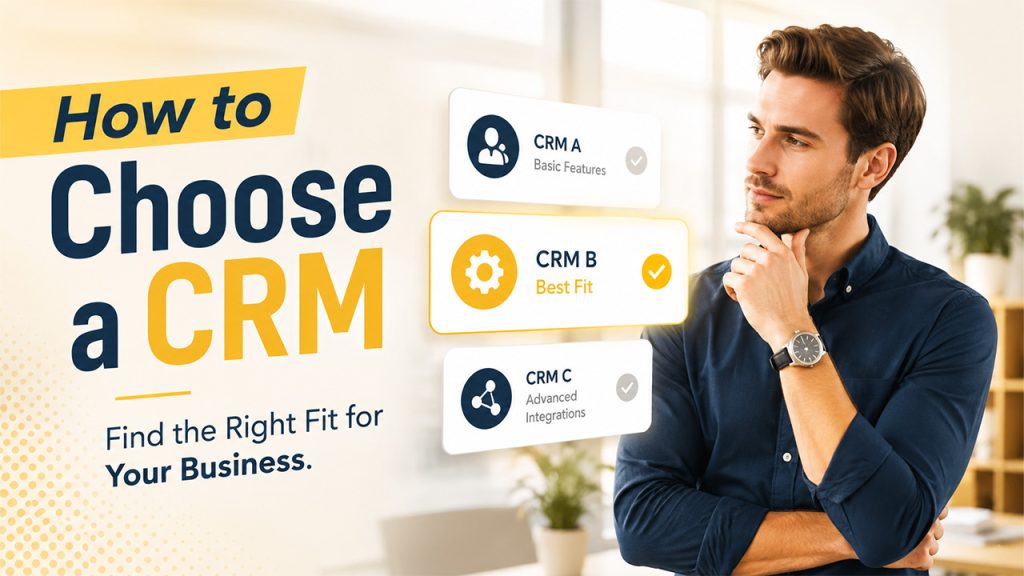
Once you’ve decided it’s time to act, here’s what actually matters when you sit down to choose a CRM for your business:
- Ease of use: A powerful CRM your team refuses to use consistently isn’t actually powerful. Adoption matters more than feature count.
- Scalability: Think beyond where your business is today. A CRM that fits five users should still make sense once you’re at twenty.
- Integration with existing tools: Your CRM needs to connect cleanly with email, calendars, and whatever other software your team already relies on daily.
- Customization options: Every business’s sales process looks a little different. The right CRM should bend to fit your needs, not force you into someone else’s workflow.
- Pricing structure: Per-user pricing can get expensive fast as you grow, so it’s worth understanding the full cost at scale, not just the entry price.
- Support and onboarding: A platform with poor support can turn a simple setup into weeks of frustration, especially for teams without dedicated IT help.
It’s also worth putting a few real contenders' side by side rather than judging platforms one at a time in isolation. A proper look at CRM comparisons makes the differences between platforms much clearer than reading feature lists separately.
Questions to Ask Before You Choose a CRM
If you want to avoid many problems in the future, ask yourself the following questions before subscribing to something:
Does this match how my team actually sells? What you wish your sales cycle would be is not necessarily what it looks like right now.
What happens if we outgrow the starter plan? It is better to understand the increase in price and difficulty from the very beginning.
How long does onboarding actually take? A CRM that takes several months to implement kills all of your progress.
Can our team customize it without needing a developer? Otherwise, you will constantly struggle because of it.
What does the free trial actually include? The free version sometimes lacks important options, so be sure you know the truth.
How responsive is their support team? It is always good to know it beforehand.
Answering these honestly before committing tends to prevent the most common regret businesses have after choosing the wrong platform.
Common Mistakes to Avoid
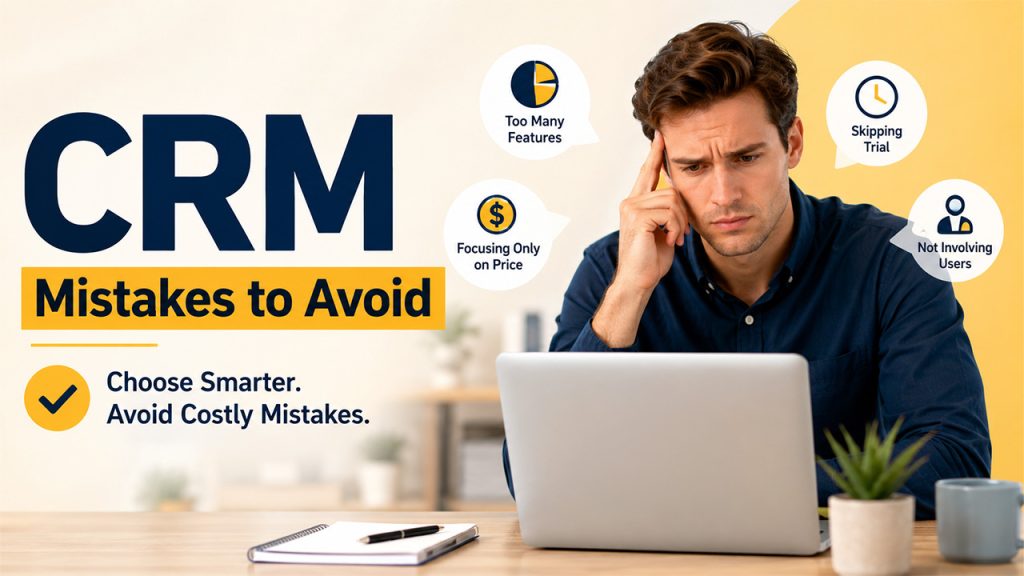
Even well-intentioned teams trip over the same few mistakes when picking a CRM:
- Choosing based on features alone: A long feature list means nothing if your team never actually uses most of it.
- Ignoring the learning curve: A powerful but confusing CRM often gets abandoned within a few months, wasting both money and setup time.
- Skipping the trial period: Choosing the annual billing plan for a product you haven’t tested yet is another common mistake.
- Not involving the actual users: The decision made by those who don’t actually work with the product often leads to an unpleasant experience for everyone else.
- Underestimating migration effort: It’s always necessary to move the existing contacts and data from the old CRM to the new one, and it takes time.
- Focusing only on price: The cheapest solution might prove to be the most expensive one because you won’t be able to work with it effectively.
Avoiding these mistakes usually comes down to one thing: slowing down enough to test properly before committing long-term.
Conclusion
Ultimately, when it comes to selecting the proper CRM, it is important to consider how this platform can work in your organization, not select the most extensive platform with the greatest number of features and the best demo presentation. The ideal CRM should make working with the processes in your company easier for your employees.
Take your time to properly test several potential solutions, ask all the questions that you need to ask, and consult your colleagues regarding this solution. Remember, a CRM is something that you will be using on an ongoing basis; therefore, a proper decision at this stage will definitely save you time later.
Regardless of whether you are purchasing your very first CRM or switching from the system that did not work for you, the basic principles do not change.
FAQs About How to choose a CRM
If your team is losing track of leads, relying on scattered spreadsheets, or struggling to answer basic pipeline questions quickly, those are strong signs it’s time to move past informal tracking methods.
Selection based on the number of features rather than usability. Having too many unused features in a CRM system is a recipe for waste and inefficiency rather than effective process enhancement.
Without a doubt. They will be the ones using the software on a day-to-day basis and therefore have a better understanding of the process than just the decision makers alone.
A sufficient amount of time for a real data trial, and not a demo account. Most companies require two or three weeks for the proper testing of whether a CRM really suits them.
It does not always have to be the case because an inexpensive but inappropriate CRM may end up costing you more in terms of inefficiency and loss of productivity or even having to change the CRM system within a year or two.