






When you open twenty browser tabs on any founder's laptop, you'll probably find a CRM, a messaging app, a spreadsheet to use as a database, an analytics dashboard that nobody checks anymore, and at least one tool that nobody remembers signing up for. That's the real problem people face running a startup in 2026. It's not because you don't have enough software options. It's that you have too many and none of them talk to each other. The right growth-navigation startup tools aren't necessarily the ones with the longest fancy features list. They're the ones that quietly fix one specific bottleneck in your business, without making you open a new tab every ten minutes for different tasks. That's what this list offers you.
What Are Growth Navigate Startup Tools?
Growth navigate startup tools are software platforms that assist a small team in doing the work of a much bigger one. These tools are used to manage tasks like tracking customers, understanding how people actually use your product, automating repetitive tasks, and keeping your team aligned and in sync, without needing to increase headcount to make it happen.
Let's understand with an example. Suppose a ten-person startup is tight on budget and can't afford to hire a full sales ops team, a dedicated data analyst, and an in-house automation engineer. So, alternatively, they rely on tools that handle half the work for them, such as CRM software. A good CRM records every conversation you've ever had with a lead. Similarly, a good analytics tool tells you where users get stuck, and an automation tool syncs data between apps, so you don't have to do it manually.
Picking the right CRM for startups early on usually decides how smoothly everything else on this list ends up working together.
5 Best Growth Navigate Startup Tools in 2026
Here's the list of best tools to navigate your startup growth, grouped loosely by the problem each tool solves:
1. HubSpot CRM
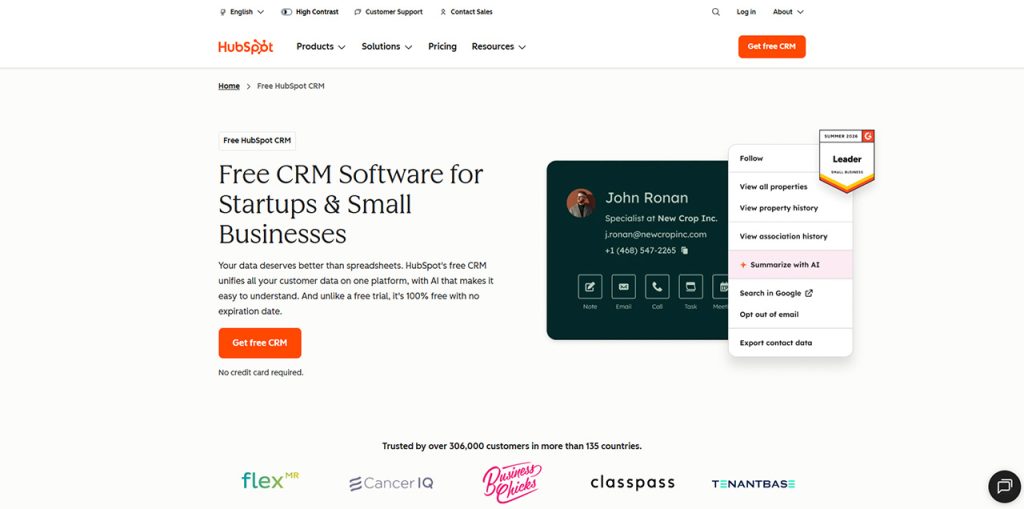
It is one of the most well-known customer relationship platforms out there, and for good reason. It is built to stop your promising lead from getting buried in someone's inbox. It stores your contacts, deals, and conversations in one place, so your team works with the same, accurate data and stops guessing who said what to whom. It offers a genuinely useful free plan, which matters a lot when you spend every dollar consciously.
Key features:
- Centralized contact and deal records
- Visual sales pipeline you can drag and drop
- Customizable dashboards for tracking performance
- Built-in AI (Breeze) for automating routine workflows
- Shared inbox so support and sales don't step on each other
- Huge marketplace of app integrations
Pros:
- Free plan has no expiration date
- Easy to set up, even for non-technical teams
- Scales smoothly as your team grows
- Strong AI features baked right in
Cons:
- Advanced automation needs a paid upgrade
- Costs climb fast once your team expands
- Deeper customization is locked behind higher tiers
2. Crunchbase
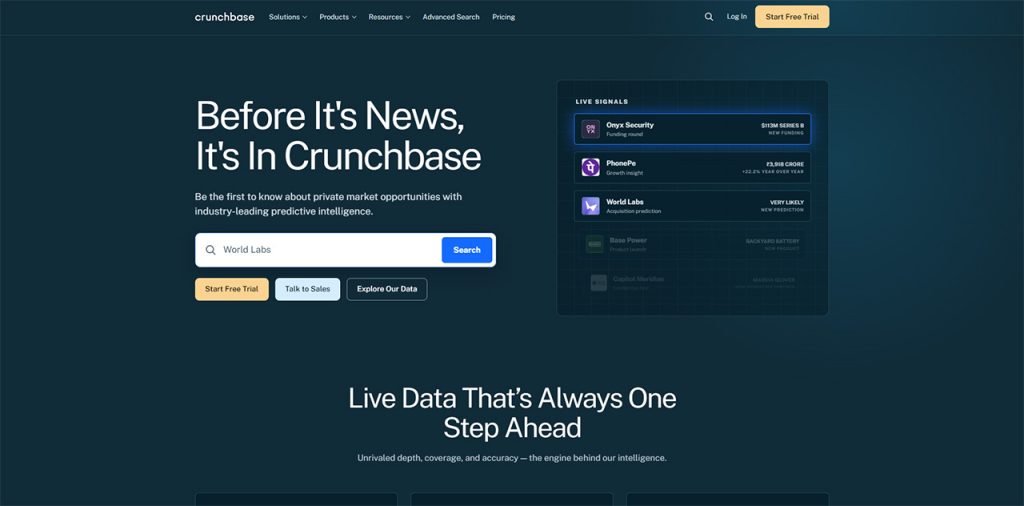
It helps to know about the new prospect or investor before you pitch or chase them down. A well-researched background makes outreach a lot easier. Crunchbase is basically a giant, searchable database that contains information about companies, funding rounds, and the people behind them. Founders use it to understand their competitors, spot funding trends, and find warm leads instead of cold ones.
Key features:
- Company, funding, and investor database
- Real-time financial and growth signals
- Advanced filters for narrowing down prospects
- Custom alerts on companies you're tracking
- AI-powered insights for spotting emerging players
- CRM integrations for pulling data straight into your pipeline
Pros:
- Massive coverage of private companies worldwide
- Genuinely useful for finding the right investors
- Great for quick competitor research
- Saves hours of manual Googling
Cons:
- Deeper insights sit behind paid plans
- Export limits on cheaper tiers
- Can feel like a lot at first if you've never used a database tool like this
3. PostHog
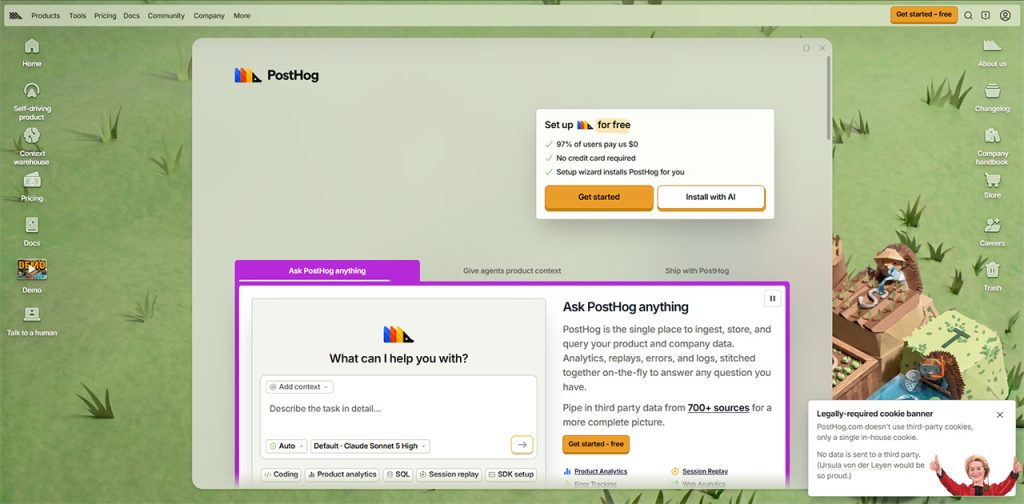
This tool helps you actually know why people are dropping off your product. It's an open-source analytics platform that shows you exactly where people click, where they get stuck, and what features they do not interact with at all. And honestly, this is more useful than most founders expect.
Key features:
- Session recordings and event tracking
- Built-in A/B testing and feature flags
- Conversion funnel and retention tracking
- In-app surveys for direct user feedback
- Error tracking alongside analytics
- SQL access for teams that want to dig deeper
Pros:
- Very generous free usage tier
- Combines several tools into one platform
- Great for fast product decisions
- Scales well with usage-based pricing
Cons:
- Needs some technical comfort to set up well
- Costs rise once your event volume grows
- Non-technical teams may find it a bit much at first
4. Notion
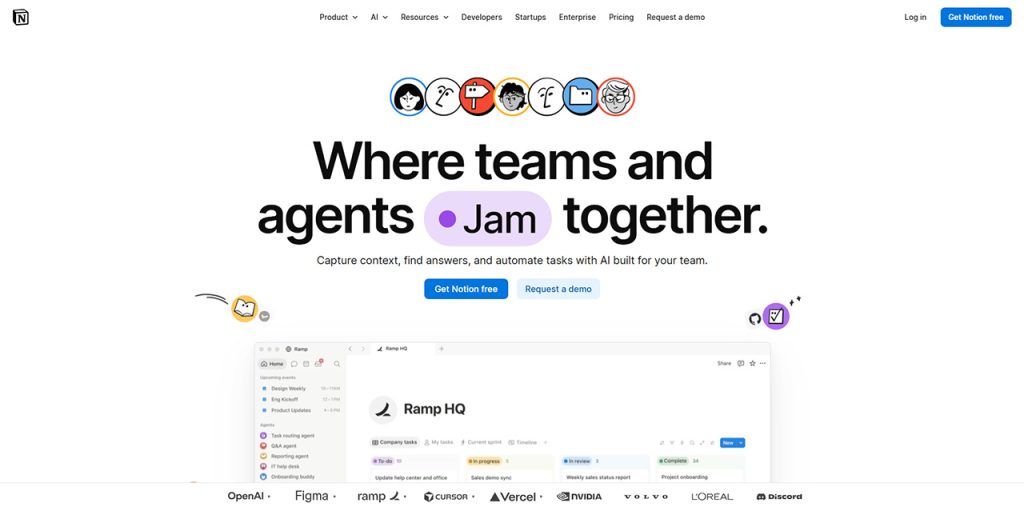
Notion serves as a platform where a lot of startups dump everything, from meeting notes and project trackers to onboarding docs and spreadsheets that they do not want to abandon. This is the whole point of Notion. Instead of using five different apps for five different types of information, you get one flexible workspace that caters to whatever your team needs that week.
Key features:
- Docs, wikis, and project boards in one place
- Customizable database views (tables, boards, calendars)
- Automated meeting notes
- Enterprise-wide search across connected apps
- Forms for collecting and organizing responses
Pros:
- Replaces several smaller tools at once
- Adapts to nearly any workflow
- Genuinely improves team knowledge-sharing
- Scales from a two-person team to a large org
Cons:
- Complex workspaces take real setup time
- New team members need a bit of onboarding
- Gets messy fast without some basic structure rules
5. Slack
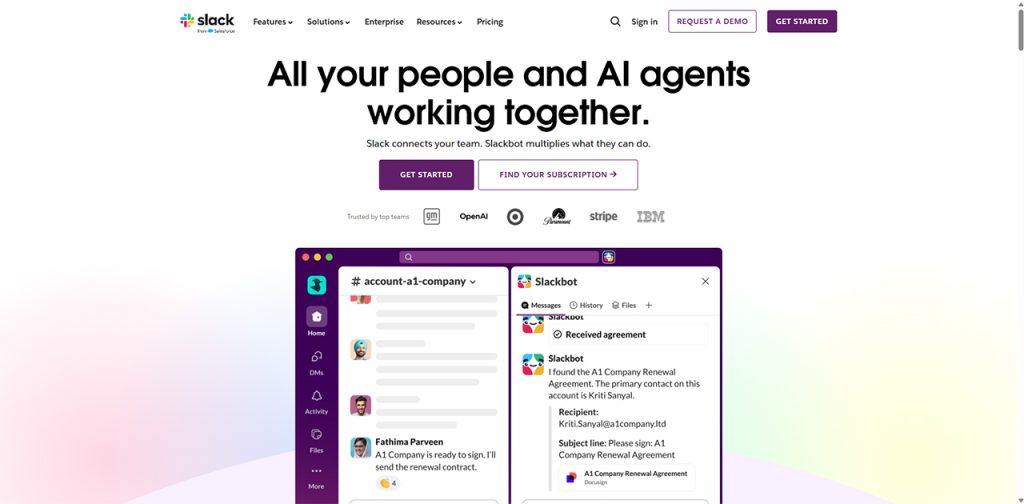
Making important decisions through long email threads is a lot of work. That's where Slack comes to your rescue to lift the weight off your shoulders. It organizes all your conversations by topic instead of burying everything in one inbox, which makes it easier to find them. This might sound small until you realize how much time it actually saves. Video calls, file sharing, and quick decisions all happen in the same place your team already checks constantly.
It's one of several tech business tools that tend to earn a permanent spot in a startup stack once the team actually starts using it daily.
Key features:
- Channel-based team conversations
- Built-in video and voice calls
- Slackbot for quick AI assistance
- Deep integrations with hundreds of business tools
- Searchable message history
- Lightweight CRM option for tracking customers
Pros:
- Cuts down drastically on internal email
- Keeps conversations organized and searchable
- Huge integration ecosystem
- Free plan works fine for very small teams
Cons:
- Can get noisy without channel discipline
- Advanced features need paid plans
- Easy for important messages to get lost in busy channels
Quick Comparison of Growth Navigate Startup Tools
Before choosing one, here’s a quick comparison of the top growth navigate startup tools and what each one does best.
| Tool | Best For | Starting Price |
| HubSpot CRM | Managing leads and sales pipeline | Free (paid from ~$15/user/month) |
| Crunchbase | Market and investor research | Free (paid from $49/month) |
| PostHog | Product analytics and user behavior | Free (usage-based after) |
| Notion | Docs, wikis, and project tracking | Free (paid from $10/member/month) |
| Slack | Team communication | Free (paid plans vary) |
How to Choose the Right Growth Navigate Startup Tool
The best tool isn’t necessarily the one with the most features; it’s the one that solves your biggest bottleneck without adding more complexity.
- Identify Your Biggest Business Bottleneck: Do not look for the tool before you define what's broken. Identify what problem you're trying to solve, whether it's leads slipping through the cracks or tracking how customer is engaging with the product.
- Check Integration With Your Existing Tech Stack: Check compatibility with your existing stack and see if it integrates smoothly. A tool that doesn't talk to your existing stack is just another disconnected island of data that you end up managing.
- Test the Free Plan Before You Commit: Most of the tools offer a free trial before you commit to them entirely. Make the most of those free tiers to test the real product before paying anything. Use that time to see if your team actually adopts it.
- Choose a Tool Your Whole Team Can Use: Assess its complexity and see if it is easy enough to use even by people who do not have a technical background. If only one person on your team can operate the tool, it's a liability, not an asset.
- Prioritize Tools That Actually Reduce Work: If it doesn't save time or reduce manual effort, it's probably not solving your actual problem. And in that case, it becomes pointless to adopt it.
Conclusion
At the end of the day, growth-navigation startup tools aren't just about collecting fancy software. Instead, they are about minimizing the workload by removing friction from the things that actually grow your business. Having the biggest tool stack doesn't always guarantee faster success. The founders who pick a handful of tools that actually solve real, specific problems and stick with them long enough to see the payoff are the ones who scale fastest.
Before you sign up for any tool, ask yourself what it's actually replacing. If the answer isn't clear, you probably don't need it yet. Build lean, connect what you have, and let the tools that earn their place do the heavy lifting.
Frequently Asked Questions
They help small teams manage customer relationships, track product usage, automate repetitive tasks, and stay organized as the business grows. Essentially, they're doing the work of a much bigger team without the extra headcount.
No. Most startups only need three or four tools covering their biggest gaps, like sales tracking, communication, and automation. Adding tools you don't actively use just creates more clutter, not more growth.
HubSpot CRM, Attio, Crunchbase, PostHog, Zapier, Notion, and Slack all offer usable free plans. They're a smart way to test what your team genuinely needs before committing to paid tiers.
If it saves time, reduces manual work, or gives you clearer insight into customers or product usage, it's earning its place. If your team barely opens it, it's probably not the right fit.
Yes. Most of these platforms are designed with startups in mind, offering free tiers or low-cost entry plans. You can build a solid, functional stack without spending much at all in the early stages.