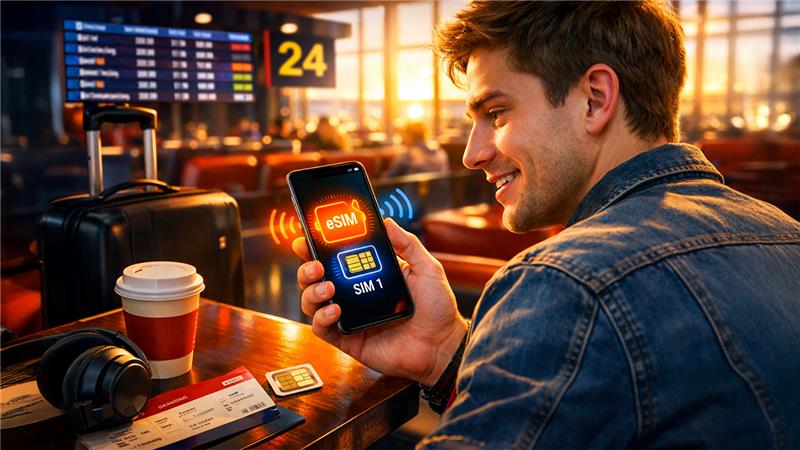






The best thing about using an eSIM for travel is that it allows you to keep your original SIM card without any issues. This setup is common on many phones. You can keep your physical SIM card for your usual number while adding an eSIM for travel data. This works because of dual SIM support. This allows your phone to run two lines simultaneously, typically a physical SIM along with an eSIM. Now, there are several new phones that allow you to use an eSIM without removing the physical SIM. Your physical SIM can stay in the tray, and the eSIM is installed in the form of a digital profile inside the device.
The major requirement for this is that your phone must support both eSIM and dual SIM. Recent iPhones and several Android models provide this1 feature; however, support can differ depending on the model and region. With providers like Jetpac, you can add an eSIM plan digitally while keeping your physical SIM intact in your phone. This allows you to keep your normal line active and still use mobile data abroad.
How to check if your phone supports dual SIM?
Most newer iPhones and many Android phones support dual SIM, but it can vary by model and region. A quick check in settings usually clears it up.
- On iPhone, go to Settings > Cellular (or Mobile Data). If you see Add eSIM or Add Cellular Plan, your phone likely supports eSIM.
- On Android, look in Settings > Network and Internet or Connections > SIM Manager. If you see Add eSIM, Download a SIM, or similar, that is a strong sign.
By verifying the manufacturer’s main website or requesting the user guide of your device, you can also confirm your device’s compatibility with eSIM. A few well-known models like Samsung Galaxy S20 and above, iPhone XS and later, and the Google Pixel 3 and later usually support this functionality. It is important to note that carrier locked phones can block adding an eSIM from another provider until the device is unlocked.
How to set it up for travel
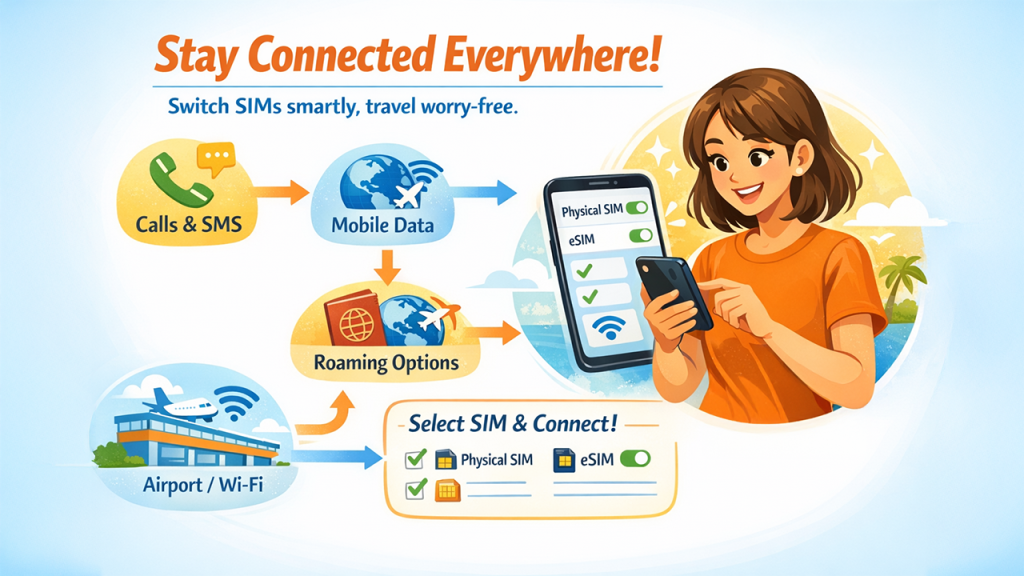
Once both your physical SIM and eSIM are installed, the key step is choosing which line uses data. Most people keep their physical SIM active for calls and texts, then set the eSIM as the mobile data line.
A simple travel checklist:
- Keep your physical SIM as default for calls and SMS.
- Set the eSIM as default for mobile data.
- Turn off data roaming for your home SIM to avoid surprise charges.
- Turn on your eSIM when you land, or just before you leave the airport.
Testing your eSIM connection before leaving home is a smart approach, regardless of whether it won't disable data access until you reach your destination. This guarantees the profile is precisely installed, and you won't address technical glitches when you require it most.
If you are using Jetpac, it helps to install the eSIM while you still have stable WiFi at home. Then, when you arrive, you are not standing under bright airport lights trying to troubleshoot settings.
Common issues and quick fixes
Sometimes the setup is easy and everything works straight away. Other times, a small toggle is hiding in settings.
Your phone keeps using your home SIM for data. Go back to cellular settings and switch mobile data to the eSIM.
Your device keeps switching data lines. Some phones have a setting that allows data switching between lines. Turning that off can give you more control.
You cannot add an eSIM at all. Check if your phone is unlocked and supports eSIM. If it is locked, you may need your carrier to unlock it before travel.
Poor data speed is one of the common challenges in using eSIM. This can be generally resolved by manually choosing a regional network operator in your cellular ecosystem rather than taking it off on automation selection.
When your physical SIM stops accepting calls or messages, cross-check your default line—it should be set to your voice and SMS, and it should have strong network coverage in your region.
Conclusion
The perks of having an eSIM is that your usual number stays in your phone, your essential texts still come through, and your eSIM handles the data you need to move around confidently. Once you get used to it, swapping SIM cards starts to feel like an extra chore that belongs to an older routine.
For cutting-edge travelers, leveraging both an eSIM and a physical SIM together provides a perfect balance between versatility, convenience, and price control. It reduces the connectivity stress while ensuring you remain reachable wherever you go.
As more countries and carriers adopt eSIM technology, this dual-SIM approach will only become more valuable. Think of it as an investment in smooth global connectivity that plays a crucial role every time you cross a border.