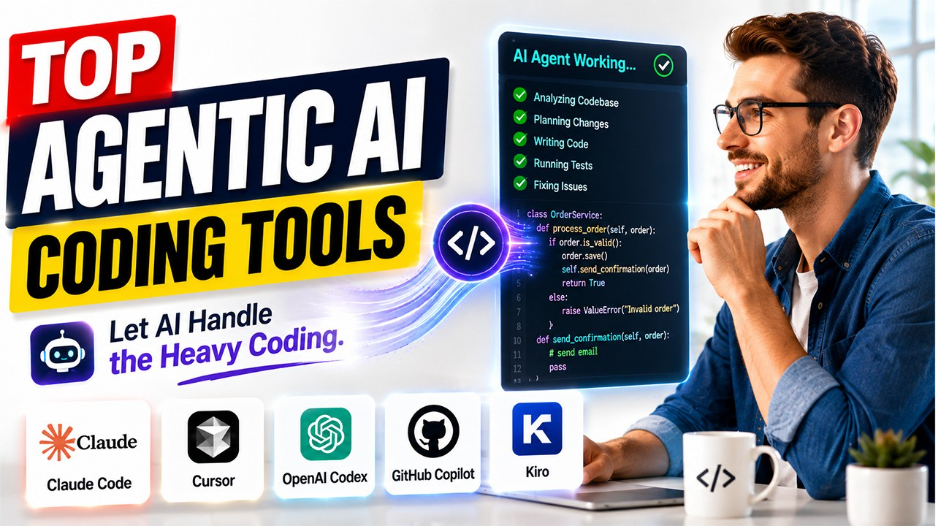






The guide explores the best agentic AI coding tools in 2026, their benefits, limitations, and ideal use cases, along with how to choose the right agentic AI coding tool in 2026.
In the recent few years, the process of coding has changed dramatically. With the introduction of AI, developer tools are no longer limited to autocomplete, code snippets, or chatbot-style explanations. The modern agentic AI coding tools help developers understand an entire repository, plan multi-step tasks, modify multiple files, run commands, execute tests, debug failures, and sometimes can also create pull requests with minimal supervision.
What is an Agentic AI Coding Tool?
An agentic AI coding tool is a type of software development assistant that can do more than just generate or autocomplete code. The tool can understand the goal of the developer, plan the steps required, make changes, accordingly, run tools and tests, identify problems, and iterate on its work. The traditional AI coding assistant usually works on a request-by-request basis, while an agentic coding tool can handle much broader instruction.
The broader adoption of AI is also transforming modern SaaS development, with AI and ML helping automate workflows, improve scalability, and personalize software experiences.
How Agentic AI Coding Assistant Works?
The complete working of an agentic AI coding assistant is as follows:
- Step 1: Understand the Goal
The developer offers a high-level objective to the agent.
- Step 2: Explore the Codebase
The AI examines relevant files, dependencies, configuration, documentation, and existing patterns to understand how the application works.
- Step 3: Create a Plan
The agent determines which files need changes and what steps are required.
- Step 4: Implement the Changes
The tool creates or modifies multiple files.
- Step 5: Use Development Tools
Depending on the platform and permissions, the agent runs terminal commands, installs dependencies, executes scripts, interacts with Git, or uses external tools.
- Step 6: Test and Debug
The agent runs tests, inspects error messages, identifies problems, and makes additional changes.
- Step 7: Deliver the Result
The tool can create commits, branches, or pull requests so that the developers can review the complete work.
Top 5 Best Agentic AI Coding Tools
In recent few years, Agentic AI coding tools have moved past simple code autocompletion. The tools offer key features, such as understanding an entire codebase, creating implementation plans, editing multiple files, running tests and commands, debugging errors, and working asynchronously or creating pull requests.
Some of the most popular Agentic AI coding agents are as follows:
1. Claude Code
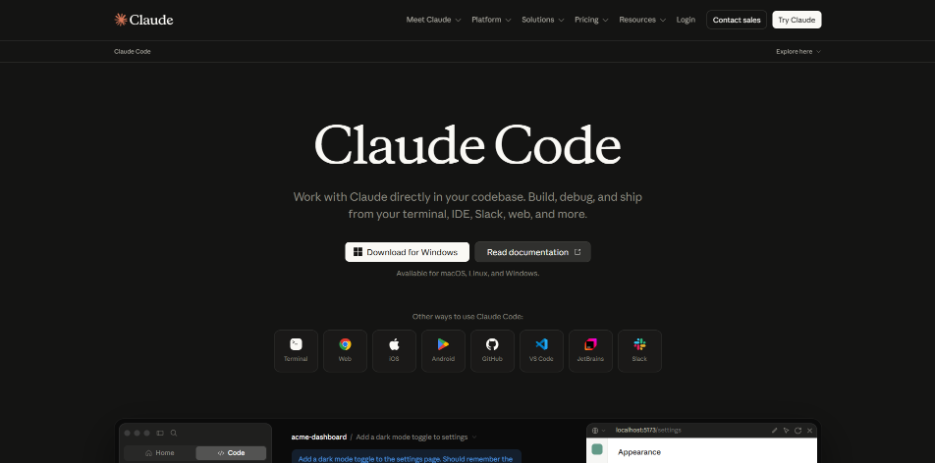
Claude Code is an agentic coding tool developed by Anthropic. The platform is designed primarily around the terminal, and it can understand a project codebase, modify files, execute commands, work with development tools, and help complete features, bug fixes, and other engineering tasks.
Developers looking to improve the reliability of AI-generated code can also explore a Claude Code spec-driven workflow, which focuses on testable requirements and reducing regression.
Key Features
- Codebase understanding
- Terminal-based editing
- Multi-file editing
- Command execution
- Agentic workflows
- Custom skills and subagents
Limitations
- Terminal first experience can be less appealing.
- Requires developers to understand and manage permissions carefully.
Ideal Usage
- Experienced developers, backend engineers, DevOps teams, and developers working on large or complex repositories.
2. Cursor
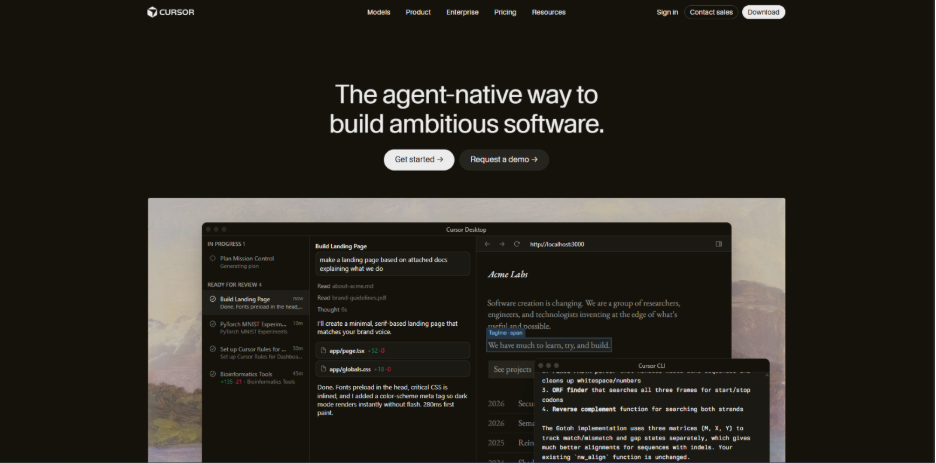
Cursor is an AI-native code editor and coding-agent platform that is designed to integrate AI deeply into everyday software development. The platform can understand a codebase, plan features, modify code, fix bugs, and review changes.
Key Features
- AI-powered code editor
- Agent mode
- Codebase understanding
- Plan Mode
- Rules and instructions
- MCP and skills
Limitations
- Consumes considerably more AI resources than simple autocomplete.
- Developers also need to review agent-generated changes carefully.
Ideal Usage
- Ideal for full-stack developers, startup teams, front-end developers, and individual programmers who want an AI-first development environment.
3. OpenAI Codex
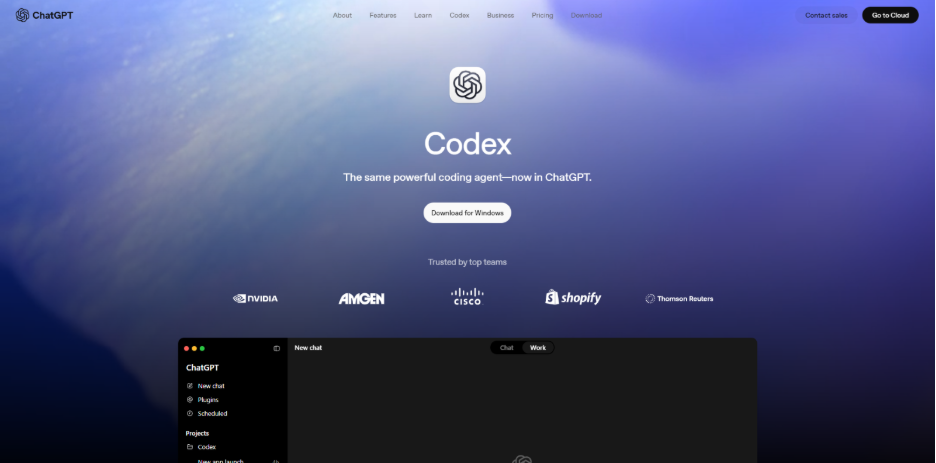
The OpenAI Codex is specifically designed to complete development tasks end-to-end. The platform works on features, bug fixes, refactoring, migrations, code reviews, and pull requests. The platform is described as supporting parallel agent workflows, a cloud environment, work trees, skills, and background automation.
Key Features
- End-to-end coding tasks
- Parallel agents
- Cloud environment
- Pull-request workflows
- Code reviews
- Background work
Limitations
- Highly autonomous workflows require strong review and testing processes.
Ideal Usage
- Ideal for developers and engineering teams that want to delegate complete software-engineering tasks to AI agents.
4. GitHub Copilot
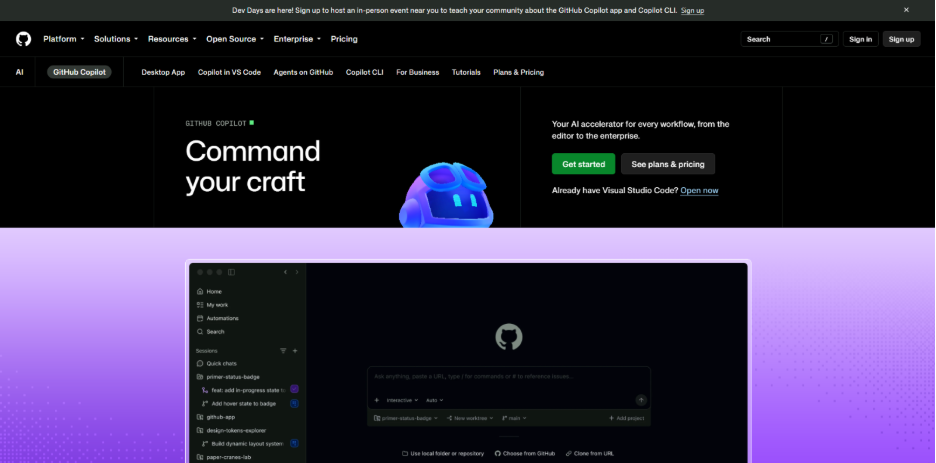
GitHub Copilot is an agentic development platform that has evolved from an AI autocomplete assistant. The platform can research a repository, create an implementation plan, make changes on a branch, and allow developers to review and iterate before creating a pull request.
Key Features
- Coding agents
- Repository research
- Implementation planning
- Branch-based development
- Pull-request integration
- Multiple entry points
Limitations
- Agentic coding still requires testing, code review, and security controls.
Ideal Usage
- Ideal for development teams already using GitHub for source control, issues, code review, and CI/CD.
5. Kiro
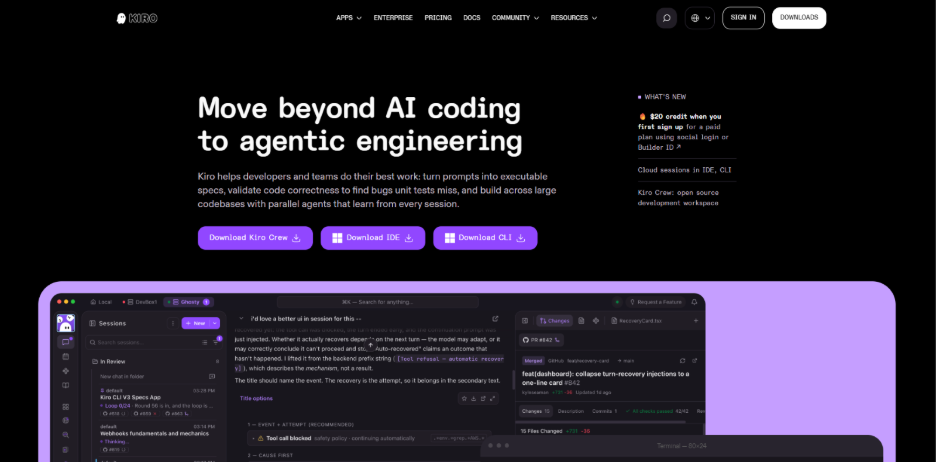
Kiro is an agentic development environment that mainly focuses on structured specification-driven software development. Through the platform, developers can use specs to transform high-level requirements into detailed implementations with tracking and accountability.
Key Features
- Spec-driven development
- Implementation planning
- Steering
- Agent Hooks
- Custom automation
Limitation
- Requires more upfront planning.
Ideal Usage
- Ideal for professional software teams, enterprise developers, architects, and projects where requirements and implementation discipline are important.
Agentic AI Coding Tools: Quick Comparison
The quick comparison between the five best Agentic AI coding tools is as follows:
| Tools | Strength | Limitations | Ideal Usage |
| Claude Code | Terminal-native autonomous coding | Less IDE-centric | Refactoring, debugging, backend and DevOps |
| Cursor | AI-native IDE experience | Can be resource-intensive | Daily development and full-stack work |
| OpenAI Codex | Parallel and end-to-end agents | Required good definition and review | Features, migrations, refactoring, automation |
| GitHub Copilot | GitHub integration | Best within the GitHub ecosystem | Teams, PRs, issues, CI/CD |
| Kiro | Spec and requirements | More planning overhead | Complex production projects and teams |
Choosing the Right Agentic AI Coding Tool
While choosing the right agentic AI coding tool, the most important question that arises is which tool fits the development workflow, project requirements, level of autonomy, and team environment. Some of the major factors to consider while choosing the ideal agentic AI coding tool are as follows:
- Consider Development Workflow
Developers should choose the tool that fits the way their team actually builds software, rather than choosing an agent solely because it has impressive benchmark results.
- Match Tool to the Type of Work
Before selecting a tool, developers should research different coding agents. Different coding tasks benefit from different types of agents.
- Evaluate Level of Autonomy
The agentic tools differ in how much work they can perform independently. Developers should establish clear boundaries around what an agent can execute.
Conclusion
In the recent few years, agentic AI coding tools are transforming software development simply by moving AI from simple code generation towards autonomous and multi-step engineering assistance. There are various tools that offer different approaches to coding, from terminal-based development and AI-native IDEs to GitHub-integrated workflows and specification-driven development. However, there is no single tool that is considered best for every developer or project. The right choice depends on the development of workflows, project complexity, required level of autonomy, and security requirements, among others. The agentic AI coding assistant should complement developers, as with human judgement, code reviews, testing, and security remaining essential components to build high-quality software.
FAQs About Agentic AI Coding Tools
The traditional AI coding assistant provides autocomplete, code suggestions, explanations, or individual code snippets. While the Agentic AI coding assistants can perform multiple steps, such as exploring a repository, editing several files, running tests, debugging errors, and preparing changes for review.
Yes, many agentic coding tools can create substantial portions of an application and handle multi-step development tasks. However, developers should not assume that an AI-generated application is automatically production-ready.
Yes, many agentic AI coding tools can debug and fix code automatically. These tools can run tests or commands, analyze error messages, identify potential causes, modify the relevant code, and run tests again.
Yes, the agentic AI coding tools are considered safe to use. Although, the developers should use appropriate permissions, sandboxing, testing, code reviews, and security checks before allowing agents to perform sensitive operations.