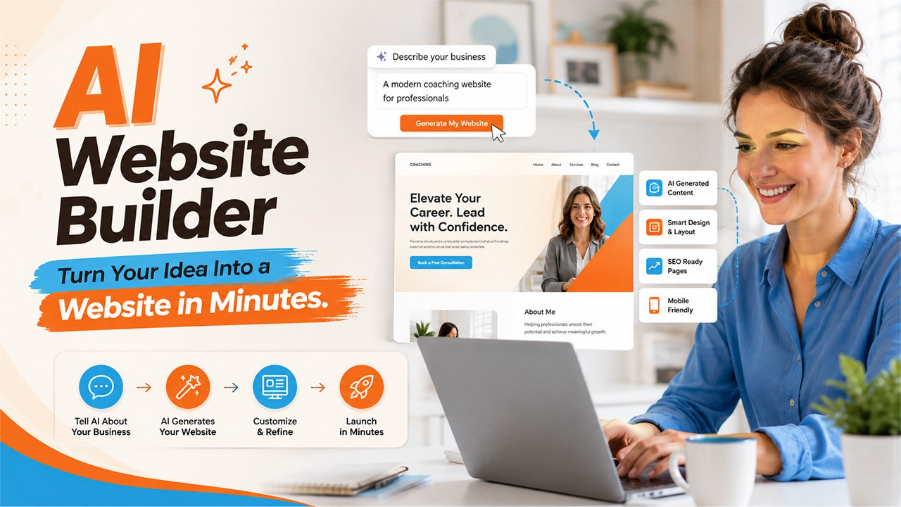






A few years back, building a website meant one of two things: hiring a developer and waiting weeks, or spending your evenings wrestling with templates that never quite matched what you had in your head. That whole process has been compressed into minutes now. You describe what you need, and an AI website builder puts together a working, fully designed site, layout, copy, images and all.
The desire for something faster, more efficient and affordable than the current ways has driven AI website builder to become one of the most-searched tools in 2026. If you’re a freelancer, an entrepreneur, or just about to launch your very first product, there’s now a solution for getting to a fully-fledged website without writing a single line of code.
In this blog, we will walk through what an AI website builder actually is, how it works behind the scenes, the key features worth paying attention to, the best options available right now, who these tools are best suited for, and the limitations you should know before committing to one.
What Is an AI Website Builder?
An AI website builder can be described as an online tool which utilizes the technology of artificial intelligence to design and construct a website for you, depending on the information you provide. In other words, you do not need to move items around or select one of many available templates, all you have to do is answer several questions related to your business and preferences, and the artificial intelligence will take care of everything else.
Of course, the resulting web design will not simply be an empty web page with some text on it. Advanced AI websites builders create entire page designs, determine colours that should be used, write up introduction and even decide which pages you need according to your business type. For example, the restaurant gets a menu page, while a consulting business gets a services page.
What separates an AI website builder from a traditional website builder like older versions of Wix or Squarespace is the level of automation involved. Traditional builders give you the tools and expect you to make the decisions. AI builders make the decisions with you, or in many cases, for you, and then let you refine from there.
How Does an AI Website Builder Work?
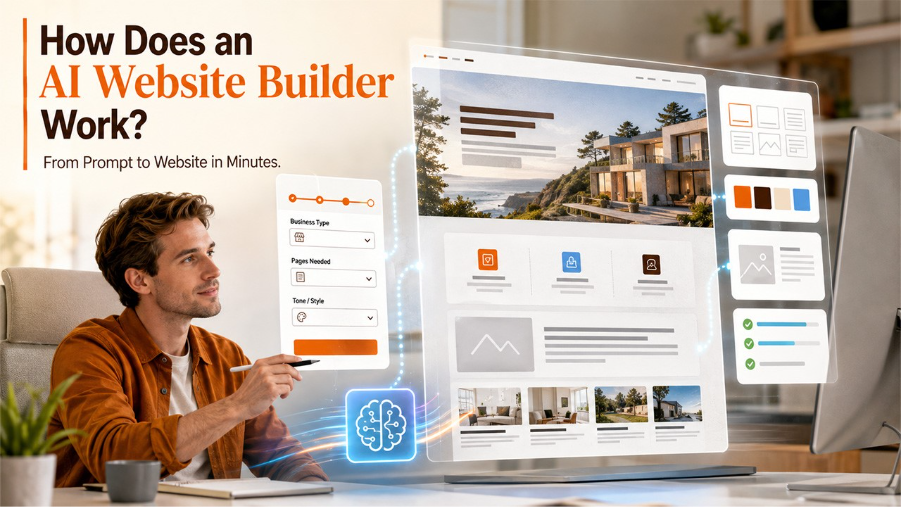
The process is simpler than most people expect. You do not need any technical background just a clear idea of what you want your website to do.
It usually begins with a brief onboarding survey. Here are some examples of questions you are asked by the AI website builder: What type of business is yours? What pages do you need? What tone or style are you going for? From those answers, the AI maps out a site structure and generates a first draft usually in under a minute.
Once the draft is ready, here is what the AI has typically handled for you already:
Page layout and structure: The structure and hierarchy of the pages are planned based on industry best practices.
Content creation: The content such as headlines, taglines, and introductions is crafted in accordance with the specifics of your business.
Design decisions: Font styles, colours, and images are chosen to give the design uniformity.
SEO basics: Meta titles, descriptions, and headings are created right from the start.
From there, you step in and refine. Swap a colour, rewrite a headline, add your logo, connect your domain the AI handles the foundation, and you add the personal touch.
It should be noted that the output quality highly depends on the input quality. The more detailed you will be during the setup process, the better the initial draft will turn out to be. The ambiguous input leads to generic output, and generic websites are something no one needs.
Key Features to Look for in an AI Website Builder
It is worth noting that not all AI website builders have the same features. Some may be better suited for e-commerce while others are good for portfolios and service-based businesses. Whatever your purpose, here are the things that really matter:
Content creation using AI: You should not have just filler content. Make sure you choose one that can create unique and valuable content based on your industry and target audience.
Mobile friendly: All pages generated by the AI website building platform should be mobile responsive by default.
SEO tools: Your website should include meta tags, alternative text descriptions for images, page speed optimization, and clean URL structures built in from the start.
E-commerce features: If you want to generate revenue through your website, the platform should have e-commerce capabilities right out of the box.
A poor user experience on the backend is just as damaging as a poor one on the frontend. If the editor is confusing or the AI keeps generating irrelevant content, you will spend more time fixing than building. Understanding user experience basics can help you evaluate whether a platform is genuinely intuitive or just marketed that way.
Best AI Website Builder in 2026?
The market's grown fast, and a handful of tools have pulled ahead of the pack. Here's what's worth your time, depending on what you're trying to build.
Wix
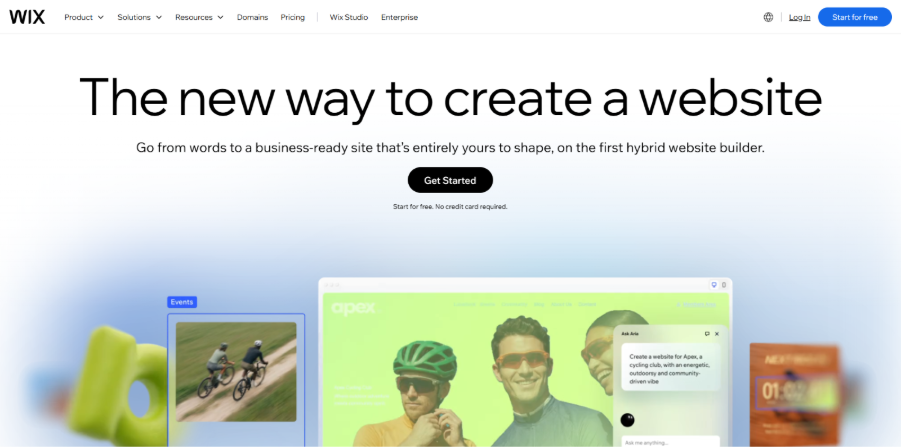
Wix has quietly become the default answer when people ask which AI builder to try first. It now ships with over 20 AI tools, including a conversational builder and its newer editor, Wix Harmony. Freelancers, small business owners, bloggers, basically anyone who wants a full site without opening a code editor tends to land here. If you're running a store alongside it, Wix's e-commerce setup works well right out of the box, though it still helps to pair it with a proper e-commerce strategy rather than assume the AI will figure out your sales funnel for you.
Framer
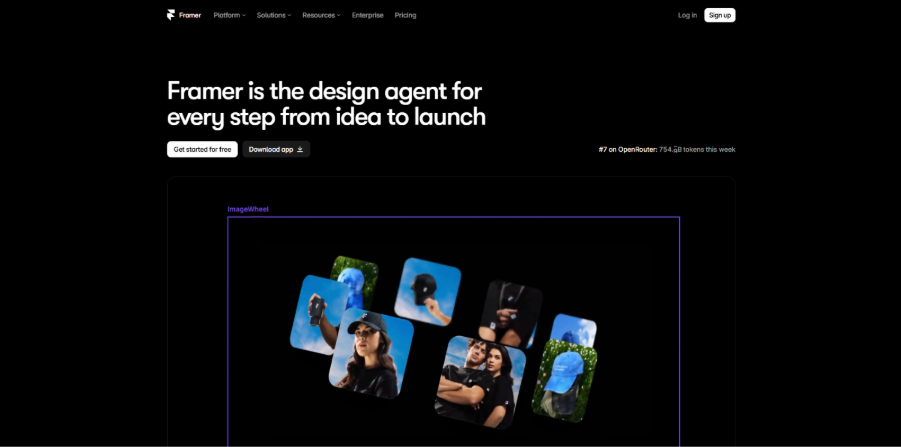
Pick Framer if how your site looks matters to you. The AI leans toward polished and modern rather than generic template energy, and you still get to fine-tune things by hand down to the pixel if you want. Portfolios, agency sites, brand pages, anywhere a first impression does most of the work, this is probably your best bet.
Webflow
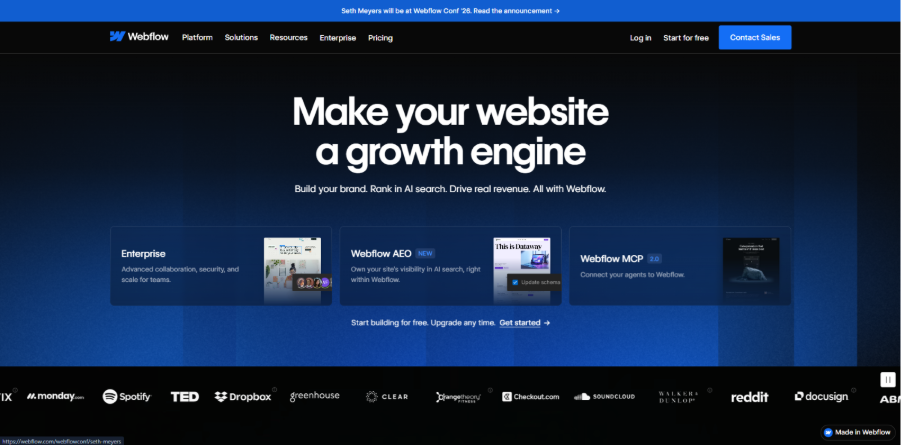
Webflow's editor is just the most powerful one here, full stop. Full CSS control, code you can export and use, a CMS for anything that needs to update dynamically. The catch is a real learning curve; this isn't something you set up in fifteen minutes over coffee. But if you're a designer or developer who wants AI to hand you a first draft while you keep total control over the details, nothing else on this list gets close.
10Web
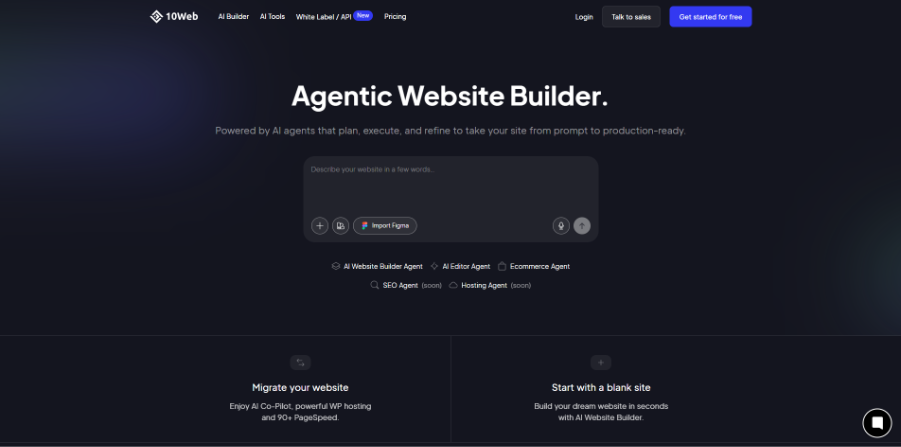
If you're already living in WordPress and have no interest in leaving, 10Web is the obvious pick. It builds an actual WordPress site underneath same interface you already know with AI just doing the grunt work of getting the first version up.
Who Should Use an AI Website Builder?
Honestly, the better question is who shouldn't. These tools have gotten good enough that almost anyone with something to put online can get real use out of one. Still, a few groups stand to gain the most.
- Small business owners who need to look legitimate online but don't have the budget for a developer or a design team. A clean site that reflects your brand used to run into the thousands. Now it's an afternoon's work.
- Freelancers and consultants who simply wants a page to display their portfolio, generate leads, or allow people to book an appointment. This does not require twenty pages; it requires only one that is well-designed and effective. The AI builder provides you with that one page without hiring anybody.
- Startups testing an idea before they've built anything real. What you need at that stage is a landing page that says clearly what you're offering, not a finished product. AI builders let you get something live in an afternoon so you can start finding out if anyone wants it.
- Content creators and bloggers who need their own space which is not just rented out. Even in this age of social networks, owning your own space is important, and setting up a site seemed like a more daunting task than it really is. E-commerce sellers entering the market for the first time. Getting your first product page live, connecting a payment gateway, and setting up a basic store is significantly easier with AI handling the structure.
For any of these groups, having even a basic understanding of digital marketing alongside your AI website builder can turn a decent website into one that brings in traffic and converts visitors into customers.
Limitations You Should know
Developers working on artificial intelligence aren't going to fully replace custom development, and it would be misleading of me to think that they do. Complex functions such as booking systems, sophisticated integration, and unusual animation, require developers' coding skills.
The design output can also feel a little generic if you don't put in the effort to customize it. Two competitors using the same AI tool might end up with suspiciously similar-looking sites. And if the AI writes your copy for you, it's worth editing that text yourself so it doesn't read like it was generated by a bot, because it was.
Conclusion
The AI web site builder will not serve the purpose of a professional developer when handling complicated tasks; however, for most small firms, it is an easy and cheap approach of going online. Choose an application that meets your demands, tailor it according to your preferences and do not overlook the SEO preparations once you get the website up and running, as this will require some work.
Frequently Asked Questions
For most people, yes. You will end up with a professional-looking site without having to shell out agency money, and the results don't scream "template" as much anymore, at least after you customize it a little bit.
Not really, that's kind of the whole appeal. Prompts, a few questions, some drag-and-drop editing. If you can explain what your business does in a couple of sentences, you've got enough to work with.
Yes, some do this task well, while others only somewhat. It is worth considering such features as payment gateways, inventory management, and shipping since one that does an excellent job with one item may not cope with inventory at all.
It might, if you don't touch anything after it's generated. These tools work from patterns that perform well in general, so the customizing part colours, layout, your actual words are what makes it feel like yours.
It depends on what you’re trying to accomplish. It will be worth it in terms of speed and price. But if there’s a certain level of specialization required, then perhaps a programmer is better suited for that.