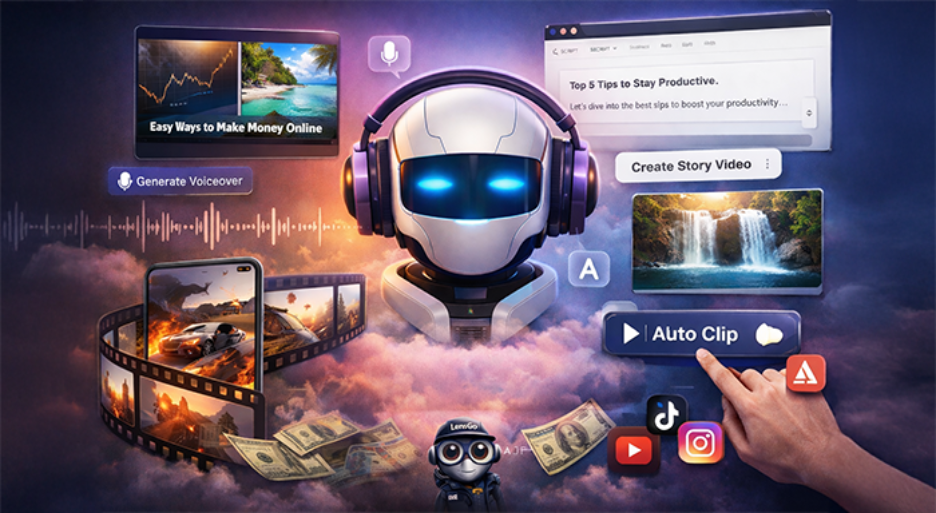






If you are a frequent social media scroller, then there is a high possibility that you might have come across a video created by Wava AI. Social media platforms such as Instagram or TikTok are currently dominated by faceless videos with smooth crisp captions, AI voice, and perfectly timed background clips. If you have seen those videos, then you might have wondered: how can people churn create these videos so quickly? Wava AI is the main technology that are helping users produce such videos quickly. However, is it worth your money? We will answer precisely that question in this blog. Does Wava AI deserve to be in your content creation toolkit? Let us find out-
What is Wava AI?
Wava AI is a reputed browser-based video generation solution built specifically for faceless and short form content which can work effectively as an Instagram Reel, YouTube Short, or a TikTok video. The pitch is quite simple: you provide a script or allow the tool to create one. Then, it produces a finished video complete with background footage, AI voiceover, and automatic captions.
What Are the Core Features of Wava AI?
Text Story Videos:
This is one of the most notable creation modes in Wava AI. You need to provide your script or topic, and the platform changes it into a text-based story video. Yes, these videos are the ones you often see in the TikTok or Reels where bold captions show up on the screen line by line, synchronized to a voiceover, with background footage running behind.
What is the Advantage? Go from a rough idea (good or bad) to a fully formatted video within a few clicks. What is the downside? You can start creating a similar type of content if you do not manually change your background clip choices.
Split Screen Choices:
Social media trends point toward split screen videos as they dominate social media feeds across the world. You might have even seen them; two pieces of videos playing side by side often accompanied by an AI narration playing over the two stacked videos. Wava AI weaves this format directly into the platform.
You select a script or voiceover, and the tool automatically assembles a split screen layout. Essentially, it is a vital feature for creators who wish to experiment with one of the most trending formats on TikTok without facing the technical setup issues that generally come with manual build up.
Custom AI Voiceovers:
Wava smoothly combines with ElevenLabs, one of the most convincing text-to-speech providers on the market. You create a script or select a script, and the platform creates the narration. The voices appear to be clean and natural, unlike the robotic monotone, which was a shortcoming in the earlier AI voice platforms.
What makes this platform more versatile than most competitors is the personalized voice import option. It allows you to upload your own voice as well as a cloned voice and utilize it within Wava.
This means that your faceless video can carry a recognizable and consistent audio identity instead of sounding like an ordinary channel in the market.
Caveat: You will find occasional mispronunciations, especially while saying niche terminology, unusual names, or particular accents. Review your videos always before publishing.
Create Story Videos:
Apart from text story videos, Wava provides a mode of story creation where the AI receives a prompt and creates a complete video from scratch.
It is a popular automation option where users can adopt a hands-off approach. This mode is quite effective for narrative-based and broad content that does not need a nuanced or highly specific take.
For creators having unique and strong brand voices, you can still prefer to create your own scripts and rather use this option as a starting point instead of a complete product.
Auto Clipper:
This is quite a helpful feature of the platform, allowing creators to quickly generate short clips out of their long-form videos. The Auto Clipper of Wava AI automatically recognizes and selects the best moments out of your long-form videos. This will greatly reduce the time you would otherwise have to invest to skim through the entire video and find the best part to include in your YouTube shorts.
All you have to do is just upload your video, then AI scans it, detects the segments of high-engagement, and produces them as ready-to-edit clips. You can also use other tools to repurpose your long-form video content. For example, there is a tool called LensGo AI that can help you convert your videos into animations.
Auto-Captions:
Wava AI creates and automatically places captions once you have finalized the voiceover. The caption system synchronizes the audio in real-time. You can personalize color, font, size, and position to align it with your visual style.
The standard English content accuracy is quite profound.
Formatting options can help you make the formatting appear polished instead of ignoring it as an afterthought. For a creator posting multiple times during the week, this feature can help you save a lot of time every month.
Discord Community:
You can connect with other users with the Wava AI Discord community. Currently, 83,520 users are a part of the Discord community, and a lot of them frequently come online and actively engage in discussions.
What Are the Advantages of Wava AI?
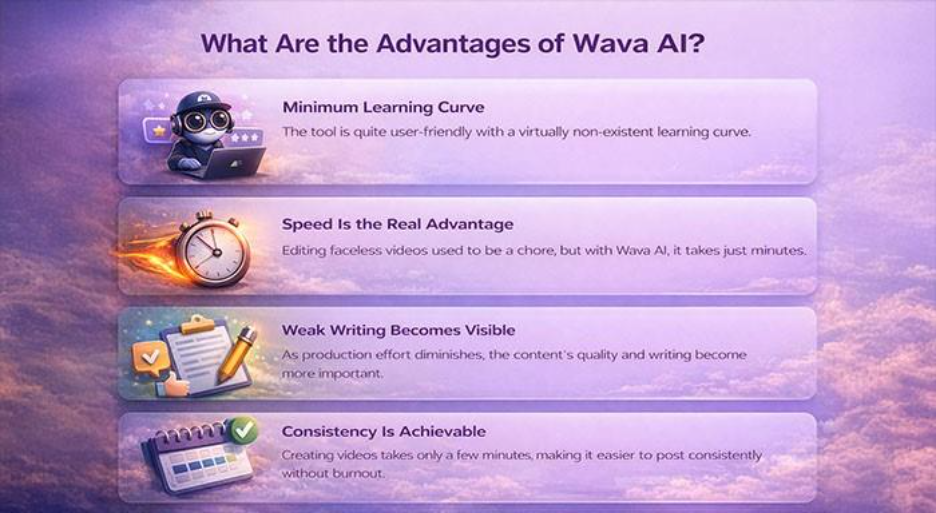
- Minimum Learning Curve: The tool is quite user-friendly, and the learning curve is almost next-to-nothing. A single session is enough to understand the entire workflow. You do not need onboarding calls or tutorials. This is something that is quite rare in the software.
- Speed Is the Real Advantage: Before platforms like Wava AI came around, editing was time-taking and quite laborious. Procrastination was a routine thing for creators. Now, Wava AI has removed that friction completely.
- Weak Writing Becomes Visible: When production takes minimum and almost zero effort, the core differentiator in quality becomes writing. A good script will give you a good video and vice versa. Furthermore, you can see whether your ideas are good or bad since you can create a video within a few seconds.
- Consistency Is Achievable: Consistency is one of the greatest challenges for any content creator. When creating every video takes hours or days if not weeks to produce, it can become easy to become sloppy and fall behind. However, when creating a video takes only a few minutes, you can be more consistent.
What Are the Drawbacks You Must Know?
- Creative Similarity Becomes a Hurdle Later On: After just a few weeks of utilizing automation, your videos can start to sound more identical. The script might be different but the pacing? Emotional content? And rhythm? It is wise to treat Wava AI as an assistance tool and not a one-stop solution to express your creativity.
- Stock Footages Can Also Become Repetitive: The background clips that Wava AI selects automatically can do the job initially. However, if you consistently create videos, you can start to see the same shots being repeated.
- Customer Support Is a Real Issue: There are a lot of reviews where users have complained about facing serious difficulties while cancelling their subscriptions. Reviews on Trustpilot suggest bounced support emails and zero visible presence on Whop or Discord channels. This can be a legit red flag. Before subscribing, make sure that you have a clear idea on how to unsubscribe.
- It is a Preferable “First Draft” Tool: The best thing about this tool is the fact that you do not have to create a video from absolute scratch. Using the tool gets you through the 70-80% of the video creation process. The last 20-30% still needs human supervision and input to refine its quality and make it more relevant to the use-case.
Is Wava AI Worth It?
The honest answer to the above question is that it entirely depends on how you want to use it. If you are a new creator who wants to experiment with faceless videos for Instagram Reels, YouTube Shorts, and TikTok without having to learn editing skills, then it is a tool worth exploring. Begin with the free tier and pay only if the output aligns with your standards. Moreover, if you are an experienced creator who wants to scale production of videos and minimize production time, then also the tool is useful. What is important to keep in mind is the fact that you will have to apply your creative thinking to avoid producing scale content that will not yield you much visibility and impressions.
Take care of cancellation issues as well. Be sure that you know how to cancel the plan before buying any subscription. Having said that, AI is transforming video creation in an unprecedented way. Find more blogs on AI tools on our website.
Conclusion
Wava AI is an effective platform for creators who want to create faceless short-form content at great speed. Its auto-captions, voiceover integration, and split-screen features minimize production time authentically. However, creative uniformity over time, repetitive stock footage, and concerning customer issues become an actual drawback. Use the tool as an accelerator tool that can expedite your production. If you combine strong scripting with automation of Wava, the results can become competitive consistently.