



★
(0 Reviews)
Twilio AI-powered Dialer for SuiteCRM
$999.00
Product Description
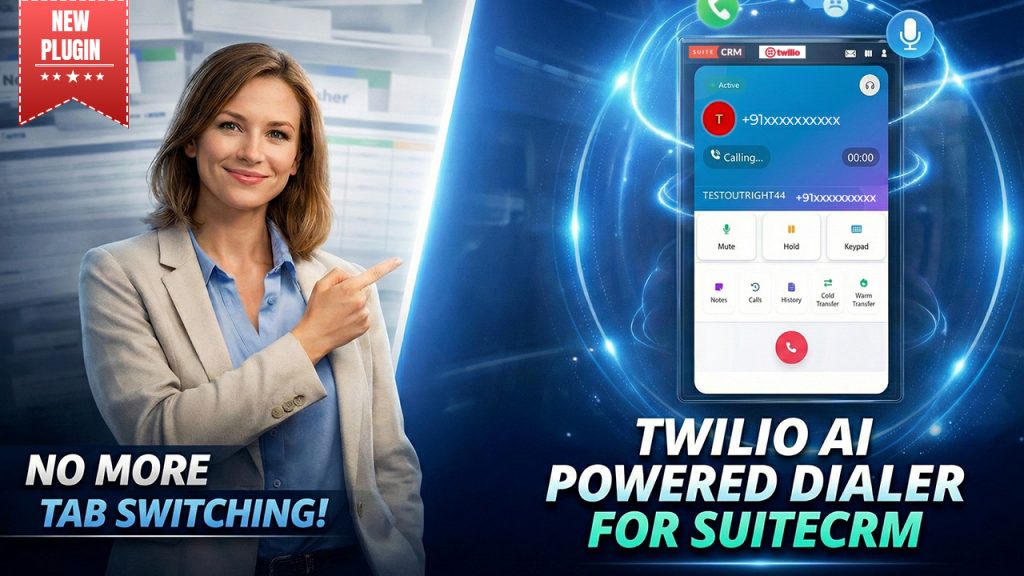
Twilio AI-powered Dialer for SuiteCRM is an AI-integrated calling plugin designed to centralize, automate, and manage high-volume conversations directly inside your CRM. The platform is built precisely for businesses managing high-volume calling workflows, such as sales teams, BPO centers, and customer support teams. This allows agents to make outbound calls and receive inbound calls and streamline ongoing conversations with just a click—no need to switch between tools, devices, and workflows. AI-powered Dialer stands out from a traditional calling system due to its advanced automation and direct CRM integration.
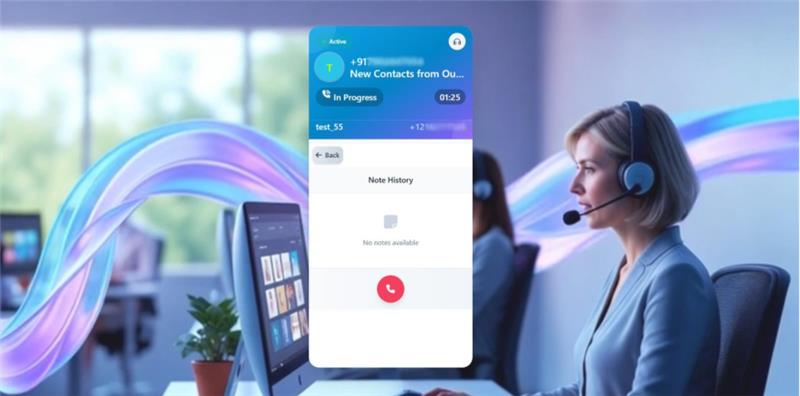
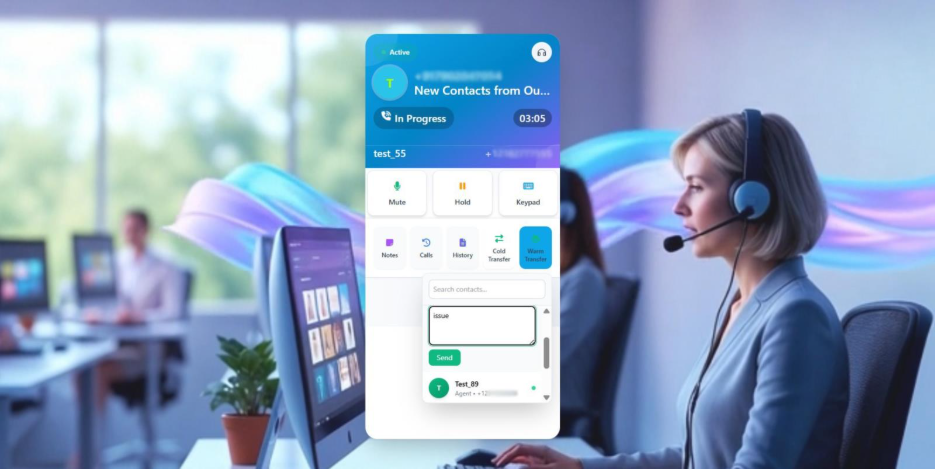
With this plugin, users can make notes during calls, access past interactions, cold or warm transfer calls, and automatically log client information. Whether you’re operating outreach sales campaigns or managing inbound calls, a dialer ensures providing a smart, more controlled calling experience while integrating with AI automation and CRM intelligence. This plugin mitigates human risks, improves user experience, and leads to more productive conversations.
Real-Life Example:
Suppose Rohan leads a sales team and spends most of their time calling high volumes of prospects daily. He gets frustrated switching between records, updating call notes later, collaborating with teammates, and often forgets to save call details. When prospects call back, he doesn’t always remember the last conversation and often needs to restart the conversation. The Twilio AI-powered Dialer for SuiteCRM eliminates this friction completely now:
- Agents can make calls directly from CRM records with a single click.
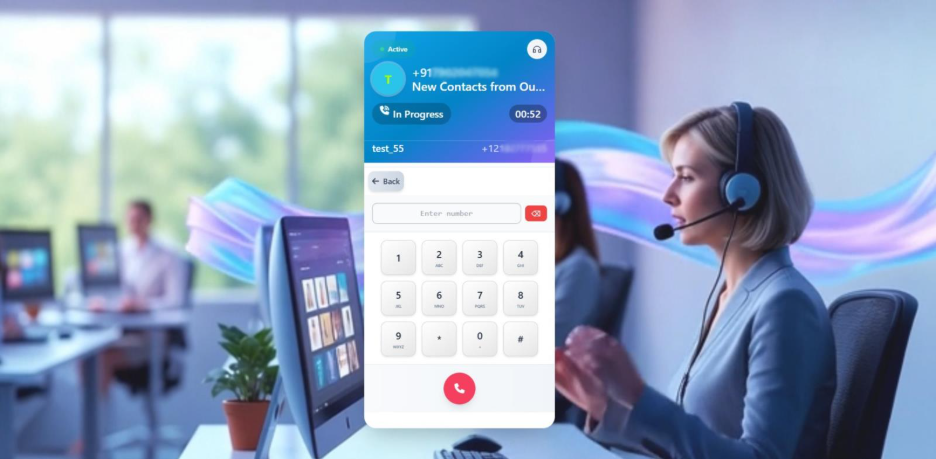
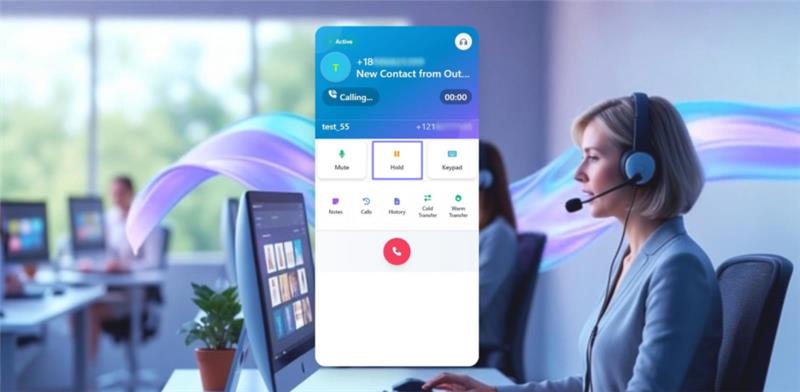
- IVR keypad feature allows Rohan to input extensions and navigate menus during calls.
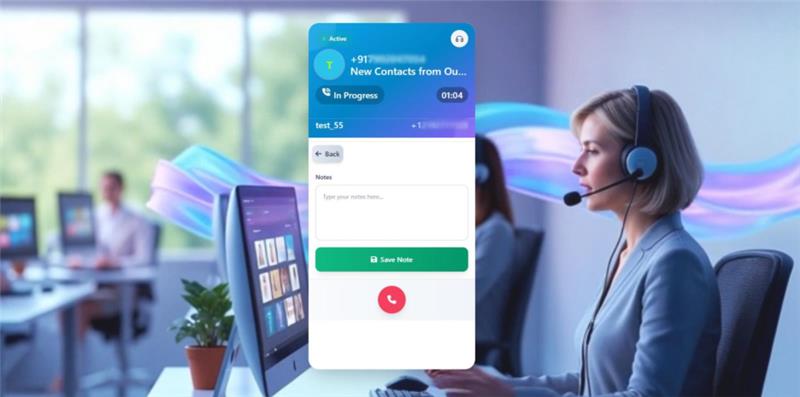
- Agents can capture key discussion points during the conversation with the in-call notes feature.
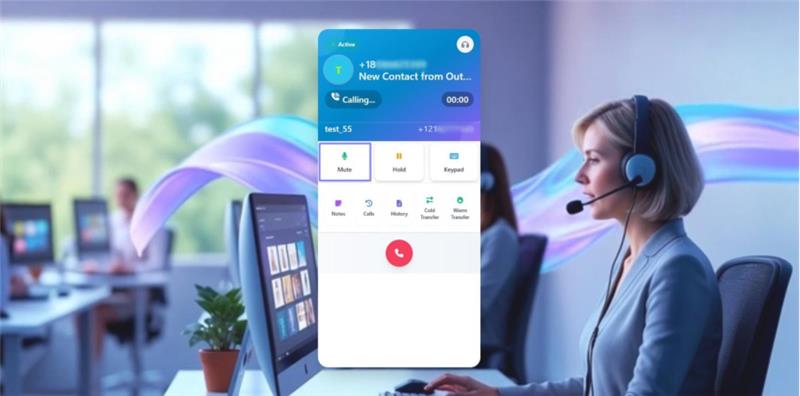
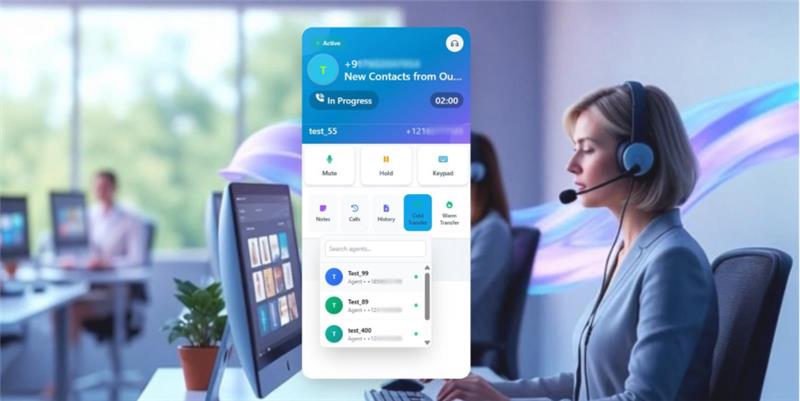
- Cold or warm transfers let him pass the call to other agents with or without context.
- Unknown numbers are automatically saved in the dedicated CRM module, so no opportunity is lost.
In consequence, the call flow stays consistent, closes deals more promptly, and reduces downtime.
Key Benefits of Using Twilio AI-Powered Dialer for SuiteCRM
✅One-Click Calling Support: Allow instant call support directly from ListView or DetailView in your CRM in just a single click.
✅True CRM-Native Experience: From call history to notes, incoming/outgoing calls are automatically stored in a dedicated CRM module in real time.
✅Time Savings: Save valuable time eliminating manual data logging, record updating, and moving between records, tabs, and processes.
✅Cost-Effective: By centralizing everything on one platform, reducing agent idle time, and preventing risks of missed leads, it stands out as a cost-friendly solution.
✅Reduced Human Errors: By enabling automation and minimizing human intervention, the system reduces the likelihood of human error.
✅Seamless Call Flow: AI-powered dialer offers a smooth, hassle-free calling experience by enabling agents to perform all calling operations within the CRM.
✅Smart Team Collaboration: Agents can transfer calls with shared notes and full context, ensuring smooth handoffs and consistent conversations across teams.
✅Higher Agent Productivity: One-click CRM calling, automatic logging, and in-call notes help agents handle more conversations with less effort.
✅Improved Call Management: Agents can manage multiple calls, place conversations on hold, and track call status in real time from a single interface.

Key Features
Discover what makes this product stand out

🔹 Key Features of Twilio AI-powered Dialer for SuiteCRM
- ✅ Dynamic Call Tunes
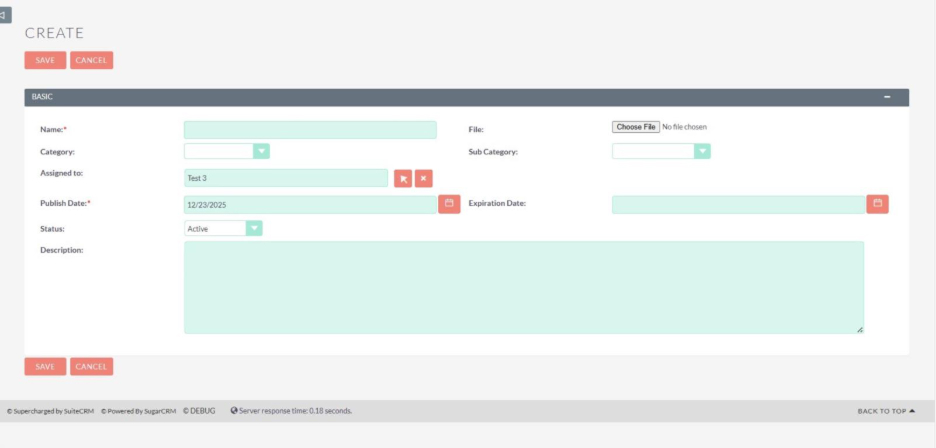
- Upload and allocate custom audio files for incoming, outgoing, hold, and voicemail states to define different calling processes.
- ✅ Dual Ring Support
- Set distinct dual ringtones for incoming calls so they stay audible across one or multiple connected devices.
- ✅ Automatic Call Recording
- Calls are recorded automatically for team performance tracking, compliance, and future reference, and instantly logged into CRM records.
- ✅ Multiple Call Handling
- Handle multiple incoming calls at once by placing active calls on hold and answering new calls without interruption.
- ✅ Cold & Warm Call Transfer
- Transfer calls instantly to another agent with or without conversation notes for smooth and informed handoffs.
- ✅ Priority-Based Call Flow
- Assign priority levels to agents so inbound calls are routed intelligently based on predefined order.
- ✅ IVR-Ready Keypad
- Use in-call keypad to interact with IVR systems, enter extensions, or navigate automated call menus.
- ✅ Smart Inbound & Outbound Number Mapping
- Assign default inbound and outbound numbers to specific agents before dialing for clear ownership and accountability.
- ✅ Smart Notes Management
- Create notes during calls and have them automatically logged to the relevant CRM record for complete conversation tracking.
- ✅ Hold Call Control
- Put active calls on hold without disconnecting, helping agents manage multiple conversations smoothly.
- ✅ Power Dialer Efficiency
- Boost high-volume calling by minimizing manual work and centralizing all call actions inside the CRM.
Visual Showcase
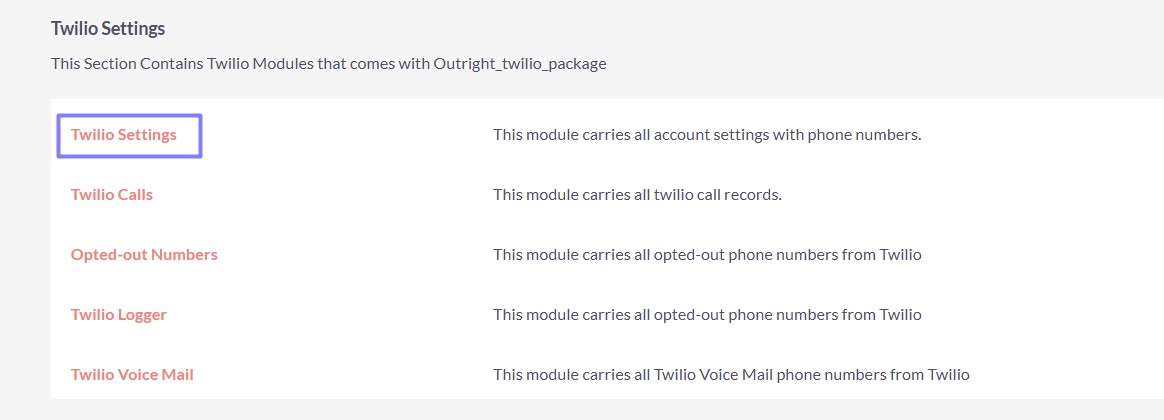
See the product in action through screenshots
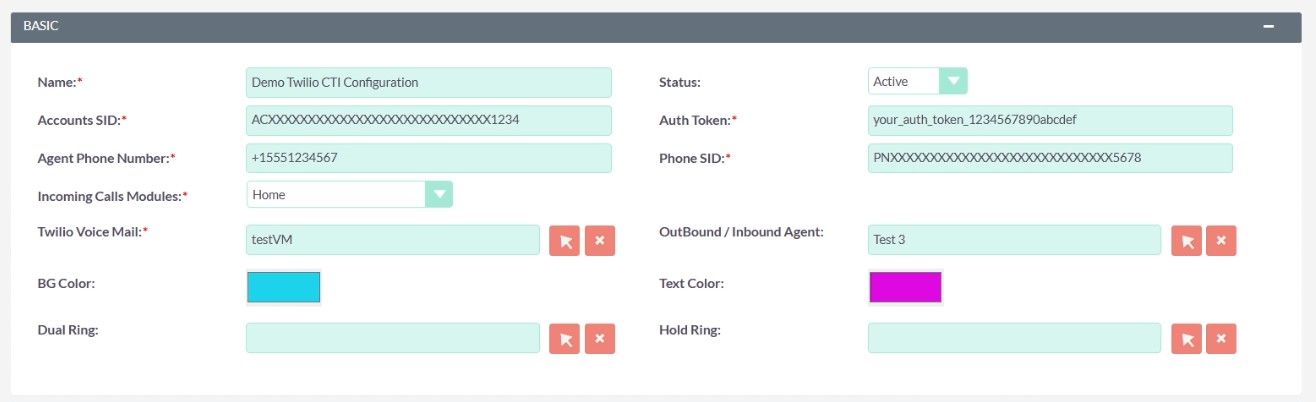

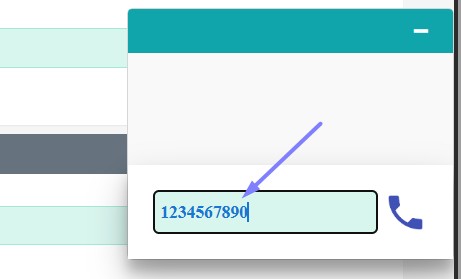
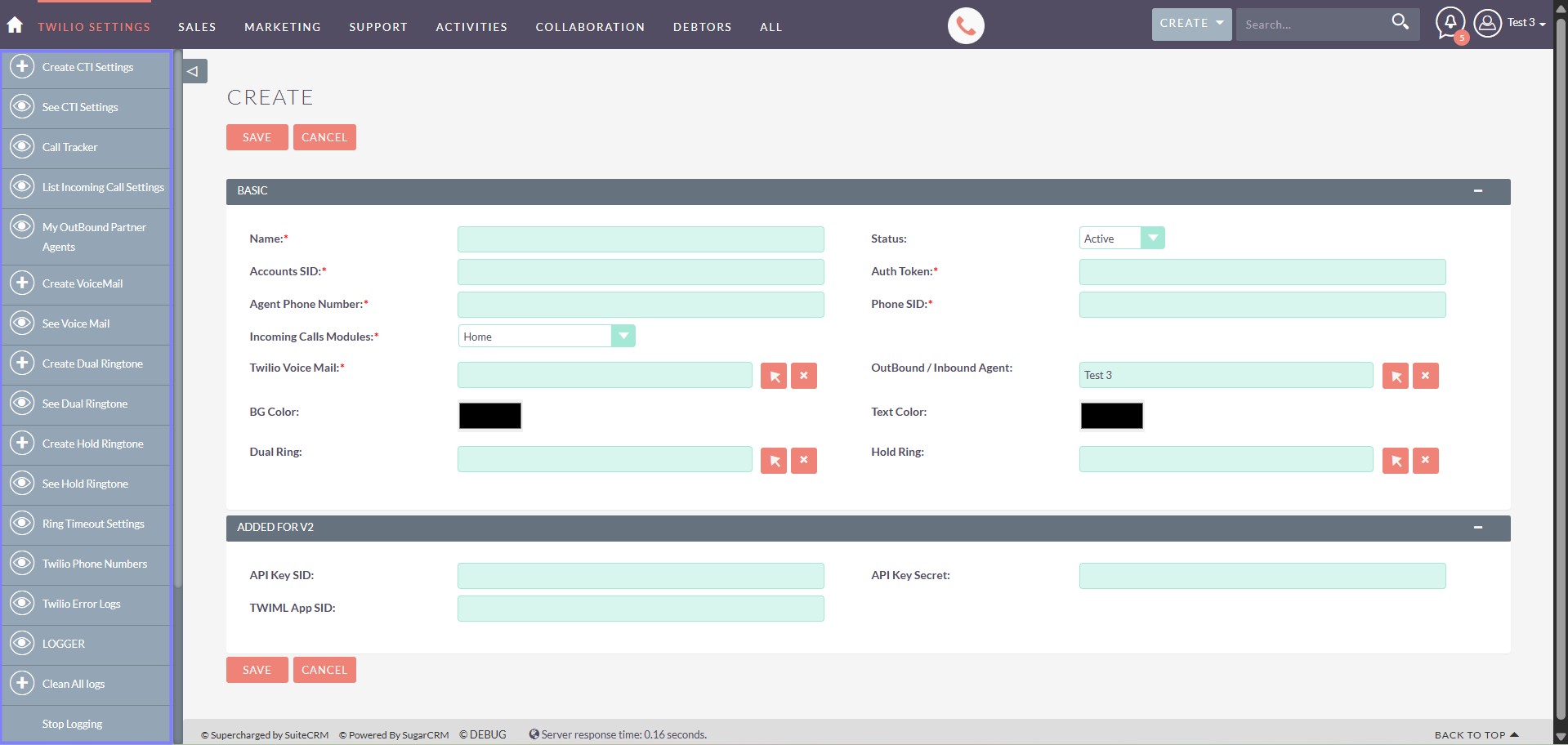
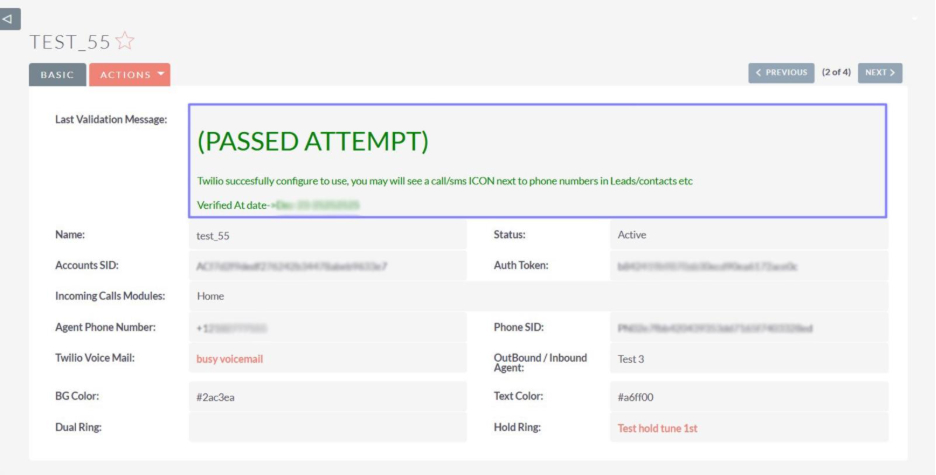
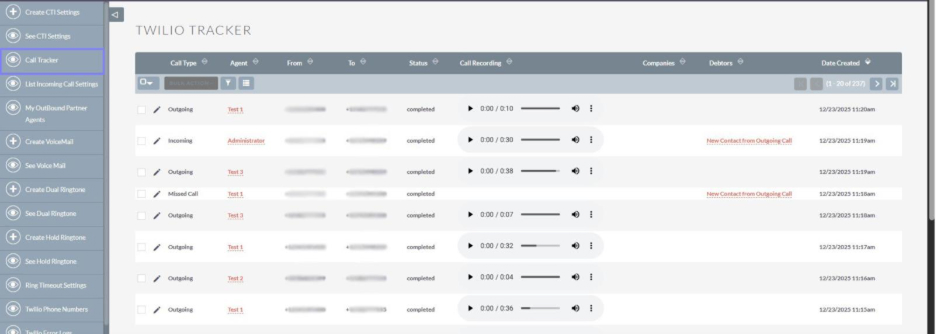
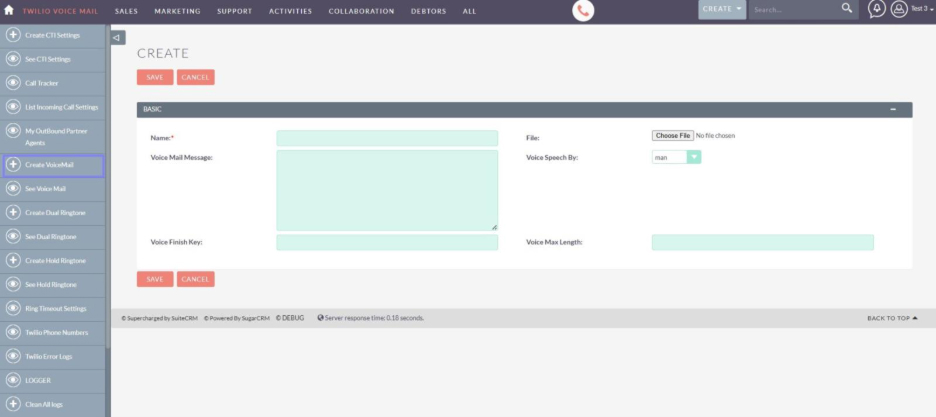
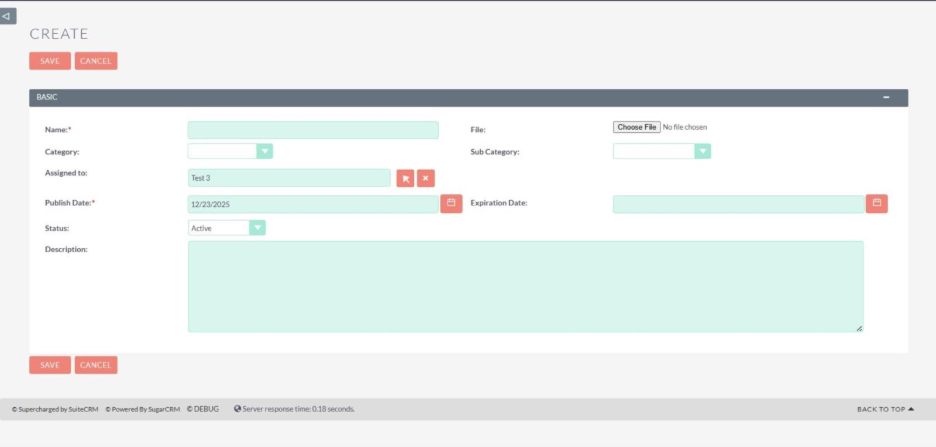






1
2
3
4
5
6
7
8
9
10
11
12
13
14
15
16
17
18
19
20
21
22
23
24
Product Videos
Watch our product in action
User Guide
Learn how to use and configure the system step by step


FAQs
Question? Look here.
1. Who benefits from the Twilio AI-powered Dialer?
The Dialer is designed for businesses managing high-volume calling workflows, including sales departments, BPO centers, customer support teams, and operational team managing inbound or outbound calls.
2. Can agents use multiple phone numbers for calling?
Yes. Agents can use several numbers, with outbound selection managed through My Partner Outbound Agents settings.
3. How does the system handle incoming calls from unknown numbers?
The Dialer automatically saves the number and creates a new CRM record, ensuring every call is tracked and potential leads are preserved.
4. Are calls and notes saved automatically in the CRM?
Yes. Call logs, recordings, notes, and client information are stored automatically to the relevant CRM records in real time.
5. Do users need an additional calling platform or device?
No. SuiteCRM by default manages all calling activities—incoming calls, outgoing calls, notes, transfers, and call history within a centralized platform.
6. Why doesn't the calling interface appear after initiating the call?
Twilio AI-powered Dialer initiates the call through a secure pop-up window. If the interface doesn’t appear, ensure that pop-ups and other permissions are allowed for your browser.