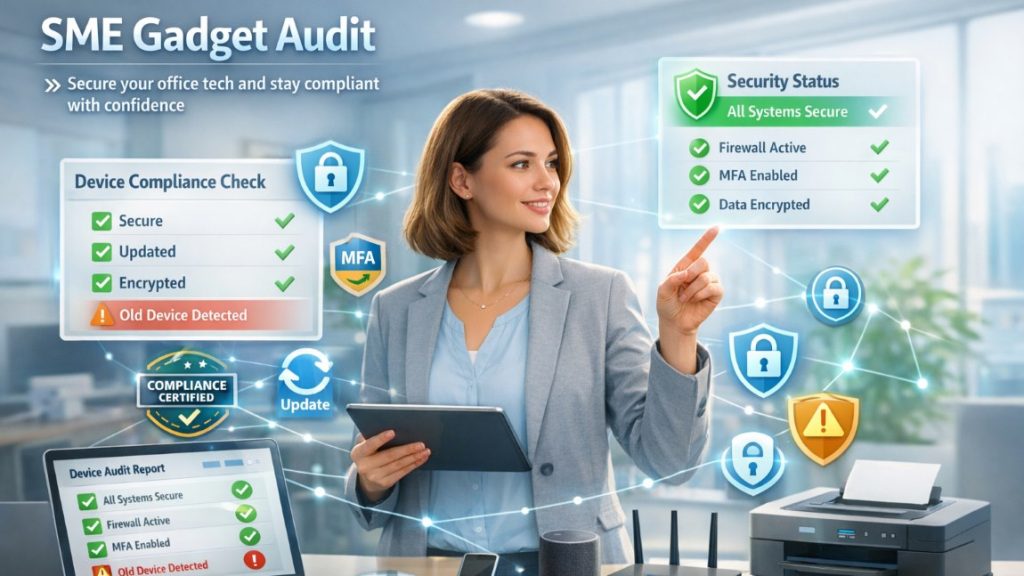
Business owners that are smart make sure that they have more than one layer to safeguard their online business. They do not depend on just one lock and establish multiple layers to make their systems secure.
They make sure that each and every person is getting checked. Each device is confirmed. Every access request is verified. This approach redefines the modern security framework in a perfect way. Nowadays, hackers are becoming smarter day by day. Conventional security methods simply are not effective anymore. Businesses need systems that are completely safe. They require systems that never automatically trust anyone. Zero Trust security gives exactly you this kind of protection. In this comprehensive guide, let us understand the best 10 zero security tools that dominate the industrial security market.
60-second Summary
Here is a quick rundown of the top 10 zero trust security tools you can integrate into your business setup in 2026. You will find detailed analysis of each later in this blog:
- Infisign
- Okta
- StrongDM
- JumpCloud
- Microsoft Entra
- Zscaler
- Google BeyondCorp
- Cisco Duo Painter
- Beyond Trust
- CrowdStrike
Understanding Zero Trust Security Tools
Zero trust security platforms operate like digital ID checkers. They completely fortify the identity and access management of your company. These tools follow one simple motto: “Never Trust. Always check.” They keep an eye on each and every person.
Conventional security frameworks rely on building a firewall. However, the problem with them is that if somehow hackers manage to go beyond these firewalls, they can move freely and do what they want with their systems. However, zero trust security tools are a lot different than them. They sort of put check posts all throughout your network.
Such tools also do not rely on your location. Irrespective of whether you are in a different town miles away or at your desk inside office premises, if you are trying to access data or any application, they check you. They not only check your identity, but also the health of your device, and the area you are logging in from.
One approach gaining traction within this framework is passwordless authentication for Zero Trust, which removes static credentials from the equation entirely, replacing passwords with biometrics, hardware tokens, or device-bound identity signals that are far harder to steal or replicate. This matters because passwords remain the most common point of failure in access security, even when other Zero Trust controls are in place.
Advanced zero trust security tools leverage smart technology to make intelligent choices. They determine the normal behavior of users. If something looks unusual, they become alert and carry out extra checks. All of this happens automatically and does not slow down your routine processes.
And the best part of them? Such platforms operate like one great security team. They share information related to threats they have observed. If one tool observes something weird, it informs the others quite quickly.
Best 10+ Zero Trust Security Solutions You Can Explore in 2026
When you consider top zero trust solutions, you need to consider the complete security features, how they connect well, and how users perceive them. Such zero trust vendors have emerged as market leaders with advanced tech and decent track records.
1. Infisign:
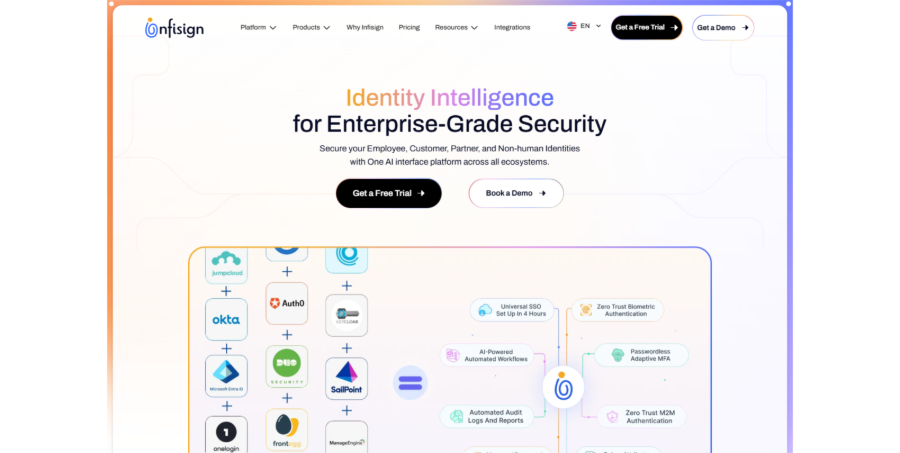
Infisign modernizes digital security with the world’s first real password less platform that provides you with complete identity control. It is built by qualified and experienced engineers who have created the most user-friendly and secure IAM (Identity and access management) platform available.
The vast Identity and access management suite recognizes while UniFed manages customer identities. Leveraging Self-Owned and Zero Trust Design; the passwords are completely removed. There is no need for more security breaks. No more IT breaks are needed. Just AI-driven and seamless login that minimizes costs by around 80% while ensuring that your data remains totally safe.
Infisign Main Features:
Single Sign-on (SSO) of Infisign: Just one login instantly opens 6,000+ apps for your teams. It can help your team save countless hours daily with password access across each platform. There are no more security delays or forgotten passwords. Intelligent protocols such as OAuth, SAML, and ODIC operate perfectly with your business platforms.
Adaptive MFA: Intelligent security learns about the patterns of workers and automatically via adaptive MFA technology. Low risk attempts remain seamless and quick. Risky attempts have to go through extra setups. Your teams efficiently work while remaining completely protected from cyber-attacks.
AI Access Assistance: Computer intelligence handles approvals and permissions automatically through Teams or Slack. AI agents assess user behavior and provide access depending on the job roles and company rules. Your IT emphasizes bigger projects while AI manages repetitive access without any problems.
Zero Knowledge Proof: Advanced technology that checks your identity without exposing sensitive data or actual passwords. Your credentials remain on your device and are not stored centrally. Hackers will not be able to steal something they cannot even see or access.
Reusable Identity: Ensure a reliable identity once on your device and leverage it everywhere across all your applications. No repetitive and time-taking verification steps or password setups are required. You can make sure that your digital identity becomes portable and remains under your control.
Attribute-driven Access Control: Effective control on who has access to what information as per the department, location, or any data point you prefer. It goes above standard role-based permissions to give accurate security rules. Your confidential data remains protected with intelligent and in-depth access policies.
Advantages:
- The first-ever authentic password-less platform with comprehensive security control.
- AI-driven automation minimizes IT costs by below 80% with intelligent management.
- More than 6,000 integrations immediately work across without any delays in setup.
Disadvantages:
Password-less authentication requires a password less vault.
2. Okta:
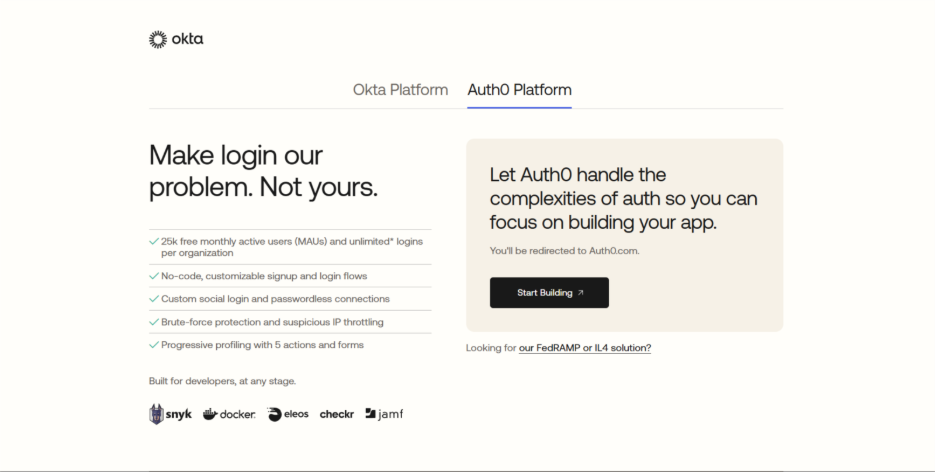
Okta operates as a standard login platform for organizations around the globe. The system manages user checks and login services. It provides standard controls for office platforms and cloud apps. As one of the most prominent zero trust security tools, it operates in distinct business settings but has a limited number of features.
Main Features:
Intelligent Login Checks: Standard multi-step login with standard rules that modify security steps. It closely tracks security information as well as user actions. It proves to be effective for standard requirements.
User Account Control: Standard user controls for including and eliminating employee accounts. It manages access rights at the time of job changes. Standard automation proves to be effective for standard tasks only.
One Login System: Standard single login system proves to be effective across a few apps for users. It allows people to access business platforms with a single login. Standard workflows are only efficient for standard office requirements.
App Connections: Standard connection tools with other security applications and business platforms. It integrates identity providers for standard setups. Limited processes compared to sophisticated zero trust security solutions.
Advantages:
- Standard setup quickly functions across simple business applications.
- Dependable and standard identity management for routine office workflow requirements.
- Broad market acceptance ensures that integration with vendors becomes simpler.
Disadvantages:
- Cutting-edge security features are limited compared to advanced zero trust security solutions.
- Standard functionality lacks AI-driven automation for complex business needs.
- High licensing charges adds up quickly for evolving teams.
3. StrongDM:
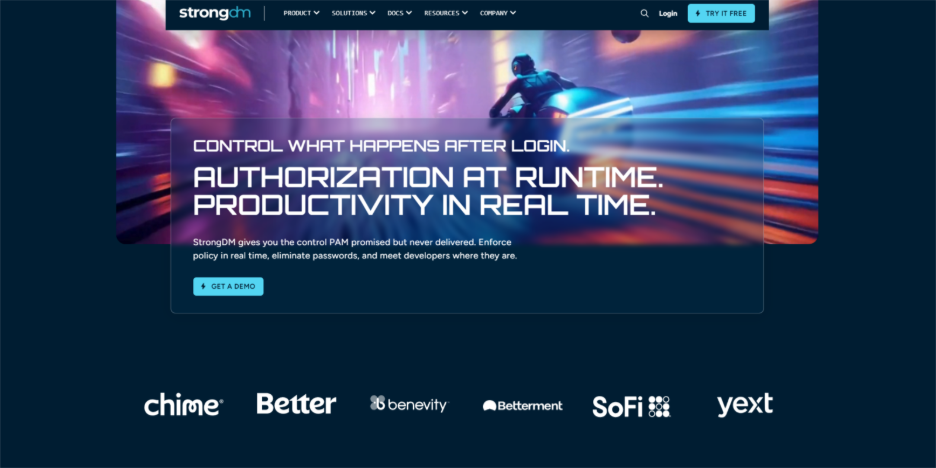
StrongDM provides standard access management for basic infrastructure resources and database platforms. The system emphasizes simple database access control and server management. It manages standard connections to main infrastructure components but lacks a complete set of features.
Main Features:
Database Access: Standard management of database access with standard control over database connections. It provides standard logging and straightforward session recording.
Session Recording: RDP and SSH session recording that captures only the simple activities of the admin. It aids with standard security checks and straightforward compliance audits.
Temporary Access: Standard just-in-time access that provides enhanced access for certain tasks. It ensures standard security rules and minimizes simple access risks.
Audit Logging: Audit logging for standard compliance that records simple access attempts. It documents basic admin actions and simple connections.
Workflow Integration: Advanced connection tools with present workflows and effective security platforms. It allows for easy deployment with modern IT operations.
Advantages:
- Strong focus on database security safeguards important infrastructure access points.
- Session recording ensures in-depth audit trails for compliance needs.
- Just-in-time access minimizes security problems with standard permission controls.
Disadvantages:
- Limited scope emphasizes only on the infrastructure instead of complete identity.
- Basic functionality lacks advanced password-less authentication and AI characteristics.
- Complex setup needs robust technical expertise for effective configuration.
4. JumpCloud:

JumpCloud provides advanced cloud directory services for standard identity management across various companies. The system centralizes device controls and user identities in one place. It operates as a single directory system for distinct operating platforms. It manages standard application requirements but lacks sophisticated features compared to complete zero trust security solutions.
Main Features:
Device Management: Cross-platform device control for Mac, Windows, and Linux computers. It provides complete policy setup and configuration management. It works effectively across all platforms, but its advanced options are quite limited.
Directory Services: Advanced directory services with LDAP connection for old apps. It allows effective login protocols for cloud and office access.
Login Security: Multi-factor authentication options including phone alerts and text messages. It provides effective security layers to meet standard security requirements.
Policy Control: Effective policy management across various devices that allow admins to set security. It manages software setup and basic rule requirements.
Remote Accessibility: Standard remote access control that allows simple connections to company resources. It effectively works from any location with standard login checks. Limited security protocols compared to sophisticated access solutions.
Advantages:
- Cross-platform support manages Mac, Windows, and Linux platforms all together.
- All-in-one director services minimize the need for numerous separate tools.
- Cloud-driven setup eliminates exorbitant on-premises hardware infrastructure needs.
Disadvantages:
- Standard features do not possess cutting-edge security controls for enterprise needs.
- Limited options for customization limit flexibility for unique business needs.
- Standard interfaces may not adjust well with complicated organizational structures.
5. Microsoft Entra:
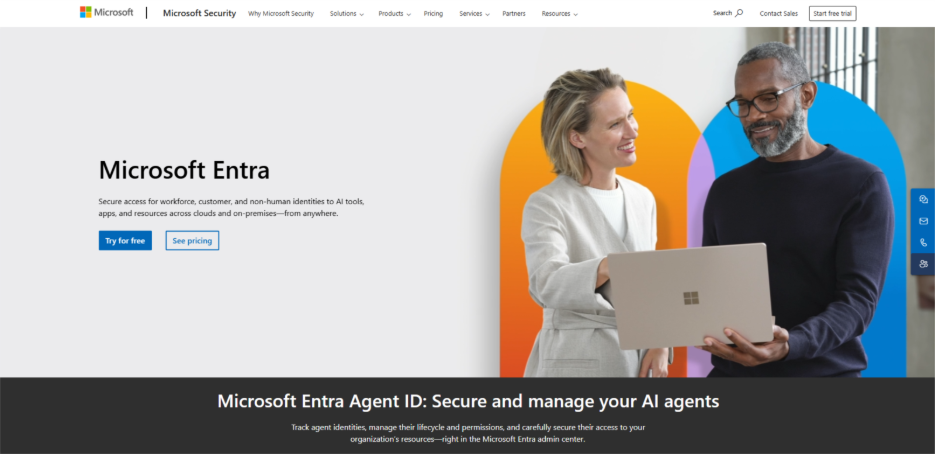
Microsoft Entra manages identity management within Microsoft’s cloud system environment and office apps. The system effectively works with basic Azure services and Office 365 only. It provides standard identity controls for organizations exclusively utilizing Microsoft tools and provides reliable zero trust security solutions functionality.
Main Features:
Access Rules: Basic rules of conditional access as per the standard device compliance and location. It utilizes standard risk checks and straightforward security setups.
Password Security: Simple account lockout and standard password protection that prevent basic attacks. It comprehensively prevents unauthorized access attempts with security limits.
Microsoft Integration: Simple Microsoft tools integration including standard Office and Teams. As far as basic identity management is concerned, it only works with Microsoft products.
Hybrid Management: Standard hybrid identity management that connects standard on-premises Active Directory platforms. It works with standard cloud services for basic login access platforms.
Comprehensive Reporting: Advanced reporting and analytics that provide standard insights into user access. It showcases straightforward compliance status and security events.
Advantages:
- Deep integration with Microsoft environment smoothly operates with Office tools.
- Enterprise-level security characteristics manage large business compliance needs.
- Hybrid cloud support helps integrate cloud and on-premises systems together.
Disadvantages:
- Advanced features come at a higher price, which can be disadvantageous for smaller teams.
- Since setup is a little complex, you need to have good knowledge of Microsoft environment to achieve optimal configuration.
- Outside the Microsoft environment, there is little functionality which limits flexibility in terms of technology choices.
6. Zscaler:
Zscaler operates as a robust cloud security platform that provides standard internet gateway services. The system provides simple traffic checking tools and web filtering. As one of the reliable zero trust vendors, it operates through an effective cloud setup to secure standard internet connections.
Main Features:
Web Filtering: Robust protection services and advanced cloud web filtering that block standard bad websites. It prevents straightforward inappropriate content and standard security threats.
Traffic Checking: Standard SSL tools for checking traffic that work effectively across simple encrypted communications. It finds policy violations and hidden threats quite easily.
App Visibility: Basic visibility of application and robust control features that provide standard insights. It showcases simple application utilization and bandwidth use.
Office Connectivity: Simple solutions for branch office connectivity that allow simple internet access. It operates through standard cloud security services and straightforward central management.
User Login: Basic mechanisms of user login that seamlessly interoperate with existing identity providers. You get basic user identification and standard access control.
Advantages:
- Cloud-driven architecture removes higher-end costs for on-premises hardware infrastructure.
- Robust web filtering effectively safeguards organizations from malicious websites.
- Scalable services for internet gateways manage evolving business traffic demands.
Disadvantages:
- Limited features for identity management compared to complete IAM solutions.
- Advanced functionality lacks sophisticated zero trust security controls.
- Mainly focuses on web security instead of comprehensive access management.
7. Google BeyondCorp:
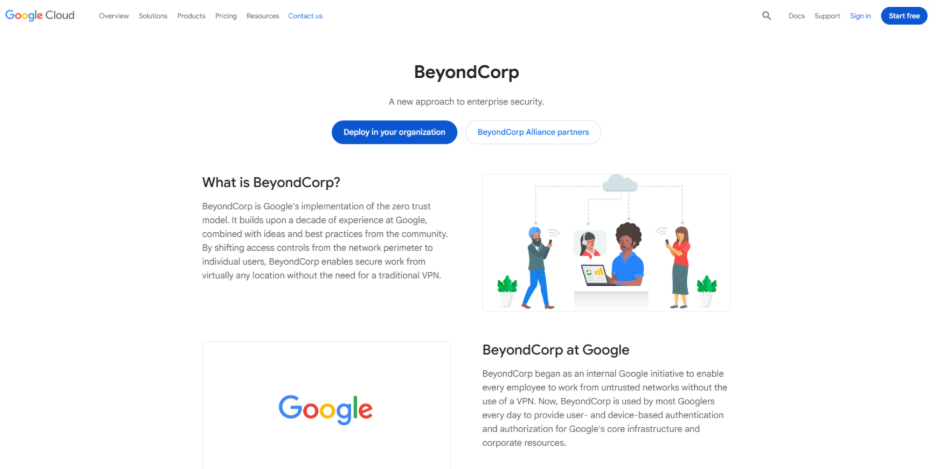
Google BeyondCorp provides standard application access without simple VPN requirements through effective browser controls. The system only works with Chrome browser and standard certificates. It ensures easy login for Google Workspace setups and ensures capabilities for foundational zero trust security solutions.
Main Features:
Chrome Verification: Basic checking of Chrome browser device that provides simple yet effective browser tools and certificates. It verifies all basic endpoints before providing simple application access.
App Access Control: Simple application-driven access control that provides standard permissions for all simple applications. It works more effectively than standard network accessibility with straightforward policy setup.
Context Login: Context-aware login that assesses simple user location and standard health of a device. It examines the basic health of a network for security-related decisions.
Certificate Trust: Certificate-based basic device trust that establishes a straightforward cryptographic identity. It utilizes basic digital certificates and straightforward public key setups.
Google Integration: Basic Google Workspace integration that allows simple accessibility to Google apps. It ensures standard security controls and optimal user experience.
Advantages:
- Removes VPN complexity with direct browser-driven application access.
- Google Workspace integration leads to strong user experience.
- Contextually-aware security facilitates smart and automated security decisions.
Disadvantages:
- Options for device flexibility are quite limited as it works only with Chrome browser.
- Simple features lack sophisticated identity governance and compliance platforms.
- Restricted to Google ecosystem minimizing third-party app support.
8. Cisco Duo Painter:
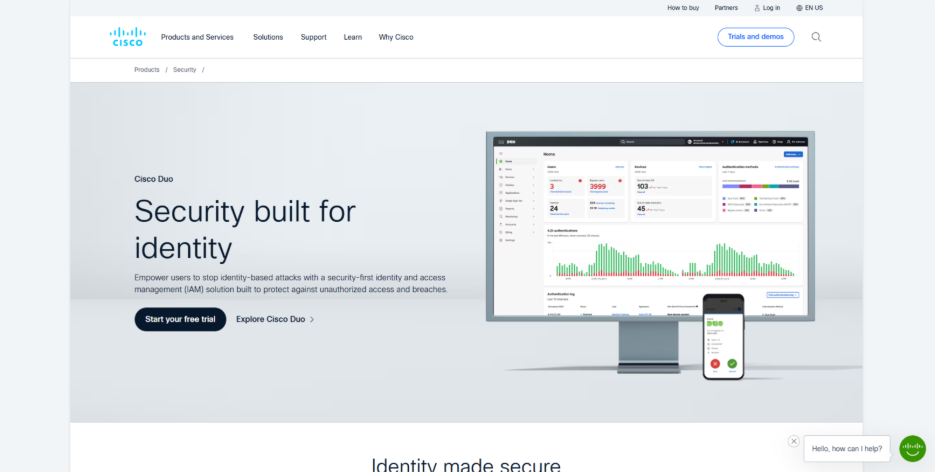
In Cisco Duo Painter, you get multi-step login services and standard device controls. The system emphasizes simple user identity checking and straightforward endpoint checks via zero trust security tools. You also get optimal login controls for standard platforms and simple business applications.
Main Features:
Phone Alerts: Simple push notification login that sends login requests in real-time. It operates with standard mobile devices and straightforward approval mechanisms.
Device Health: Tracking device health that checks standard endpoint security before accessing. It also monitors simple compliance status and software updates.
Risk Decisions: Standard risk-driven access decisions that leverage simple contextual details for login. It looks at simple device type details and location.
Self-service Setup: Easy setup of self-service devices that allow users to independently register simple devices. It also adopts admin oversight and basic security policies.
Simple Reports: Effective tools for reporting that render high visibility into basic login events. It also reveals the basic status of devices and security incidents.
Advantages:
- Basic system of push notification ensures quick user authentication.
- Tracking of device health ascertains endpoint security before granting access.
- Self-service setup minimizes IT administrative overhead of management of devices.
Disadvantages:
- Standard MFA features do not have adaptive authentication intelligence.
- Limited options for integration compared to complete identity platforms.
- Simple tools for reporting ensure minimum security analytics and insights.
9. Beyond Trust:
Beyond Trust delivers standard privileged access management platforms for straightforward admin account security. The system manages standard credential management and effective tools for session tracking. It emphasizes standard admin access to basic critical platforms and adjusts with zero trust security solutions frameworks.
Main Features:
Password Storage: Standard password vault for basic credential storage with effective encrypted storage via privileged access management. It ensures standard password rotation and basic retrieval mechanisms.
Session Tracking: Standard session tracking and optimal recording that captures standard human activities. It aids simple compliance auditing and straightforward security analysis.
Account Discovery: Easily discover privileged accounts that find admin accounts across entire company setup. It catalogues standard administrative accounts for straightforward privilege management.
Assessment of Risks: Basic tools for risk assessment that check simple privileged access patterns. It tracks factors like account usage and simple security status.
Remote Accessibility: Simple remote accessibility that allows basic connections to standard privileged systems. It supports controlled access channels with simple login protocols.
Advantages:
- Strong management of privileged access safeguards vital administrative accounts.
- Session tracking ensures in-depth audit trails for compliance needs.
- Password vault makes credentials secure with encrypted rotation and storage.
Disadvantages:
- Emphasizes only privileged access instead of complete management of identity.
- Simple features do not have the AI capabilities and password-less authentication found in modern systems.
- Limited scalability for businesses needing complete access control solutions.
10. CrowdStrike:
CrowdStrike integrates simple endpoint security with basic identity protection leveraging standard computer intelligence. The system also delivers enterprise-grade behavioral analytics and cloud workload protection. It emphasizes basic detection of threats and standard incident responses only.
Main Features:
Endpoint Protection: Simple endpoint protection that utilizes simple machine learning algorithms for common industry cyberattacks. It effectively detects zero-day attacks and persistent attacks.
Identity Risk: Assessment of identity risks that assess user behavior and access patterns. It finds compromised credentials and insider threats.
Behavior Analytics: Advanced behavioral analytics that examines user behavior and access patterns. It establishes baselines and looks for unusual user behavior.
Cloud Protection: Workload protection services that secure basic containers and virtual machines. It provides standard runtime protection and effective vulnerability management.
Response Automation: Basic automation of incident response that provides effective orchestrated responses to standard security events. It manages threat containment as well as evidence collection.
Advantages:
- Advanced machine learning algorithms detect zero-day threats and consistent attacks.
- Behavioral analytics recognizes suspicious user activities as well as insider threats.
- Cloud workload protection secures container environments and virtual machines.
Disadvantages:
- Though it does have simple identity features, it lacks end-to-end access management and governance.
- Limited integration with legacy platforms and on-premises applications.
- Primarily focuses on detection of threats instead of complete identity solutions.
Conclusion
Zero trust security has emerged as a vital solution for modern businesses experiencing diverse modern threats. When you look for zero trust security tools, Infisign stands apart because of its password-less and AI-powered approach that ensures complete identity management while minimizing IT expenses by 80%. While established providers like Microsoft Entra, Okta, and Zscaler also provide sophisticated features such as AI automation and adaptive authentication, Cloudflare Zero Trust security is also widely recognized for its network-level protection and comprehensive zero-trust access controls. The right zero trust solution greatly relies on your particular requirements irrespective of whether it is privileged access management, identity control, or endpoint protection. Investment in a powerful zero trust security platform today safeguards your business interests from the advanced threats evolving continuously.
Related Read: Why Cybersecurity In The Cloud Era: Unprecedented Importance Explained